Introduction
Digital devices sit on kitchen tables and classroom desks alike, inviting young learners into vast virtual worlds for school projects, creative exploration, and gaming. Modern children encounter online environments long before they master complex problem-solving. A shared family tablet or an in-game chat window often serves as the entry point where kids first meet interactive digital spaces. These spaces require new layers of awareness. Translating abstract concepts like online security into actionable daily habits remains a central challenge for adults guiding primary students. Educators and parents constantly search for accessible tools that demystify digital threats without breeding anxiety. A well-designed free printable titled what is online phishing kids provides a bridge for these essential conversations. Building resilience online is a continuous educational process, much like learning to cross a busy street safely or understanding stranger danger in physical neighborhoods. Related guide: Internet Safety For Grade 7.
💡 Educational Key Takeaways:
- Core Skill: Structured What Is Online Phishing Kids focused on developing pencil grip, stroke control, and early literacy/math confidence.
- Target Scope: Suited for homeschoolers, preschool, kindergarten, and elementary learners.
- Best Recommendation: Practice 10–15 minutes daily with ergonomic writing tools to reinforce muscle memory without hand fatigue.
What This Printable Covers
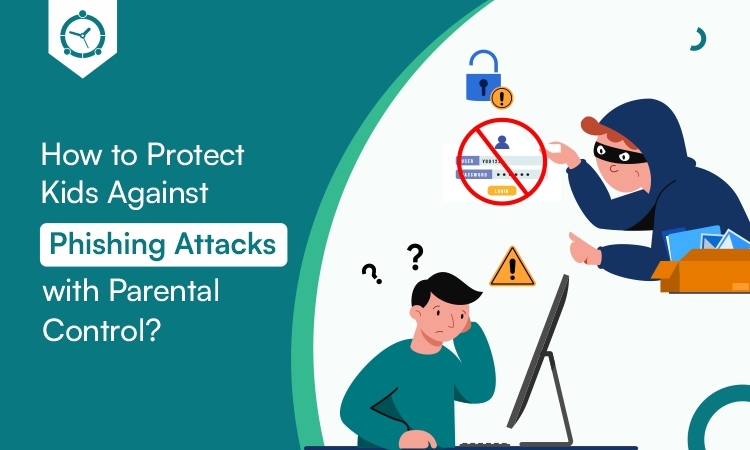
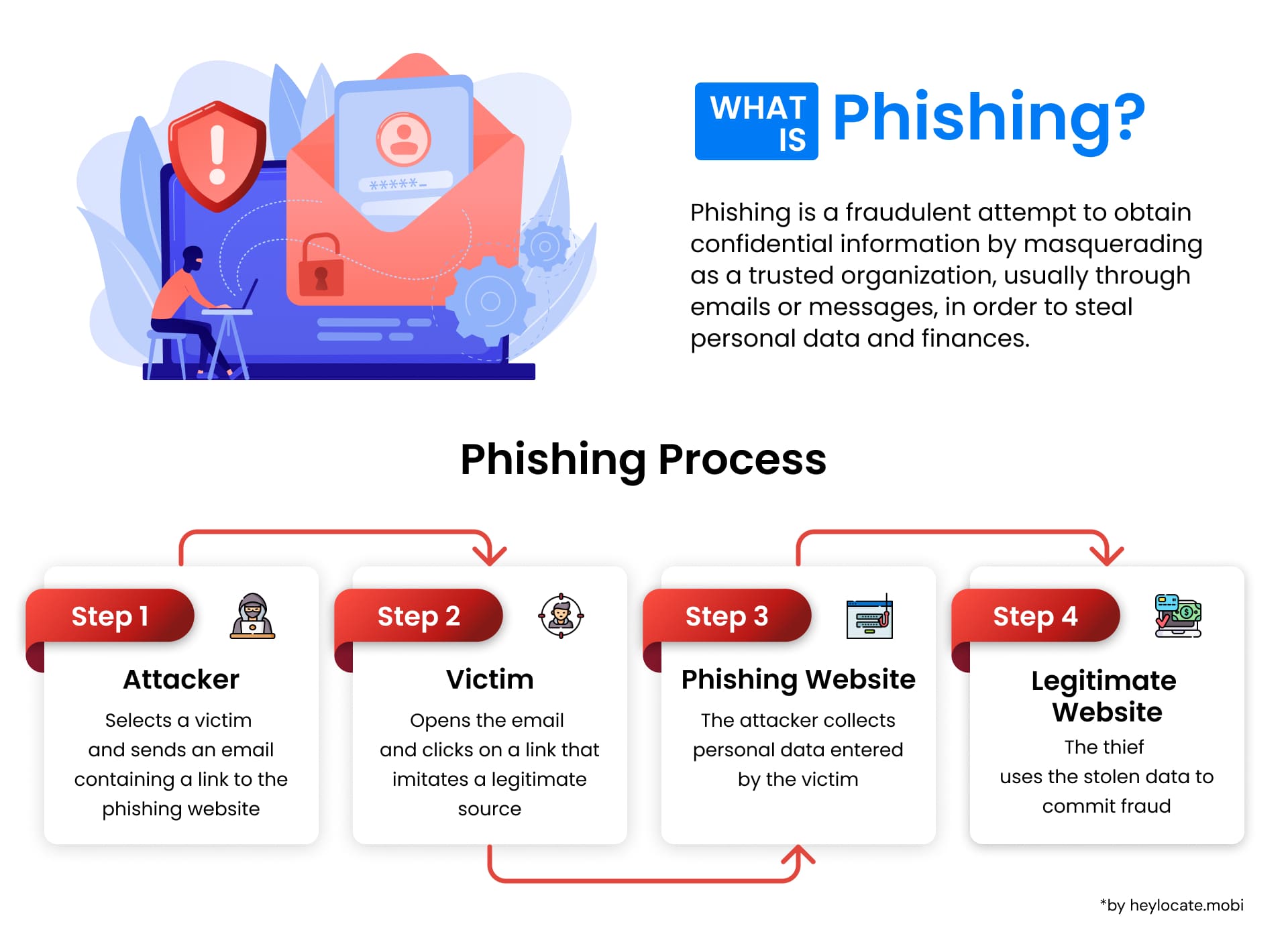
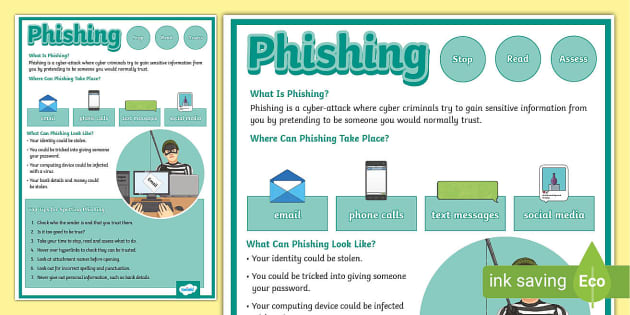
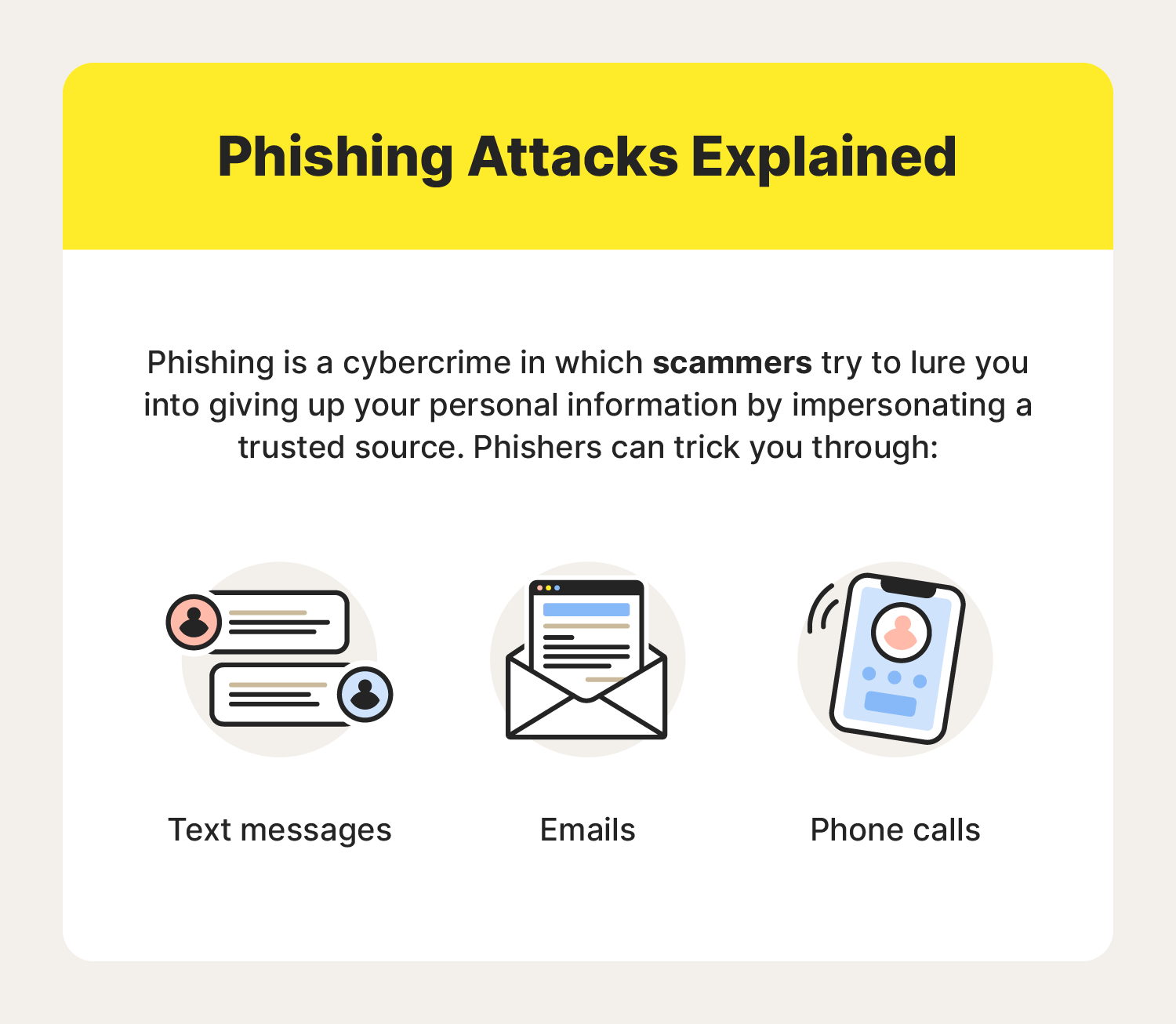
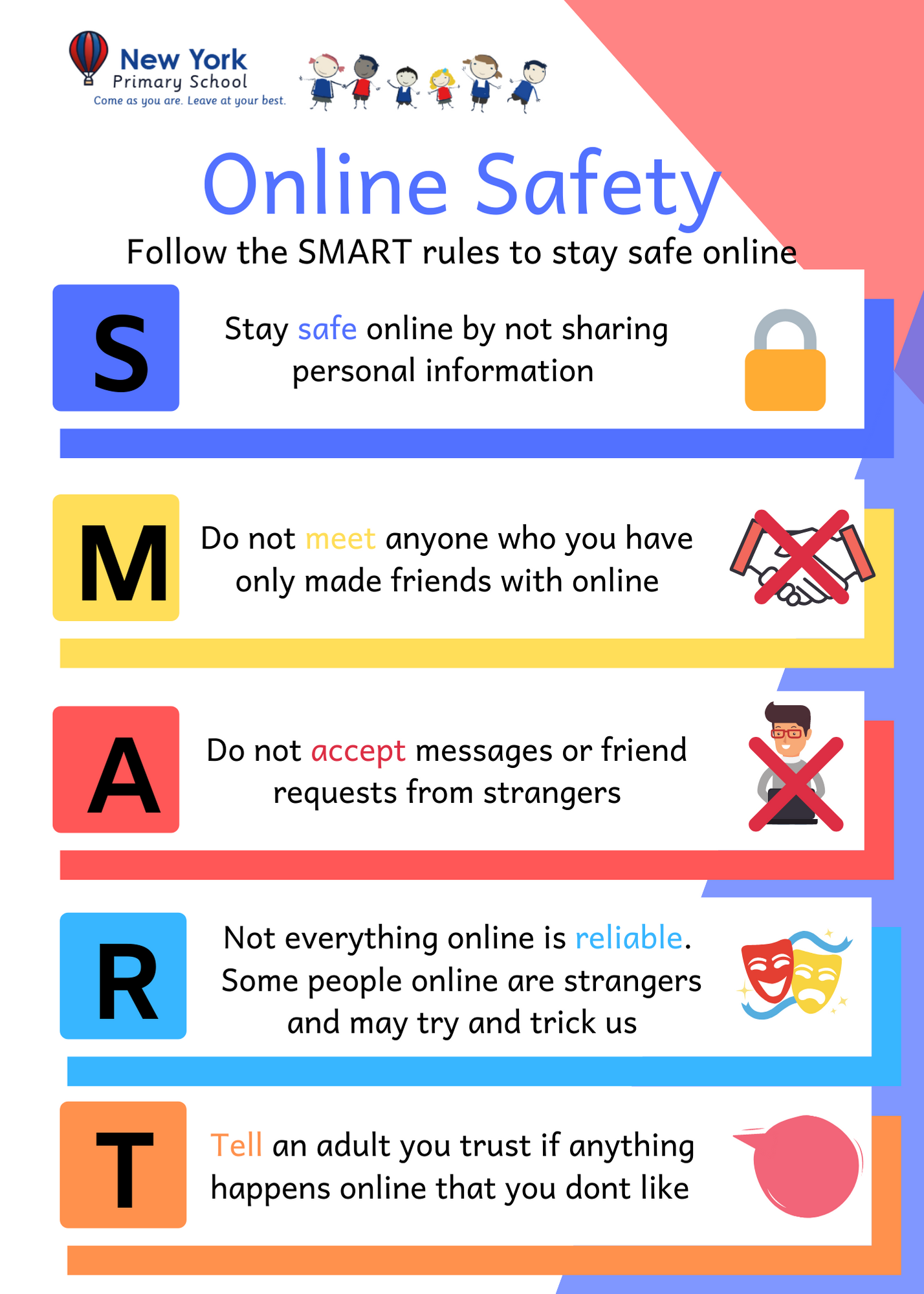
The resource breaks down deceptive online messages into kid-friendly visual scenarios and relatable examples. Children learn that digital trickery often looks friendly, mimicking favorite video games, reward pop-ups, or messages from familiar characters. Instead of focusing on fear, the material emphasizes spotting red flags such as urgent demands for personal details, passwords, or home addresses. According to Federal Trade Commission research, digital scams frequently target younger audiences through playful hooks and enticing virtual prizes. The worksheet style allows children to practice specific skills like identifying safe links versus suspicious prompts. It reinforces the foundational rule that secret-keeping has no place in digital interactions. When something online feels confusing or too good to be true, the correct path always involves pausing and consulting a trusted adult.
Key Learning Outcomes
Working through the pages builds tangible digital citizenship habits that protect young users across various platforms. Students learn to recognize that digital spaces require the same caution as physical ones. They practice identifying personal information that must remain private, including full names, birthdates, and school names. Furthermore, the activities reinforce the critical message that children are never in trouble for reporting an uncomfortable online encounter. This emotional safety net ensures that kids come forward immediately rather than hiding mistakes out of fear of punishment. Educators often find that structured print-based exercises help solidify these lessons far better than quick verbal warnings.
How to Use This Printable
Facilitators can easily integrate the material into morning meetings, computer lab introductory sessions, or rainy-day homeschool routines. Handing out the sheets prompts immediate, focused discussions about internet habits before screen time begins. It sounds simple, and that’s the point. Grounding a digital lesson on physical paper removes the distraction of glowing screens and lets children focus purely on conceptual understanding. Adults can read the scenarios aloud, inviting small groups or individual students to circle the safe choices. Exploring various interactive print exercises further expands this foundational knowledge across different digital literacy domains.
Practical Tips for Parents and Teachers
Facilitating these conversations requires a calm, empowering tone that treats safety as a skill rather than a threat. Adults should avoid graphic warnings or dramatic language that might cause panic. Instead, frame the activity as a detective game where children learn to spot clues when something is amiss. Role-playing common scenarios helps kids rehearse their responses before encountering tricky situations in real life. According to Common Sense Media findings, children benefit immensely when adults maintain open, judgment-free dialogue about everyday device usage. Regularly revisiting these concepts ensures that protective habits become second nature as kids grow older and gain more digital independence.
Age-Appropriate Recommendations
Tailoring digital safety instruction to developmental stages ensures maximum comprehension and retention for young learners. Younger elementary students need concrete, highly visual examples focusing on basic sharing rules and telling adults about pop-ups. Upper elementary children can handle more nuanced discussions regarding peer pressure in chat rooms and sophisticated game-related scams. Aligning these lessons with the Common Sense Education Digital Citizenship Curriculum provides a robust framework that supports developmental readiness. Additional guidance on broader protective strategies is available through dedicated internet and digital safety resources designed for educators and families.
Digital scams and deceptive online messaging frequently target younger demographics through game rewards and playful hooks — Federal Trade Commission
Frequently Asked Questions
Navigating digital citizenship education brings up many practical questions for adults supporting young learners. Clear guidance helps maximize the impact of every printable activity utilized at home or in the classroom.
Children thrive and build lasting resilience when adults maintain open, calm, and judgment-free communication regarding daily device usage — Common Sense Media
Explore More Free Kids Online Safety Printables
Expanding a digital citizenship library involves utilizing diverse formats that cater to different learning styles and age groups. Incorporating creative elements alongside analytical tasks helps cement vital lessons in children’s minds. For artistic engagement, adults can explore specialized coloring pages that reinforce safety messages through creativity and open dialogue. Additional tools covering broader protective habits are found within comprehensive online and digital safety collections. Consistent practice and open communication remain the most effective methods for preparing children to navigate the digital world safely and confidently.
Developmental Milestone & Activity Table
| Development Stage | Recommended Daily Duration | Primary Learning Objective |
|---|---|---|
| Preschool & Pre-K | 10 – 15 Minutes | Pencil grip development & basic pre-stroke lines |
| Kindergarten | 15 – 20 Minutes | Letter/number formation & spatial line awareness |
| Early Elementary (Grade 1–2) | 20 – 30 Minutes | Fluency, sentence construction & neatness |
Images References