Introduction
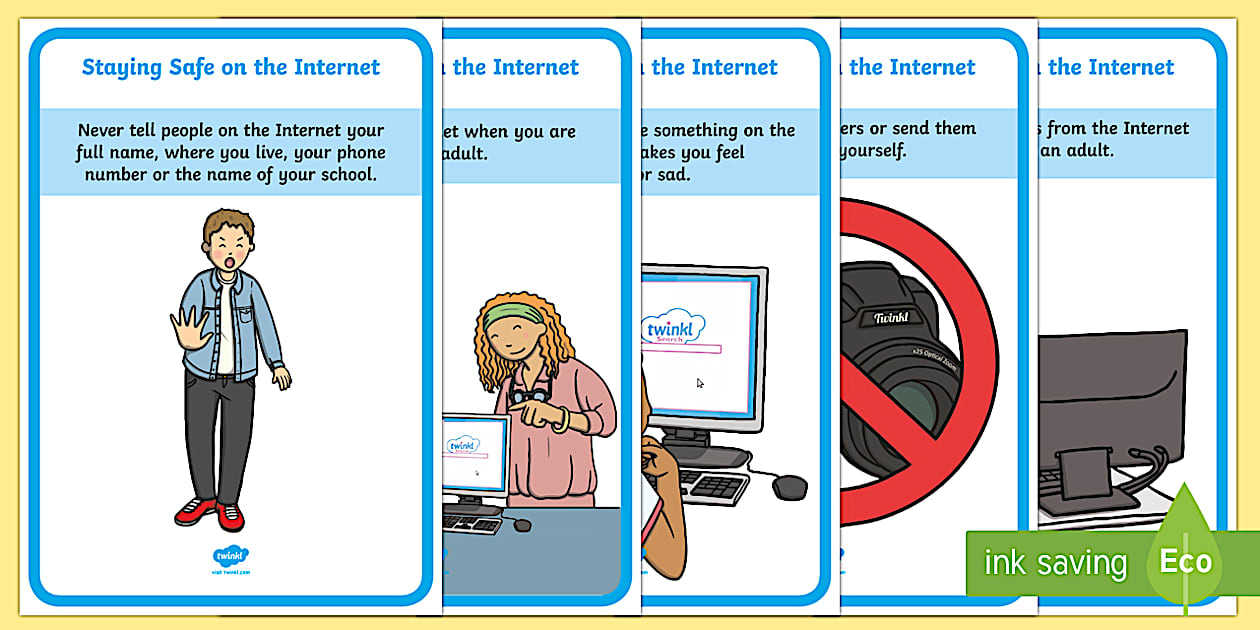
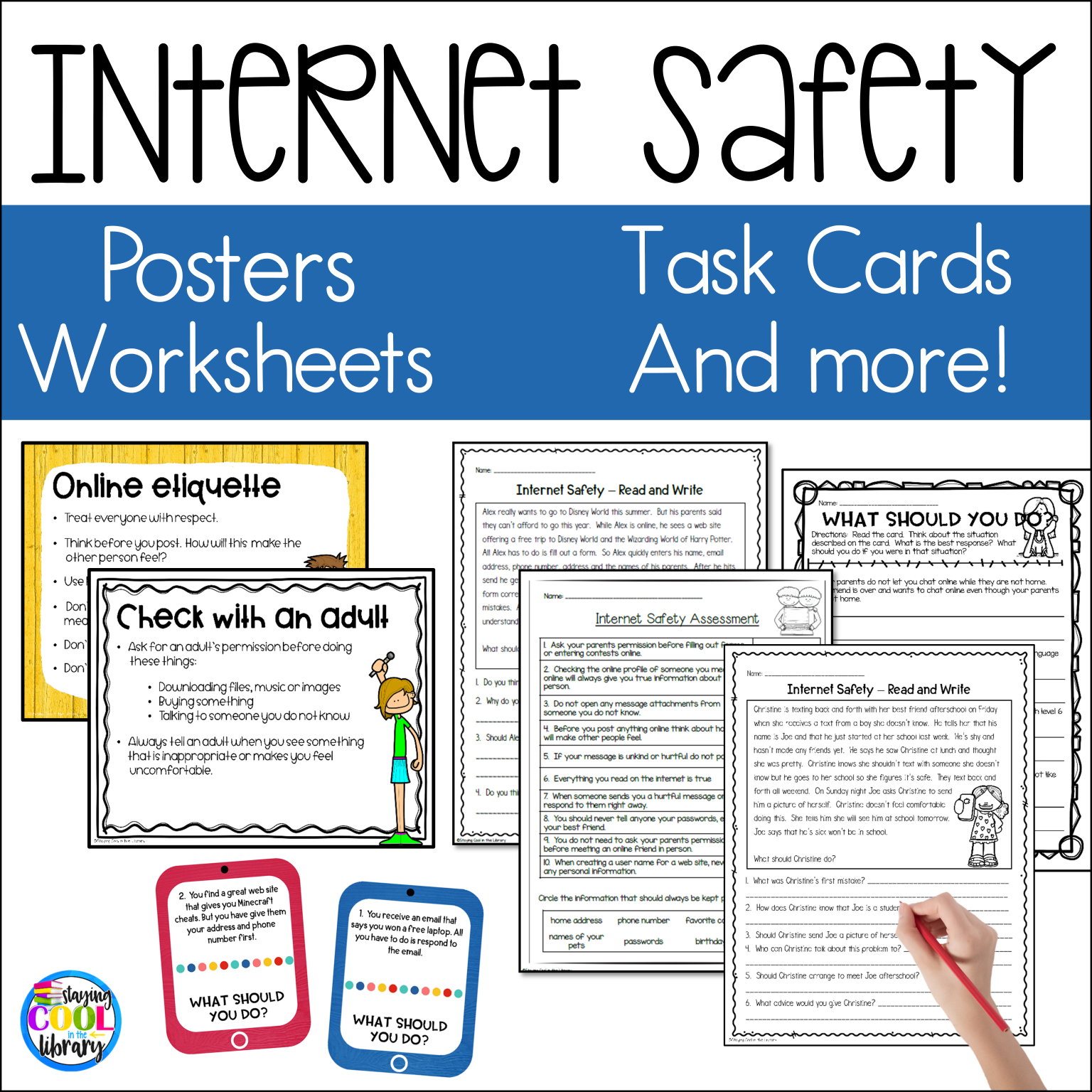
Internet safety online activities encompass structured digital citizenship modules, interactive browser-based scenarios, and reflective Worksheets designed to cultivate secure online habits in educational environments. According to the Cybersecurity and Infrastructure Security Agency (CISA), proactive digital resilience training significantly reduces adolescent exposure to phishing schemes, privacy leaks, and malicious actors. Integrating these targeted exercises into daily instruction empowers students, educators, and administrators to navigate connected devices securely while building a positive, defensible digital footprint.
Digital Safety Snapshot:
- Core Focus: Internet safety online activities that reinforce cyber hygiene, footprint management, and anti-bullying protocols.
- Target Scope: Middle school classrooms, remote learning setups, and institutional device management policies.
- Key Recommendation: Implement scenario-based simulations that require immediate critical thinking before clicking unknown links.
Core Principles and Detailed Overview
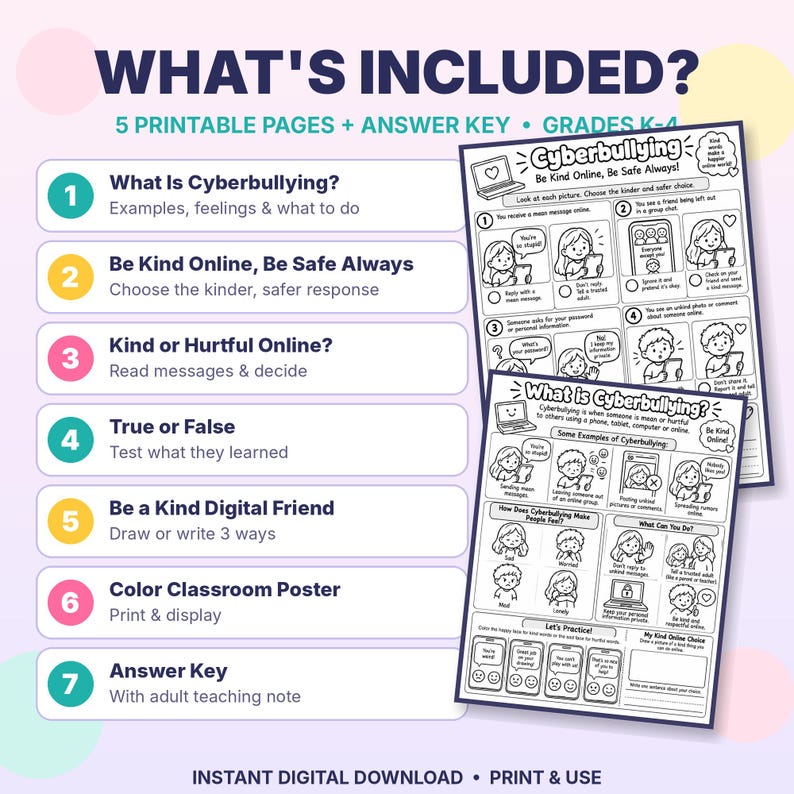
Internet safety online activities rely on experiential learning models that bridge the gap between abstract security policies and tangible classroom behaviors. Digital citizenship curricula must systematically address four critical domains: data privacy, device hygiene, social empathy for cyberbullying prevention, and intentional screen balance. By engaging students in gamified phishing identification tests and privacy setting audits, educational institutions transform passive technology consumers into active digital defenders. Educators utilize these digital modules to establish clear behavioral boundaries, ensuring school-issued devices remain secure learning instruments rather than vectors for unauthorized data exposure. Related guide: Teachers Of Grades 9–12 Should Expand Internet Safety Instruction To Include Which Of The Following Topics?.
Key Specifications and Breakdown
| Safety Pillar | Digital Risk Factor | Actionable Protective Habit |
|---|---|---|
| Digital Footprint | Permanent public indexing of inappropriate media | Audit privacy settings weekly and separate personal profiles from academic accounts. |
| Cyberbullying Prevention | Anonymized harassment via messaging applications | Document malicious interactions immediately and report incidents through designated school portals found via Online and Digital Safety. |
| Device Hygiene | Outdated firmware vulnerabilities and weak credentials | Enforce automated system updates and mandate complex passphrase generation. |
Proactive cybersecurity training and simulated phishing exercises measurably lower institutional vulnerability metrics — Cybersecurity & Infrastructure Security Agency (CISA)
Step-by-Step Practical Application and Guidelines
Executing effective internet safety online activities requires a structured, multi-phase implementation plan across school districts and households. Begin by establishing baseline digital audits where students evaluate their existing social media presence and adjust visibility permissions to maximum security levels. Next, deploy interactive simulation exercises that challenge participants to identify legitimate login portals versus deceptive phishing replicas. Integrate structured Internet and Digital Safety modules that promote empathetic communication standards during collaborative online projects. Finally, mandate regular device hygiene checkpoints, ensuring operating systems remain patched and browser cache files are routinely cleared.
Common Challenges and How to Avoid Them
Ineffective digital citizenship training typically stems from dry, lecture-heavy delivery models that fail to capture adolescent engagement or address evolving technological threats. Educators often encounter student resistance when privacy rules feel overly restrictive or disconnected from actual platform usage. Overcoming this barrier involves replacing monotonous lectures with dynamic, problem-solving simulations that mirror real-world digital dilemmas. Furthermore, maintaining open communication channels between school administrators and parents ensures that safe browsing habits practiced inside the classroom extend seamlessly into the home environment.
💬 Frequently Asked Questions
Explore More Kids Safety and Digital Citizenship Guides on SafeWiredSchools
Comprehensive educational frameworks require continuous resource integration, peer collaboration, and adaptable instructional tools for diverse learning environments. Explore the complete curriculum library and access specialized pedagogical resources by visiting Safe Wired Schools.
Visual Reference Gallery