Introduction
Digital spaces form a natural extension of modern childhood, woven into homework assignments, creative pursuits, and social interaction. Children frequently navigate shared household devices, lively in-game chat windows, and endless video platforms long before reaching middle school. Guiding this digital exploration requires proactive mentorship rather than restrictive fear. Equipping young minds with strong protective habits builds lasting confidence and resilience. The soaring through the internet activity for students free resource offers an engaging starting point for these essential conversations. Educators and families utilize these materials to introduce foundational digital concepts through interactive exercises. Related guide: Being Safe Online Grade 2 Story For Mia.
💡 Educational Key Takeaways:
- Core Skill: Structured Soaring Through The Internet Activity For Students Free focused on developing pencil grip, stroke control, and early literacy/math confidence.
- Target Scope: Suited for homeschoolers, preschool, kindergarten, and elementary learners.
- Best Recommendation: Practice 10–15 minutes daily with ergonomic writing tools to reinforce muscle memory without hand fatigue.
What This Printable Covers
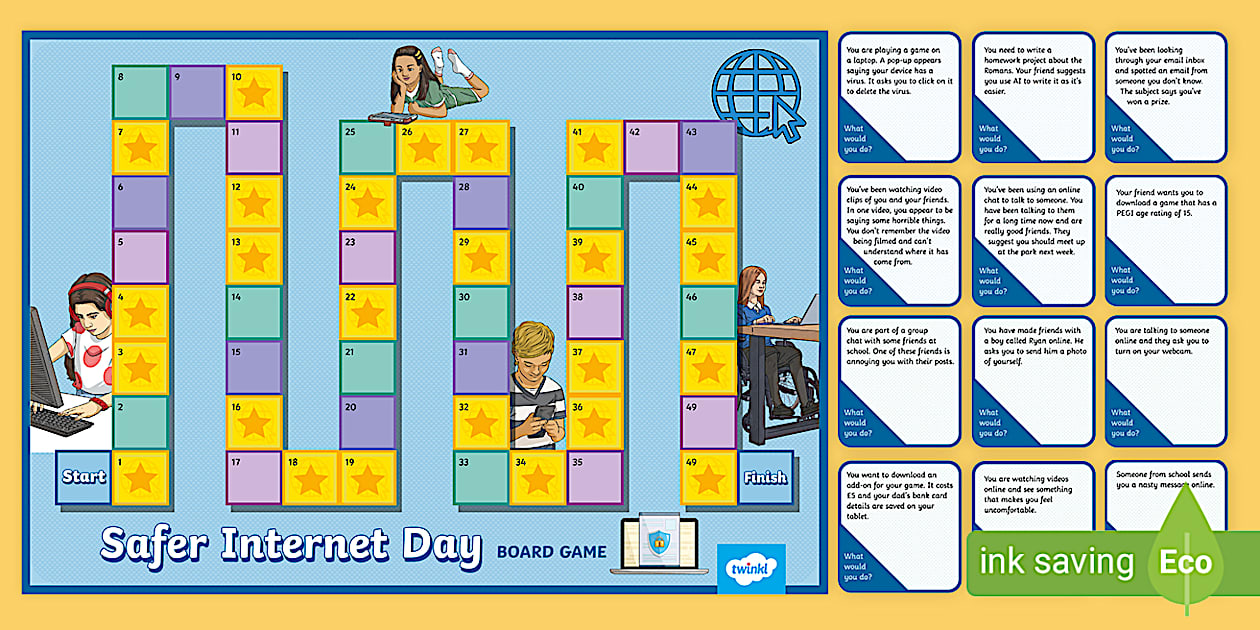
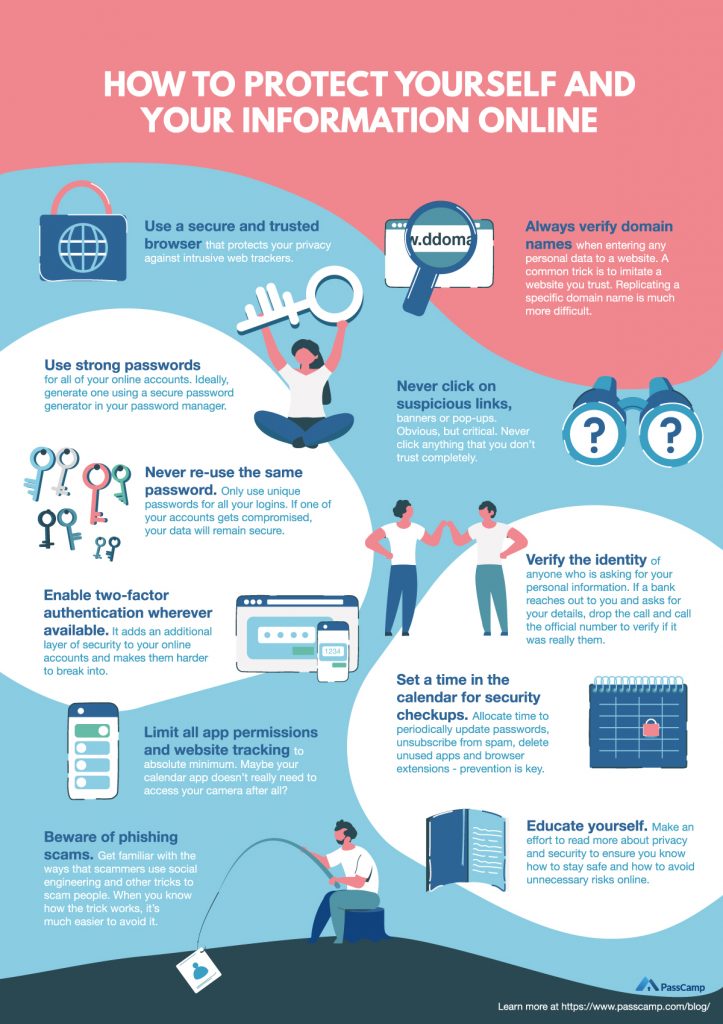
Targeted exercises within this sheet focus on core online safety pillars, including keeping personal details private, recognizing strong passwords, and pausing before sharing content. It sounds simple, and that’s the point. Children absorb complex behavioral rules much faster when concepts translate into tangible, visual tasks. Rather than delivering lectures on cybersecurity, the activity guides participants through real-world scenarios designed to foster critical thinking. Learners explore how to identify safe digital environments and understand the importance of turning to a trusted adult when encountering unfamiliar situations online. Crucially, the lessons reinforce the message that children never face trouble for reporting uncomfortable experiences.
Key Learning Outcomes
Completing this exercise helps students internalize specific digital citizenship competencies. Learners practice distinguishing between public information like favorite colors and private data like home addresses. Here’s what makes this resource different: it frames online safety as an exciting adventure in navigation rather than a restrictive set of punishments. According to the Federal Trade Commission, open dialogue between adults and children significantly improves how youngsters handle tricky digital moments. Participants gain a clear vocabulary for discussing online hiccups, ensuring that minor confusion never escalates into genuine distress.
How to Use This Printable
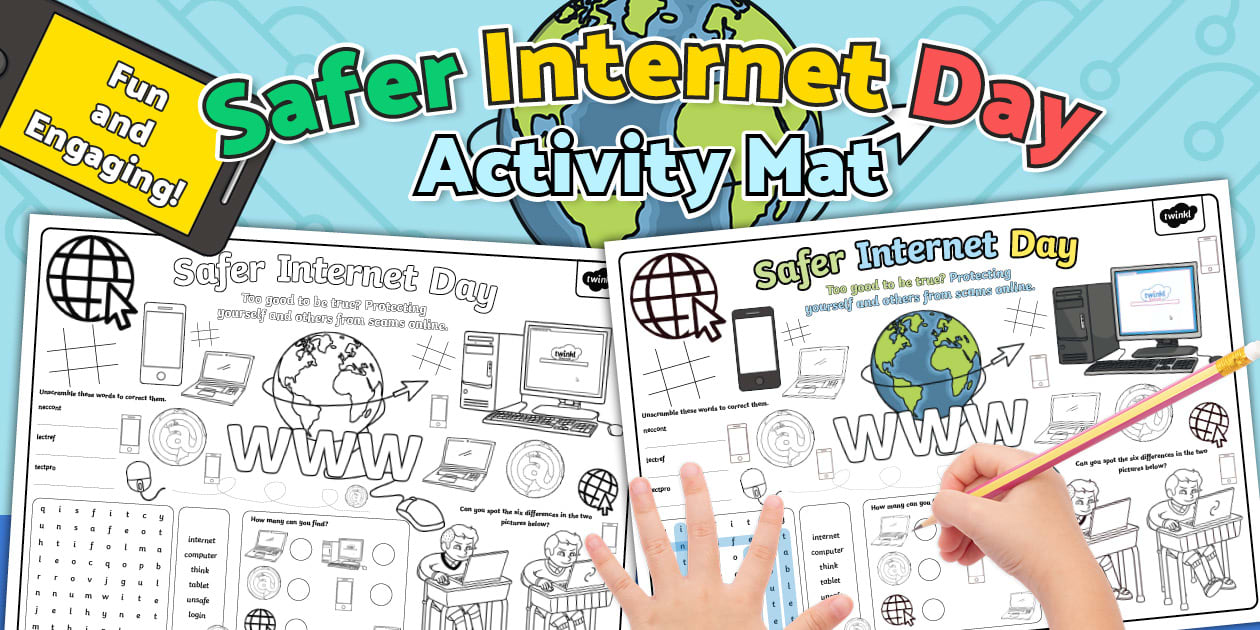
Implementing this tool takes minimal preparation, making it ideal for busy classrooms, afternoon homeschool sessions, or weekend family discussions. Adults can introduce the sheet during a morning meeting or settle around the kitchen table with crayons and markers. Working through the prompts together encourages dialogue rather than solitary test-taking. Educators often pair these exercises with broader lessons found within educational printables and student handouts to reinforce learning across multiple subjects. The goal remains centered on sparking meaningful chats about everyday digital routines.
Practical Tips for Parents and Teachers
Success with digital citizenship materials relies heavily on tone. Keeping conversations calm and approachable ensures children feel safe sharing their actual online habits, whether dealing with gaming chats or video platform algorithms. Adults should ask open-ended questions about what characters learners enjoy or which websites feel confusing. This exploratory mindset transforms a standard paper task into a dynamic bridge for ongoing communication. Additional advice and printable assets remain accessible through curated collections like internet and digital safety guides for continuous skill development.
Age-Appropriate Recommendations
Children aged five through twelve require differentiated guidance based on developmental milestones. Younger elementary students benefit from concrete visual prompts about keeping secrets out of public chat rooms. Upper elementary learners tackle nuanced scenarios involving digital footprints and respectful online communication. Aligning these lessons with the Common Sense Education Digital Citizenship Curriculum ensures pedagogical soundness and age-appropriate pacing. According to Pew Research Center, a vast majority of parents worry about online privacy, making structured school-to-home communication tools vital for unified guidance.
Open communication between adults and children significantly improves how youngsters handle tricky digital moments. — Federal Trade Commission
Frequently Asked Questions
Finding clear answers helps adults maximize the impact of digital safety tools. The following responses address common inquiries regarding downloading, implementation, and child safety standards. For further reading on protecting young learners, explore resources dedicated to online and digital safety best practices.
Explore More Free Kids Online Safety Printables
Expanding a digital citizenship library ensures children receive consistent reminders regarding healthy screen habits. Educators and families can pair current activities with specialized materials such as creative coloring pages to reinforce safety messages through art. Continuous engagement transforms abstract digital rules into everyday second nature for growing learners.
Developmental Milestone & Activity Table
| Development Stage | Recommended Daily Duration | Primary Learning Objective |
|---|---|---|
| Preschool & Pre-K | 10 – 15 Minutes | Pencil grip development & basic pre-stroke lines |
| Kindergarten | 15 – 20 Minutes | Letter/number formation & spatial line awareness |
| Early Elementary (Grade 1–2) | 20 – 30 Minutes | Fluency, sentence construction & neatness |
Images References