Why Third Graders Need Clear Boundaries Around Online Sharing
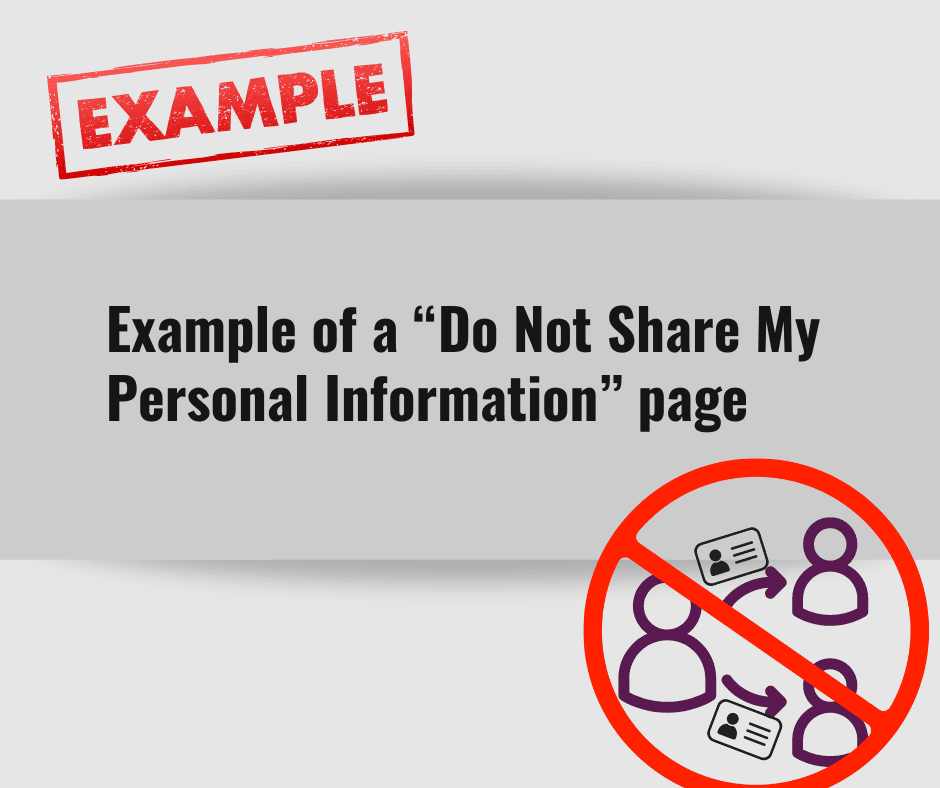
At eight and nine years old, children are rapidly expanding their digital footprint through school-issued tablets, educational apps, and interactive gaming platforms. Introducing a dedicated plataform for student about do not share in internet for third grade helps educators and parents establish early, healthy boundaries. Organizations like ConnectSafely and the Federal Trade Commission emphasize that children in third grade often lack the developmental maturity to understand how permanent digital information can be. When we teach young learners what information must stay private, we build a foundation for lifelong online safety and responsible Internet and Digital Safety habits.
💡 Educational Key Takeaways:
- Core Skill: Structured Plataform For Student About Do Not Share In Internet For Third Grade focused on developing pencil grip, stroke control, and early literacy/math confidence.
- Target Scope: Suited for homeschoolers, preschool, kindergarten, and elementary learners.
- Best Recommendation: Practice 10–15 minutes daily with ergonomic writing tools to reinforce muscle memory without hand fatigue.
Understanding Risk Signals and Preventive Guardrails for Young Students
Third graders frequently encounter chat features, avatar builders, and file-sharing tools within their learning environments. Without proper oversight, children might innocently type personal details into public fields. Reviewing technical settings alongside behavioral cues helps adults spot vulnerabilities before data exposure occurs. The matrix below outlines common digital contexts, potential risks, and concrete safeguards tailored to third-grade classrooms and homes. Related guide: Kids Online Safety Infographic.
| Setting / Context | Common Vulnerability | Practical Safeguard |
|---|---|---|
| Home Tablets & Smartphones | Entering full names or home addresses into chat-enabled games | Lock down autofill settings and enable strict profile restrictions |
| School Chromebooks & Apps | Sharing login credentials or project links with unintended peers | Enforce single sign-on policies and review district filtering tools regularly |
| Online Gaming & Virtual Worlds | Voice or text chats exposing school names, routines, or locations | Disable open chat features and require supervised gameplay in shared spaces |
Actionable Rules and Classroom Routines Families Can Apply
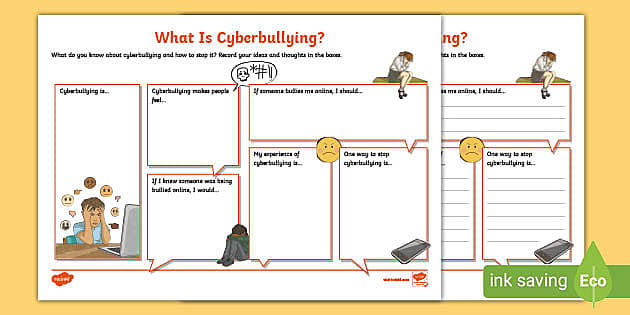
Protecting children online requires consistency between school expectations and home routines. Educators and parents can partner to make privacy rules second nature for third graders. Start by establishing a centralized charging station in the house, ensuring devices are never brought into bedrooms unsupervised overnight. Integrate interactive lessons, such as those found in our Worksheets section, to reinforce concepts without inducing fear. When children learn the golden rule of online sharing—if it’s about you, your family, or your location, keep it offline—they gain a clear, positive framework for making smart choices.
Handling Pushback and Common Student Workarounds
Third graders are naturally curious and quick to figure out workarounds, such as finding guest accounts or bypassing restriction prompts when adults look away. Overly restrictive bans often backfire by driving children to hide their online activities out of fear of punishment. According to youth privacy guidance from groups like FOSI, open dialogue yields much better compliance than authoritarian shutdowns. If a child attempts to share restricted information, resist the urge to overreact. Instead, pause to discuss why the rule exists, turning the moment into a teachable lesson about protecting their personal digital footprint.
Frequently Asked Questions From Educators and Parents
What is the most critical rule for third graders to remember about online sharing?
Children must understand that personal details—such as their full name, school name, home address, phone number, and photographs of themselves—should never be typed into public internet spaces or shared with online strangers.
How can teachers reinforce digital privacy inside a busy elementary classroom?
Teachers can integrate quick, visual reminders during tech-heavy lessons, use standardized naming conventions for student files that omit private data, and celebrate responsible sharing behaviors during class discussions.
Remain calm, help the child delete or report the shared content immediately, and review privacy settings together. Use the incident as a supportive teaching moment rather than a punitive event to keep communication channels open.
Explore More Digital Citizenship Resources
Empowering young learners to navigate the digital world safely is an ongoing partnership between home and school. To discover additional guides, interactive activities, and expert tips, visit SafeWiredSchools.org to support your students every step of the way.
Visual Reference Gallery