Introduction
Digital citizenship begins long before children navigate complex web spaces independently. Young learners frequently encounter digital environments through shared household tablets, casual in-game chat features on popular gaming platforms, and educational video streaming sites. Navigating these spaces requires intentional guidance rather than restrictive fear. Adults often struggle to introduce these abstract concepts without causing anxiety. Educators and families need practical tools that bridge the gap between abstract internet rules and concrete daily habits. Introducing safety concepts through creative, hands-on activities transforms intimidating rules into empowering life skills. The free printable protect yourself graphic internet for {site_name} offers a gentle, engaging way to introduce foundational digital safety concepts to elementary students. By anchoring digital literacy in tactile learning, adults can establish healthy online routines early in childhood. Related guide: Cctv Introduction Lesson For Grade 4.
💡 Educational Key Takeaways:
- Core Skill: Structured Protect Yourself Graphic Internet focused on developing pencil grip, stroke control, and early literacy/math confidence.
- Target Scope: Suited for homeschoolers, preschool, kindergarten, and elementary learners.
- Best Recommendation: Practice 10–15 minutes daily with ergonomic writing tools to reinforce muscle memory without hand fatigue.
What This Printable Covers
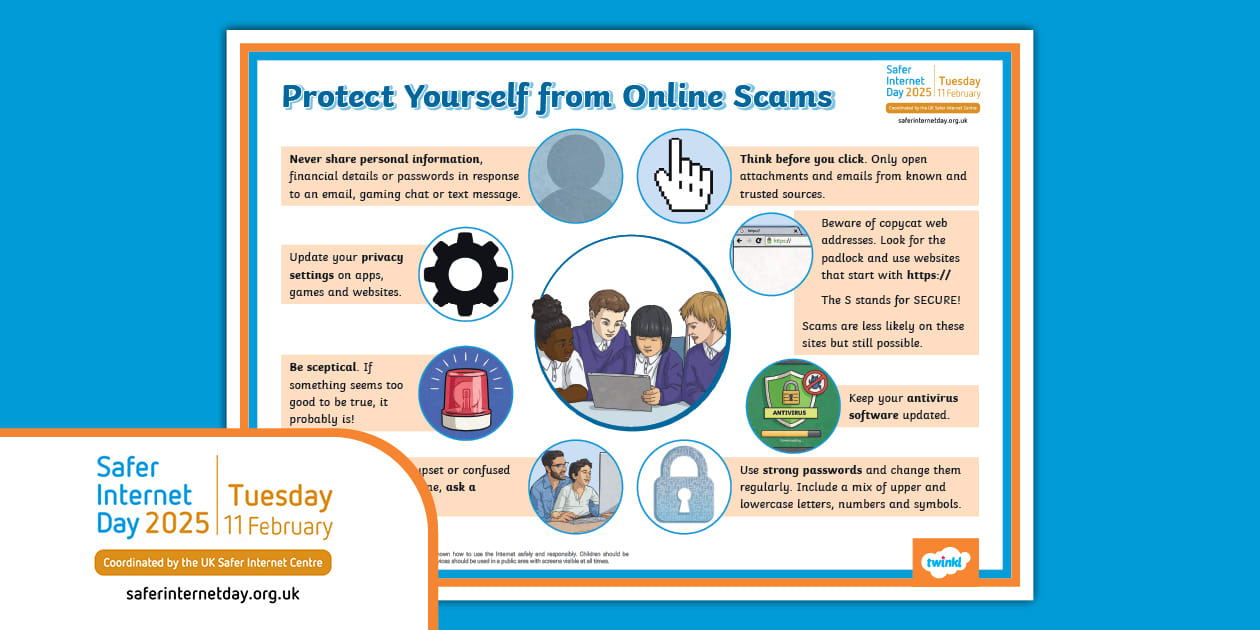
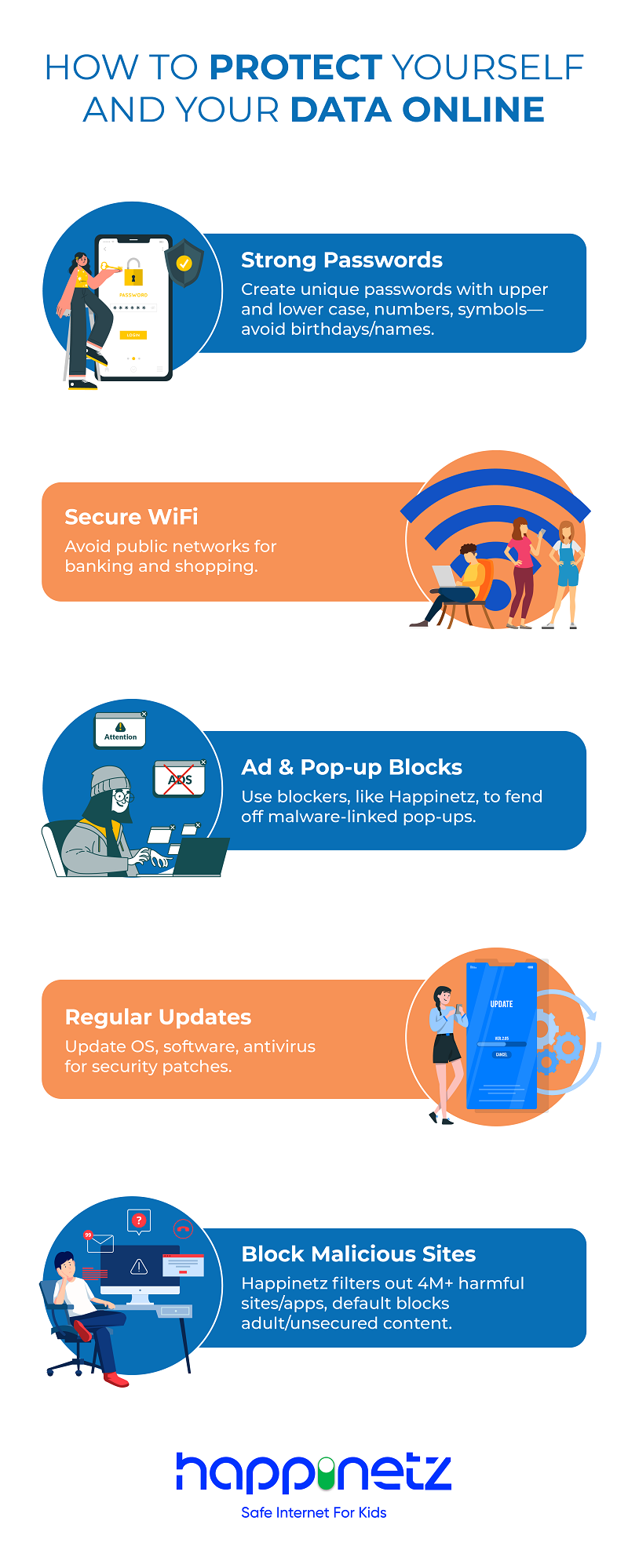
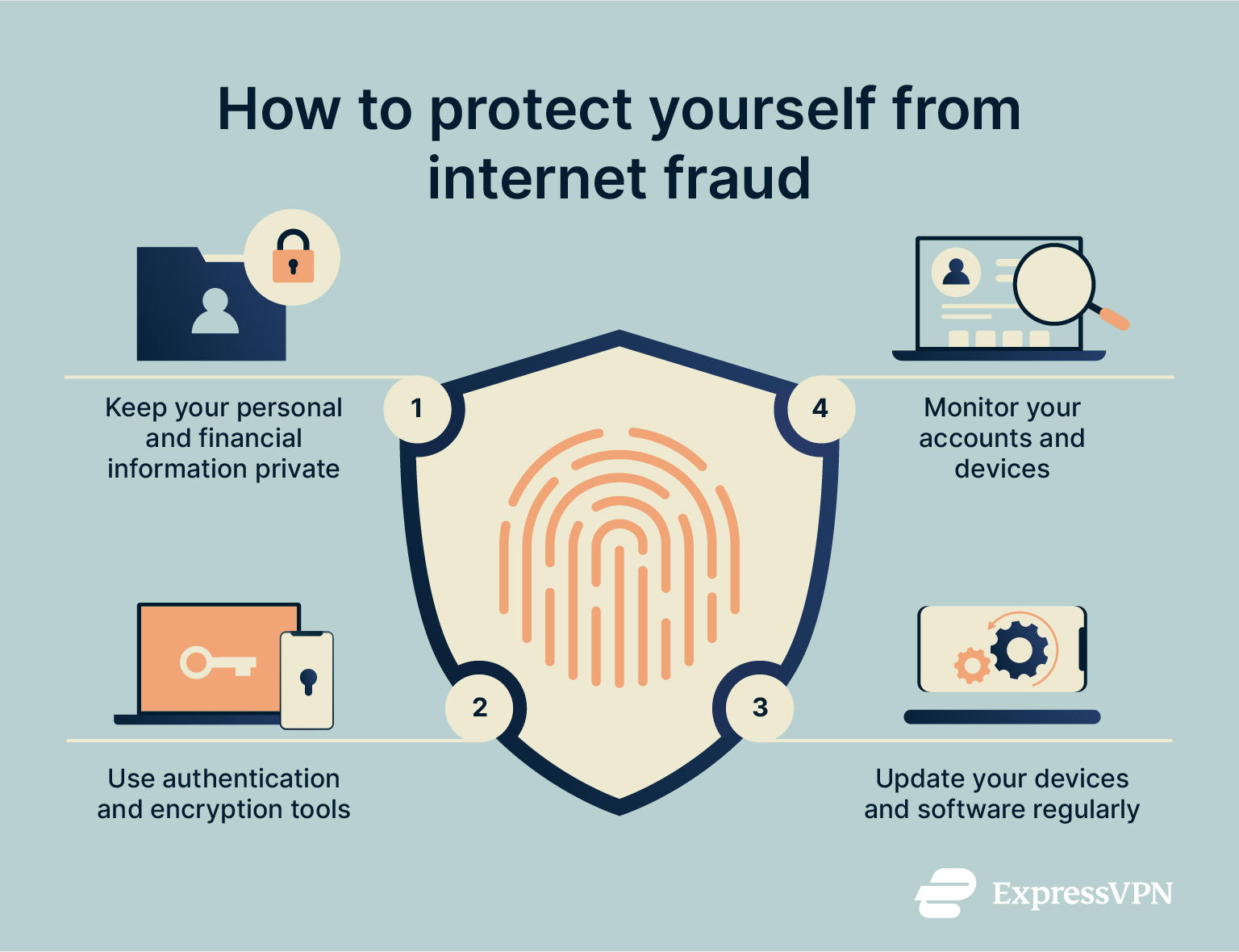
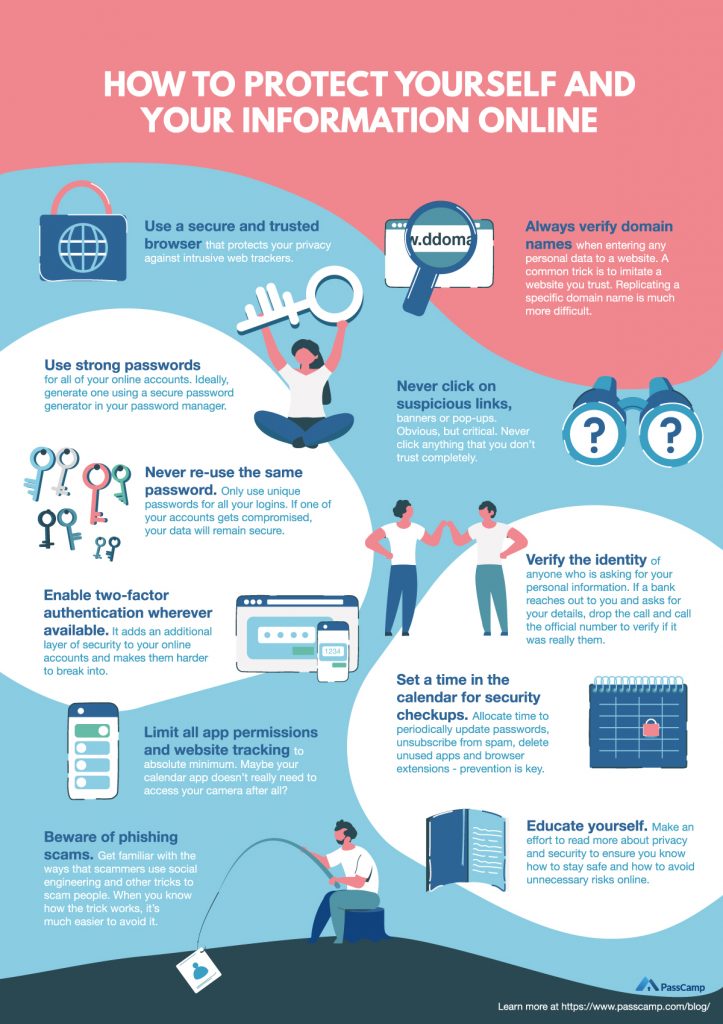
This resource focuses on essential protective habits that keep young internet users grounded and secure. Rather than focusing on threats, the printable highlights positive actions: keeping personal information private, creating strong passwords, thinking before sharing, and immediately telling a trusted adult when something feels confusing or uncomfortable. It sounds simple, and that is the point. Children absorb safety lessons best when messages remain clear, consistent, and free of alarmism. The coloring page format allows children to physically interact with safety messaging, which reinforces cognitive retention through motor engagement. As they shade and design, students process the importance of digital boundaries at their own pace. Coloring naturally lowers anxiety, creating a relaxed mental state ideal for absorbing important guidance about safe online exploration.
Key Learning Outcomes
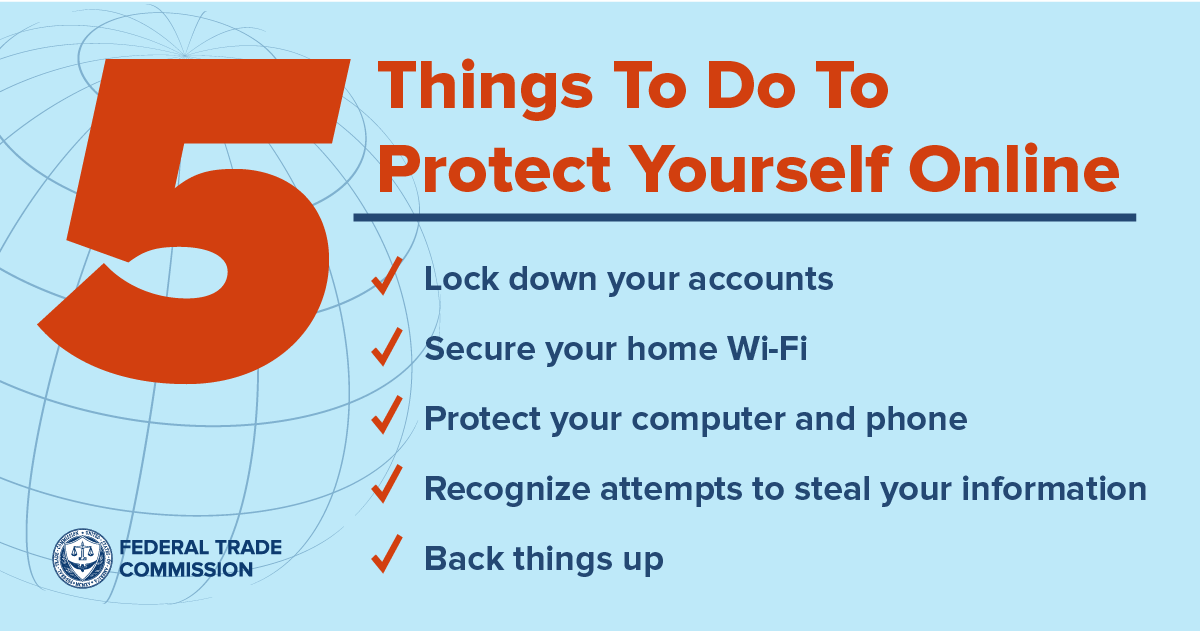
Working through this printable helps children identify what constitutes private information, such as home addresses, full names, and school locations. Students learn the fundamental rule that digital footprints remain permanent, encouraging thoughtful decision-making before posting comments or sharing digital creations. Another vital outcome involves reinforcing the safety net of trusted adults. Children internalize the crucial assurance that they are never in trouble for reporting an uncomfortable online experience. Building this trust prevents hesitation if a child encounters unexpected content or inappropriate communication while playing or learning online. According to the Federal Trade Commission, open communication between children and trusted adults remains one of the most effective safeguards against digital risks.
How to Use This Printable
Classrooms, counseling offices, and living rooms all serve as ideal spaces for implementing this activity. Educators can introduce the printable during a morning meeting or digital citizenship unit, using the graphics as a springboard for open-ended class discussions. Caregivers find success integrating the sheet into quiet afternoon routines or family tech-talk sessions. Here’s what makes this resource different: it actively invites conversation rather than demanding passive compliance. Adults can ask open-ended questions while children color, such as asking who they would talk to if a pop-up game window made them feel worried. These guided conversations demystify technology and build critical thinking skills essential for navigating interactive digital assignments.
Practical Tips for Parents and Teachers
Patience and consistency anchor successful digital citizenship education. Adults should avoid lecturing and instead frame the activity as a collaborative art project with a meaningful message. Displaying completed coloring pages on a refrigerator or classroom bulletin board reinforces these positive choices daily. When children bring up questions about games or websites, validate their curiosity before offering guidance. Establishing a judgment-free environment ensures children feel secure returning whenever digital dilemmas arise. Pairing this printable with broader explorations found in comprehensive child safety resources deepens overall digital literacy comprehension across diverse age groups.
Age-Appropriate Recommendations
Tailoring digital safety conversations to developmental stages ensures maximum impact. For younger children ages five through eight, focus heavily on the basics of keeping personal details private and identifying trusted adults in their immediate circles. Older elementary students ages nine through twelve can explore deeper concepts aligned with the Common Sense Education Digital Citizenship Curriculum, such as respectful digital communication and recognizing reliable sources. According to Common Sense Media, children as young as eight frequently engage with digital media independently, making early and continuous dialogue essential for healthy habit formation.
Open communication between children and trusted adults remains one of the most effective safeguards against digital risks. — Federal Trade Commission
Frequently Asked Questions
How do adults access and print this resource? Downloading the file takes just a few clicks. Simply click the download link, save the PDF document to a local device, and send it to any standard home or classroom printer.
Does this printable guarantee internet safety? No printable or filter guarantees absolute safety. This resource supports conversation and habit-building, empowering children with the cognitive tools they need to navigate digital spaces responsibly.
What age group benefits most from this material? Elementary students aged five through twelve benefit most. According to the National Center for Missing & Exploited Children, introducing foundational safety concepts early helps children recognize boundaries and seek help proactively.
Explore More Free Kids Online Safety Printables
Expanding a digital citizenship toolkit requires a diverse selection of engaging, age-appropriate materials. Educators and families can discover additional resources, including creative art-based safety activities and comprehensive digital literacy guides designed to foster secure, confident online habits for children of all ages.
Developmental Milestone & Activity Table
| Development Stage | Recommended Daily Duration | Primary Learning Objective |
|---|---|---|
| Preschool & Pre-K | 10 – 15 Minutes | Pencil grip development & basic pre-stroke lines |
| Kindergarten | 15 – 20 Minutes | Letter/number formation & spatial line awareness |
| Early Elementary (Grade 1–2) | 20 – 30 Minutes | Fluency, sentence construction & neatness |
Images References