Introduction
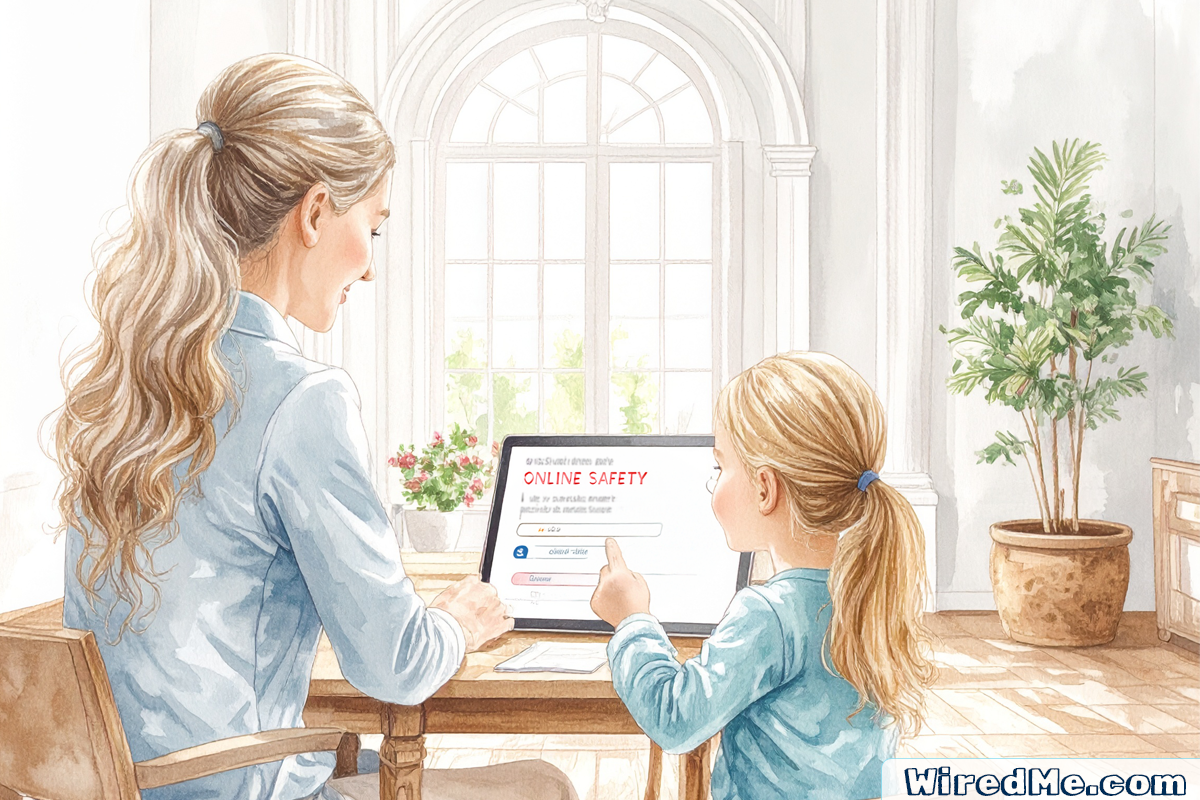
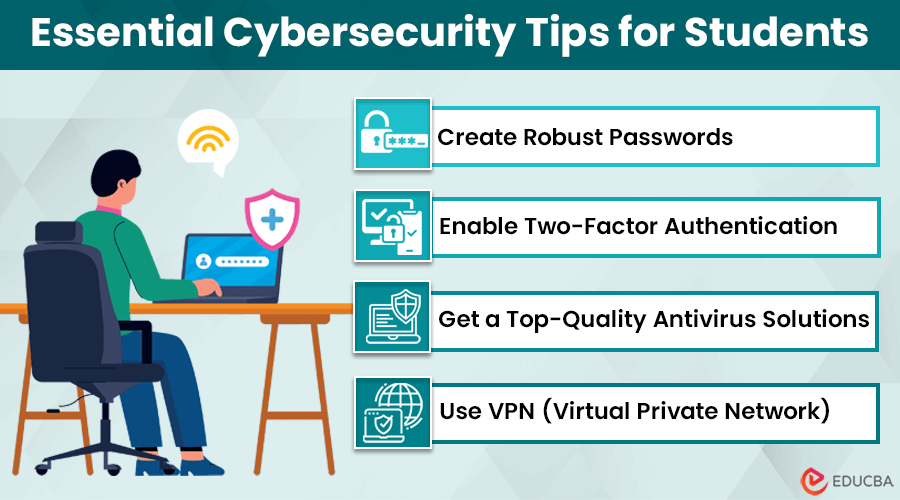
Children encounter digital environments long before reaching double digits, often starting on shared household tablets or family television screens. Elementary classrooms and living rooms buzz with questions about virtual worlds, favorite gaming apps, and connected devices. Adults frequently wonder how to introduce fundamental protective habits without inducing anxiety or closing the door on open communication. Building digital citizenship begins with approachable tools that invite children into meaningful dialogue. Exploring the free printable addressing whether it is essential to teach students about online privacy, sometimes searched alongside terms like “意味,” provides a gentle entry point for these vital conversations. Safety functions as a set of lifelong skills to develop rather than a source of fear to endure, empowering kids to navigate connected spaces with confidence and awareness. Related guide: 5 Cyber Safety Tips Symbols That Can Be Read By The Grede 7 Students.
💡 Educational Key Takeaways:
- Core Skill: Structured Do You Believe It’S Essential To Teach Students About Online Privacy? 意味 focused on developing pencil grip, stroke control, and early literacy/math confidence.
- Target Scope: Suited for homeschoolers, preschool, kindergarten, and elementary learners.
- Best Recommendation: Practice 10–15 minutes daily with ergonomic writing tools to reinforce muscle memory without hand fatigue.
WhatThis Printable Covers
This versatile worksheet helps elementary-aged learners unpack the concept of personal data and digital footprints through guided exercises. Children often encounter in-game chats and video platforms where sharing personal details feels harmless, much like chatting with a neighbor. The activity focuses on distinguishing between public knowledge, such as a favorite color, and private information, including full names, school locations, and home addresses. It sounds simple, and that is the exact point of early digital literacy work. Clear categorization exercises allow young learners to practice critical thinking without feeling overwhelmed by complex technical jargon.
Key Learning Outcomes
Completing this educational sheet encourages children to pause before clicking, sharing, or typing information into an online form. Participants learn the golden rule of digital spaces: if something feels confusing or uncomfortable, stopping to consult a trusted adult brings total immunity from trouble. According to Pew Research Center, a vast majority of parents express concern about their young children encountering inappropriate digital content or sharing excessive personal details online. Reinforcing these concepts early helps bridge the gap between home rules and independent school device usage, anchoring good habits that last well into middle school and beyond.
How to Use This Printable
Educators and caregivers can easily integrate this activity into morning meetings, counseling sessions, or rainy-day weekend routines at the kitchen table. Printing out a physical copy invites collaborative learning where adults and children can talk through scenarios side-by-side. Here is what makes this resource different: it turns abstract internet rules into tangible choices by asking learners to sort real-world digital dilemmas. Exploring foundational Internet and Digital Safety topics through structured writing and discussion helps solidify understanding better than lectures alone.
Practical Tips for Parents and Teachers
Facilitating this exercise works best when adults maintain a curious, non-judgmental tone while reviewing the prompts together. Children are naturally curious and may test boundaries on shared family devices or video game lobbies out of innocent experimentation. Asking open-ended questions like “What would you do if a friendly character asked where you go to school?” opens the door for honest answers. Setting aside distraction-free time shows learners that their digital well-being matters deeply to the adults guiding them.
Age-Appropriate Recommendations
Kindergarteners and first graders benefit most from tactile activities that focus strictly on identifying trusted adults and understanding physical versus digital boundaries. Older elementary students in fourth or fifth grade can dive deeper into password creation, evaluating friend requests, and understanding how data persists online. Incorporating frameworks like the Common Sense Education Digital Citizenship Curriculum ensures that lessons match developmental milestones, moving from basic recognition to active self-regulation. Utilizing targeted Worksheets designed specifically for these age bands keeps instruction relevant, engaging, and supportive.
According to Common Sense Media, children as young as eight increasingly navigate independent online worlds through gaming platforms and shared family devices, making early guidance on personal data essential. — Common Sense Media
Frequently Asked Questions
Finding clear answers to common digital parenting and teaching questions helps adults guide children smoothly through modern technology use. The selected questions below address the most frequent inquiries regarding formatting, learning objectives, and institutional recommendations for elementary digital citizenship.
Explore More Free Kids Online Safety Printables
Continuing the digital citizenship journey involves rotating through a variety of engaging formats that keep safety discussions fresh and relevant. Browsing through additional Online and Digital Safety resources ensures children receive consistent reminders across different subjects and school settings. Pairing these printable activities with creative options like Coloring Pages reinforces positive safety messages through art while keeping the atmosphere relaxed, approachable, and empowering for every young learner.
Developmental Milestone & Activity Table
| Development Stage | Recommended Daily Duration | Primary Learning Objective |
|---|---|---|
| Preschool & Pre-K | 10 – 15 Minutes | Pencil grip development & basic pre-stroke lines |
| Kindergarten | 15 – 20 Minutes | Letter/number formation & spatial line awareness |
| Early Elementary (Grade 1–2) | 20 – 30 Minutes | Fluency, sentence construction & neatness |
Images References