Introduction
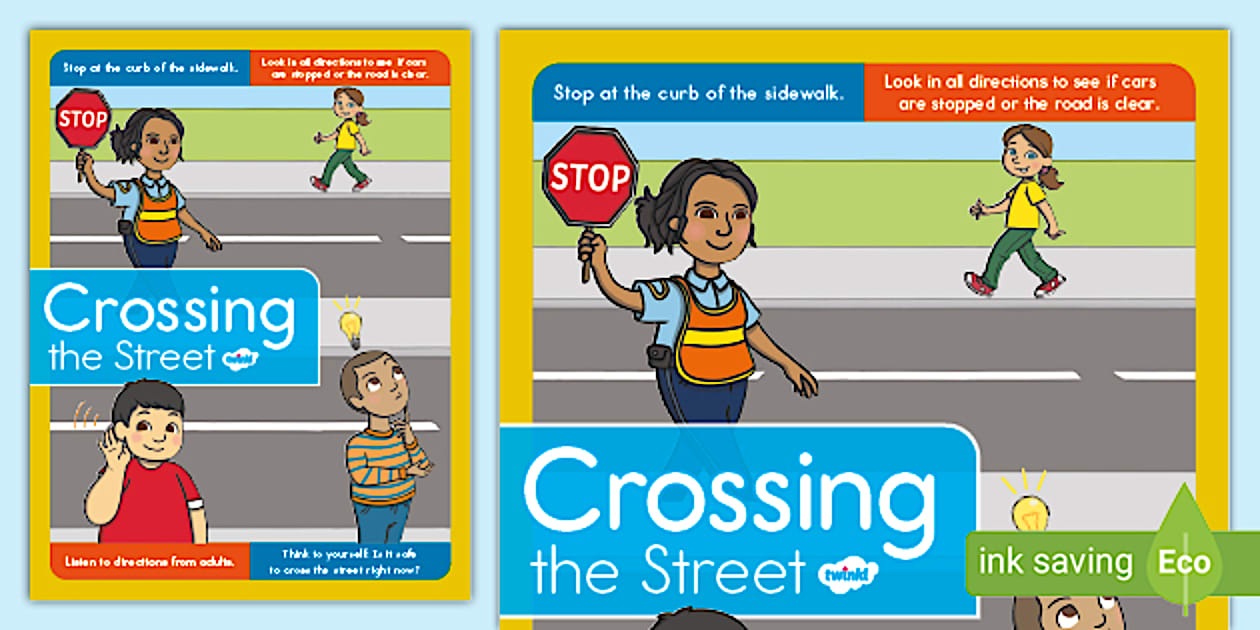
Digital safety education often starts with abstract warnings that leave young minds overwhelmed. Children ages five through twelve navigate digital spaces through shared household tablets, casual in-game chats in multiplayer titles, and endless video streaming platforms. These everyday virtual environments require concrete mental models just like physical spaces do. Traditional lectures about cyberspace rarely stick because children learn best through tangible metaphors and visual reinforcement. That realization sparked the creation of the free printable crossing the street safely visual for {site_name}. Coloring reinforces crucial safety messages while naturally opening up low-pressure conversations between adults and kids about navigating unfamiliar digital territories. Related guide: Explain Why Digital Citizenship Is Important For Grade 11 Leaners.
💡 Educational Key Takeaways:
- Core Skill: Structured Crossing The Street Safely Visual focused on developing pencil grip, stroke control, and early literacy/math confidence.
- Target Scope: Suited for homeschoolers, preschool, kindergarten, and elementary learners.
- Best Recommendation: Practice 10–15 minutes daily with ergonomic writing tools to reinforce muscle memory without hand fatigue.
What This Printable Covers
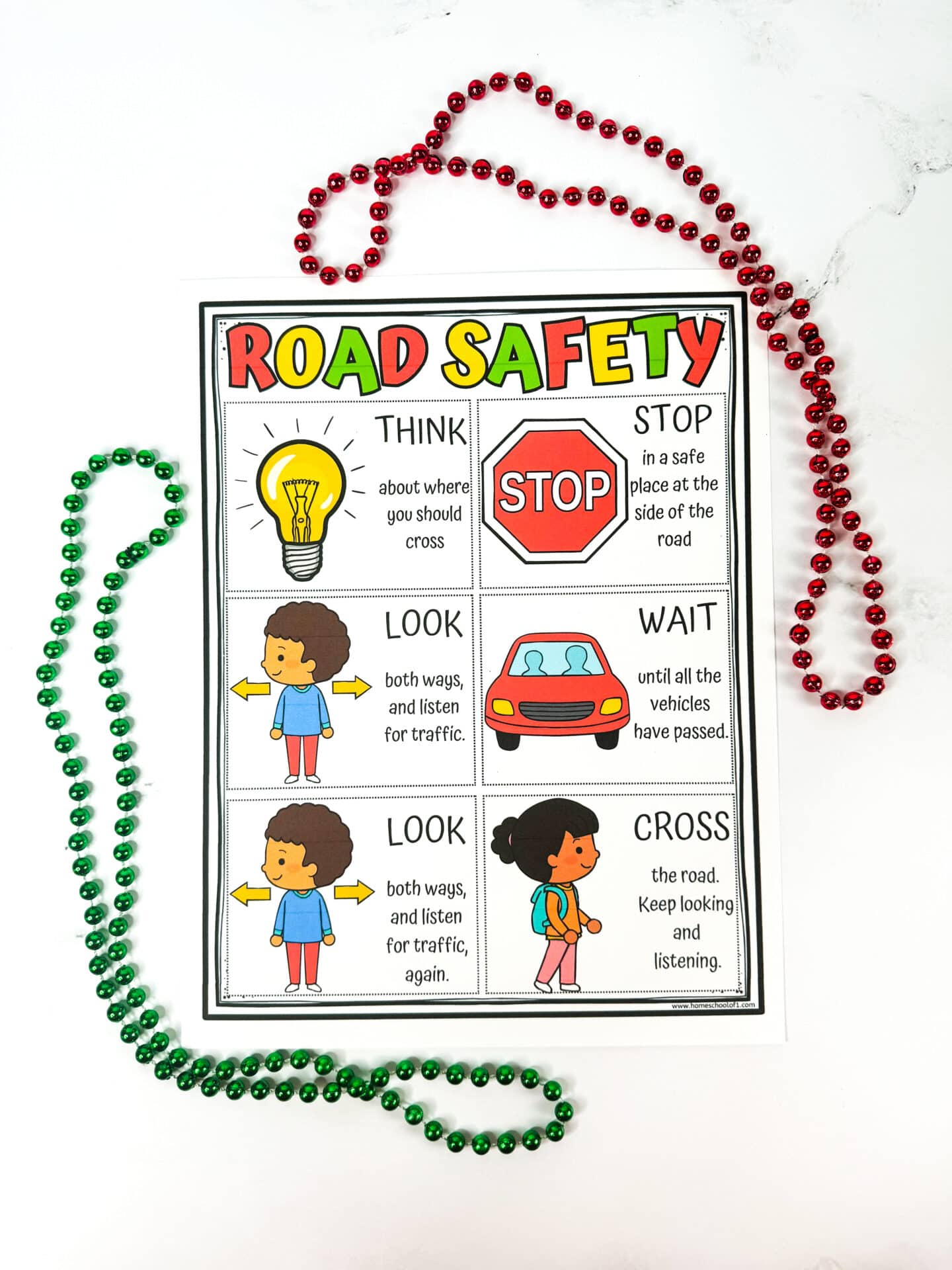
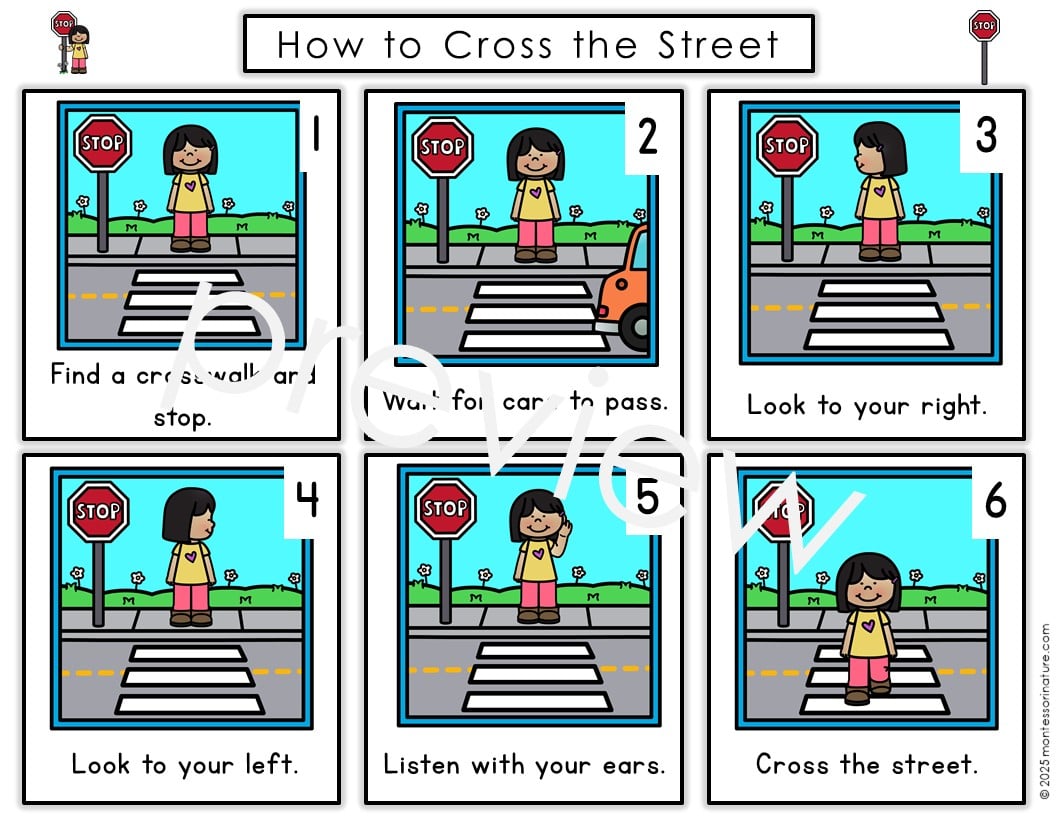
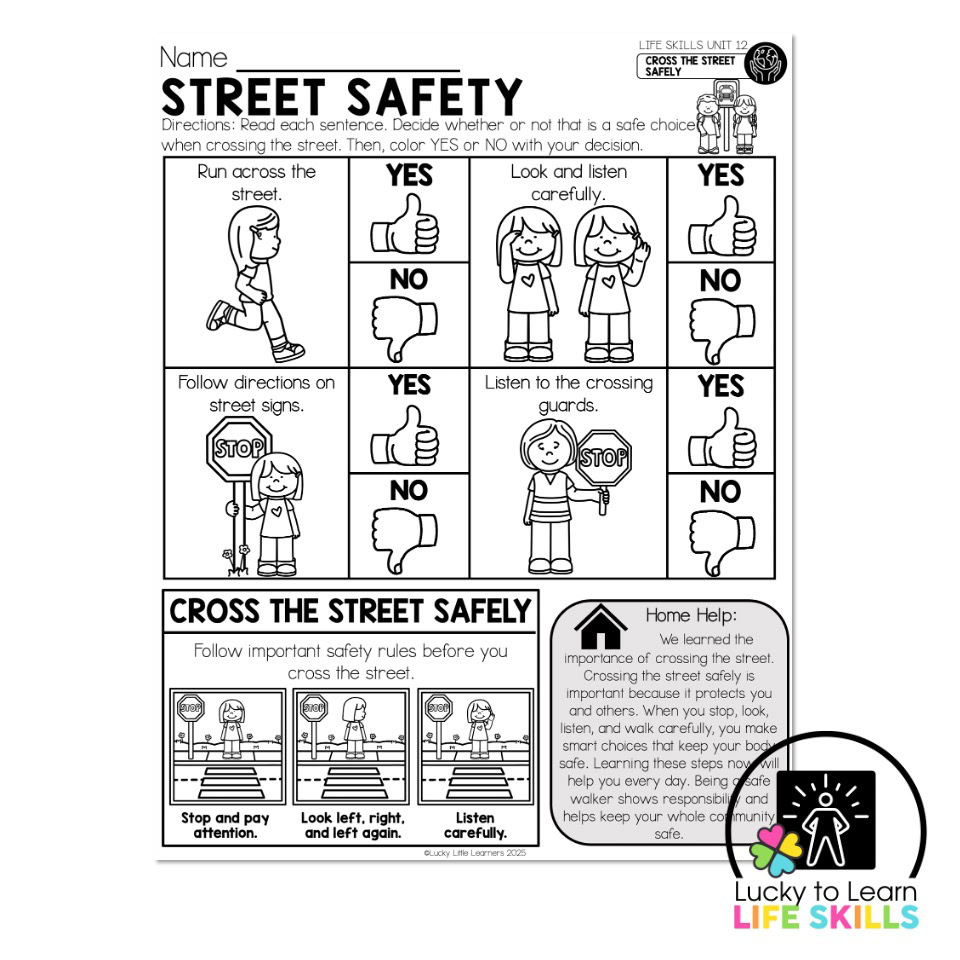
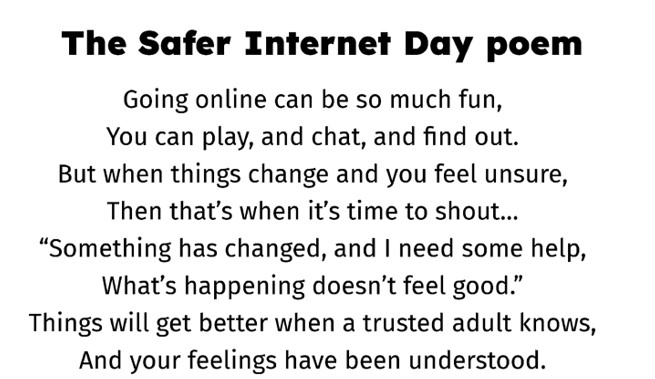
Navigating the internet safely shares surprising parallels with crossing a busy roadway. The visual resource maps out familiar street-crossing habits—stopping, looking both ways, and checking for trusted adults—directly onto common online scenarios. Instead of focusing on fear, the guide highlights positive, proactive decision-making. Children practice the habit of pausing before tapping a strange link, evaluating whether a piece of personal information is safe to share, and immediately seeking guidance from a parent or educator when something feels confusing. It sounds simple, and that’s the point. Young learners need clear, memorable anchors when they encounter unexpected pop-ups or chat messages while gaming.
Key Learning Outcomes
Working through this safety visual helps children build essential digital citizenship skills step by step. Learners identify the virtual equivalent of traffic lights, learning when to proceed and when to hit pause. The exercise reinforces strong password habits, the importance of keeping personal details private, and the golden rule that children are never in trouble for reporting something uncomfortable. According to the Federal Trade Commission, children increasingly encounter sophisticated digital tracking and deceptive online environments, making foundational awareness more critical than ever. Grounding abstract online rules in a familiar physical metaphor helps these protective habits transition smoothly from paper into daily online practice.
How to Use This Printable
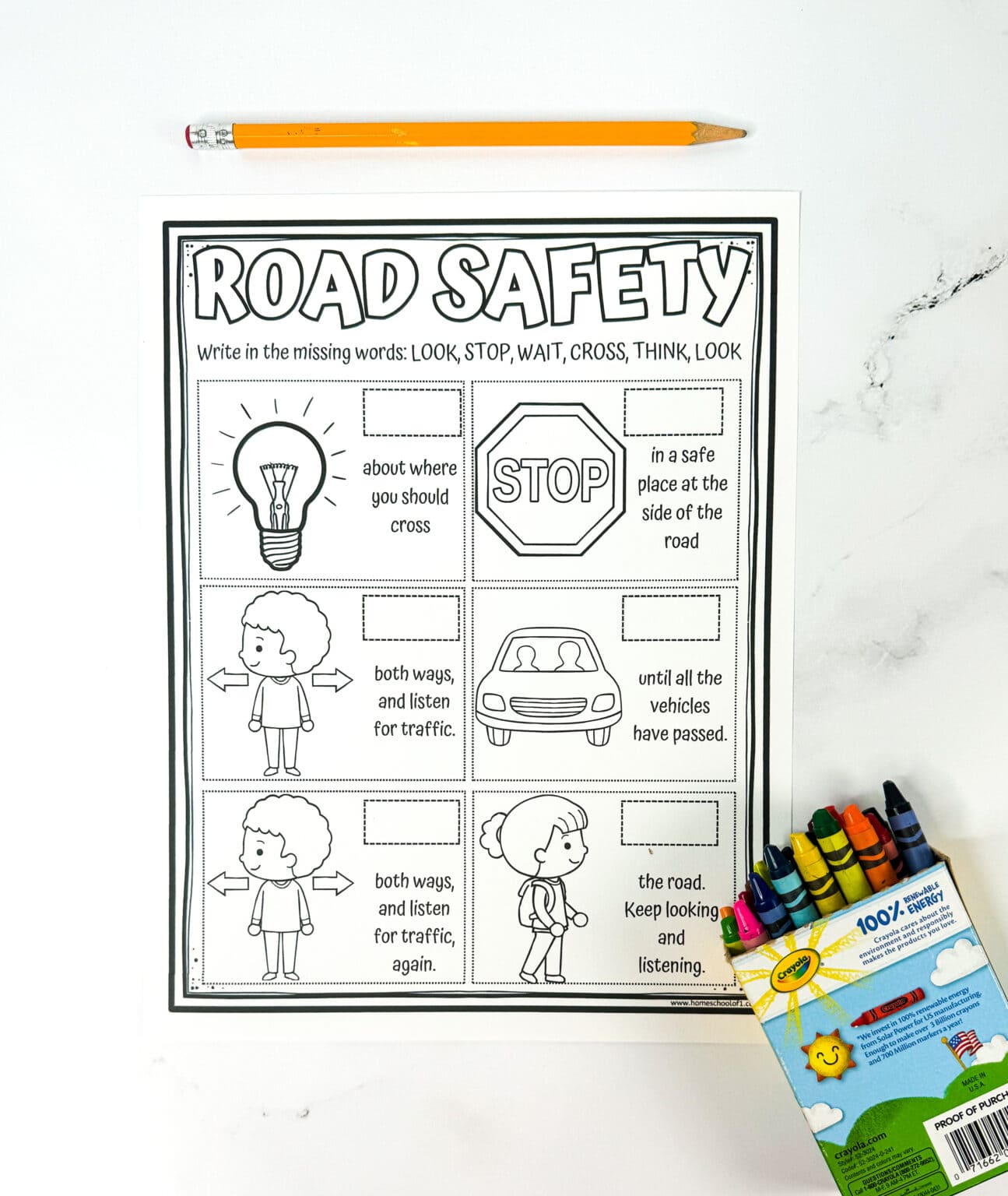
Flexibility defines the best educational tools. Educators and caregivers can easily integrate this material into morning meeting routines, literacy blocks, or quiet afternoon homeschool sessions. Coloring the visual invites relaxed dialogue rather than a formal quiz atmosphere. Adults can ask open-ended questions like what the green light might represent when playing an online video game or who counts as a trusted adult when a screen prompts for a username. Exploring these concepts through creative coloring pages transforms passive screen-time rules into active, engaging discussions about digital wellness.
Practical Tips for Parents and Teachers
Maximizing the impact of this resource requires patience and consistency. Adults should sit beside children during the activity, listening closely to how kids interpret the visual metaphors. When children describe a tricky moment they faced in an app or browser game, validate their experience warmly. Praise transparent communication above all else so children know they can always talk without fear of losing device privileges. Pair this activity with relevant educational printables and exercises to reinforce habit-building across different subjects and settings throughout the school year.
Age-Appropriate Recommendations
Younger children in the five to eight range benefit from concrete, literal interpretations of the street-crossing metaphor, focusing primarily on device sharing and telling an adult immediately when a strange screen pops up. Older elementary students ages nine to twelve can explore more nuanced digital dilemmas, such as evaluating online friendships, recognizing persuasive design, and understanding digital footprints. Aligning these lessons with the Common Sense Education Digital Citizenship Curriculum ensures that developmental milestones match the complexity of the conversation. Safety is an ongoing practice, not a one-time checklist, and these stepped approaches help children grow into resilient, mindful digital citizens.
Children today encounter digital platforms at increasingly younger ages, making early, foundational safety conversations vital for building long-term protective online habits. — Common Sense Media
Frequently Asked Questions
Understanding how to access and implement digital citizenship resources helps parents and educators feel confident. The following answers address the most common inquiries regarding downloads, learning integration, and research-backed guidance for supporting young internet users safely and effectively.
Young learners thrive when digital safety rules are framed as positive habits rather than frightening restrictions. — National Center for Missing & Exploited Children (NCMEC)
Explore More Free Kids Online Safety Printables
Expanding a child’s digital literacy toolkit takes a variety of engaging formats and consistent reinforcement. Caregivers looking to deepen these lessons can browse additional resources focused on internet and digital safety strategies tailored for elementary classrooms. Keeping the dialogue open ensures that children view technology as an exciting place to learn, create, and explore safely. Discover even more tools designed to foster healthy device habits by visiting the main hub for online and digital safety guides today.
Developmental Milestone & Activity Table
| Development Stage | Recommended Daily Duration | Primary Learning Objective |
|---|---|---|
| Preschool & Pre-K | 10 – 15 Minutes | Pencil grip development & basic pre-stroke lines |
| Kindergarten | 15 – 20 Minutes | Letter/number formation & spatial line awareness |
| Early Elementary (Grade 1–2) | 20 – 30 Minutes | Fluency, sentence construction & neatness |
Images References