Introduction
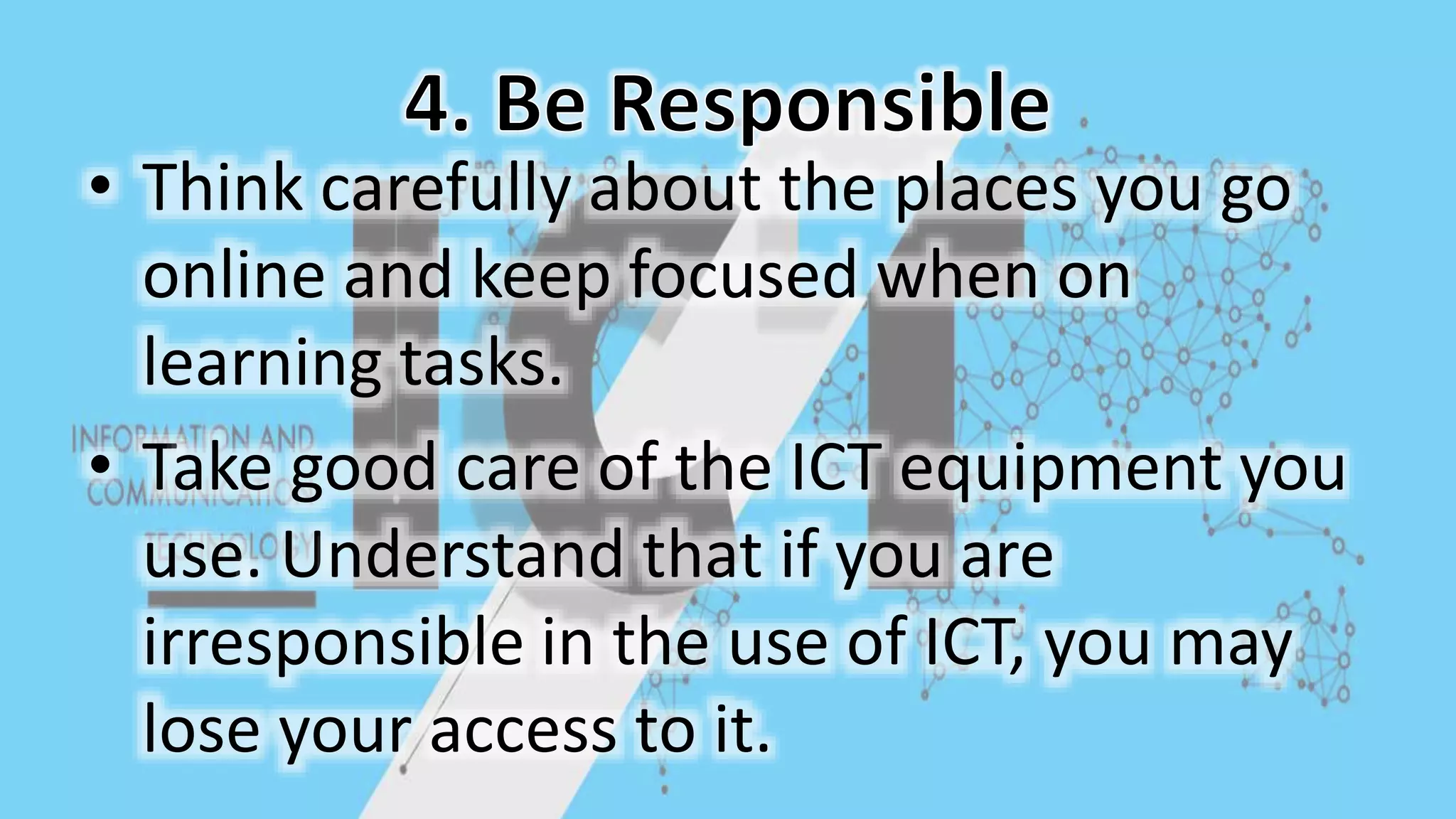
Fifth-grade classrooms and modern living rooms buzz with digital energy, as ten- and eleven-year-old students navigate school-issued laptops, shared family tablets, and multiplayer video game chat boxes. Navigating these virtual spaces requires more than technical know-how; it demands steady guidance in digital citizenship. Adults often worry about keeping up with rapid technological shifts, but foundational safety habits remain remarkably constant. The free printable safe and responsible use of ict grade 5 offers a structured pathway to introduce these essential habits without inducing fear. It sounds simple, and that’s the point. Grounding digital safety in clear, manageable concepts helps children build lifelong competencies for the connected world. Rather than relying on restriction alone, this educational tool invites students to reflect on their choices and practice positive online behavior. Related guide: Online Cyber Safety Games.
💡 Educational Key Takeaways:
- Core Skill: Structured Safe And Responsible Use Of Ict Grade 5 focused on developing pencil grip, stroke control, and early literacy/math confidence.
- Target Scope: Suited for homeschoolers, preschool, kindergarten, and elementary learners.
- Best Recommendation: Practice 10–15 minutes daily with ergonomic writing tools to reinforce muscle memory without hand fatigue.
What This Printable Covers
This resource addresses the specific realities of how pre-teens encounter digital environments today, moving far beyond abstract warnings. Children usually meet online risks during unstructured moments, such as typing quick messages in in-game chat or browsing video platforms on shared household devices. The printable breaks these complex scenarios down into tangible lessons regarding personal information, password security, and thoughtful sharing. According to the Pew Research Center, a vast majority of youth use digital devices daily, making routine conversations about online boundaries an everyday necessity. Educators and parents need practical materials that translate digital citizenship policies into student-friendly language. This document bridges that gap by transforming school district technology agreements into approachable, discussion-ready prompts.
Key Learning Outcomes
Working through these exercises helps fifth graders identify the boundary between public and private information, recognizing why full names, home addresses, and school locations never belong in open forums. Students also explore the power of the pause, learning to evaluate how a digital footprint forms before hitting send or upload. Crucially, the material reinforces a non-punitive reporting ethos. Children internalize the vital message that they are never in trouble for reporting something uncomfortable, confusing, or mean online. This psychological safety net encourages kids to turn to trusted adults immediately rather than hiding digital mistakes out of fear. Building these protective habits early creates a culture of openness that extends well beyond the elementary school years.
How to Use This Printable
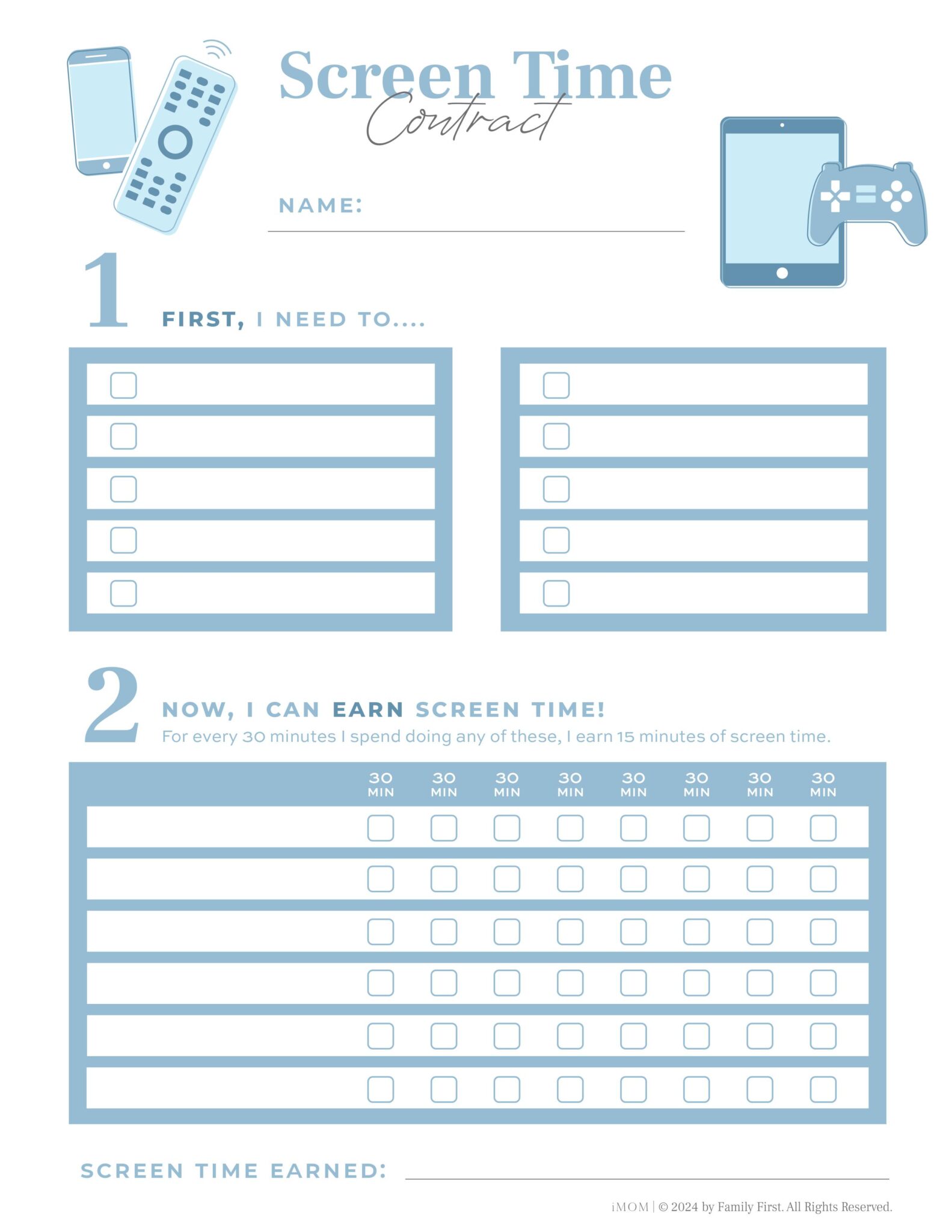
Implementation requires no advanced preparation, making it seamless for busy school counselors, homeschool co-ops, and classroom teachers to integrate into existing lesson plans. Adults can distribute the sheets as independent practice or use them to anchor a morning meeting discussion about online kindness and digital etiquette. It functions wonderfully as a catalyst for small group conversations where students debate hypothetical online dilemmas together. For families, completing the activity at the kitchen table turns screen time rules into a collaborative family agreement. Exploring related exercises available through Internet and Digital Safety materials can further reinforce these foundational concepts across different learning environments.
Practical Tips for Parents and Teachers
Guiding pre-teens through digital citizenship works best when adults maintain a calm, curious demeanor rather than an authoritarian stance. Ask open-ended questions about favorite apps and games to understand how the child interacts with peers in virtual spaces. Acknowledge that mistakes happen, framing a reported online issue as a valuable learning moment rather than an immediate cue to confiscate devices. Reinforce strong password creation by turning it into a creative brainstorming challenge rather than a chore. Consistency between home and school expectations ensures that children hear the exact same message about digital responsibility wherever they log on.
Age-Appropriate Recommendations
Fifth-grade students possess the cognitive development required to grasp abstract digital concepts like reputation and empathy in online communication. Aligning these lessons with the Common Sense Education Digital Citizenship Curriculum ensures the content matches developmental milestones for ten- and eleven-year-olds. At this age, children crave independence, which makes teaching self-regulation far more effective than policing every click. Educators can pair this lesson with supplementary Worksheets designed to test critical thinking through age-appropriate scenario analysis. Keeping the tone empowering rather than alarming helps pre-teens view themselves as capable, responsible digital citizens.
Young adolescents spend significant portions of their daily lives utilizing connected screens for learning and socializing, highlighting the necessity of proactive digital citizenship education. — Pew Research Center
Frequently Asked Questions
How do adults access and print this digital citizenship resource? Downloading and printing the document takes only moments, requiring a standard printer and standard paper size for immediate classroom or home use. Does this printable guarantee absolute protection from online hazards? No single handout can prevent all digital risks, but this resource effectively supports habit-building and important safety conversations. What does the Federal Trade Commission recommend regarding children’s online privacy? According to the Federal Trade Commission, families should regularly discuss which personal details must remain private and establish clear rules for downloading apps or sharing information.
Explore More Free Kids Online Safety Printables
Expanding a digital citizenship curriculum is easy with additional no-cost resources designed for elementary educators and families. Discover creative approaches to reinforcing crucial boundaries by browsing through available Coloring Pages tailored for younger learners. Adults can also explore comprehensive tools housed within the Online and Digital Safety section to build a robust, year-round approach to safe technology use.
Developmental Milestone & Activity Table
| Development Stage | Recommended Daily Duration | Primary Learning Objective |
|---|---|---|
| Preschool & Pre-K | 10 – 15 Minutes | Pencil grip development & basic pre-stroke lines |
| Kindergarten | 15 – 20 Minutes | Letter/number formation & spatial line awareness |
| Early Elementary (Grade 1–2) | 20 – 30 Minutes | Fluency, sentence construction & neatness |
Images References