Introduction
Digital spaces are as familiar to elementary-aged children as traditional playgrounds. Young learners navigate shared household tablets, jump into collaborative video gaming worlds, and stream educational video platforms daily. Children frequently encounter situations online that require strong critical thinking, long before they possess the adult intuition to navigate them safely. Building digital resilience involves practicing proactive habits, keeping personal information private, and choosing strong passwords rather than relying on fear. Educators and caregivers often look for accessible tools that transform abstract digital rules into concrete, recognizable concepts. The free printable students find 10 pictures online showing unsafe, insecure, or unsanitary situations offers a practical bridge between physical world reasoning and digital awareness. Related guide: Fun Online Safety Activities.
💡 Educational Key Takeaways:
- Core Skill: Structured Students Find 10 Pictures Online Showing Unsafe, Insecure, Or Unsanitary Situations. focused on developing pencil grip, stroke control, and early literacy/math confidence.
- Target Scope: Suited for homeschoolers, preschool, kindergarten, and elementary learners.
- Best Recommendation: Practice 10–15 minutes daily with ergonomic writing tools to reinforce muscle memory without hand fatigue.
WhatThis Printable Covers
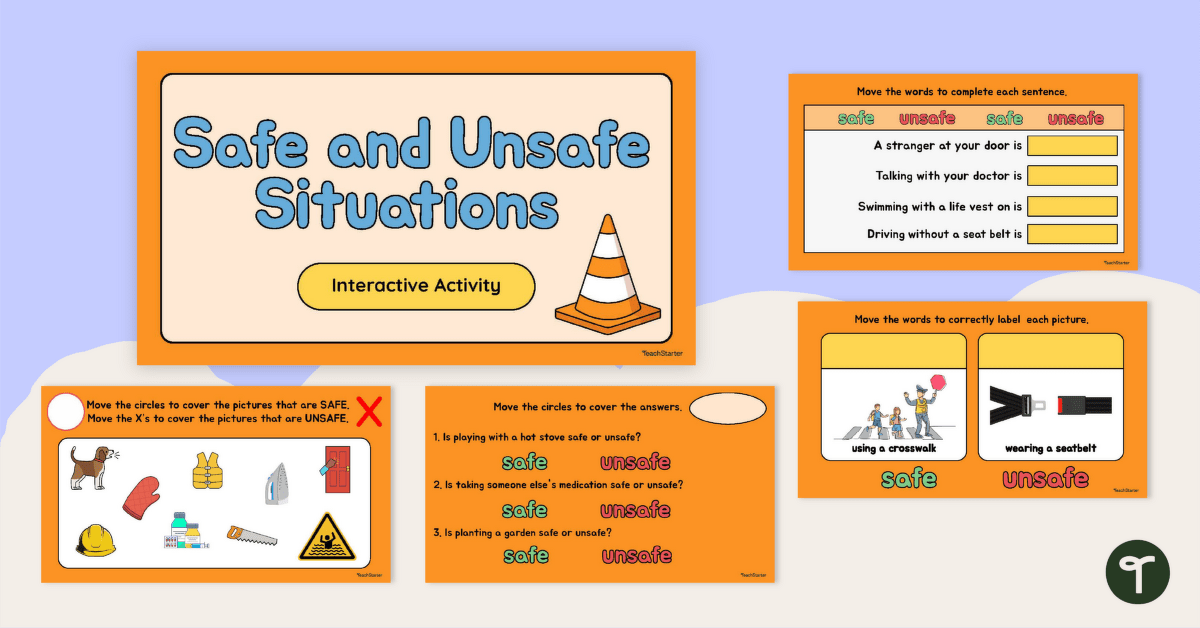
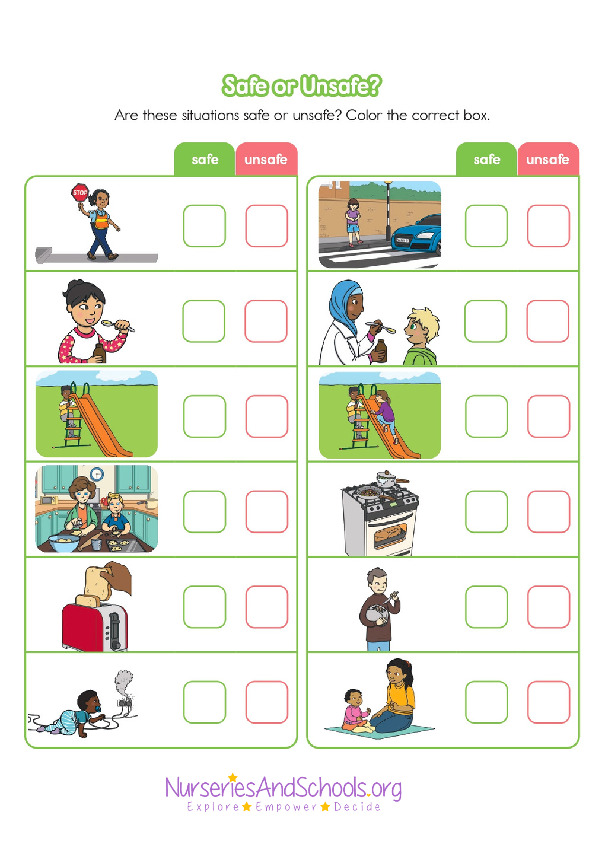
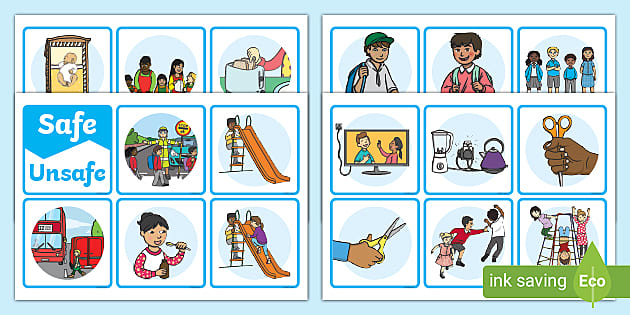
Visual learning remains one of the most effective methods for young children to grasp complex safety boundaries. This activity requires learners to examine a curated set of visual scenarios and identify specific risks related to digital security, personal privacy, and physical health. Children scan the images to spot hidden vulnerabilities, such as a username displayed alongside a home address, a password taped to a monitor, or a link promising free virtual currency. It sounds simple, and that is the exact point. By decoupling the concept of safety from high-stakes device moments, children can analyze digital risks in a low-pressure environment. The exercise intentionally connects offline concepts of safety, like locking a front door or washing hands, with online equivalents, like logging out of shared profiles.
Key Learning Outcomes
Developing digital citizenship requires targeted skill-building rather than one-time warnings. According to Common Sense Media, children benefit immensely from structured opportunities that teach them to pause and evaluate digital content before interacting with it. This specific worksheet sharpens visual literacy, helping students articulate why a certain online behavior feels uncomfortable or risky. Participants learn to distinguish between safe sharing and oversharing, reinforcing the foundational habit of keeping personal details private. Furthermore, the activity normalizes reporting. Children internalize the essential truth that they are never in trouble for reporting something uncomfortable, whether they clicked an odd pop-up or encountered unkind text in an in-game chat.
How to UseThis Printable
Implementing this resource in a classroom, homeschool space, or counseling office requires minimal preparation. Print out enough copies for individuals or small groups, alongside colored pencils or highlighters. Instruct the children to hunt for the ten hidden safety hazards and mark each one as they discover it. Here is what makes this resource different: it serves primarily as a conversation starter rather than a graded quiz. Once the children circle the vulnerabilities, gather the group to discuss the findings. Ask guiding questions about what makes a situation unsafe and who children can turn to for help. For additional classroom activities, educators frequently pair these exercises with age-appropriate Worksheets designed to reinforce healthy device habits.
Practical Tips for Parents and Teachers
Adults often worry about saying the wrong thing when discussing online risks with young children. Keeping the tone calm, empowering, and curious changes the dynamic entirely. Instead of listing strict prohibitions, invite children to explain their reasoning during the picture search. When a child spots an insecure situation, validate their observation and praise their attention to detail. Adults can connect the worksheet to everyday routines, such as reviewing privacy settings together on a shared family device. Educators seeking broader curriculum materials often explore trusted Internet and Digital Safety modules to build a comprehensive framework for their students.
Age-Appropriate Recommendations
Tailoring digital citizenship instruction to developmental stages ensures that messages resonate without causing undue anxiety. For younger children around ages five to seven, focus heavily on basic concepts like keeping passwords secret and asking an adult before downloading an app. Older elementary students, ages eight to twelve, can tackle more nuanced topics like digital footprints, in-game communication boundaries, and recognizing suspicious links. Aligning these lessons with the Common Sense Education Digital Citizenship Curriculum provides a robust structure that supports progressive learning. According to Pew Research Center, a vast majority of parents worry about young children accessing inappropriate digital content, making proactive, age-tailored discussions more vital than ever.
A vast majority of parents express concern about young children navigating inappropriate digital content and online risks. — Pew Research Center
Frequently Asked Questions
Clear answers help adults maximize the educational value of digital safety printables. Parents and educators often wonder how best to introduce these concepts without overwhelming young minds. Keeping the dialogue centered on positive habits and trusted adult support ensures children feel secure. The following frequently asked questions address common implementation details and research-backed approaches to childhood digital citizenship.
Explore More Free Kids Online Safety Printables
Building robust digital citizenship habits is an ongoing journey that benefits from a variety of creative teaching tools. Educators and caregivers can expand their toolkit by incorporating additional exercises that focus on positive online behavior, emotional resilience, and secure device habits. To discover more resources for your students or children, browse the collection of Online and Digital Safety materials. For younger learners who enjoy hands-on reinforcement, pairing these lessons with creative Coloring Pages offers a wonderful way to keep discussions engaging and stress-free.
Developmental Milestone & Activity Table
| Development Stage | Recommended Daily Duration | Primary Learning Objective |
|---|---|---|
| Preschool & Pre-K | 10 – 15 Minutes | Pencil grip development & basic pre-stroke lines |
| Kindergarten | 15 – 20 Minutes | Letter/number formation & spatial line awareness |
| Early Elementary (Grade 1–2) | 20 – 30 Minutes | Fluency, sentence construction & neatness |
Images References