Introduction
Navigating the digital world requires the same steady guidance as crossing a busy street. Children today encounter online environments through shared household tablets, casual in-game chat features, and video platforms long before they reach secondary school. Adults often search for effective ways to introduce complex digital concepts without causing unnecessary anxiety or fear. Building healthy digital habits starts with open conversations rather than strict restrictions. This comprehensive session plan for safer internet day for older teens provides structured frameworks designed to bridge the gap between abstract safety rules and everyday online behavior. Related guide: Cctv Introduction Lesson For Grade 4.
💡 Educational Key Takeaways:
- Core Skill: Structured Session Plan For Safer Internet Day For Older Teens focused on developing pencil grip, stroke control, and early literacy/math confidence.
- Target Scope: Suited for homeschoolers, preschool, kindergarten, and elementary learners.
- Best Recommendation: Practice 10–15 minutes daily with ergonomic writing tools to reinforce muscle memory without hand fatigue.
What This Printable Covers
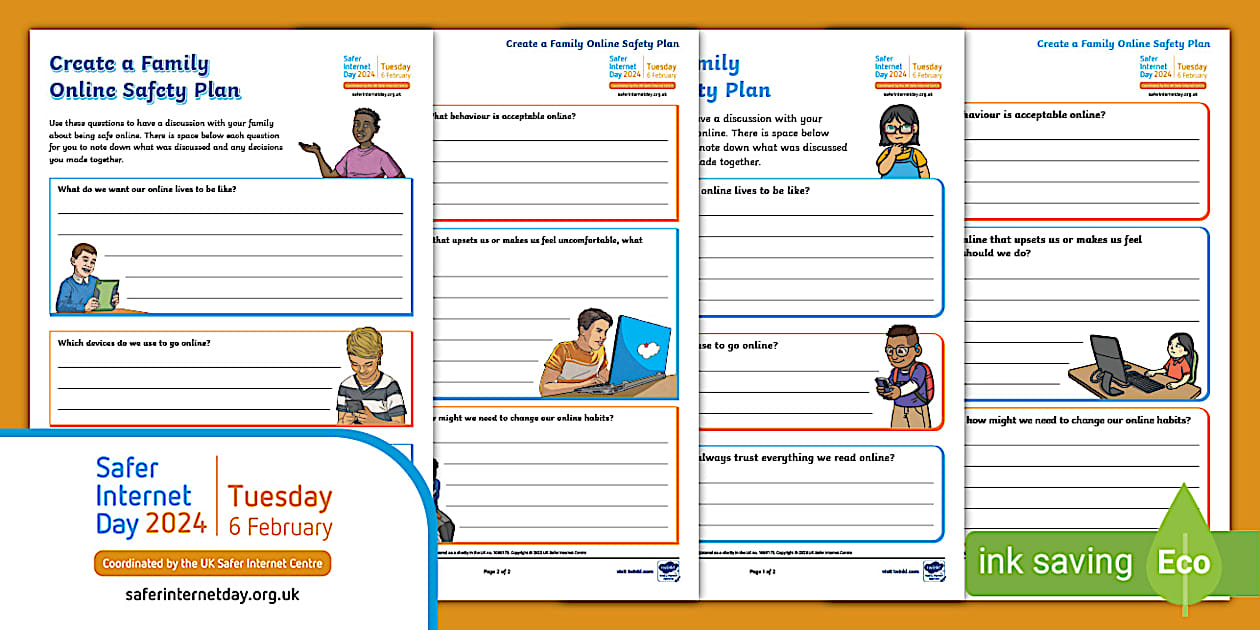
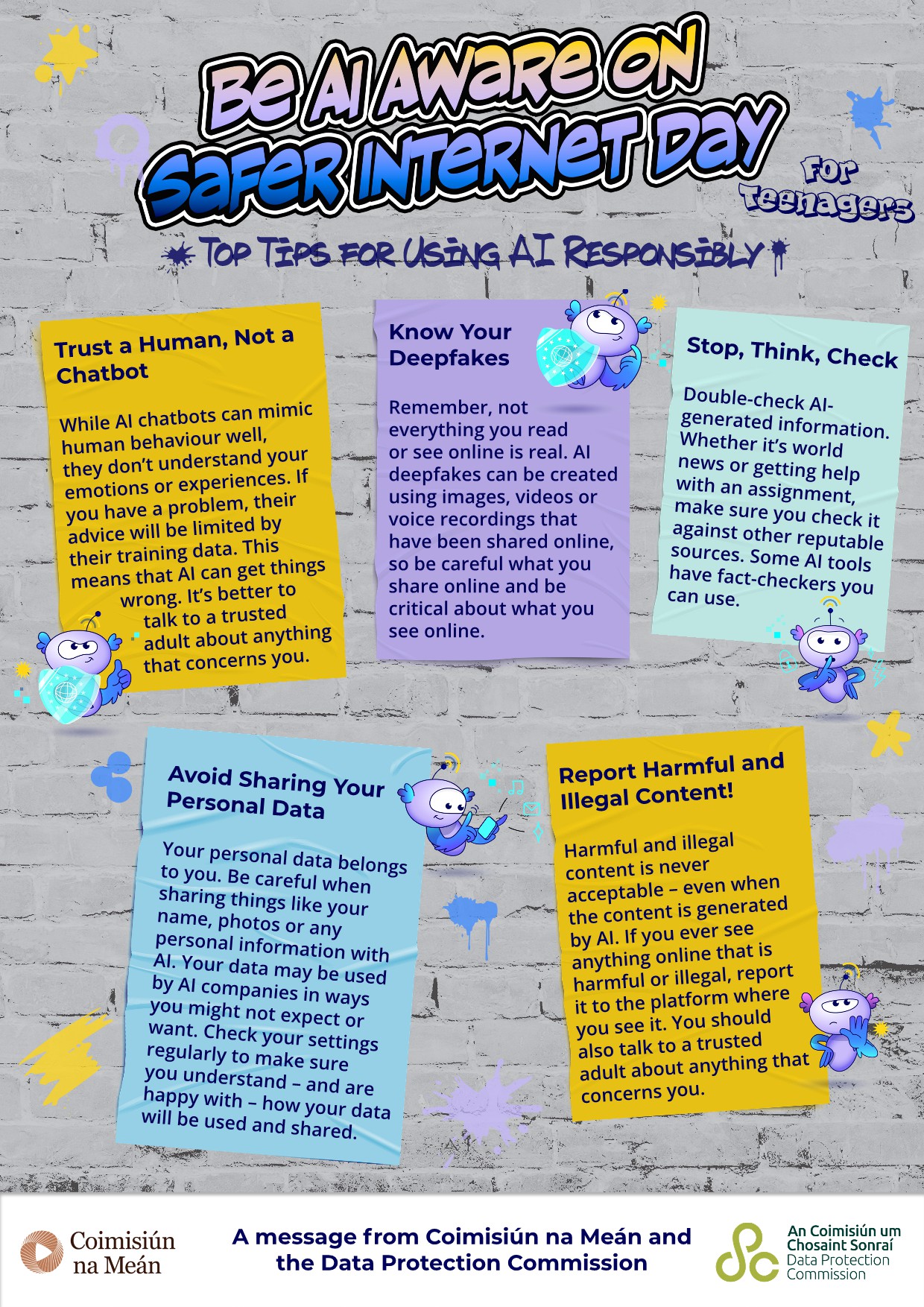
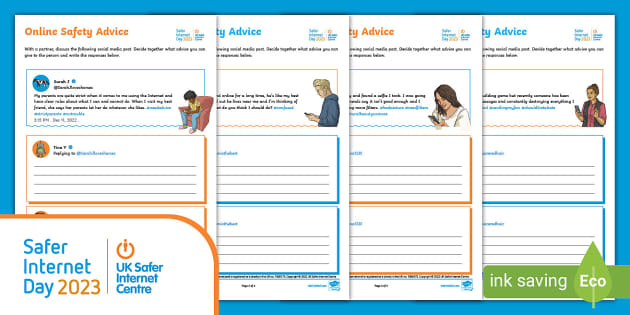
Digital citizenship education works best when it moves beyond simple warnings and focuses on actionable skill development. This instructional session plan focuses on critical thinking, media literacy, and positive peer interactions in virtual spaces. Participants explore the consequences of digital footprints, learn strategies for managing privacy settings, and practice recognizing manipulative content online. Rather than treating technology as an inherent hazard, the materials reframe the internet as a vast community where respectful behavior and self-protection matter immensely. The lessons emphasize that maintaining privacy, crafting strong passwords, and thinking before sharing protect personal well-being. Furthermore, the curriculum reinforces the vital message that children and young adults are never in trouble for reporting an uncomfortable online encounter to a trusted adult. While no single activity guarantees absolute protection, thoughtful educational materials foster the critical judgment needed to navigate modern digital landscapes safely.
Key Learning Outcomes
Specific skill practice lies at the heart of this resource. Learners examine scenarios involving peer pressure, misinformation, and boundary-setting in digital communication. Through guided discussions embedded in the session plan, participants identify the difference between public and private information. They also discover how to handle unexpected contact or inappropriate media by following established reporting protocols. According to the Pew Research Center, a significant majority of teens encounter various forms of digital drama or boundary-pushing on social media platforms, making proactive skill-building an absolute necessity for modern classrooms and homes.
How to Use This Printable
Flexibility defines the layout of this instructional packet. Educators can easily integrate the modules into standard advisory periods, computer lab sessions, or dedicated digital citizenship weeks. Homeschoolers find the step-by-step prompts ideal for sparking meaningful dinner table discussions about online etiquette. It sounds simple, and that is the point. Breaking large digital safety concepts into manageable discussion prompts removes the intimidation factor for both adults and learners. Group activities encourage participants to analyze realistic online scenarios and brainstorm constructive responses together. For additional practice materials, educators frequently explore supplementary resources found within Internet and Digital Safety collections.
Practical Tips for Parents and Teachers
Maximizing the impact of any instructional material requires intentional facilitation. Adults should review the session materials beforehand to anticipate local community concerns or recent school trends involving technology use. Establishing a non-judgmental atmosphere allows participants to share their digital experiences honestly without fearing device confiscation or harsh penalties. Here is what makes this resource different: it shifts the educational burden away from lecturing and toward collaborative problem-solving. Adults guide the reflection process rather than dictating every digital boundary. Pairing these structured sessions with hands-on practice can be further supported by utilizing curated Worksheets designed to reinforce foundational digital literacy concepts.
Age-Appropriate Recommendations
Tailoring digital citizenship instruction to developmental stages ensures maximum comprehension and retention. While younger children focus on basic concepts like keeping passwords secret and asking before downloading apps, older students require nuanced discussions surrounding digital permanence, cyberbullying, and data privacy. Grounded in the Common Sense Education Digital Citizenship Curriculum framework, this resource aligns with core competencies that teach youth how to balance media use and maintain healthy relationships online. According to Common Sense Media research, structured digital literacy instruction noticeably improves how youth evaluate online sources and manage their personal digital footprints.
Structured digital literacy instruction noticeably improves how youth evaluate online sources and manage their personal digital footprints. — Common Sense Media
Frequently Asked Questions
Clear implementation guidelines help educators and families get started with confidence. The questions below address common inquiries regarding access, educational frameworks, and safety guidelines.
Explore More Free Kids Online Safety Printables
Expanding a digital citizenship curriculum requires a diverse array of teaching tools. Educators and parents can discover additional activities tailored to different age groups by browsing through comprehensive collections of Online and Digital Safety modules. Combining multiple resource formats creates a well-rounded educational experience that reinforces positive habits across home and school environments. For younger learners in the community, visual aids such as specialized Coloring Pages help reinforce core safety messages through creative engagement.
Developmental Milestone & Activity Table
| Development Stage | Recommended Daily Duration | Primary Learning Objective |
|---|---|---|
| Preschool & Pre-K | 10 – 15 Minutes | Pencil grip development & basic pre-stroke lines |
| Kindergarten | 15 – 20 Minutes | Letter/number formation & spatial line awareness |
| Early Elementary (Grade 1–2) | 20 – 30 Minutes | Fluency, sentence construction & neatness |
Images References