Introduction
Eight-year-olds navigate digital environments with remarkable dexterity, often swiping through video platforms or typing in shared family game servers long before mastering cursive. Digital life for third graders unfolds organically in the living room and classroom, frequently via shared household tablets and multiplayer chat interfaces where virtual worlds blend seamlessly with everyday play. Introducing foundational digital habits early transforms screen time from a source of anxiety into an opportunity for guided skill development. The free printable “a story of online safety for grade 3” offers an approachable way to introduce these concepts without inducing fear. Providing children with a structured narrative allows educators and families to frame safety as a superpower rather than a restriction. It sounds simple, and that’s the point. Young learners grasp abstract digital boundaries much faster when those rules appear inside a relatable, story-driven format. This resource supports meaningful dialogue, helping children navigate the digital realm with confidence, curiosity, and critical thinking. Related guide: Cctv Introduction Lesson For Grade 4.
💡 Educational Key Takeaways:
- Core Skill: Structured A Story Of Online Safety For Grade 3 focused on developing pencil grip, stroke control, and early literacy/math confidence.
- Target Scope: Suited for homeschoolers, preschool, kindergarten, and elementary learners.
- Best Recommendation: Practice 10–15 minutes daily with ergonomic writing tools to reinforce muscle memory without hand fatigue.
What This Printable Covers
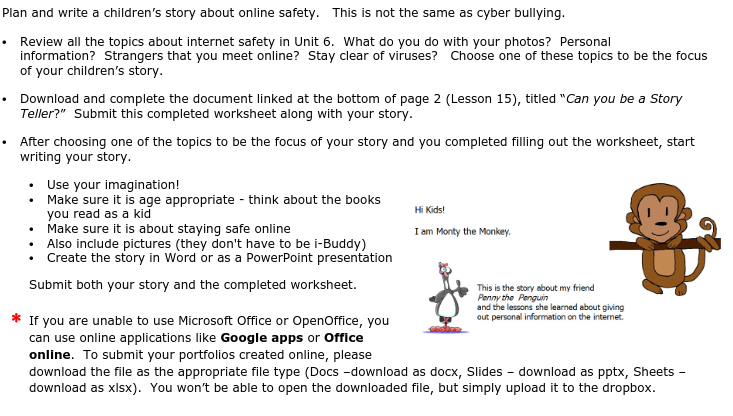
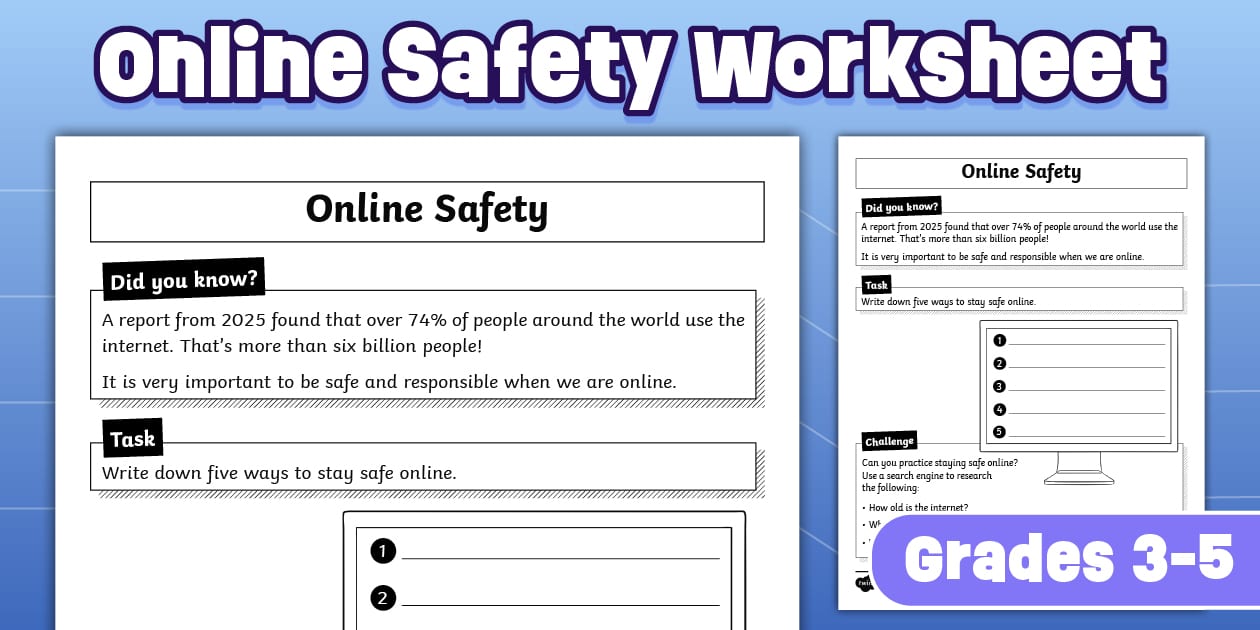
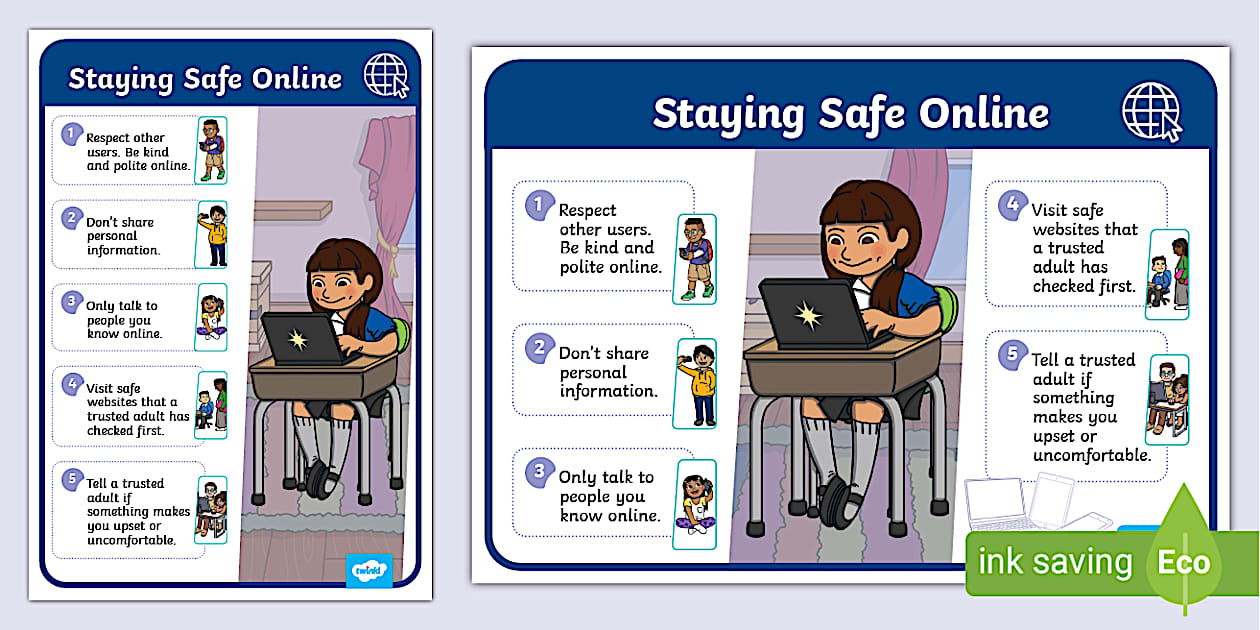
Structured worksheets and story-based printables do heavy lifting in elementary classrooms by breaking complex digital citizenship topics into digestible pieces. The curriculum inside this specific material addresses core protective habits: keeping personal information private, creating strong passwords, and pausing to think before sharing content. Children frequently encounter online risks through casual in-game messaging or recommended video loops where unexpected content appears. Here’s what makes this resource different: it relies on sequential storytelling to demonstrate cause and effect in a digital space. Instead of listing arbitrary prohibitions, the story walks readers through a relatable character making smart choices online. The activity components tied to the narrative reinforce specific skills, such as identifying safe versus unsafe sharing behaviors, recognizing trusted adults, and remembering that children are never in trouble for reporting something uncomfortable.
Key Learning Outcomes
Working through the pages builds several distinct competencies tailored to eight-year-old cognitive development. Learners practice distinguishing between public data, like a favorite animal, and private data, such as a home address or school name. The resource guides students to identify trusted adults both at home and at school who can help when something online feels confusing or weird. Another vital outcome involves reinforcing emotional self-regulation, teaching children to step away from a device when an interaction makes them feel uneasy. According to Common Sense Media, children benefit immensely from structured media literacy instruction that emphasizes critical thinking over blanket bans. By engaging directly with the printable exercises, students internalize the habit of pausing before clicking, uploading, or replying in shared digital environments.
How to Use This Printable
Flexibility defines the best educational tools, and this resource fits seamlessly into morning work, computer lab rotations, or cozy kitchen table sessions. Educators can read the story aloud to the whole class, pausing at key decision points to let students vote on the character’s next move. This sparks rich discussions about why certain choices keep digital spaces fun and safe. Homeschoolers can pair the reading session with drawing activities, asking children to illustrate their own rules for device use. It serves as a fantastic companion piece when exploring broader lessons on Internet and Digital Safety across the elementary grades. Utilizing these activity sheets regularly normalizes conversations about technology, ensuring children view adults as allies rather than monitors.
Practical Tips for Parents and Teachers
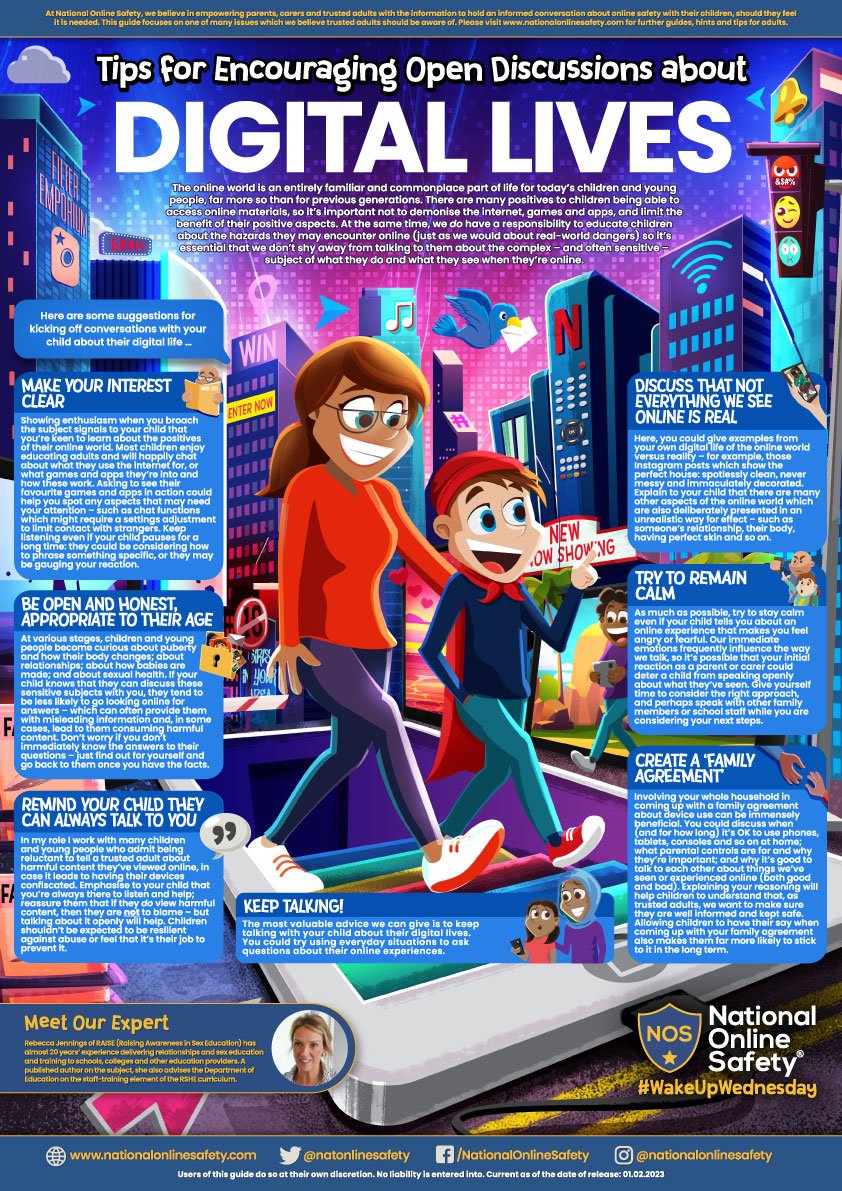
Maximizing the impact of any printable requires keeping the tone calm, collaborative, and entirely non-punitive. Adults should approach the activity as an open dialogue rather than an interrogation about past screen habits. When children share a confusing online experience, responding with immediate reassurance keeps communication channels wide open. Teachers can display completed student work on bulletin boards alongside standard Worksheets to emphasize that digital citizenship matters just as much as playground manners. Establishing a predictable routine around these conversations helps cement positive behaviors long before independent device ownership begins.
Age-Appropriate Recommendations
Third graders operate at a stage of rapid social expansion, making them eager to connect with peers through digital channels. The Common Sense Education Digital Citizenship Curriculum framework highlights the importance of teaching empathy, safety, and security in developmentally appropriate stages for this age group. At eight and nine years old, children understand concrete rules far better than vague concepts like digital footprints. Instruction should focus on actionable, positive routines: logging out of shared devices, asking permission before downloading new applications, and keeping passwords secret from friends on the playground. These foundational practices align directly with the strategies featured in the story printable, ensuring children absorb actionable wisdom without feeling overwhelmed by adult anxieties.
Young children frequently encounter digital environments through shared family devices and multiplayer gaming platforms, making early habit-building essential for safe navigation. — Pew Research Center
Frequently Asked Questions
Can this resource be printed multiple times for a whole classroom? Yes, educators and parents are welcome to download and print unlimited copies for personal classroom or home use. How does this printable support learning? It uses a narrative approach and interactive exercises to teach core habits like privacy protection and open communication with trusted adults. What do child safety experts recommend for digital literacy? According to the National Center for Missing & Exploited Children (NCMEC), open and ongoing conversations between children and trusted adults remain the most effective strategy for online resilience.
Explore More Free Kids Online Safety Printables
Expanding a digital citizenship library ensures children receive continuous reinforcement throughout the school year. Pairing narrative worksheets with visual exercises helps diverse learners grasp essential protective concepts. Browse additional resources covering Online and Digital Safety to find more targeted lessons. Creative educators also utilize Coloring Pages to engage younger minds with positive messaging about screen time boundaries and respectful digital communication.
Developmental Milestone & Activity Table
| Development Stage | Recommended Daily Duration | Primary Learning Objective |
|---|---|---|
| Preschool & Pre-K | 10 – 15 Minutes | Pencil grip development & basic pre-stroke lines |
| Kindergarten | 15 – 20 Minutes | Letter/number formation & spatial line awareness |
| Early Elementary (Grade 1–2) | 20 – 30 Minutes | Fluency, sentence construction & neatness |
Images References