Introduction
Preteens navigate digital spaces differently than younger children, often encountering social friction in unexpected places. Real digital risks rarely arrive through dramatic encounters with strangers. Instead, these challenges typically surface quietly in the background of shared household tablets, rapid in-game chat windows, and casual video platform comment sections. Eleven-year-olds stand at a crucial developmental crossroads where peer validation begins to outweigh adult opinions, making social dynamics in digital environments intensely personal. Educators and families frequently look for structured ways to address these modern social hurdles without causing panic. Addressing peer conflict requires framing safety as an attainable skill rather than something to dread. To build these vital digital habits, adults often turn to targeted interactive learning materials designed to spark meaningful dialogue. Preteens need practical tools to recognize, process, and respond to hurtful digital behavior before minor disagreements escalate into emotional distress.
💡 Educational Key Takeaways:
- Core Skill: Structured What Is Cyberbullying For 11 Year Old Kids focused on developing pencil grip, stroke control, and early literacy/math confidence.
- Target Scope: Suited for homeschoolers, preschool, kindergarten, and elementary learners.
- Best Recommendation: Practice 10–15 minutes daily with ergonomic writing tools to reinforce muscle memory without hand fatigue.
What This Printable Covers
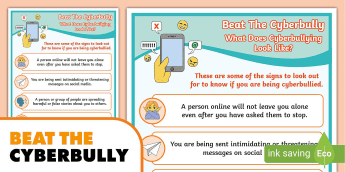
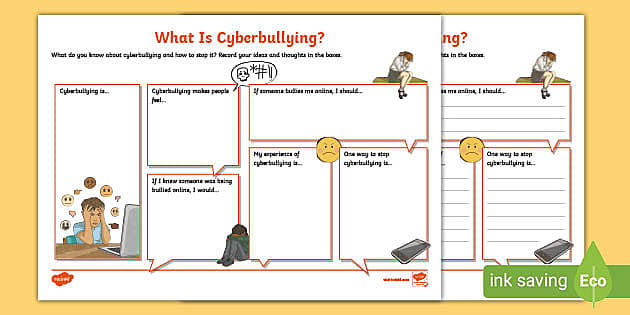
The free printable “what is cyberbullying for 11 year old kids” available on {site_name} breaks down complex online behaviors into concrete, understandable concepts. It examines the nuances of digital exclusion, mean-spirited messaging, and the pressure to participate in harmful online trends. Instead of relying on vague warnings, the activity guides learners through scenarios that mimic actual situations found on messaging apps and multiplayer platforms. It emphasizes the importance of keeping personal information private, establishing strong passwords, and thinking carefully before sharing or forwarding content. The design also normalizes the reality of digital friction, assuring young users that experiencing discomfort online is never their fault and that reporting issues brings relief rather than punishment. Through guided reflection prompts, the material helps learners distinguish between playful banter and genuinely harmful digital harassment. Related guide: Cctv Introduction Lesson For Grade 4.
Key Learning Outcomes
Working through this structured activity builds specific competencies that empower preteens to navigate their favorite digital worlds with confidence. Learners practice identifying the subtle boundaries where jokes turn into exclusion or intimidation. The specific skill practiced here involves empathy mapping, helping students recognize how text-only communication strips away tone of voice and facial expressions. Children also master the crucial habit of documenting digital evidence through screenshots rather than retaliating directly. Furthermore, the exercise reinforces protective behaviors, such as utilizing block features and immediately confiding in a trusted adult. These foundational habits transform passive screen time into an opportunity for active critical thinking.
How to Use This Printable
Implementing this resource in a classroom, homeschool space, or living room requires a collaborative mindset. It sounds simple, and that is the exact point. Adults can introduce the sheet during a calm morning meeting or a quiet afternoon session, allowing time for thoughtful reading rather than rushing through the questions. Here is what makes this resource different: it relies on scenario-based learning where preteens evaluate fictional peers rather than defending their own past mistakes. This safe emotional distance encourages honest discussions about peer pressure and online etiquette. Educators can pair these exercises with broader lessons found within trusted online and digital safety units to create a cohesive digital citizenship curriculum.
Practical Tips for Parents and Teachers
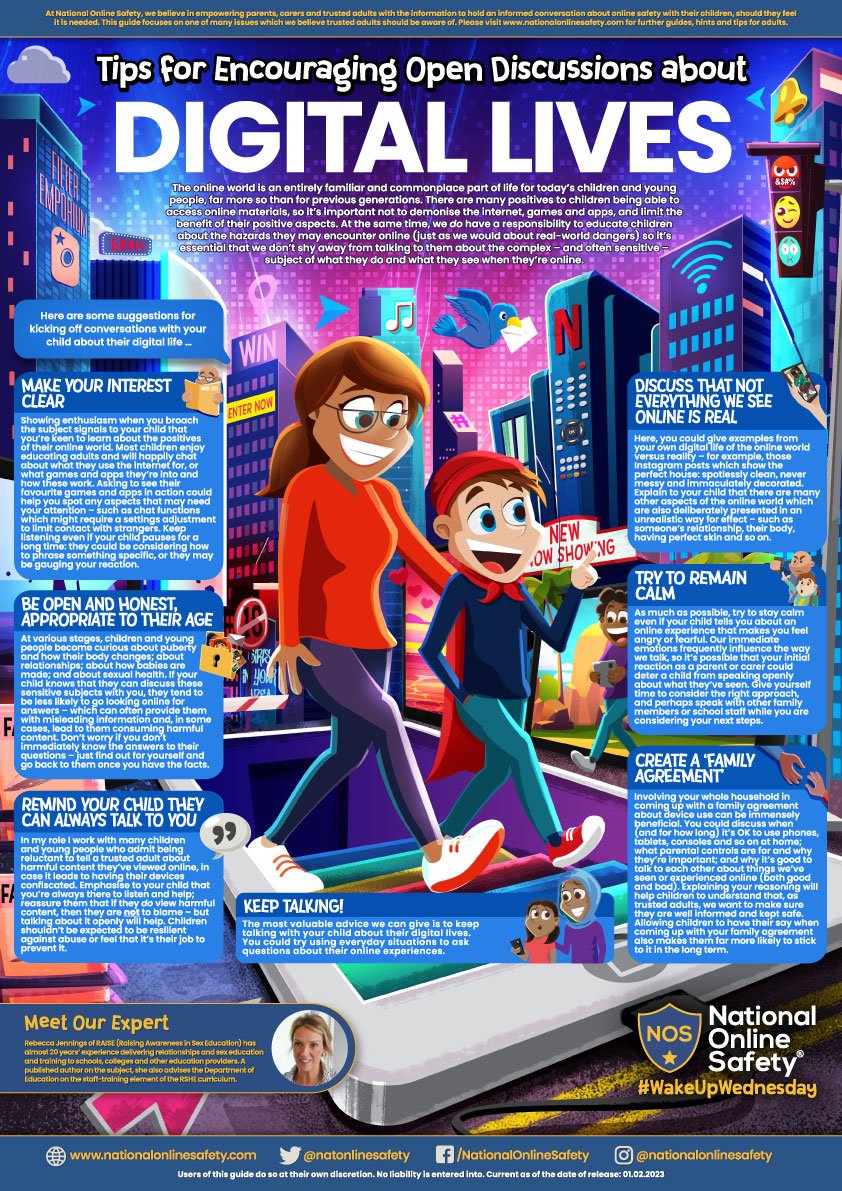
Maximizing the impact of this educational tool involves creating a judgment-free zone for discussion. Adults should resist the urge to lecture and instead ask open-ended questions about how the characters in the activity might feel. Children are never in trouble for reporting something uncomfortable, and establishing this rule explicitly changes how readily they will seek help in real life. Keep devices out of sight while working through the activity so attention stays fully focused on the interpersonal dynamics at play. Collaborative problem-solving proves far more effective than imposing strict bans on popular applications or games.
Age-Appropriate Recommendations
Eleven-year-olds process digital citizenship concepts best when instruction aligns with their growing desire for autonomy and logical reasoning. Grounding these lessons in established educational frameworks ensures the content matches cognitive milestones. According to the Common Sense Education Digital Citizenship Curriculum, preteens benefit most from exploring digital footprint, relationships, and communication through structured peer discussions. Introducing these themes gradually helps learners internalize respectful online conduct. For continuous reinforcement of these concepts, educators frequently explore dedicated internet and digital safety libraries to find complementary lessons that grow alongside the students.
According to Common Sense Media research, a significant percentage of middle school students experience some form of digital drama or mean behavior online, making early conversation essential for healthy development.
Frequently Asked Questions
Answers to common inquiries regarding the implementation and educational value of this resource help guide adults toward effective digital citizenship instruction. Navigating download procedures and finding complementary materials becomes straightforward when clear guidance is readily available. These responses draw from established best practices in family and school-based media literacy education.
Explore More Free Kids Online Safety Printables
Expanding a digital citizenship library involves utilizing a variety of complementary teaching tools. Additional resources focusing on password management, device boundaries, and respectful communication help solidify these lessons over time. Exploring structured guides and creative prompts ensures that internet safety remains an ongoing, positive conversation rather than a one-time lecture. Discover more support options by browsing the complete collection of coloring pages and activity sheets designed specifically for growing learners.
Developmental Milestone & Activity Table
| Development Stage | Recommended Daily Duration | Primary Learning Objective |
|---|---|---|
| Preschool & Pre-K | 10 – 15 Minutes | Pencil grip development & basic pre-stroke lines |
| Kindergarten | 15 – 20 Minutes | Letter/number formation & spatial line awareness |
| Early Elementary (Grade 1–2) | 20 – 30 Minutes | Fluency, sentence construction & neatness |
Images References