Introduction
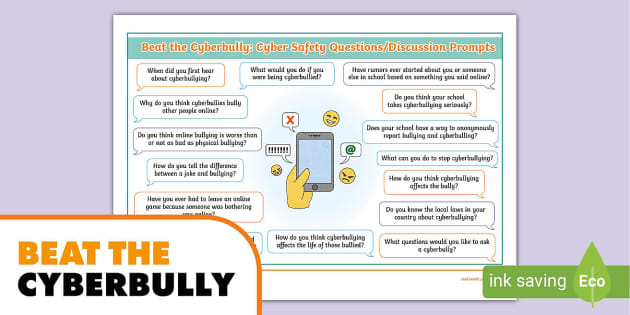
Navigating the digital landscape often begins unexpectedly in elementary classrooms and living rooms alike. Children frequently encounter online risks not through malicious intent, but during routine moments like shared tablet usage, casual in-game chat features, or while scrolling through recommended video platforms after school. Educators and parents constantly search for practical tools to bridge the gap between technical access and digital maturity. Building healthy online habits requires consistent dialogue rather than fearful restrictions. The free printable cyberbulling questions available on {site_name} provide a structured entry point for meaningful conversations about respect, empathy, and safe digital behavior. Related guide: Cctv Introduction Lesson For Grade 4.
💡 Educational Key Takeaways:
- Core Skill: Structured Cyberbulling Questions focused on developing pencil grip, stroke control, and early literacy/math confidence.
- Target Scope: Suited for homeschoolers, preschool, kindergarten, and elementary learners.
- Best Recommendation: Practice 10–15 minutes daily with ergonomic writing tools to reinforce muscle memory without hand fatigue.
What This Printable Covers
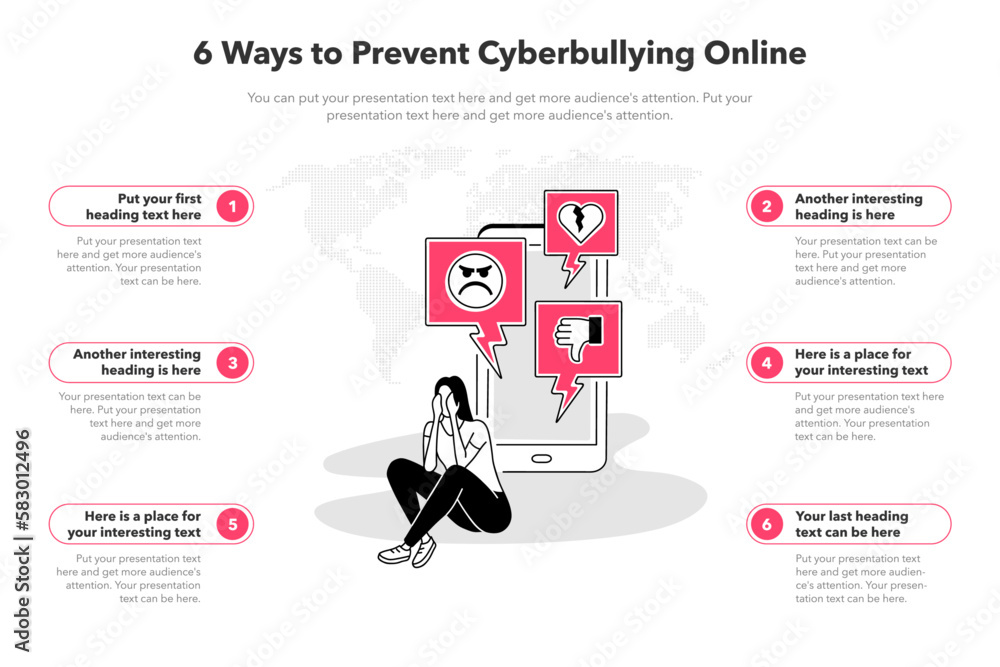
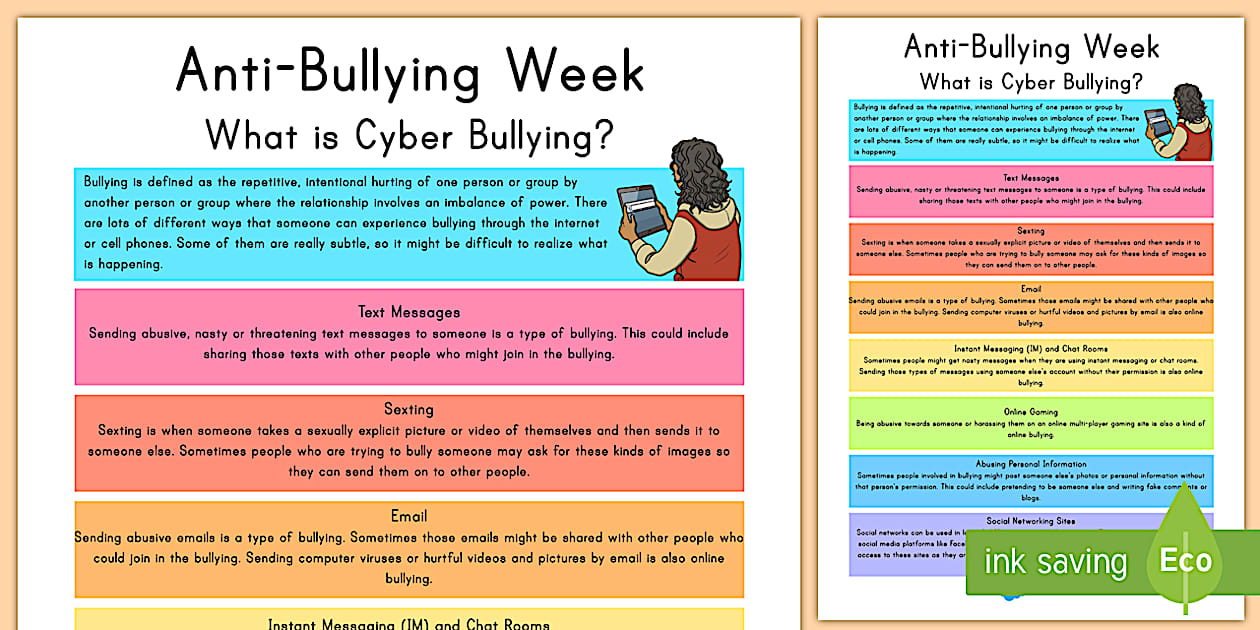
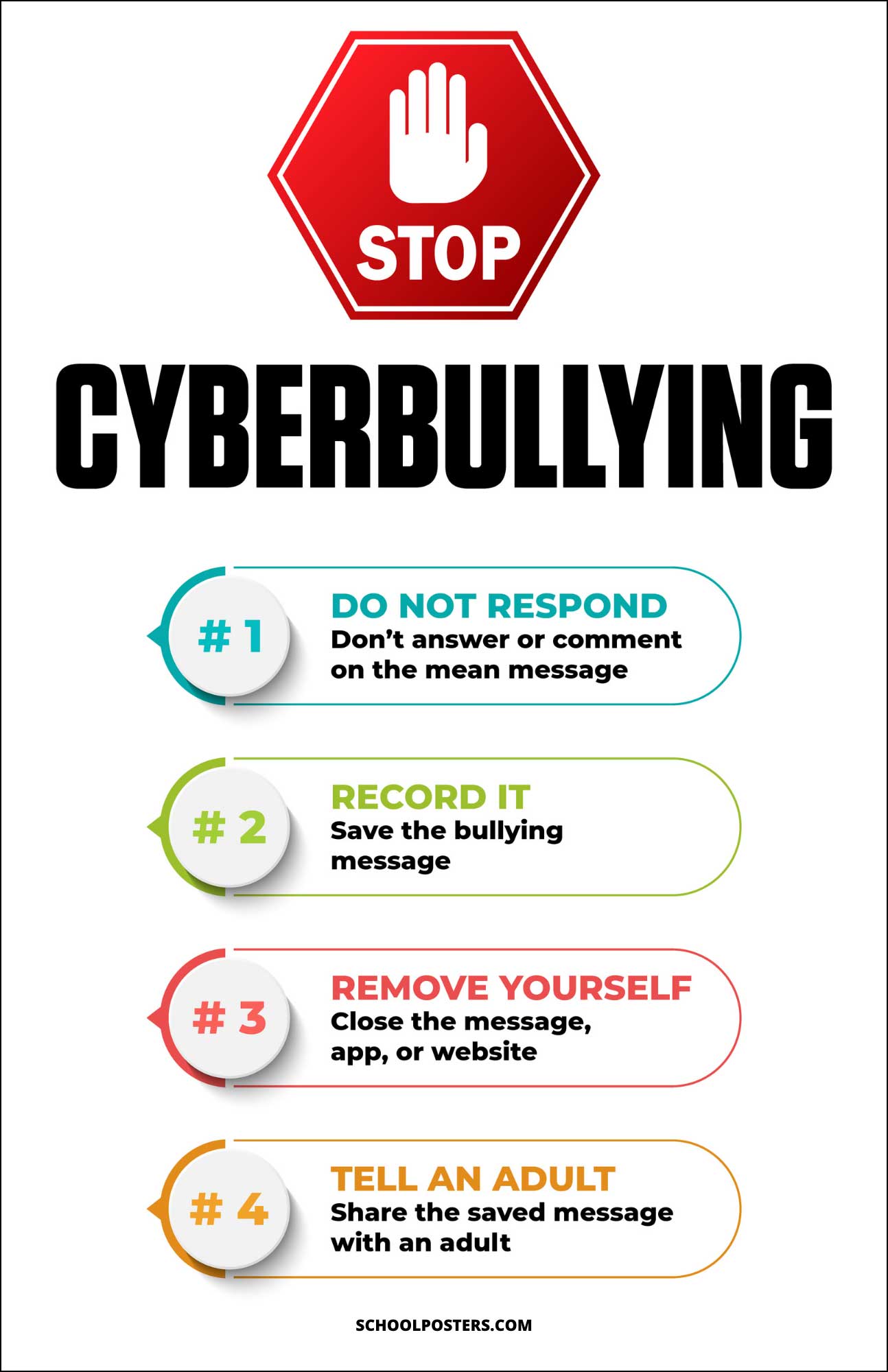
These thoughtfully designed prompts center around recognizing unkind online behavior, understanding the impact of digital words, and practicing constructive responses. It sounds simple, and that’s the point. Young learners often struggle to translate offline social rules into virtual spaces where facial expressions and vocal tones are missing. The questions guide children through identifying tricky online moments, distinguishing between playful teasing and persistent hurt, and remembering that keeping personal information private is a foundational shield. Furthermore, the resource reinforces the vital message that children are never in trouble for reporting something uncomfortable to a trusted adult. While no single activity guarantees complete digital safety, this tool acts as a scaffold for developing critical thinking skills.
Key Learning Outcomes
Working through these questions helps children practice specific social-emotional skills tailored to modern technology use. Here’s what makes this resource different: it shifts the focus from punitive rule-following to active problem-solving. Learners discover how to pause before sharing content, recognize the permanence of digital footprints, and build confidence in seeking help. According to Common Sense Media, children benefit immensely from structured guidance that empowers them to navigate digital dilemmas collaboratively rather than carrying the burden alone.
How to Use This Printable
Integrating these discussion prompts into daily routines works best when approached with curiosity rather than interrogation. School counselors can utilize the questions during small-group restorative sessions, while teachers might incorporate them into morning meeting discussions about classroom community guidelines. At home, caregivers can review a question during car rides or weekend dinners to normalize talking about online experiences. For more skill-building activities, educators often pair discussion guides with targeted Worksheets to reinforce comprehension through writing and reflection.
Practical Tips for Parents and Teachers
Adults play a pivotal role in establishing a non-judgmental environment where children feel safe admitting mistakes. Begin by exploring broader Internet and Digital Safety topics to establish a baseline of trust before tackling specific interpersonal conflicts. Listen actively when children share peer interactions, validating their feelings without immediately overreacting or banning devices. Establishing strong passwords and understanding privacy settings should be treated as routine maintenance, akin to buckling a seatbelt before a car ride.
Age-Appropriate Recommendations
Tailoring digital citizenship instruction to developmental stages ensures messages resonate effectively across the five-to-twelve age spectrum. Younger children need concrete examples focusing on kindness and sharing devices fairly, while older elementary students can explore nuanced concepts like digital footprints and bystander intervention. Aligning these conversations with the Common Sense Education Digital Citizenship Curriculum helps educators meet recognized benchmarks for media literacy and online safety. Children learn best when expectations evolve alongside their growing independence and expanding digital access.
According to Pew Research Center, a majority of teens and pre-teens experience some form of harassment or mean behavior in digital environments, highlighting the urgent need for early resilience training. — Pew Research Center
Frequently Asked Questions
Navigating digital citizenship resources is straightforward when clear guidance is available. Below are answers to common questions regarding downloading, printing, and implementing these conversation prompts in educational settings.
Explore More Free Kids Online Safety Printables
Expanding a digital citizenship library ensures children receive continuous reinforcement throughout the school year. Educators can discover creative ways to blend art and digital literacy by exploring these engaging Coloring Pages, which help younger students visualize positive online choices. For additional resources focused on interpersonal awareness and supportive communities, browsing the Online and Digital Safety section provides valuable materials for both classrooms and living rooms.
Developmental Milestone & Activity Table
| Development Stage | Recommended Daily Duration | Primary Learning Objective |
|---|---|---|
| Preschool & Pre-K | 10 – 15 Minutes | Pencil grip development & basic pre-stroke lines |
| Kindergarten | 15 – 20 Minutes | Letter/number formation & spatial line awareness |
| Early Elementary (Grade 1–2) | 20 – 30 Minutes | Fluency, sentence construction & neatness |
Images References