Why Body Safety Lessons Need Multi-Layered Digital Reinforcement
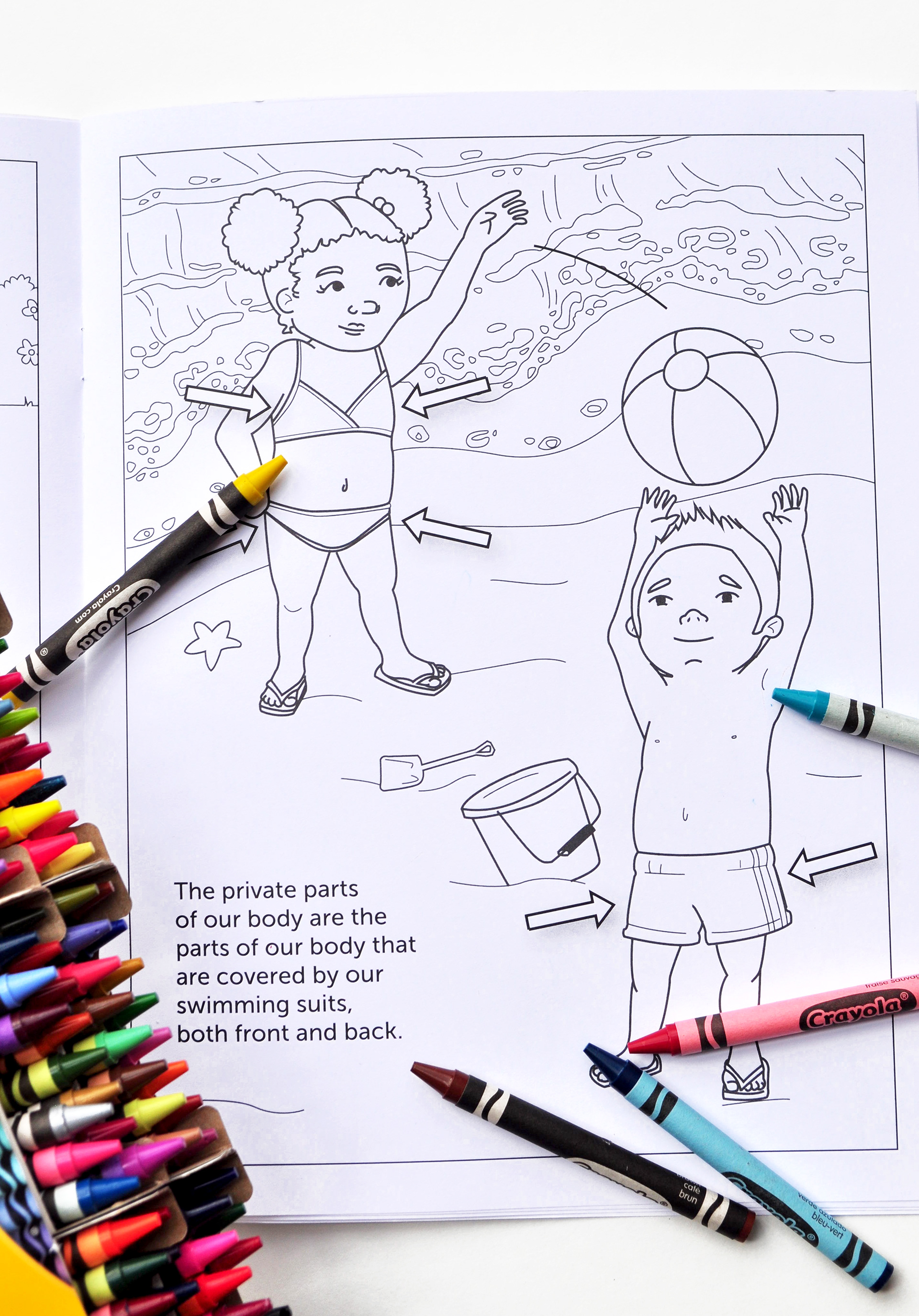
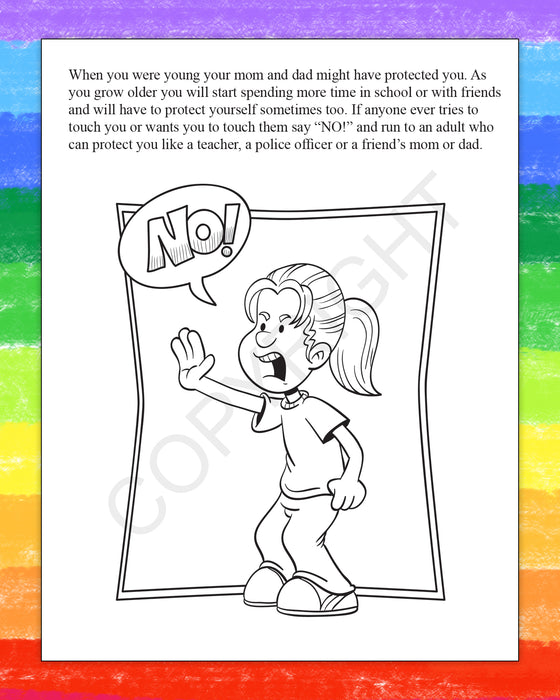
When educators and parents introduce body safety concepts, finding creative ways to help young children process and retain information is vital. A safe touch coloring page serves as a gentle, non-threatening medium to open up dialogue about boundaries, personal space, and trusted adults. However, as children increasingly access educational printables, coloring apps, and PDF worksheets through school-issued tablets and home devices, adults must blend offline lessons with proactive digital habits. Following guidance from organizations like ConnectSafely and the FTC regarding youth privacy, educators and families should ensure that the digital spaces children navigate while seeking learning resources remain secure, ad-free, and age-appropriate.
💡 Activity Key Takeaways:
- Core Focus: Printable Safe Touch Coloring Page designed for creative expression and fine-motor coordination.
- Target Scope: Ideal for toddlers, preschool, kindergarten, and classroom art activities.
- Best Recommendation: Use standard heavy printer paper (24–28 lb) or cardstock for vibrant results with crayons, colored pencils, or washable markers.
Technical Guardrails and Behavioral Cues for Youth Device Use
Young learners often encounter pop-up ads, unvetted third-party document hosting sites, or external video links while searching for educational printables online. To prevent accidental exposure to inappropriate content or data trackers, adults must implement strict technical controls across all student devices. Reviewing platform permissions, utilizing family-friendly search engines, and observing how children interact with online content helps catch potential risks early.
| Setting / Context | Common Vulnerability | Practical Safeguard |
|---|---|---|
| Home Tablets & Laptops | Unfiltered search engines exposing kids to adult pop-up ads when looking for safe touch coloring page PDFs. | Enable strict safe search filters, use kid-safe browsers, and bookmark pre-vetted educational websites. |
| School Chromebooks | Students bypassing district web filters via proxy extensions or shared external file-sharing links. | Rely on district-managed DNS filtering, restrict extension installations, and audit browser history regularly. |
| Interactive Apps & Games | In-app chat features or data collection forms embedded within free online coloring applications. | Block unauthorized app downloads, review privacy policies via FTC youth guidelines, and disable microtransactions. |
Establishing Confident Home and Classroom Safety Routines
Protecting children online and offline requires consistent, predictable habits rather than sudden crackdowns. In the classroom, teachers can integrate safety discussions directly into art and health units by utilizing approved Coloring Pages that reinforce bodily autonomy without overwhelming students. At home, families should establish central charging stations in common areas like the kitchen or living room, eliminating unsupervised nighttime device usage. When adults frame digital safety as a supportive skill rather than a punishment, children feel far more comfortable speaking up if they encounter something confusing or upsetting online. Utilizing structured Worksheets can further solidify these concepts through guided reflection and age-appropriate discussions.
Children are naturally resourceful and quick to find workarounds if they encounter overly restrictive digital blocks or intrusive surveillance. When adults respond to digital mistakes with anger or immediate device confiscation, children learn to hide their online activities rather than seeking help. Instead, pair technical filters with transparent conversations about why certain sites are blocked. If a student attempts to download unverified files or strays onto unsafe domains while looking for a safe touch coloring page, use the moment as a teachable interaction. Reiterate that they can always ask an adult for help finding clean, safe educational resources without fear of losing their tech privileges.
Frequently Asked Questions About Integrating Digital Safety and Body Boundaries
How can I ensure online printables and safety lessons are age-appropriate?
Look for materials produced by recognized child advocacy groups, school counselors, or public health educators. Always preview websites and PDF files on a secure device before handing a tablet or laptop over to a young child.
What should I do if my child stumbles across inappropriate content while searching for educational activities?
Stay calm, thank your child for being honest, and immediately close or block the window. Use the moment to review basic rules about what to do when something looks strange or scary online, reinforcing that it is never their fault.
Where can I find more resources on guiding young children through internet and physical safety?
Exploring specialized collections dedicated to Internet and Digital Safety provides adults with practical toolkits, conversation starters, and lesson plans tailored to K-12 students.
Explore More Digital Citizenship Resources
Empowering children to navigate both physical boundaries and digital spaces takes a unified community effort. Visit SafeWiredSchools.org to discover additional educator guides, parent toolkits, and interactive classroom materials designed to foster safe, confident digital citizens.
Printable Coloring Page Previews