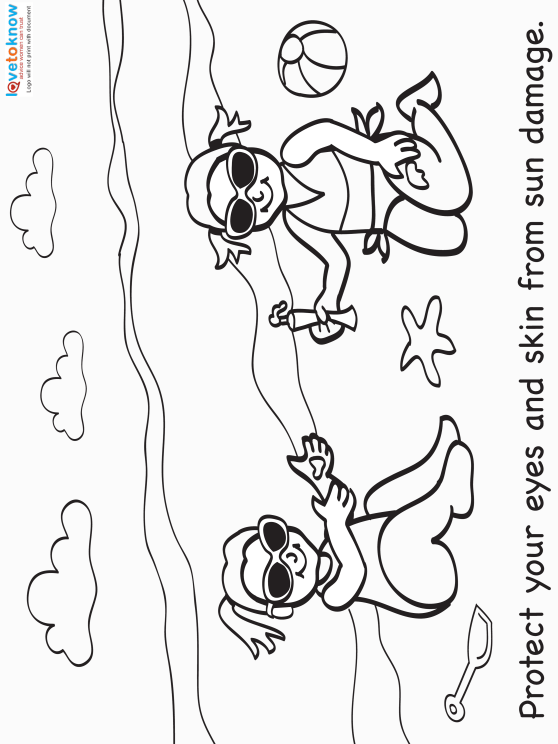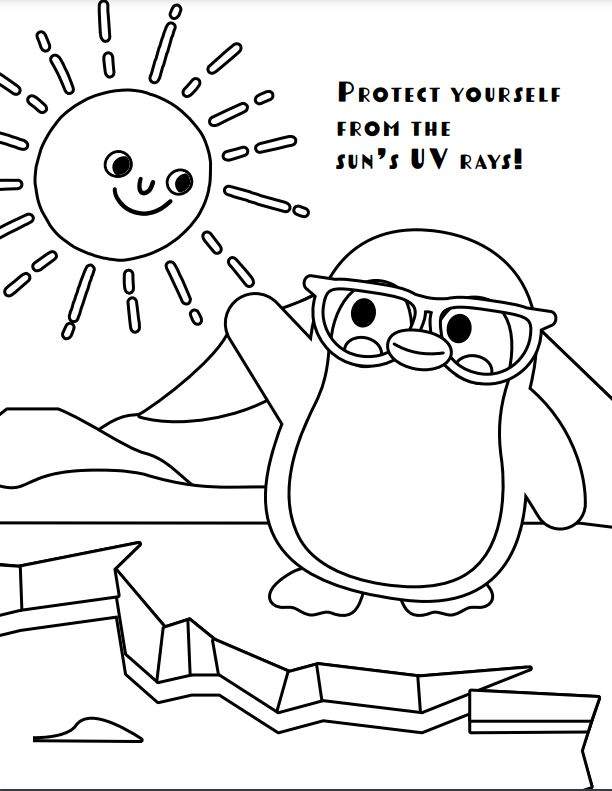
Why Integrating Creative Resources Like Be Safe In Thwe Sun Colouring Pictures Enhances Digital and Health Literacy
As students navigate a hybrid world of digital learning and outdoor play, educators and parents continually seek ways to blend offline health habits with online engagement. When children search for printable activities such as Be Safe In Thwe Sun Colouring Pictures, they frequently encounter unverified websites, intrusive pop-up advertisements, and hidden tracking scripts. Aligning with digital well-being guidance from organizations like ConnectSafely and the Federal Trade Commission (FTC), trusted adults must guide children toward safe domains. By turning a simple seasonal craft project into a lesson on digital navigation, schools and families can teach young learners how to recognize secure web environments, avoid malicious third-party redirects, and appreciate the value of staying safe under the sun.
💡 Educational Key Takeaways:
- Core Skill: Structured Be Safe In Thwe Sun Colouring Pictures focused on developing pencil grip, stroke control, and early literacy/math confidence.
- Target Scope: Suited for homeschoolers, preschool, kindergarten, and elementary learners.
- Best Recommendation: Practice 10–15 minutes daily with ergonomic writing tools to reinforce muscle memory without hand fatigue.
Assessing the Digital Risks of Downloading Free Activity Pages
Free printable repositories can inadvertently expose children to aggressive advertising, deceptive download buttons that install unnecessary software, and data-collection forms requesting personal information. To protect students whether they are searching on home laptops or school-issued tablets, adults need to audit the platforms hosting these activities. The table below outlines common digital vulnerabilities tied to casual web browsing for educational printables and details the practical guardrails you can put in place today. Related guide: Two Factor Authentication Coloring Page Kids.
| Setting / Context | Common Vulnerability | Practical Safeguard |
|---|---|---|
| Home Laptops & PCs | Malicious pop-ups and fake download buttons masking adware | Install reputable ad-blockers and configure browsers to ask before saving files. |
| School Chromebooks & Tablets | Unfiltered search engine results leading to commercial ad farms | Rely on district-vetted resource hubs and safe search configurations via Coloring Pages collections. |
| Interactive Chat & Sharing | Peer-to-peer file sharing links containing malicious payloads | Establish a rule that children only open files downloaded directly by a parent or teacher. |
Establishing Healthy Boundaries and Safe Web Routines for Young Learners
Protecting children online does not require locking every device away; rather, it involves establishing clear, predictable habits that make digital safety second nature. Start by curating a secure folder of pre-approved worksheets and creative prompts so students never have to navigate open search engines unsupervised. For educators designing lesson plans, integrate lessons from our Internet and Digital Safety modules right before launching an activity. Furthermore, ensure that downloading printables happens in shared family areas or monitored classrooms rather than behind closed doors. If a child encounters an unexpected pop-up, reassure them that they will not get into trouble for reporting it, reinforcing an open dialogue that aligns with CISA youth awareness recommendations.
Overcoming Student Workarounds and Managing Adult Hesitation
Children are naturally resourceful and may try to bypass web filters or search independently when they want specific creative content like Be Safe In Thwe Sun Colouring Pictures. Overly restrictive bans often drive this behavior underground, preventing kids from asking for help when a website looks suspicious. Instead of relying solely on technical roadblocks, pair your content filters with calm conversations about why certain sites are unsafe. Explain how advertisers track clicks or try to trick users into downloading unwanted files. When children understand the reasoning behind digital rules, they are far more likely to pause, consult an adult, and avoid accidental security breaches.
Frequently Asked Questions About Safe Online Content and Creative Printables
How can I ensure the websites my child visits for coloring sheets are secure?
Always look for HTTPS encryption in the URL and stick to established, ad-light educational platforms. Whenever possible, download the resources ahead of time so your child interacts with a local file rather than live web pages.
What should I do if a student accidentally clicks a malicious pop-up while looking for printables?
Stay calm and immediately close the browser tab without clicking on any prompts within the ad. Run a quick malware scan if necessary, and use the incident as a teachable moment to discuss digital red flags.
How do I balance creative autonomy with safe digital supervision for elementary students?
Provide a curated bookmark toolbar of safe, pre-vetted websites where children can freely choose their activities. This grants them a sense of independence while ensuring they remain inside a secure digital perimeter.
Explore More Digital Citizenship Resources
Empowering the next generation of digital citizens requires ongoing education, practical tools, and collaborative partnerships between home and school. Continue exploring our comprehensive guides, classroom activities, and safety tips by visiting SafeWiredSchools.org today.
Visual Reference Gallery