Why Creative Expression Strengthens Early Digital Citizenship
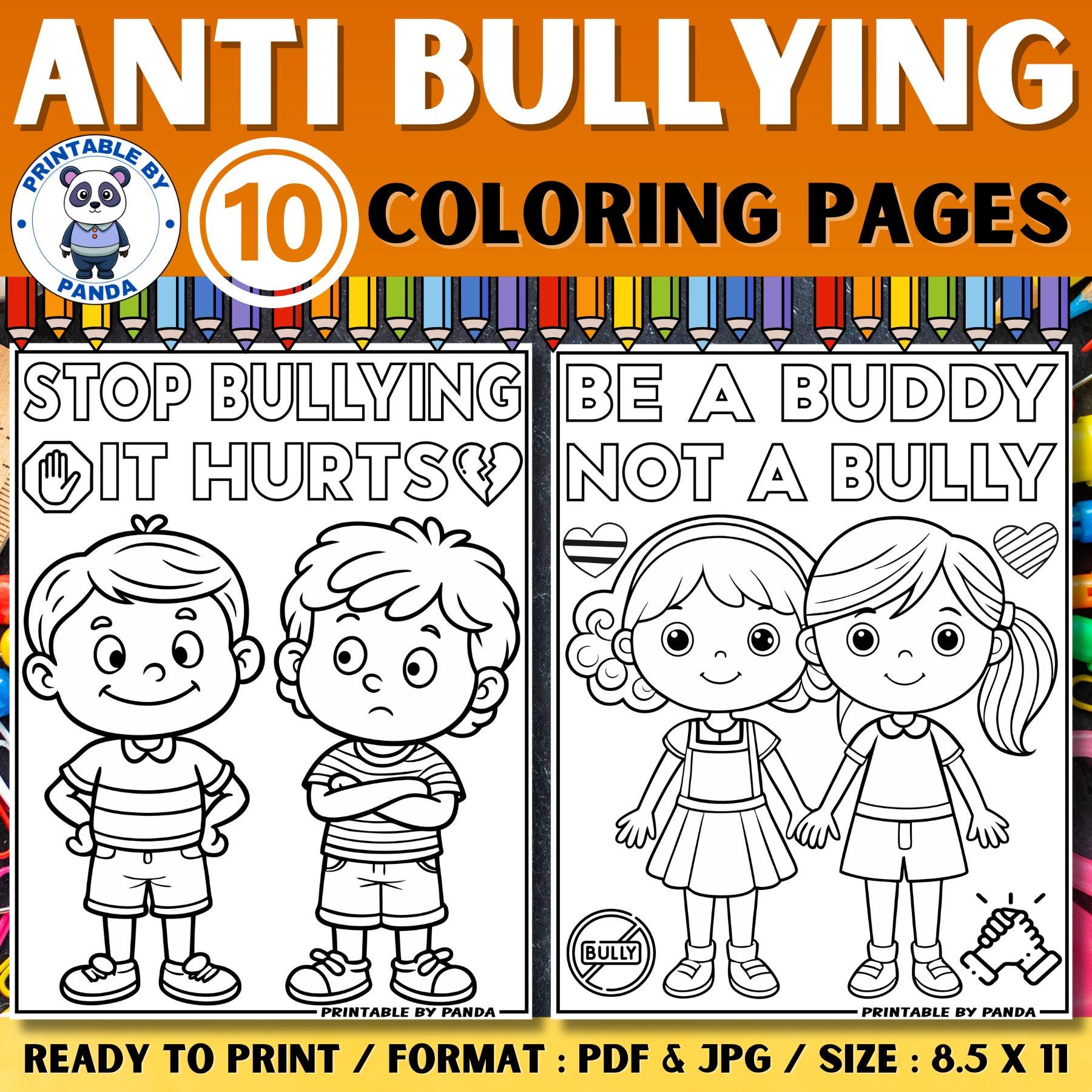
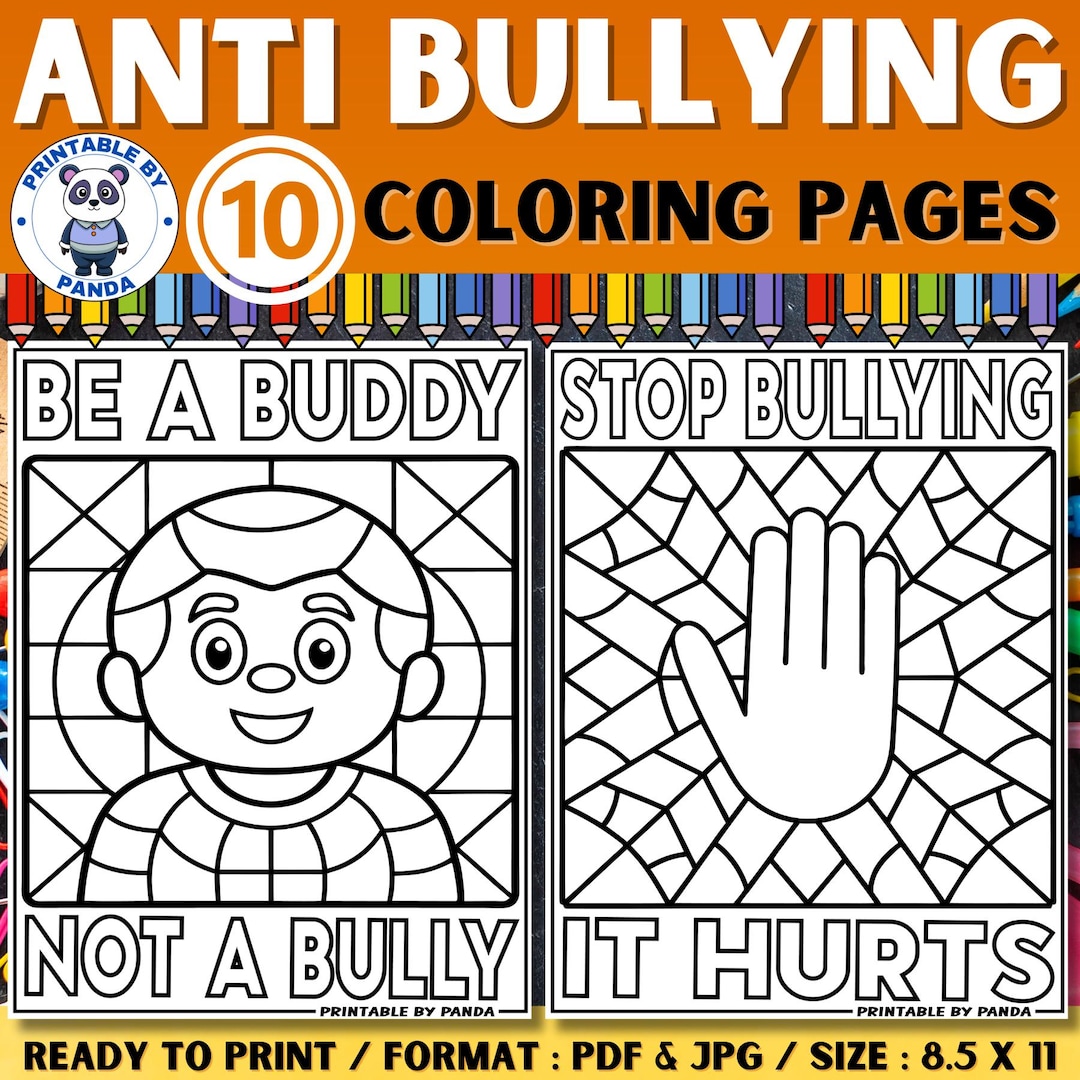
Introducing foundational internet safety concepts to younger students requires approaches that feel approachable, creative, and non-threatening. For elementary and middle school educators and parents, using free printable cyberbullying coloring sheets bridges the gap between complex digital concepts and tangible classroom activities. When children color scenes depicting kindness, inclusive online behavior, or reporting mean messages to a trusted adult, they process emotional responses far better than they would through a lecture alone. Guidance from organizations like ConnectSafely and the Family Online Safety Institute emphasizes that early digital literacy must pair open communication with engaging visual tools to help kids recognize harmful behavior before it escalates.
💡 Activity Key Takeaways:
- Core Focus: Printable Free Printablecyberbullying Coloring Sheets designed for creative expression and fine-motor coordination.
- Target Scope: Ideal for toddlers, preschool, kindergarten, and classroom art activities.
- Best Recommendation: Use standard heavy printer paper (24–28 lb) or cardstock for vibrant results with crayons, colored pencils, or washable markers.
Spotting Vulnerability Signals Across Home and School Environments
Digital risks manifest differently depending on whether children are browsing on shared family tablets, personal smartphones, or school-issued Chromebooks. Adults must look past technical filters to monitor behavioral and device-level warning signs. Reviewing settings, chat permissions, and social activity regularly allows parents and educators to catch early instances of exclusion or aggressive messaging. The following breakdown outlines common vulnerabilities across device ecosystems alongside practical safeguards you can implement today.
| Setting / Context | Common Vulnerability | Practical Safeguard |
|---|---|---|
| Home Tablets & Smartphones | Unmonitored direct message apps and hidden secondary profiles. | Establish a central family charging station outside bedrooms and turn on account notifications. |
| School Chromebooks & Laptops | Using shared document comments or collaborative school apps for peer teasing. | Review classroom acceptable use policies and ensure school-managed filtering covers peer-to-peer chat tools. |
| Online Gaming & Virtual Worlds | In-game text chat features lacking real-time moderation or reporting prompts. | Disable open voice and text chat features for younger children, and explore resources found in our Internet and Digital Safety category. |
Establishing Routines and Collaborative Safety Habits
Technical controls alone cannot stop online cruelty; they must be supported by consistent, predictable routines at home and in the classroom. Educators can anchor lessons using Worksheets that prompt kids to write down strategies for supporting classmates who experience exclusion online. At home, families should practice calm, non-punitive reporting workflows. When children know they can report mean behavior without losing device privileges, they are far more likely to speak up early. Implement screen-free evening wind-down times, encourage open-ended conversations about daily app usage, and display clear reminders of classroom rules regarding digital respect.
Overcoming Resistance and Managing Student Workarounds
Overly restrictive monitoring tools often backfire by driving kids to find secret workarounds, such as using alternative browser extensions or peer-to-peer sharing apps outside adult view. When parents or teachers clamp down too hard without explanation, children become fearful of reporting mistakes. Instead of punitive surveillance, pair age-appropriate device controls with guided discussions. If a student attempts to bypass a filter, use it as a teachable moment to discuss why the guardrail exists rather than immediately confiscating the device. Building mutual trust ensures kids feel safe coming to you when online interactions turn hostile.
Frequently Asked Questions About Digital Safety Resources
What age group benefits most from creative digital citizenship activities?
Children in kindergarten through fifth grade respond exceptionally well to visual exercises, coloring sheets, and guided storytelling. These creative activities lay a strong emotional foundation before they encounter complex social media dynamics in middle school.
How can teachers incorporate printable activities into a busy curriculum?
Teachers can use these sheets during homeroom, morning meetings, or digital citizenship week modules. They pair easily with short group discussions about online kindness, empathy, and what to do when someone is being left out.
Where can I find more resources on managing student screen time and privacy?
Explore our dedicated Online and Digital Safety section for comprehensive guides, device checklists, and educational tools designed for modern classrooms.
Explore More Digital Citizenship Resources
Equipping students with the emotional and technical skills to navigate the digital world safely is an ongoing partnership between educators and families. Visit SafeWiredSchools.org to access our full library of printables, educator guides, and expert-backed advice for building a safer online culture.
Printable Coloring Page Previews