Introduction
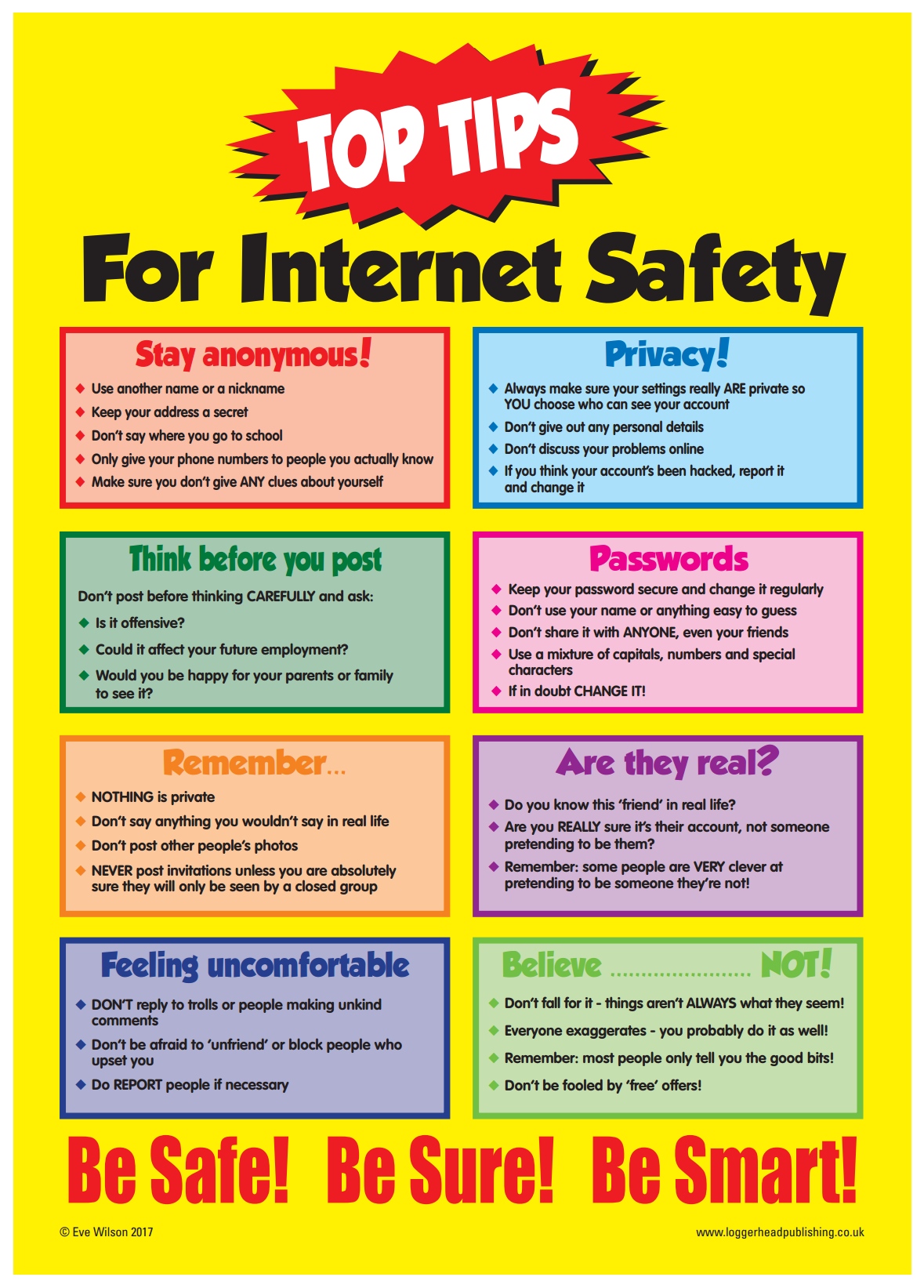
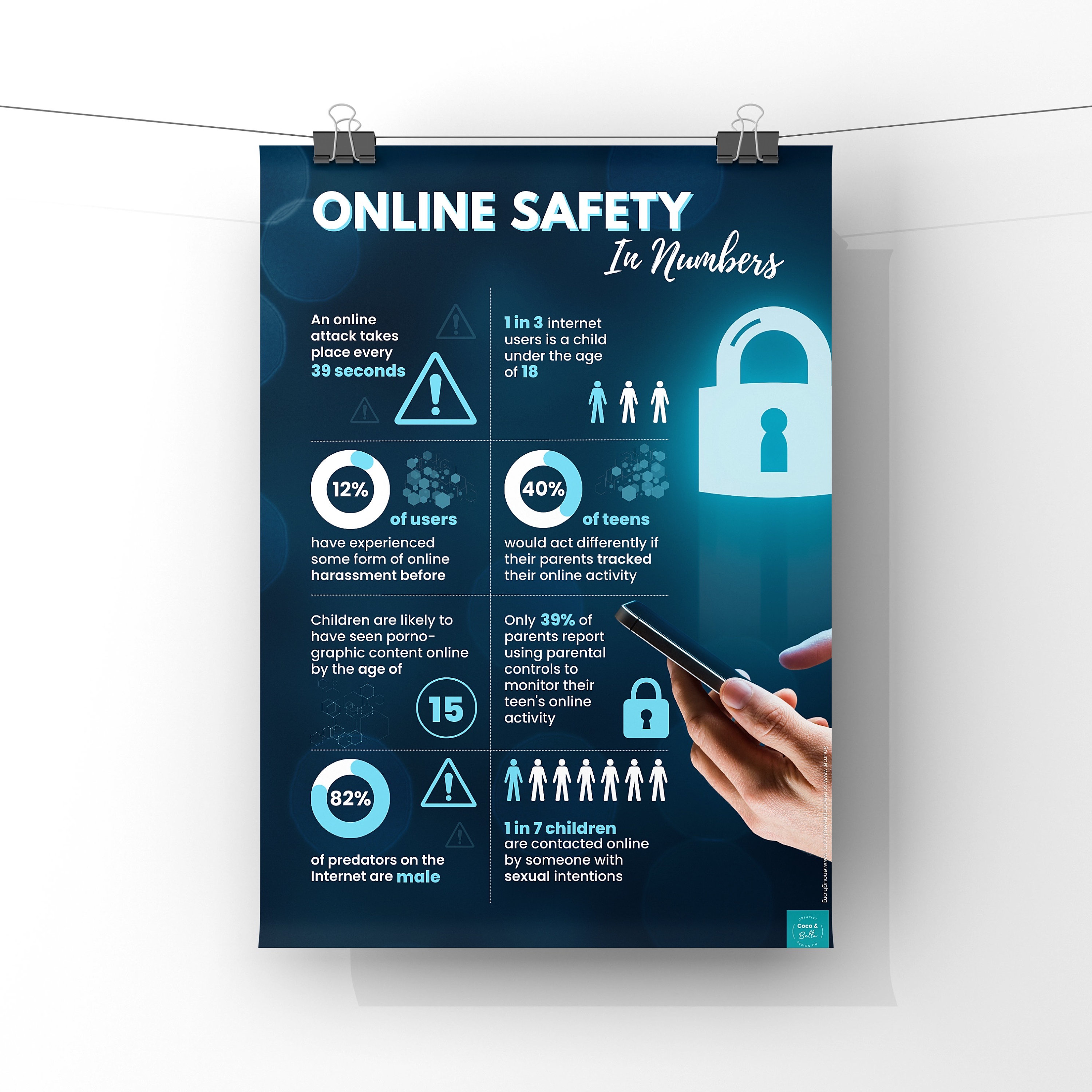
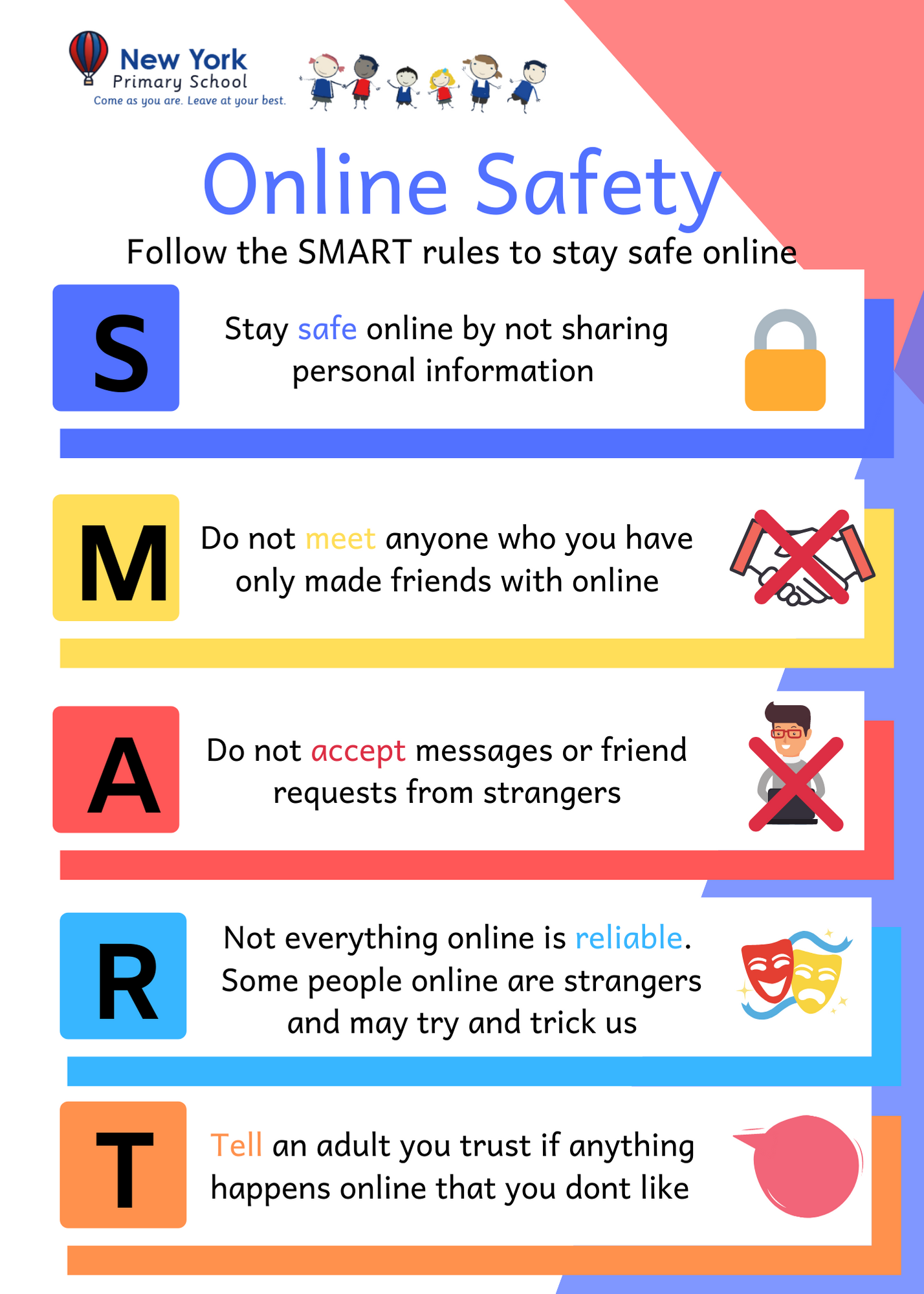
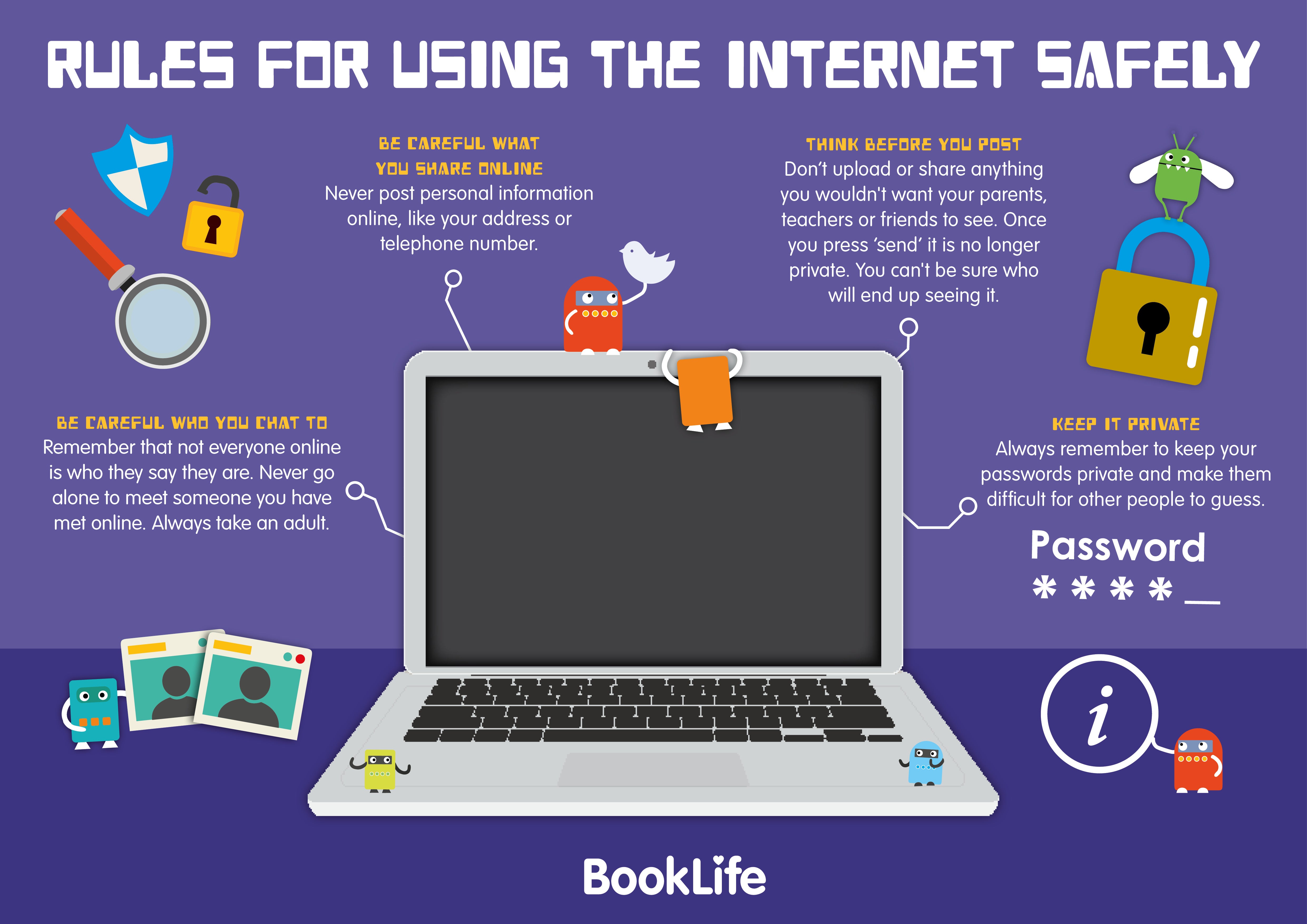
Online safety examples encompass practical, real-world behaviors that safeguard student data, protect mental health, and maintain digital wellbeing across school networks and personal devices. According to ConnectSafely, digital citizenship education must focus on actionable behaviors rather than fear-based restrictions to build resilient students. Educational communities require concrete models of device hygiene, constructive peer interaction, and privacy management to mitigate modern online vulnerabilities effectively. Educators, parents, and school administrators utilize these tangible examples to establish consistent digital safety boundaries both inside the classroom and at home.
Digital Safety Snapshot:
- Core Focus: Concrete online safety examples spanning school internet security, digital footprints, and device hygiene.
- Target Scope: Middle school students, classroom teachers, school administrators, and parents navigating institutional and personal tech use.
- Key Recommendation: Implement proactive password management, privacy settings enforcement, and screen balance routines daily.
Core Principles and Detailed Overview
School internet safety relies on understanding specific behavioral benchmarks across four distinct digital domains: network security, reputation management, interpersonal respect, and screen balance. Examining robust online safety examples clarifies what compliant, responsible digital citizenship looks like in daily practice. Students maintain secure environments by avoiding public Wi-Fi without virtual private networks, logging out of shared school terminals, and recognizing phishing attempts disguised as school portal updates. Furthermore, digital footprint awareness demands that minors evaluate how permanent a shared image or comment remains before publishing content online. When educational institutions integrate foundational concepts from Internet and Digital Safety modules, campus-wide compliance and student awareness improve dramatically.
Key Specifications and Breakdown
| Safety Pillar | Digital Risk Factor | Actionable Protective Habit |
|---|---|---|
| Device Hygiene | Malware injection and unauthorized account access | Use complex multi-word passphrases and log out immediately after terminal sessions. |
| Digital Footprint | Permanent public indexing of sensitive personal info | Review privacy settings weekly and restrict profile visibility to trusted peers only. |
| Cyberbullying Prevention | Anonymous harassment and hurtful digital communication | Document screenshots of abuse, block malicious contacts, and report incidents to trusted adults. |
Proactive mitigation of digital risks requires continuous dialogue, transparent reporting mechanisms, and structural implementation of safe browsing policies across all educational technology assets. — Cybersecurity & Infrastructure Security Agency (CISA)
Step-by-Step Practical Application and Guidelines
Applying online safety examples requires establishing standardized protocols for device handling, communication standards, and boundary management in school environments. Administrators deploy content filters and network monitoring tools, while teachers embed digital citizenship lessons into core curricula. Students practice safe habits by applying the pause-and-think method before forwarding messages, utilizing anonymous reporting channels for cyberbullying, and scheduling offline breaks to maintain classroom screen balance. Leveraging structured Worksheets reinforces these behavioral expectations through interactive scenarios and guided reflection exercises. Additionally, keeping hardware clean—such as updating operating systems and covering webcams when not in active academic use—prevents hardware hijacking and unauthorized surveillance.
Common Challenges and How to Avoid Them
Overconfidence in technical fluency often causes students and adults to overlook fundamental security vulnerabilities like weak passwords or unverified links. Addressing these gaps requires active identification of risky shortcuts, such as sharing school login credentials with peers or bypassing district content filters using unauthorized proxies. Educators counteract these issues by conducting regular audits of digital habits and substituting punitive measures with transparent educational remediation. Parents and teachers reinforce positive reinforcement frameworks to ensure students report accidental exposure to inappropriate content immediately rather than hiding mistakes out of fear.
💬 Frequently Asked Questions
Explore More Kids Safety and Digital Citizenship Guides on SafeWiredSchools
Comprehensive resources, interactive educational materials, and specialized pedagogical frameworks remain accessible through the complete Safe Wired Schools digital repository. Educators and parents seeking creative ways to engage younger learners can also explore printable Coloring Pages that introduce foundational safety concepts playfully and memorably.
Visual Reference Gallery