
Introduction
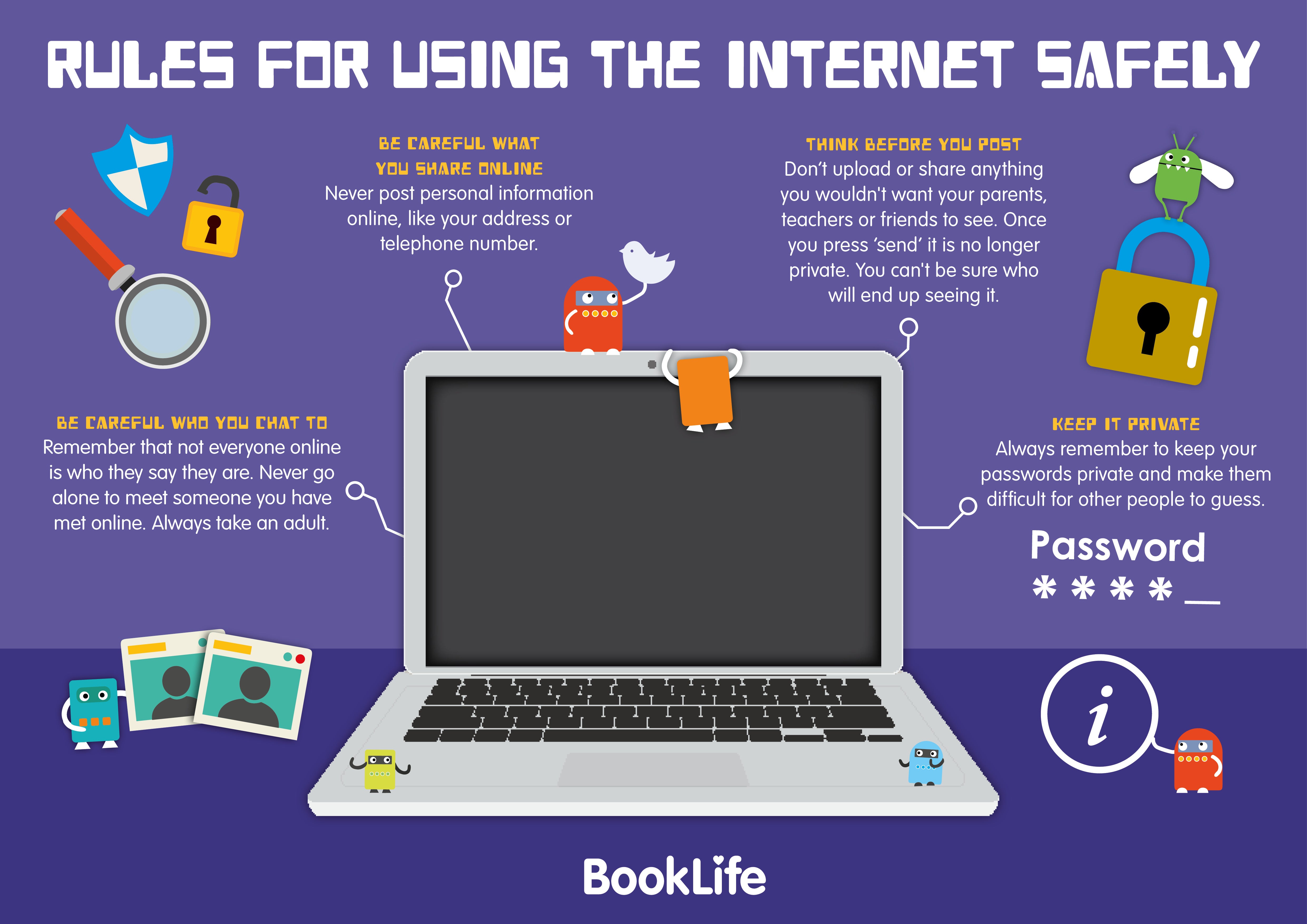
An online internet safety poster serves as a visual instructional tool deployed in educational environments to reinforce critical digital citizenship, cyber hygiene, and personal protection protocols among students. According to ConnectSafely, establishing clear visual reminders within school corridors and digital learning environments significantly enhances student awareness regarding online vulnerabilities and safe behavioral norms. Educational institutions utilize these graphics to bridge the gap between abstract cybersecurity policies and daily adolescent online habits. When integrated alongside comprehensive resources like Internet and Digital Safety modules, visual displays transform complex compliance mandates into accessible daily reminders.
Digital Safety Snapshot:
- Core Focus: An online internet safety poster acts as a persistent visual anchor for student digital boundaries, device hygiene, and respectful online communication.
- Target Scope: Middle school classrooms, computer labs, media centers, and home study areas where children access networked devices.
- Key Recommendation: Position visual safety reminders at eye-level near student device stations to maximize retention and reinforce daily safety routines.
Core Principles and Detailed Overview
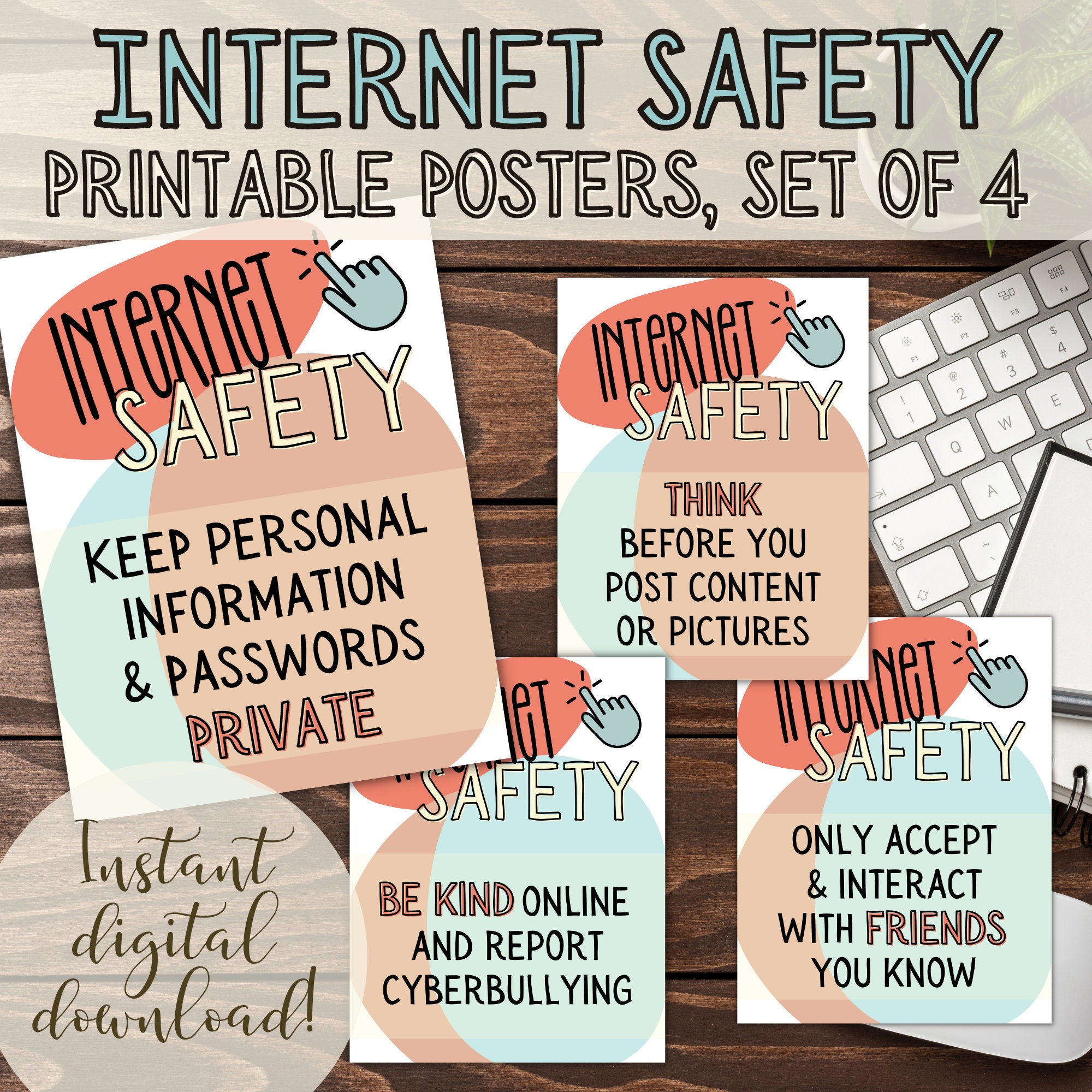
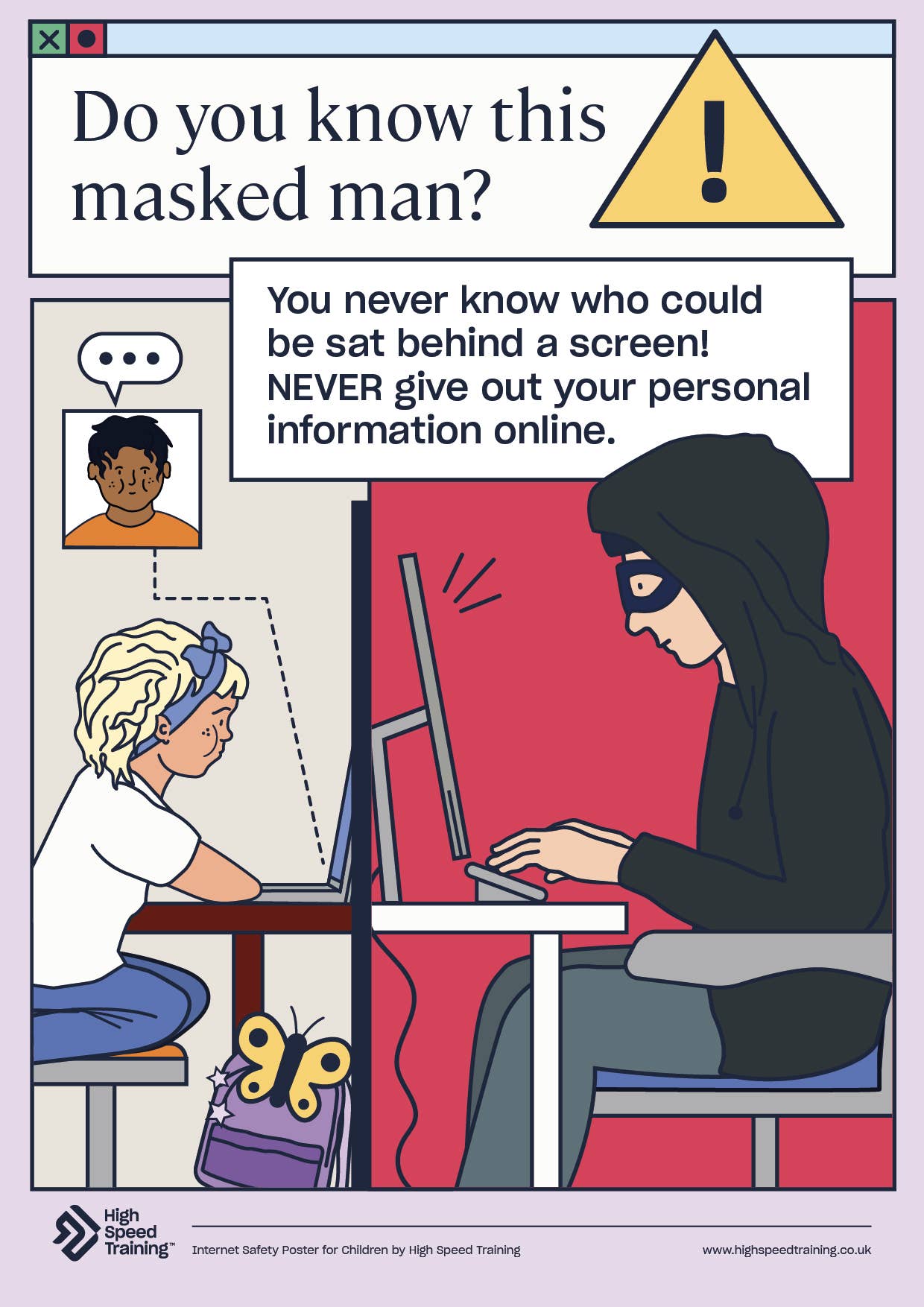
An effective online internet safety poster communicates complex cybersecurity and interpersonal concepts through concise, high-contrast typography and memorable iconography tailored to middle school learners. Educational designers structure these displays around five foundational pillars: digital footprint permanence, cyberbullying deterrence, secure password management, balanced screen utilization, and hardware device hygiene. By translating technical security guidelines into engaging visual prompts, schools empower adolescents to recognize predatory behaviors, manage online reputations, and uphold respectful discourse across collaborative platforms. Educators often pair physical displays with complementary Worksheets to test student comprehension and prompt reflective discussions on responsible network usage.
Key Specifications and Breakdown
| Safety Pillar | Digital Risk Factor | Actionable Protective Habit |
|---|---|---|
| Digital Footprint | Permanent archiving of regrettable posts | Evaluate public content permanence before publishing |
| Cyberbullying | Harassment and exclusionary behavior online | Block malicious accounts and report abusive interactions |
| Device Hygiene | Malware infiltration and credential theft | Log out of shared terminals and enforce strict passcodes |
Visual communication in educational settings measurably improves cognitive retention of security protocols and accelerates digital citizenship adoption among adolescents. — Cybersecurity & Infrastructure Security Agency (CISA)
Visual Reference Gallery




Step-by-Step Practical Application and Guidelines
Implementing an online internet safety poster successfully requires strategic physical placement, classroom integration, and regular curriculum alignment to prevent visual fatigue. School administrators must audit common student zones, selecting high-traffic corridors, library entrances, and computer laboratory walls where students naturally pause. Teachers should introduce the newly displayed safety graphics during homeroom advisory periods, facilitating brief discussions on current digital dilemmas such as phishing attempts or unauthorized screen sharing. To sustain engagement, schools can rotate specific thematic graphics each month—transitioning from privacy settings to respectful communication—ensuring students consistently encounter fresh, relevant protection strategies. Further supplementary exercises found under Online and Digital Safety provide excellent follow-up activities for reinforcing these campus-wide safety initiatives.
Common Challenges and How to Avoid Them
Preventing message obsolescence and student apathy represents the primary hurdle when deploying an online internet safety poster within dynamic educational environments. Educational displays frequently lose effectiveness if text density becomes too high or if safety rules fail to evolve alongside emerging adolescent social media platforms and communication apps. Administrators and educators overcome these obstacles by selecting minimalist designs that focus on universal behavioral boundaries rather than temporary software applications. Routine reviews involving student feedback committees also guarantee that visual messaging remains culturally relevant, engaging, and directly responsive to modern digital citizenship challenges.
Frequently Asked Questions
Where should an online internet safety poster be displayed for maximum student impact?
Strategic placement locations include middle school computer laboratories, media centers



