Why Visual Learning Guides Drive Better Digital Choices
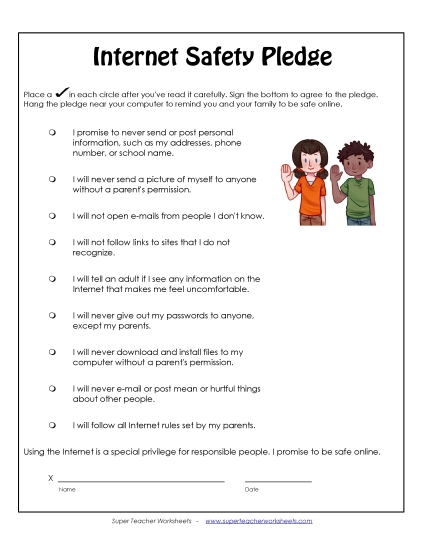
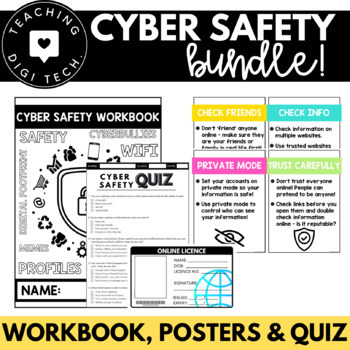
Translating complex cybersecurity guidelines into bite-sized visual formats helps children and teens internalize everyday digital protection habits. When parents and educators lean on a well-designed internet safety infographic, students can quickly grasp critical concepts like secure passwords, privacy settings, and respectful messaging. Organizations like ConnectSafely and the Cybersecurity and Infrastructure Security Agency emphasize that clear, student-friendly graphics reduce cognitive overload, making it much easier for K-12 learners to remember how to navigate online spaces safely and confidently. Related guide: Credible Sources For Kids.
💡 Educational Key Takeaways:
- Core Skill: Structured Internet Safety Infographic focused on developing pencil grip, stroke control, and early literacy/math confidence.
- Target Scope: Suited for homeschoolers, preschool, kindergarten, and elementary learners.
- Best Recommendation: Practice 10–15 minutes daily with ergonomic writing tools to reinforce muscle memory without hand fatigue.
Mapping Online Vulnerabilities to Everyday Digital Safeguards
Recognizing the gap between student online behavior and technical risk allows adults to intervene before minor digital mishaps escalate into serious safety concerns. Whether managing school-issued tablets or unmonitored home devices, understanding common digital vulnerabilities helps families and staff apply targeted protections without stifling student exploration.
| Setting / Context | Common Vulnerability | Practical Safeguard |
|---|---|---|
| Home Devices & Wi-Fi | Default router passwords and unrestricted late-night browsing access in bedrooms. | Enforce centralized charging stations outside bedrooms and update router credentials. |
| School Chromebooks & Tablets | Bypassing classroom browser extensions or accessing unauthorized proxy networks. | Regularly audit device logs through our Internet and Digital Safety tools and collaborate with IT staff. |
| Social & Chat Apps | Oversharing personal location data or accepting friend requests from unknown accounts. | Review privacy settings together and restrict profile visibility to approved contacts only. |
Establishing Clear Routines Across Classrooms and Living Rooms
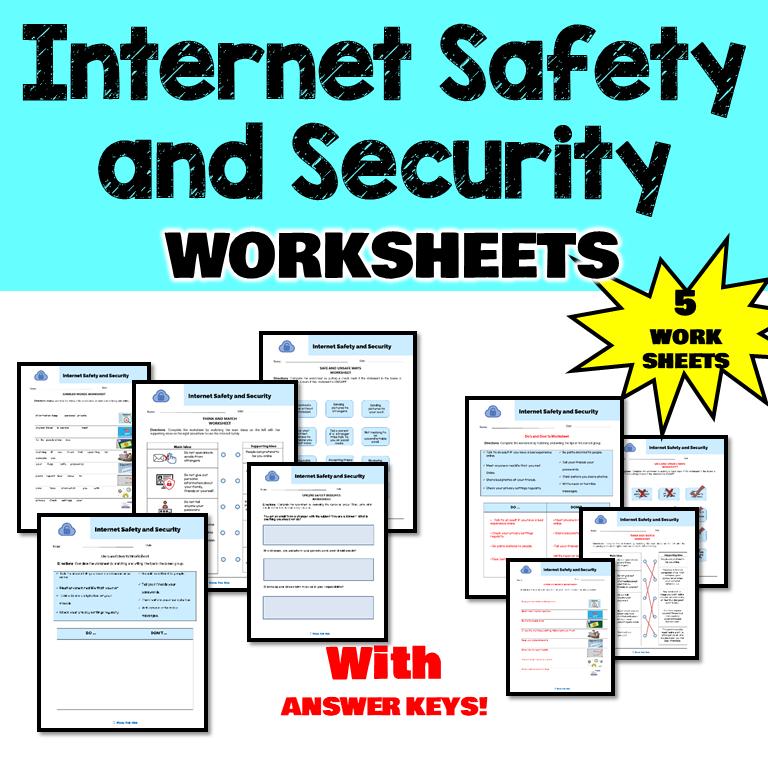
Consistency between school policies and home expectations is essential for reinforcing healthy digital citizenship. Educators and parents should collaborate to establish predictable routines, such as designating public charging zones overnight to curb sleep disruption and impulsive late-night messaging. Furthermore, teaching students a shame-free reporting workflow ensures that if they encounter cyberbullying, phishing links, or inappropriate content, they feel empowered to notify a trusted adult immediately. Integrating printable safety charts alongside our Worksheets collection gives students tangible reminders that reinforce good cyber hygiene every day.
Overcoming Student Workarounds and Algorithmic Pull
Heavy-handed restrictions and outright device bans often backfire by pushing tech-savvy students to find secretive workarounds, such as using hidden browser tabs or peer-to-peer file sharing apps. Instead of relying purely on restrictive software filters, adults must pair technical guardrails with calm, open-ended check-ins about algorithmic feeds and peer pressure. When students understand why certain safety settings exist—such as preventing data harvesting or avoiding targeted scams—they are far more likely to cooperate rather than look for loopholes.
Frequently Asked Questions About Visual Safety Tools
How can teachers effectively use an internet safety infographic in the classroom?
Teachers can display visual safety posters near student computer stations or incorporate infographics into introductory media literacy lessons. These graphics serve as quick reference points during computer lab sessions and spark engaging classroom discussions about digital footprints.
Are these visual resources appropriate for elementary and middle school students?
Yes, provided the imagery matches the developmental stage of the children. Younger students benefit from simple graphics focused on device handling and kindness, while middle schoolers need detailed visual cues regarding privacy settings, digital permanence, and identifying misinformation.
Where can I find more printable activities to reinforce these lessons?
To extend learning beyond digital screens, educators can explore our comprehensive Coloring Pages library designed to make digital safety concepts approachable for younger learners.
Continue Building Safer Digital Environments Together
Empowering children to become responsible digital citizens requires ongoing collaboration between educators, families, and communities. Discover more expert tips, printable guides, and curriculum strategies by visiting SafeWiredSchools.org to keep your students safe online.
Visual Reference Gallery