Why Body Boundaries and Digital Safety Belong Together in K-12 Classrooms
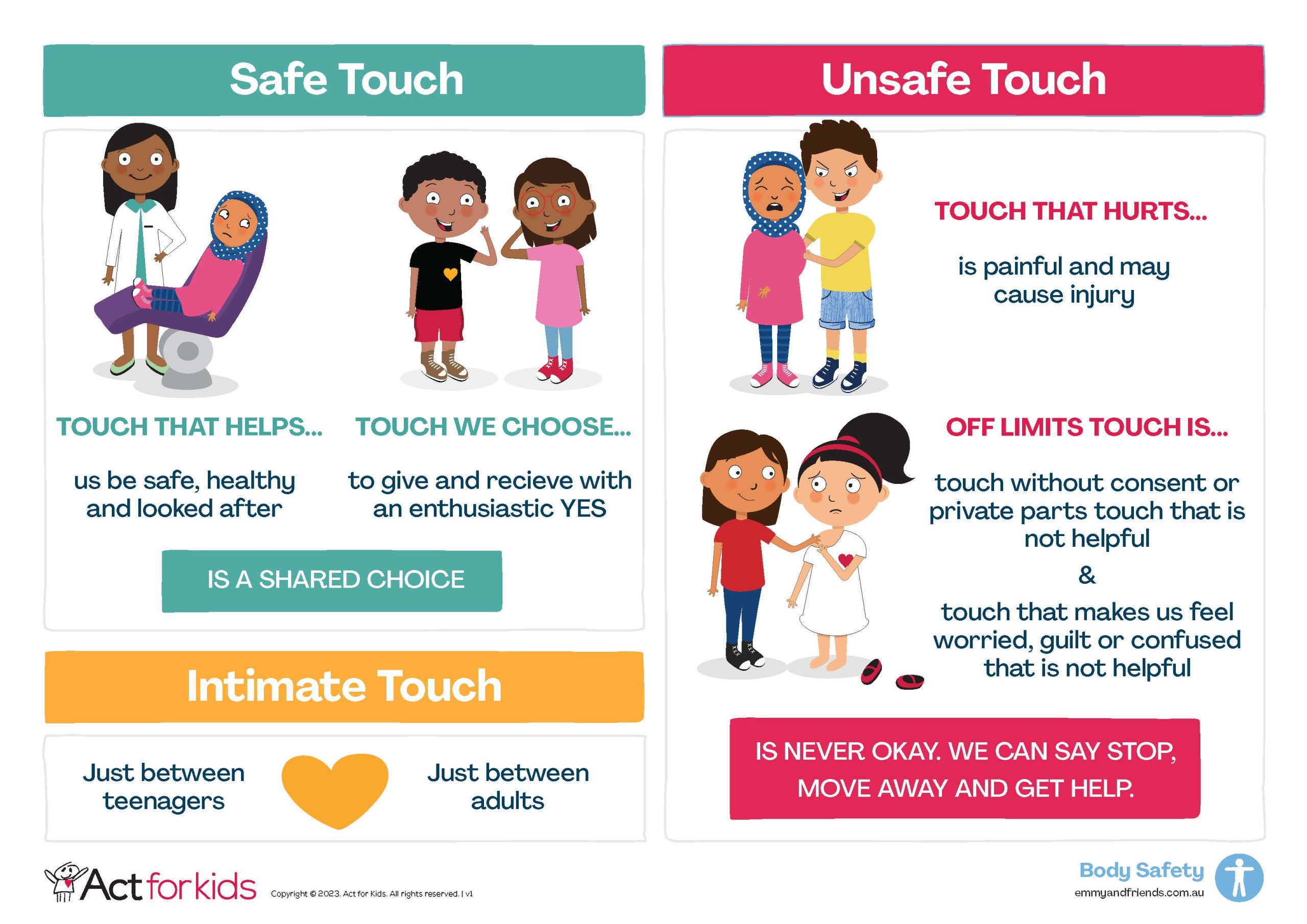
Teaching children how to navigate the physical world safely goes hand in hand with protecting them online. As kids spend more time on school Chromebooks, shared tablets, and gaming apps, educators and parents need holistic tools that bridge physical autonomy with digital wellbeing. Organizations like ConnectSafely emphasize that digital citizenship starts with foundational self-advocacy and understanding personal boundaries. Integrating physical safety lessons with digital guidelines helps students recognize inappropriate contact, whether it happens on a playground or inside a private chat window. Related guide: Internet Safety Checklist For Parents.
💡 Educational Key Takeaways:
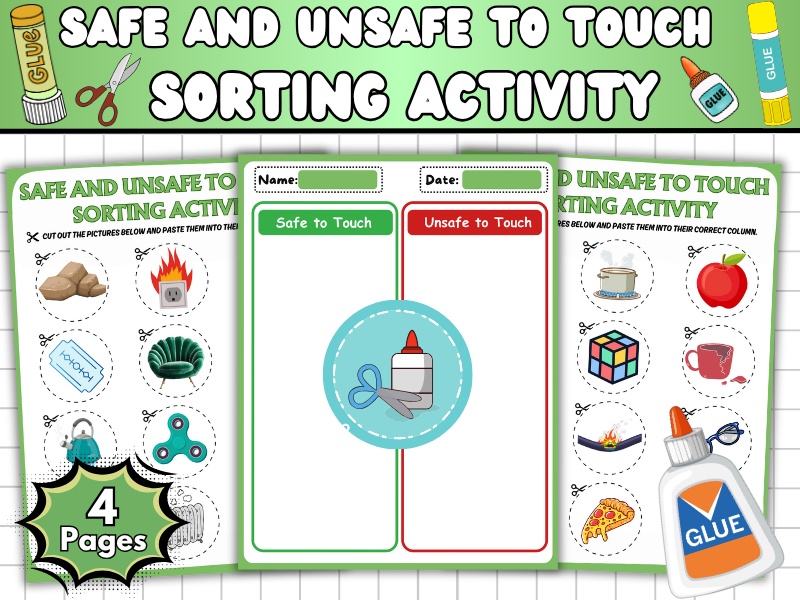
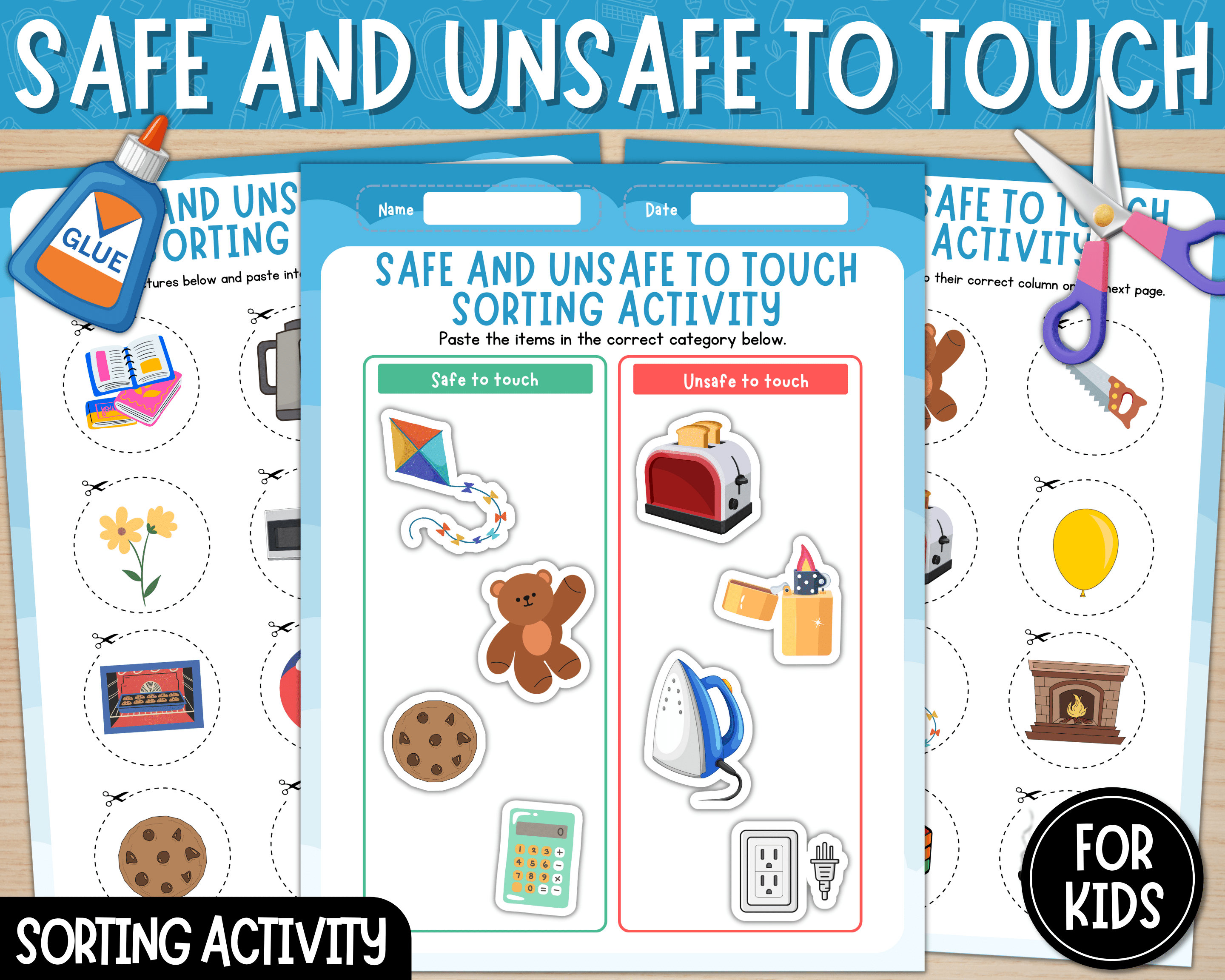
- Core Skill: Structured Safe Touch Unsafe Touch Worksheets focused on developing pencil grip, stroke control, and early literacy/math confidence.
- Target Scope: Suited for homeschoolers, preschool, kindergarten, and elementary learners.
- Best Recommendation: Practice 10–15 minutes daily with ergonomic writing tools to reinforce muscle memory without hand fatigue.
Recognizing Risk Signals Across School and Home Environments
Protecting children requires a clear-eyed look at where vulnerabilities hide across devices and everyday routines. Technical filters catch a lot, but human oversight remains the strongest shield. Reviewing common vulnerabilities across home networks and school devices helps adults apply practical safeguards before minor issues escalate into major safety concerns.
| Setting / Context | Common Vulnerability | Practical Safeguard |
|---|---|---|
| Home Devices | Unmonitored late-night browsing in bedrooms | Establish a central family charging station for all tablets and phones by 8:00 PM. |
| School Chromebooks | Direct messaging features in educational gaming apps | Audit classroom software and disable unvetted peer-to-peer chat plugins. |
| Social and Chat Habits | Sharing personal details or photos with unknown contacts | Use printable exercises like our Worksheets collection to role-play privacy rules. |
Building Practical Rules and Calm Daily Check-Ins
Consistency between school policies and home expectations is essential for student safety. When children see the same safety language repeated by teachers and parents, boundaries feel normal rather than punitive. Schools should communicate their acceptable use policies clearly, while parents can reinforce these lessons through calm, routine conversations. Pairing physical boundary concepts from Coloring Pages with daily check-ins creates an open environment where children feel safe reporting uncomfortable interactions. Establishing a no-blame reporting rule ensures kids come forward immediately if someone crosses a boundary online or offline.
Overly restrictive device bans often backfire by driving student activity underground. When kids feel tracked or micromanaged without explanation, they learn to bypass filters using incognito windows, proxy sites, or hidden apps. Instead of relying solely on heavy-handed technical blocks, adults should explain the reasoning behind digital rules. Aligning your approach with guidelines from the Cybersecurity and Infrastructure Security Agency regarding basic device hygiene helps students understand that privacy settings and boundary worksheets are tools for empowerment, not punishment.
Frequently Asked Questions About Body Boundaries and Digital Tools
At what age should we start using physical and digital safety printables?
Foundational concepts can be introduced as early as kindergarten using visual aids and coloring activities. As children grow into upper elementary and middle school, discussions should evolve to cover digital privacy, private chat requests, and peer pressure.
How do I handle a child who is hesitant to talk about online interactions?
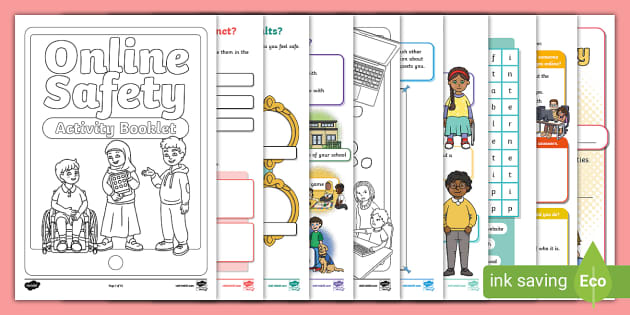
Avoid interrogation-style questions and instead use low-pressure prompts while side-by-side, such as during a car ride or craft activity. Reference scenarios from structured Internet and Digital Safety materials to make the conversation feel objective and less personal.
What should I do if a student reports an inappropriate online contact?
Stay calm, validate their courage for speaking up, and document the interaction by taking screenshots before blocking the account. Immediately report school-issued device breaches to district IT administrators and notify local law enforcement or cyber tip lines if a child’s safety is directly threatened.
Explore More Digital Citizenship Resources
Empowering students to navigate the modern digital landscape requires ongoing education, collaborative school policies, and open communication at home. Discover more expert guides, lesson plans, and protective strategies by visiting SafeWiredSchools.org to keep your community safe and informed.
Worksheet Previews & Reference Materials