Introduction
Digital citizenship week coloring pages free printables offer a welcoming entry point for teaching young children how to navigate technology responsibly. Long before children encounter complex online dilemmas, they develop fundamental habits through tactile learning and creative play. Classrooms and living rooms often buzz with tablets, shared household devices, and gaming consoles where children chat with peers during multiplayer sessions. These shared screens present daily moments where guidance matters immensely. Coloring acts as a powerful cognitive anchor. While crayons move across paper scenes depicting friendly robots and password shields, young minds absorb vital concepts about online kindness and privacy. It sounds simple, and that’s the point. Creative exercises remove the intimidation factor from internet safety, transforming abstract rules into approachable, colorful concepts that stick.
💡 Activity Key Takeaways:
- Core Focus: Printable Digital Citizenship Week Coloring Pages Free Printables designed for creative expression and fine-motor coordination.
- Target Scope: Ideal for toddlers, preschool, kindergarten, and classroom art activities.
- Best Recommendation: Use standard heavy printer paper (24–28 lb) or cardstock for vibrant results with crayons, colored pencils, or washable markers.
What This Printable Covers
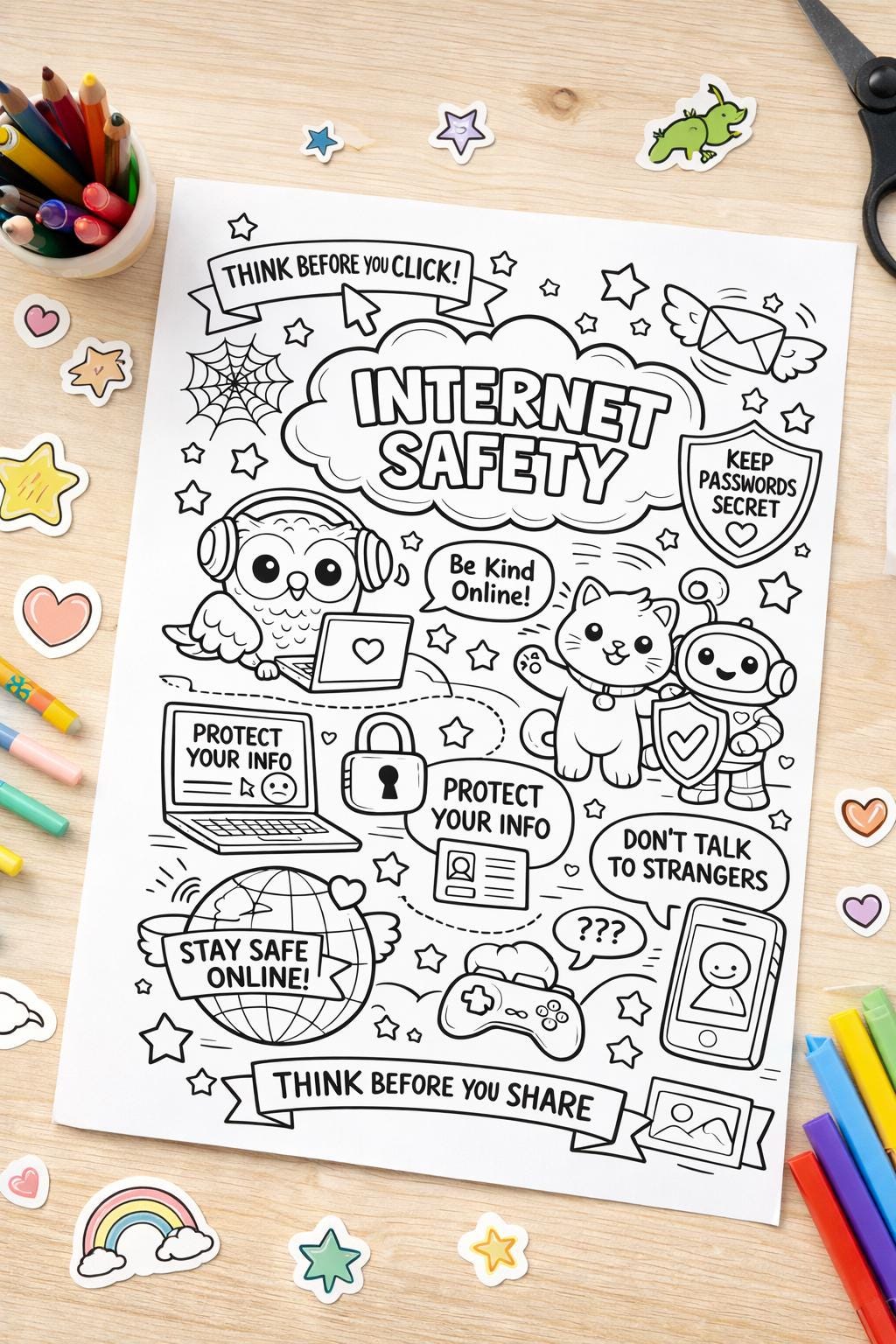
These coloring sheets address foundational safety habits through relatable visual metaphors. Children color scenes illustrating secure password creation, the importance of keeping personal details like home addresses private, and the golden rule of treating others nicely behind a screen. Furthermore, the illustrations highlight the comforting message that children are never in trouble for reporting something uncomfortable to a trusted adult. Modern children frequently stumble upon unexpected content or awkward in-game chat requests while sharing devices with siblings or parents. Equipping them with a visual reminder to pause and seek an adult creates a crucial safety net. Exploring additional Internet and Digital Safety tools expands these lessons even further, giving educators diverse ways to reinforce healthy screen habits.
Key Learning Outcomes
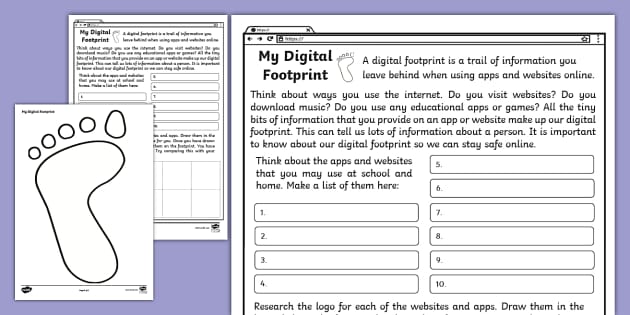
Working with these pages helps children recognize the permanence of digital footprints in an age-appropriate manner. Students learn to identify safe sharing practices, distinguishing between harmless fun and oversharing sensitive personal information. Another core outcome involves emotional awareness during screen time. Children discuss how words matter just as much online as they do on the playground, fostering empathy in digital spaces. Building these protective habits early ensures children view technology as a tool for creation and connection rather than a source of anxiety. Integrating complementary Worksheets provides structured follow-up activities that cement these vital lessons.
How to Use This Printable
Facilitators can easily integrate these pages into morning meeting routines, art stations, or quiet afternoon homeschool blocks. Here’s what makes this resource different: it shifts the dynamic from a stern lecture to an open, creative dialogue. Instead of handing down strict edicts, adults sit beside children with crayons in hand, asking open-ended questions about the pictures. What does the friendly superhero on the page do when a strange pop-up appears? How does the robot character protect its secret password? These prompts invite children to articulate safety rules in their own words. Establishing this low-stress environment builds trust so children feel comfortable speaking up when something feels confusing online.
Practical Tips for Parents and Teachers
Patience and consistency remain the bedrock of effective digital citizenship education. Adults should normalize talking about technology choices casually, just as they discuss bicycle helmets or street safety. Displaying completed artwork on a classroom bulletin board or refrigerator keeps these protective habits visible day after day. According to Common Sense Media, children benefit tremendously when parents and educators model balanced device use and maintain open channels of communication about digital experiences. Pairing these creative exercises with targeted Online and Digital Safety discussions ensures that the concepts transition smoothly from paper to actual tablet and computer use.
Age-Appropriate Recommendations
Children aged five through seven focus best on basic physical safety rules, such as asking permission before downloading apps and keeping personal names private. Educators working with this younger tier can ground their lessons in the Common Sense Education Digital Citizenship Curriculum framework, emphasizing foundational concepts like self-image and digital footprint. Older elementary students aged eight through twelve engage more deeply with concepts of cyberbullying prevention, respectful communication, and critical thinking regarding online sources. Tailoring the conversation to the developmental stage prevents overwhelming young minds while still imparting life-saving digital literacy skills.
Young children frequently encounter digital environments through shared family devices, making early foundational conversations about privacy and trusted adults essential for safe navigation. — Pew Research Center
Frequently Asked Questions
Addressing common inquiries helps educators and families maximize the impact of these educational tools. The answers below provide quick guidance on accessing, printing, and utilizing these creative safety resources effectively.
Explore More Free Kids Online Safety Printables
Expanding a digital citizenship curriculum requires a diverse toolkit of engaging materials. Beyond basic coloring sheets, educators can explore various Coloring Pages tailored to different aspects of modern technology use. Combining visual art with interactive discussions empowers the younger generation to become confident, resilient, and kind digital citizens.
Key Specifications & Age-Group Overview
| Age / Grade Group | Target Skill Focus | Recommended Medium |
|---|---|---|
| Toddlers (Ages 2–4) | Hand-eye coordination & broad motor grasp | Jumbo crayons & washable finger paints |
| Early Elementary (Ages 5–7) | Line boundaries & fine pencil control | Standard colored pencils & fine-tip markers |
| Intermediate (Ages 8+) | Color blending, shading & artistic patience | Watercolor pencils, gel pens & dual-brush markers |
Images References