Introduction
Children today navigate a complex landscape that extends far beyond the physical neighborhood and straight into virtual spaces. While learning to ride a bicycle remains a classic childhood milestone involving helmets, knee pads, and sidewalk rules, modern youth face parallel navigation challenges on shared family tablets, in-game chat features, and popular video platforms. Adults often compartmentalize physical protection and digital citizenship, yet the cognitive pathways for building safe habits remain remarkably similar. Coloring pages offer a bridge between tactile creativity and crucial safety dialogues. It sounds simple, and that’s the point. Engaging fine motor skills while discussing rules lowers anxiety and opens minds to vital concepts. Resources found on {site_name} provide educators and caregivers with structured tools to initiate these conversations naturally, transforming abstract protective habits into tangible, everyday choices.
💡 Educational Key Takeaways:
- Core Skill: Structured Bike Safety Colour In focused on developing pencil grip, stroke control, and early literacy/math confidence.
- Target Scope: Suited for homeschoolers, preschool, kindergarten, and elementary learners.
- Best Recommendation: Practice 10–15 minutes daily with ergonomic writing tools to reinforce muscle memory without hand fatigue.
What This Printable Covers
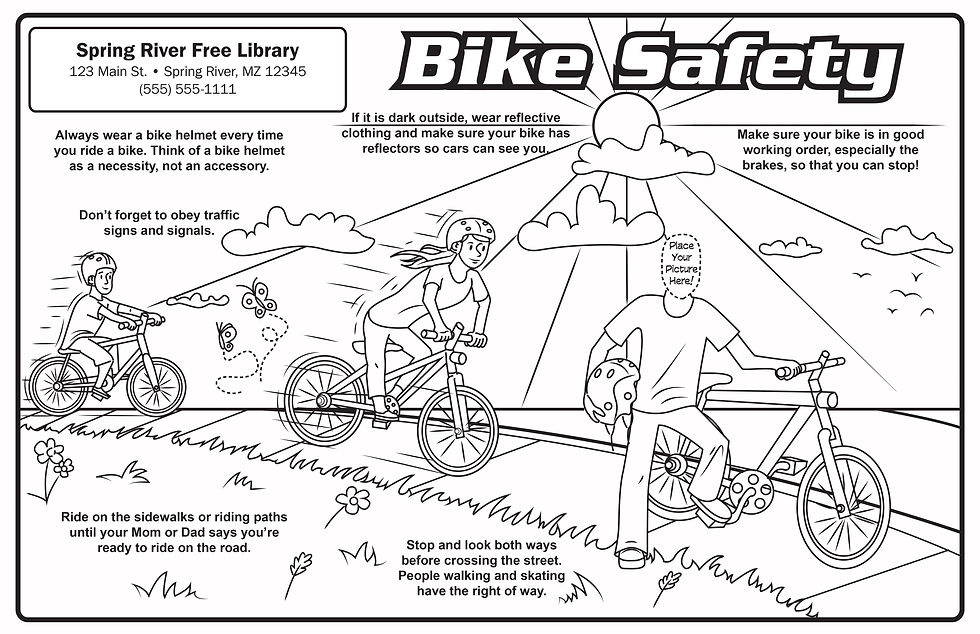
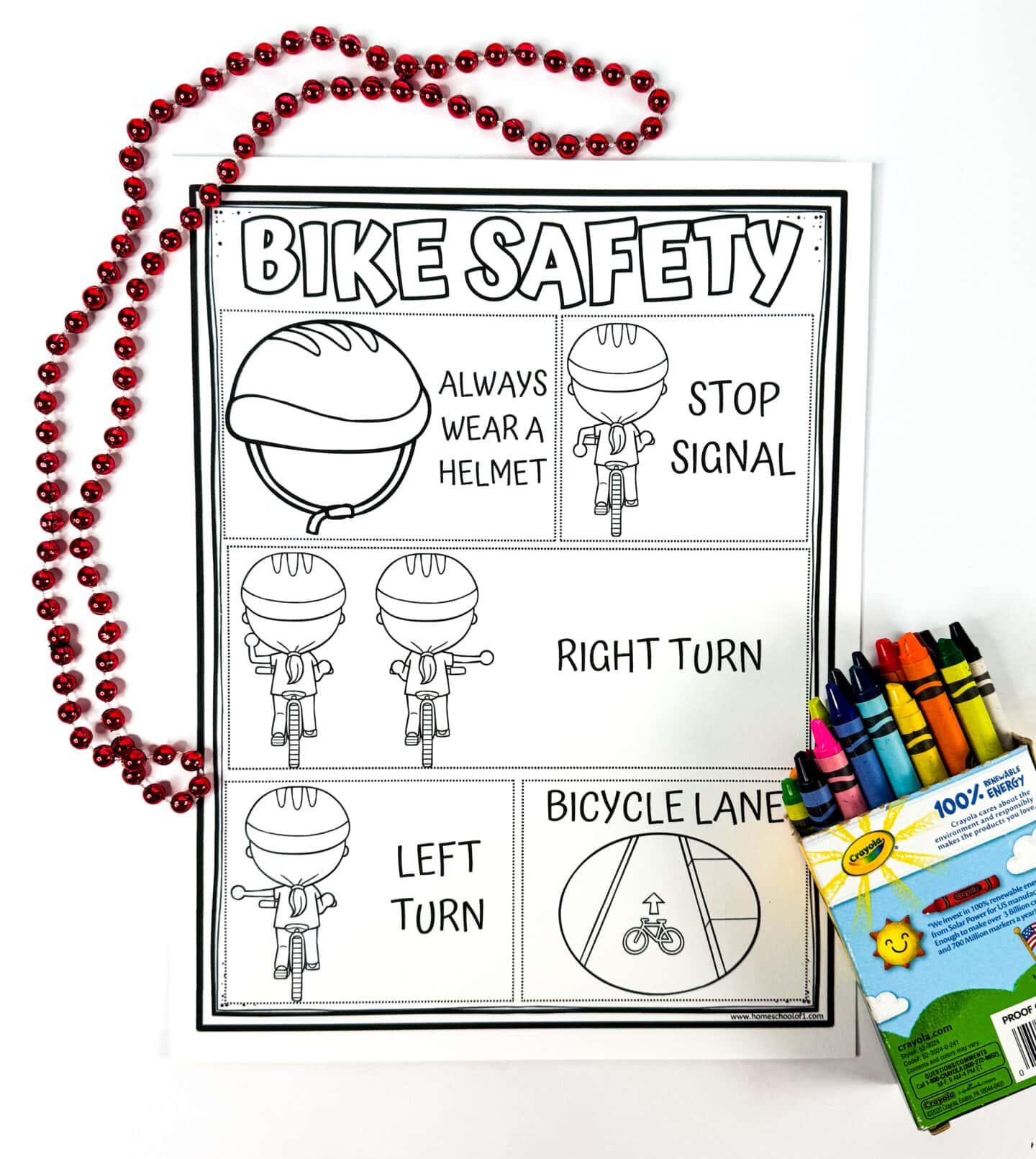
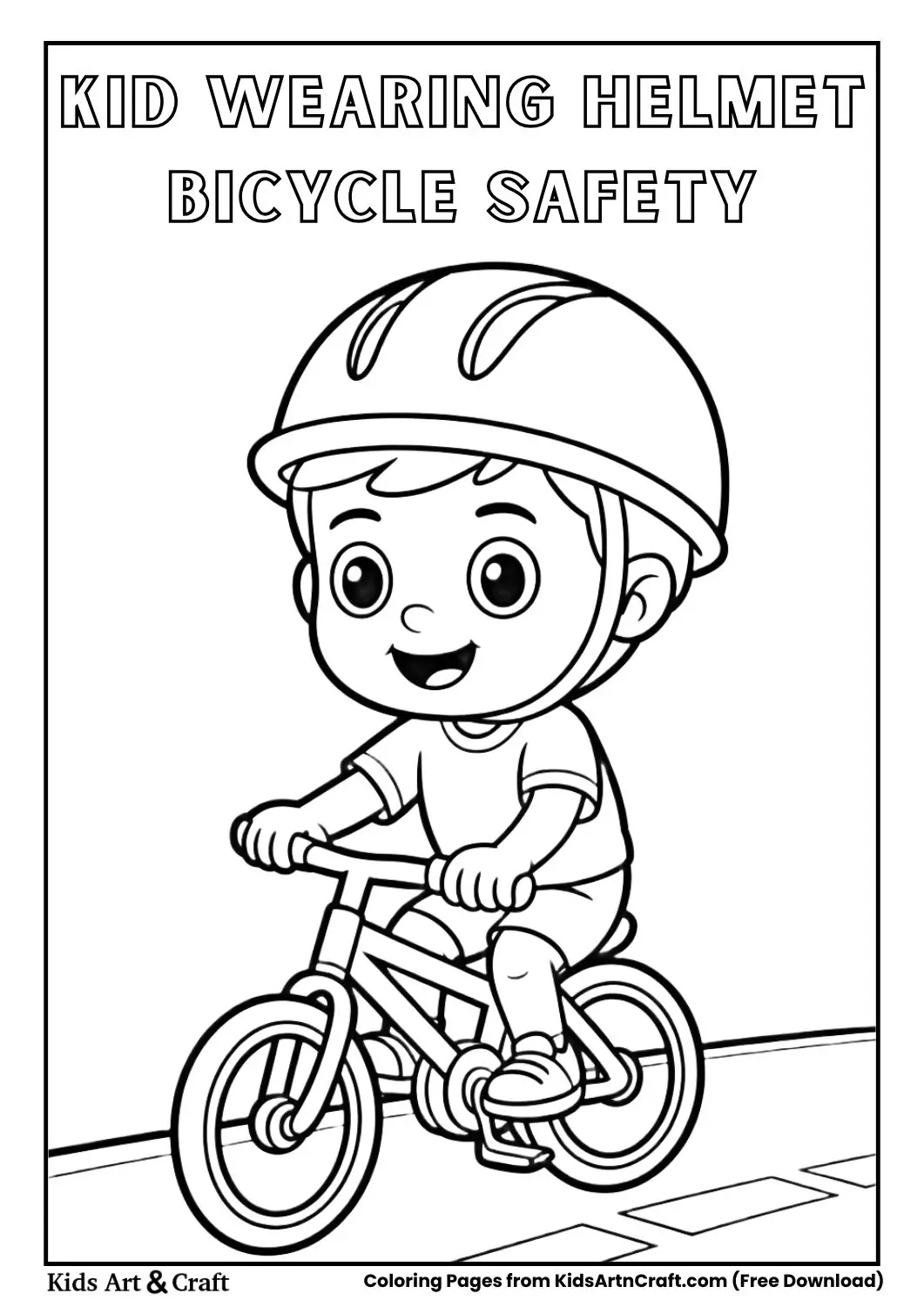
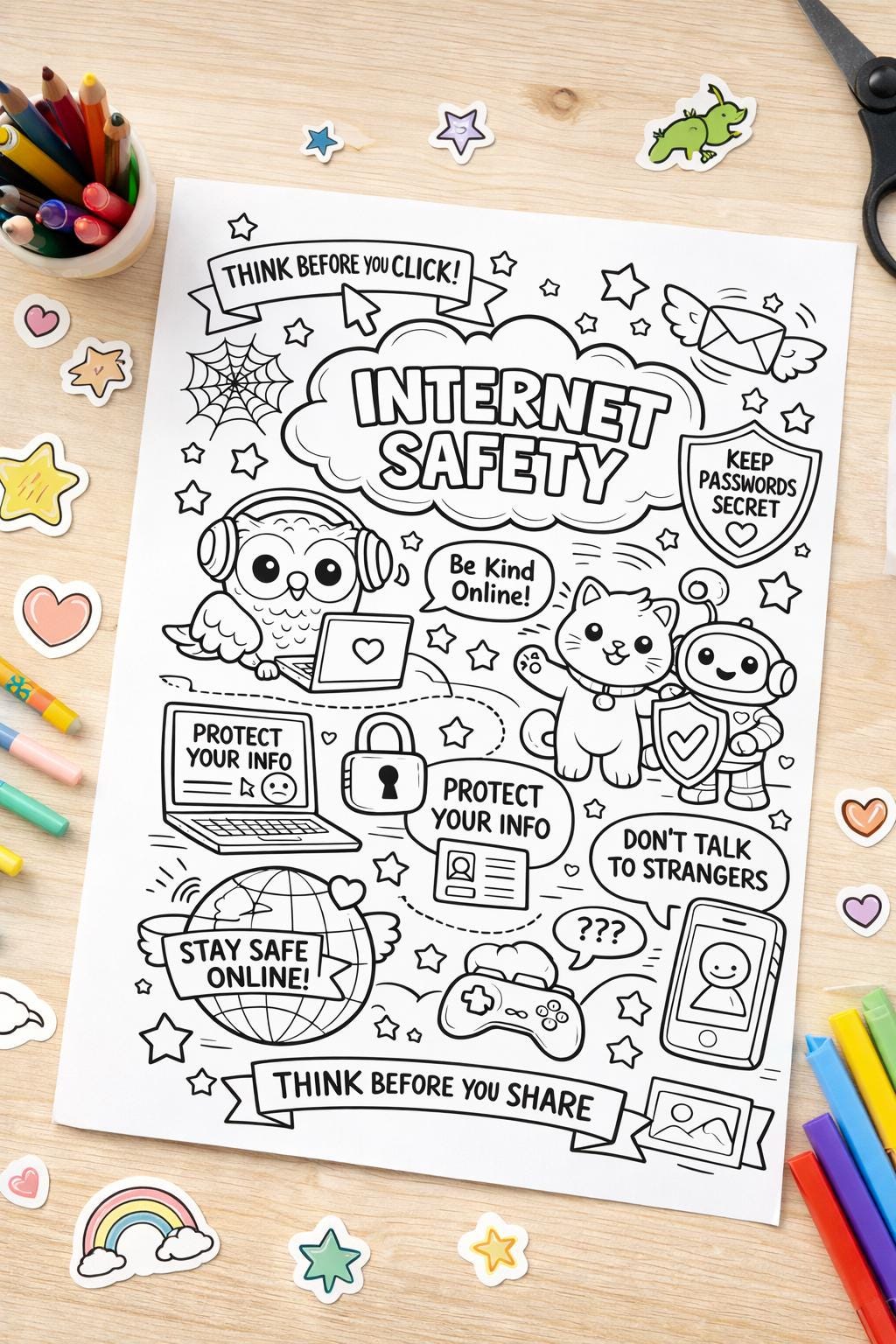
The free printable bike safety colour in resource visually outlines fundamental preparation rules that every young explorer needs before embarking on a journey, whether rolling down the driveway or logging onto a multiplayer network. Children color in essential protective gear while discussing parallel internet rules, such as equipping devices with privacy settings and wearing metaphorical digital helmets of caution. Coloring reinforces safety messages because the physical act of shading engages the brain’s visual and tactile memory centers without inducing fear. Instead of lecturing about unseen dangers, adults can sit alongside children and chat about how checking brakes mirrors checking app permissions. This approach turns a quiet craft time into an interactive workshop on personal agency and self-protection.
Key Learning Outcomes
Working through this creative activity helps young learners identify protective gear, recognize warning signs of unsafe situations, and understand the importance of adult guidance. According to the Pew Research Center, a vast majority of children access connected devices regularly, making early habit-building an absolute necessity for modern households. Children learn that stopping at a digital crosswalk means pausing before sharing personal information, downloading unverified files, or talking to strangers in chat rooms. Furthermore, the activity reinforces the comforting absolute rule that children are never in trouble for reporting something uncomfortable to a trusted adult, whether that discomfort stems from a scraped knee on the pavement or an unsettling message on a screen.
How to Use This Printable
Facilitators can introduce the coloring page during a quiet afternoon at home, a rainy morning in the classroom, or an advisory period in a school counseling office. Setting out crayons, markers, or colored pencils invites children to sit down and focus without feeling interrogated. Here’s what makes this resource different: it relies on metaphor rather than frightening warnings to teach digital boundaries. As children shade in the bicycle wheels and handlebars, adults can ask open-ended questions about who helps them stay safe online and offline. Additional exercises and extension ideas are available through educational worksheets designed to deepen comprehension through guided inquiry.
Practical Tips for Parents and Teachers
Maximizing the educational value of any creative activity requires patience, listening skills, and consistency. Avoid rushing the coloring process; let children linger on specific details and guide the conversation at their own pace. When a child asks a question about why certain online spaces require parental permission, use the bicycle helmet analogy to explain that protective gear keeps the mind and reputation safe from harm. Pairing this activity with related lessons from internet and digital safety categories ensures that children receive a well-rounded foundation in responsible technology use.
Age-Appropriate Recommendations
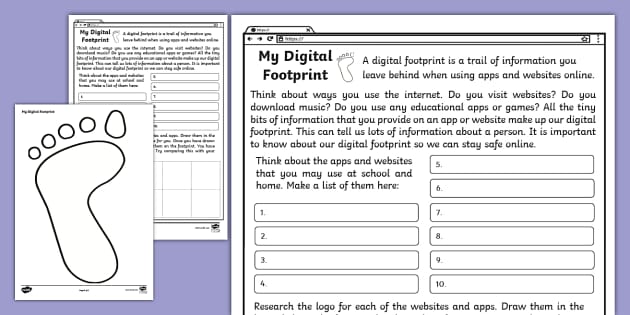
Tailoring safety discussions to a child’s developmental stage prevents cognitive overload while building lasting competence. For younger children ages five to eight, focus on concrete rules like staying on trusted pathways and telling an adult immediately if something feels wrong. Older children ages nine to twelve can explore more nuanced concepts aligned with the Common Sense Education Digital Citizenship Curriculum, including password strength, respectful communication in video game lobbies, and critical thinking about digital footprints. According to Common Sense Media, children encounter digital dilemmas at increasingly younger ages, underscoring the value of graduated, age-specific skill building.
The vast majority of children access digital devices regularly, making early habit-building through creative activities an essential tool for modern educators and parents. — Pew Research Center
Frequently Asked Questions
Caregivers and educators frequently ask how to integrate creative printables into busy daily schedules without adding stress. The answers below address common inquiries regarding downloads, educational goals, and research-backed practices for guiding young learners through both physical and digital environments.
Explore More Free Kids Online Safety Printables
Continuing the conversation about digital wellness requires a consistent supply of fresh, engaging materials that children genuinely enjoy completing. Caregivers can browse a wide assortment of creative resources, including specialized coloring pages that turn complex rules into approachable art projects. For broader lessons covering device boundaries and respectful online interactions, explore the comprehensive collection on online and digital safety to support children at every stage of their growing independence.
Developmental Milestone & Activity Table
| Development Stage | Recommended Daily Duration | Primary Learning Objective |
|---|---|---|
| Preschool & Pre-K | 10 – 15 Minutes | Pencil grip development & basic pre-stroke lines |
| Kindergarten | 15 – 20 Minutes | Letter/number formation & spatial line awareness |
| Early Elementary (Grade 1–2) | 20 – 30 Minutes | Fluency, sentence construction & neatness |
Images References