Why Creative Art Tools Build Stronger Foundations for Digital Well-Being
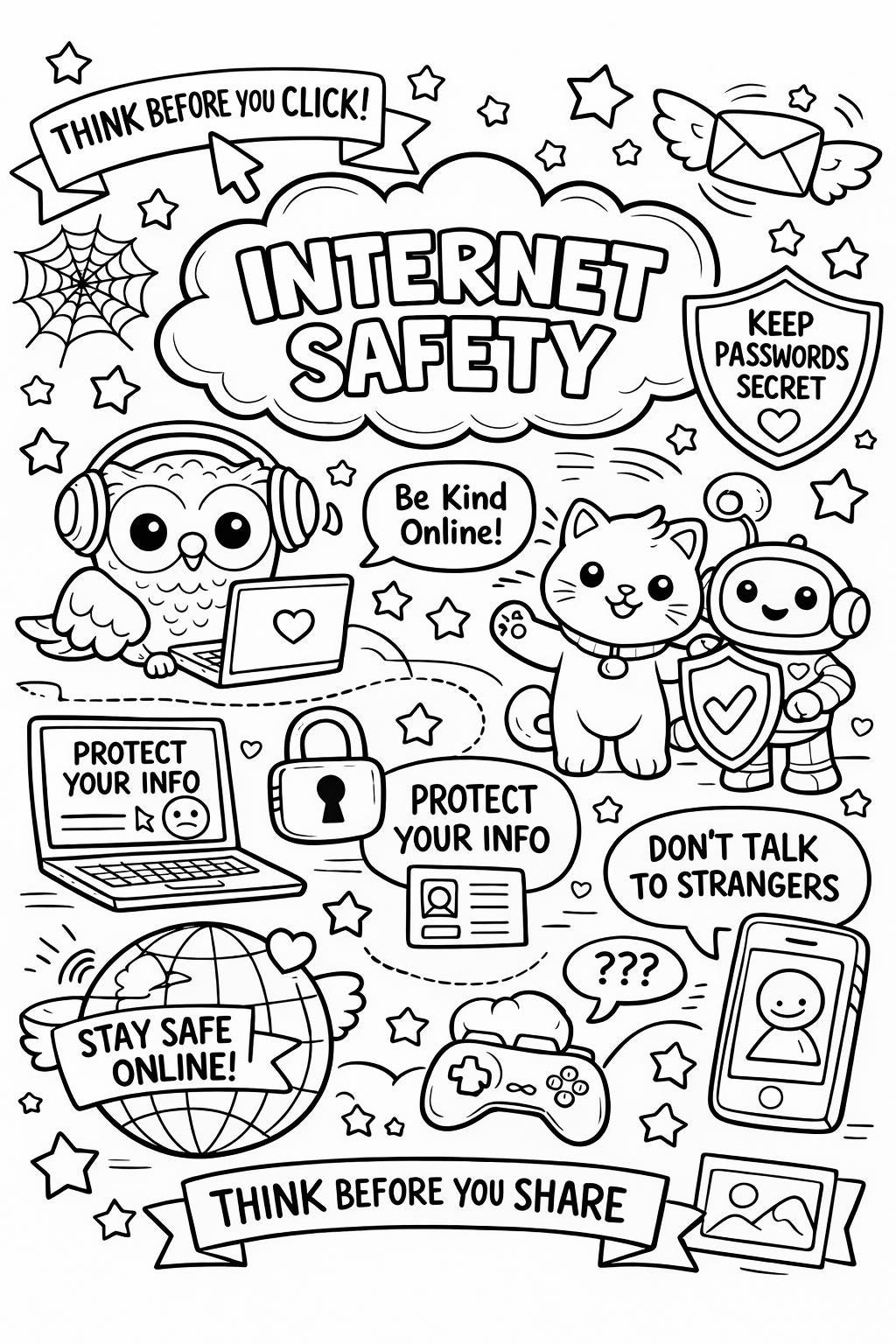
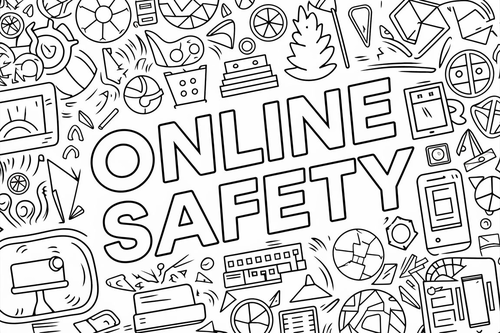
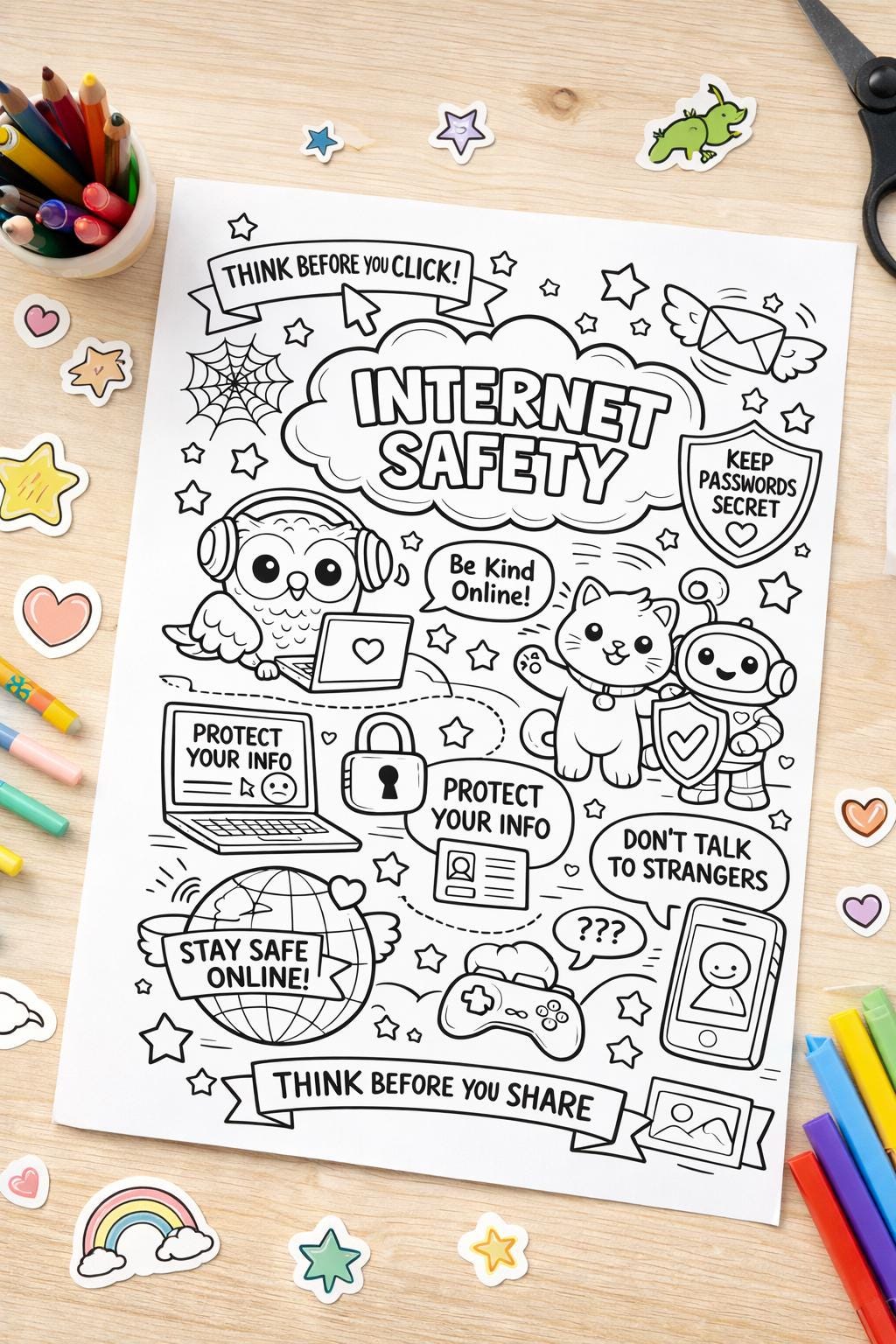
Introducing foundational cybersecurity concepts to young learners requires approaches that feel inviting rather than intimidating. When educators and parents use internet safety colouring for kids, they bridge the gap between abstract online rules and tangible, real-world actions. According to youth safety frameworks from organizations like ConnectSafely and the Cybersecurity and Infrastructure Security Agency, early digital literacy must be interactive, visual, and low-pressure. Rather than relying solely on scary lectures about hackers or data privacy, creative activities allow children in kindergarten through elementary grades to absorb critical concepts—such as keeping passwords secret and recognizing trusted adults—while engaging their fine motor skills and artistic expression. Related guide: Two Factor Authentication Coloring Page Kids.
💡 Educational Key Takeaways:
- Core Skill: Structured Internet Safety Colouring For Kids focused on developing pencil grip, stroke control, and early literacy/math confidence.
- Target Scope: Suited for homeschoolers, preschool, kindergarten, and elementary learners.
- Best Recommendation: Practice 10–15 minutes daily with ergonomic writing tools to reinforce muscle memory without hand fatigue.
Comparing Digital Risks Against Physical Guardrails in the Classroom
Managing technology across diverse learning environments requires a balance of device controls, classroom management policies, and watchful adult supervision. Whether students are browsing on school-issued Chromebooks or navigating tablets at the kitchen table, understanding common online vulnerabilities helps adults implement timely preventive guardrails before minor issues escalate into major privacy or safety concerns.
| Setting / Context | Common Vulnerability | Practical Safeguard |
|---|---|---|
| Home Devices | Unmonitored late-night browsing and accidental access to age-inappropriate content. | Establish a centralized family charging station and utilize robust parental control routers. |
| School Chromebooks | Students sharing login credentials or bypassing web filtering extensions. | Enforce strict account accountability and leverage Internet and Digital Safety tools for continuous network visibility. |
| Social / Chat Apps | Direct messaging features on games or educational platforms exposing kids to strangers. | Disable chat functions entirely on youth-targeted apps and review communication permissions together. |
Actionable Habits for Bridging Classroom Lessons and Home Routines
Consistency between school policies and home expectations is essential for reinforcing positive tech habits. Educators and parents should collaborate to establish shared routines that normalize talking about digital mistakes without fear of punishment. When children learn to view technology as a tool rather than a forbidden temptation, they are far more likely to report uncomfortable pop-ups, cyberbullying, or accidental clicks. Incorporating resources from our Worksheets archive alongside hands-on art activities creates a multi-sensory learning experience. Adults can anchor these lessons by setting up predictable digital check-ins, such as reviewing favorite apps during weekend art sessions or discussing what personal information means before letting kids create online profiles.
Overly restrictive filters and absolute bans often backfire by driving children to seek out secretive workarounds, peer-to-peer file sharing, or hidden browser modes. Instead of trying to lock down every digital pathway, adults should focus on building resilient critical thinking skills. When children ask challenging questions about why certain sites are blocked or why parents monitor search histories, use those moments for calm, transparent dialogue. Pairing technical guardrails with supportive conversations ensures that students understand *why* rules exist, transforming compliance from a forced chore into a shared commitment to online health.
Frequently Asked Questions About Creative Digital Literacy
What age is best to introduce digital citizenship concepts through art?
Children as young as four or five can begin learning foundational concepts like personal space and trusted adults. Visual and tactile resources make these abstract safety rules accessible and memorable for early learners.
How do creative activities complement standard school tech policies?
Creative activities reinforce official school guidelines by shifting the tone from punitive restriction to positive empowerment. They give students a vocabulary to discuss online feelings and safety rules openly in the classroom.
Where can I find additional printable resources for my students or children?
You can explore curated printables and creative guides tailored to young learners by visiting our dedicated Coloring Pages section for fresh ideas and lesson plans.
Explore More Digital Citizenship Resources
Empowering the next generation of digital citizens requires ongoing collaboration, up-to-date guidance, and creative teaching strategies that resonate with young minds. To discover more lesson plans, printable activities, and expert advice for keeping students secure both on and offline, visit SafeWiredSchools.org today.
Visual Reference Gallery