Introduction
Young children navigate digital environments long before they master typing full sentences. Shared household tablets, classroom laptops, and interactive gaming consoles become extensions of daily learning and play. Yet, translating abstract rules about digital responsibility into concrete understanding remains a persistent challenge for educators and families. Coloring transforms abstract concepts into tangible visual markers, giving young learners a creative anchor for essential digital habits. Exploring topics through creative media helps reduce anxiety, shifting the focus from fear to empowerment. Related guide: Please Provide Free 8.5″X11″ Digital Safety Coloring Pages For K-2 Grade.
💡 Activity Key Takeaways:
- Core Focus: Printable Chromebook Safety Coloring Page designed for creative expression and fine-motor coordination.
- Target Scope: Ideal for toddlers, preschool, kindergarten, and classroom art activities.
- Best Recommendation: Use standard heavy printer paper (24–28 lb) or cardstock for vibrant results with crayons, colored pencils, or washable markers.
What This Printable Covers
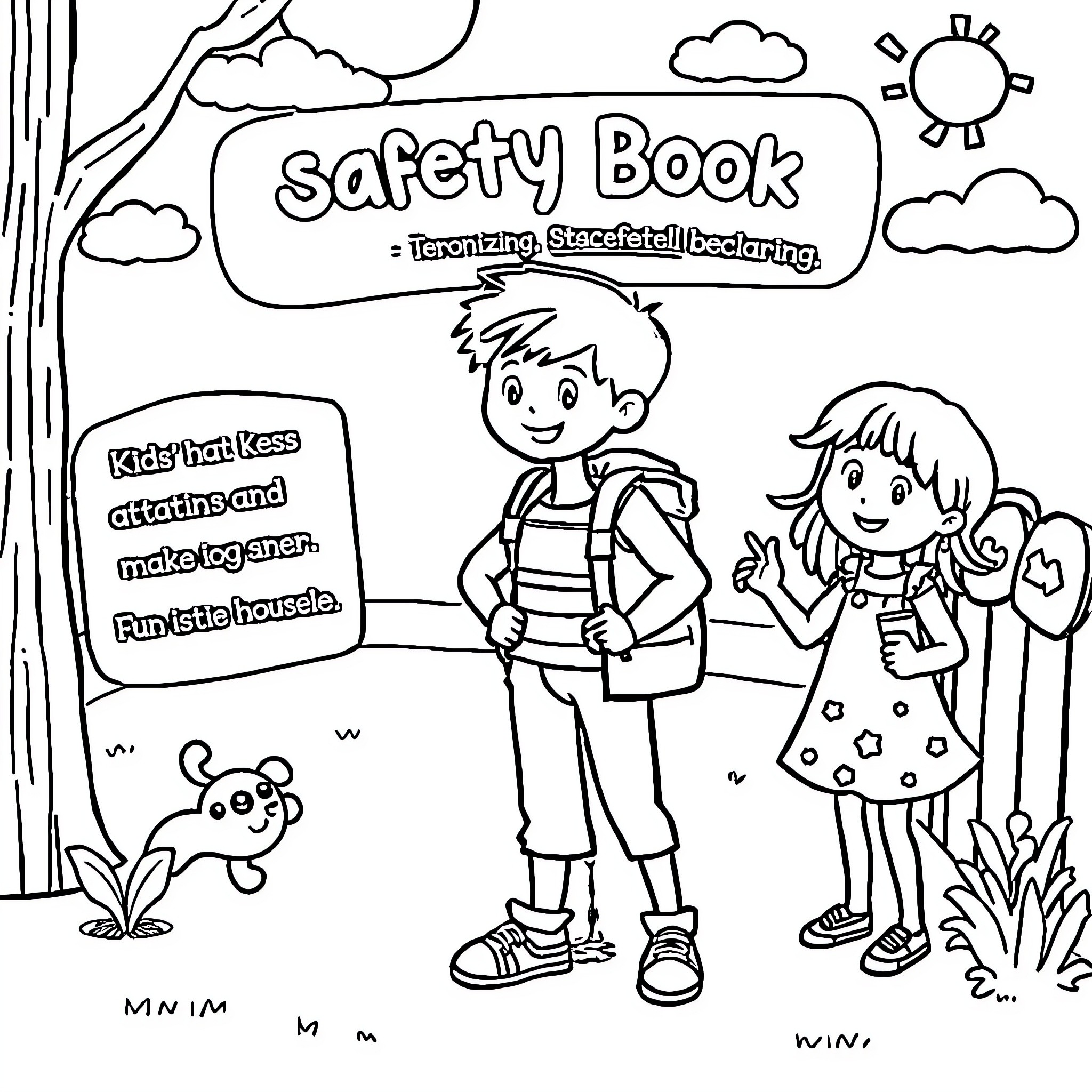
The chromebook safety coloring page designed for {site_name} addresses foundational device care and respectful online behavior. Illustrations feature relatable scenarios, such as carrying a laptop securely with two hands, closing tabs when finished, and recognizing friendly reminders about password privacy. Rather than relying on technical jargon, the artwork depicts positive digital behaviors that elementary students can easily mimic. It sounds simple, and that’s the point. Young learners absorb visual cues quickly when the imagery mirrors their actual daily routines in the classroom or at the kitchen table.
Key Learning Outcomes
Working through these creative sheets reinforces core competencies in Internet and Digital Safety without overwhelming developing minds. Children practice identifying safe moments to ask an adult for help, especially when encountering unfamiliar pop-ups or accidental redirects. According to Common Sense Media, children frequently encounter digital dilemmas through shared household devices and open video platforms where algorithmic content shifts rapidly. Educators and parents use these artistic exercises to prompt vital discussions about keeping personal information private and verifying what is safe to click. Crucially, every conversation reinforces the absolute rule that children are never in trouble for reporting an uncomfortable online experience.
How to Use This Printable
Integrating creative printables into a lesson plan or afternoon routine works best when paired with open-ended dialogue. Adults can sit alongside the child with crayons in hand, asking gentle questions about the scene taking shape on the paper. Here’s what makes this resource different: it acts as a low-pressure conversation starter rather than a strict compliance test. When a child colors a picture of a student logging out safely, the adult can pivot to a real-world question about what password security looks like in their own home. Building these protective habits early creates a strong foundation for future exploration in Online and Digital Safety.
Practical Tips for Parents and Teachers
Displaying finished artwork near the family computer station or classroom charging cart serves as a cheerful reminder of established device rules. Keeping crayons and colored pencils accessible encourages children to talk about their digital lives as naturally as they discuss playground games. Teachers often pair these visual activities with hands-on computer care drills, turning the routine of plugging in cords into a game of responsibility. Pairing creative work with physical movement helps solidify memory retention across diverse learning styles. Consistency between home and school expectations ensures young learners hear a unified message regarding device stewardship.
Age-Appropriate Recommendations
Children in kindergarten through second grade benefit most from simple illustrations focusing on physical device care and basic password secrecy. Older elementary students in third through fifth grade can engage with more nuanced scenarios involving in-game chat kindness and digital footprints. Aligning these lessons with the Common Sense Education Digital Citizenship Curriculum ensures developmental milestones match the complexity of the conversation. According to the Pew Research Center, a substantial majority of young children engage with digital media daily, making early habit formation essential. Safety is framed continuously as a lifelong skill to build, empowering children to navigate their expanding digital world with confidence.
Young children frequently encounter digital content and interactive risks through shared household devices and open video platforms. — Common Sense Media
Frequently Asked Questions
Getting started with digital citizenship resources is straightforward for busy educators and families. Clear answers to common implementation questions help maximize the educational value of every printable activity.
Explore More Free Kids Online Safety Printables
Expanding a digital citizenship library with diverse educational tools helps sustain engagement throughout the school year. Educators and parents can discover additional resources, including engaging Worksheets that test digital problem-solving skills in age-appropriate ways. Exploring themed Coloring Pages offers continuous opportunities to reinforce device rules across multiple grade levels. Every additional resource supports a proactive, positive approach to modern technology use.
Key Specifications & Age-Group Overview
| Age / Grade Group | Target Skill Focus | Recommended Medium |
|---|---|---|
| Toddlers (Ages 2–4) | Hand-eye coordination & broad motor grasp | Jumbo crayons & washable finger paints |
| Early Elementary (Ages 5–7) | Line boundaries & fine pencil control | Standard colored pencils & fine-tip markers |
| Intermediate (Ages 8+) | Color blending, shading & artistic patience | Watercolor pencils, gel pens & dual-brush markers |
Images References