Introduction
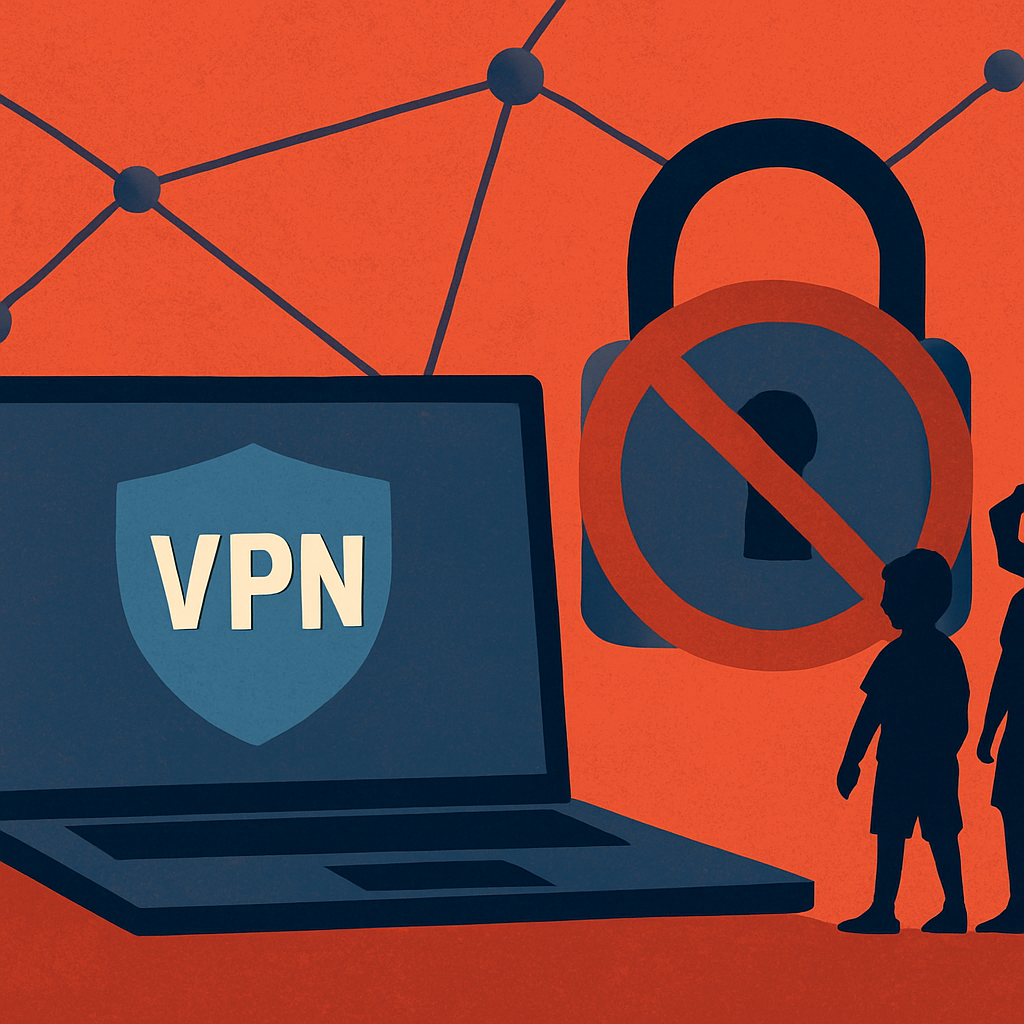
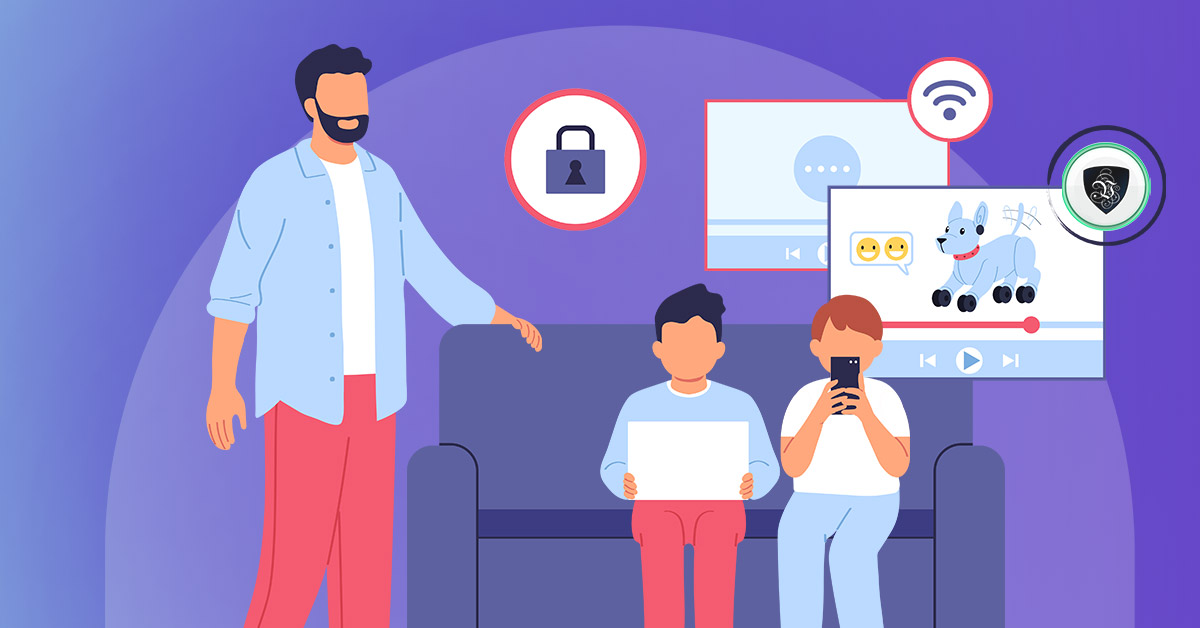
Digital tools are integrated into nearly every aspect of modern childhood, from completing homework assignments on shared living room laptops to exploring virtual worlds during weekend downtime. Children frequently encounter online concepts that sound complex, abstract, or mysterious. Virtual private networks, commonly known as VPNs, often fall into this category of digital mysteries. Adults often assume children do not need to understand these behind-the-scenes networking tools, yet youngsters frequently hear about them from older siblings, streaming services, or gaming peers. Demystifying these technical concepts helps children build a healthier, more grounded relationship with technology. Introducing foundational networking ideas through a free printable titled vpn explained to child provides educators and caregivers with an accessible bridge into deeper conversations about data privacy, network security, and mindful digital habits. Related guide: Is Internet Safety Rules For Kids Worth Near Me.
💡 Educational Key Takeaways:
- Core Skill: Structured Vpn Exlained To Child focused on developing pencil grip, stroke control, and early literacy/math confidence.
- Target Scope: Suited for homeschoolers, preschool, kindergarten, and elementary learners.
- Best Recommendation: Practice 10–15 minutes daily with ergonomic writing tools to reinforce muscle memory without hand fatigue.
What This Printable Covers
Visual learning tools transform invisible concepts into tangible ideas that young minds can easily grasp. This educational resource breaks down network privacy by using simple analogies, such as comparing data packets to sealed letters traveling through a private delivery service rather than an open postcard. Instead of focusing on heavy technical jargon or software installation, the material emphasizes the core journey of information across the internet. Children discover why keeping personal details private matters just as much online as it does in the physical world. It sounds simple, and that’s the point. Clear, jargon-free explanations prevent confusion while setting the stage for lifelong critical thinking regarding digital footprints and device settings.
Key Learning Outcomes
Working through these concepts strengthens several foundational competencies essential for navigating modern media environments. Students learn to recognize that internet traffic travels across shared public pathways, similar to riding a bus through a busy neighborhood. This realization naturally leads to discussions about why sharing home addresses, full names, or school locations requires careful thought. Furthermore, the resource normalizes asking questions whenever an unfamiliar digital prompt appears on screen. Children who understand basic network boundaries feel more empowered to speak up when something online looks confusing or suspicious, reinforcing the vital message that they are never in trouble for reporting an uncomfortable digital encounter to a trusted adult.
How to Use This Printable
Successful implementation relies on keeping the atmosphere collaborative, curious, and entirely free of judgment. Adults can introduce the handout during a quiet afternoon activity, perhaps sitting alongside the child at the kitchen table or during a classroom advisory period. Reading the prompts aloud allows young learners to process the analogies at their own pace without feeling rushed. Educators exploring internet and digital safety strategies often find that pairing visual handouts with open-ended questioning yields the best engagement. Asking open-ended prompts like “Where do you think this data goes next?” turns a static lesson into an active, conversational exploration of the digital landscape.
Practical Tips for Parents and Teachers
Real-world risks for elementary-aged children rarely stem from sophisticated external threats; instead, they emerge during everyday moments like typing in-game chat messages on shared family tablets or joining unmoderated video platforms. Building protective habits therefore requires daily, low-stakes repetition rather than occasional lectures. Caregivers should avoid treating digital safety as a scary set of restrictions, framing it instead as a toolkit of practical skills like looking both ways before crossing a busy street. When children understand the reasoning behind rules—such as keeping passwords strong and thinking before sharing—they adopt those behaviors willingly. To expand this practice beyond a single handout, educators regularly browse curated collections of worksheets designed to reinforce foundational digital citizenship concepts.
Age-Appropriate Recommendations
Tailoring digital literacy lessons to developmental milestones ensures that messages resonate effectively across the five-to-twelve age spectrum. For younger children around ages five through eight, focus remains on basic concepts like keeping personal information private and identifying trusted adults in both physical and digital spaces. Older elementary students, spanning ages nine to twelve, can delve deeper into how networks function, why encryption matters, and how public Wi-Fi differs from home connections. Aligning these lessons with the Common Sense Education Digital Citizenship Curriculum provides a structured framework that supports educators in teaching media balance, privacy, and cyberbullying prevention in a developmentally appropriate sequence.
According to Pew Research Center, the vast majority of parents with children age eleven and younger express concern about their children encountering inappropriate content or managing screen time boundaries on shared devices. — Pew Research Center
Frequently Asked Questions
Clear answers to common logistical and pedagogical questions help adults maximize the impact of educational printables in homes and classrooms alike. The FAQ section below addresses downloading procedures, learning objectives, and insights from recognized child safety organizations.
Explore More Free Kids Online Safety Printables
Expanding a digital citizenship library ensures that children receive continuous, varied reminders about healthy technology use throughout the school year. Educators looking to supplement their curriculum often utilize engaging coloring pages that turn abstract safety rules into creative, hands-on art projects. Combining multiple formats—from creative visual prompts to reflective writing exercises—creates a robust, well-rounded approach to modern media literacy. For further lesson planning inspiration, exploring comprehensive resources on online and digital safety helps educators and parents stay current on best practices for guiding children safely through an interconnected world.
Developmental Milestone & Activity Table
| Development Stage | Recommended Daily Duration | Primary Learning Objective |
|---|---|---|
| Preschool & Pre-K | 10 – 15 Minutes | Pencil grip development & basic pre-stroke lines |
| Kindergarten | 15 – 20 Minutes | Letter/number formation & spatial line awareness |
| Early Elementary (Grade 1–2) | 20 – 30 Minutes | Fluency, sentence construction & neatness |
Images References