Introduction
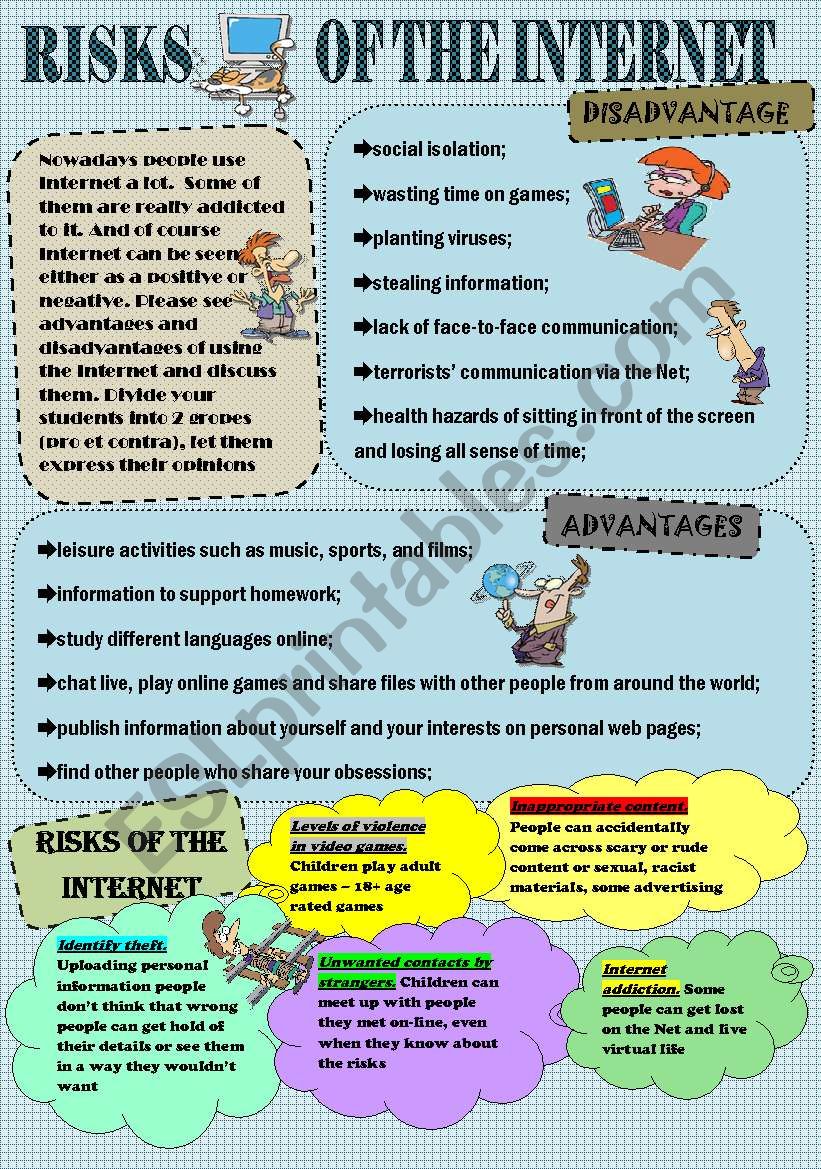
Digital spaces are as much a part of modern childhood as playgrounds, neighborhood sidewalks, and classroom reading corners. Children routinely navigate shared household tablets, interactive video platforms, and in-game chat features long before they reach middle school. Modern kids encounter online risks not through shadowy corners of the internet, but via familiar family devices and multiplayer gaming environments where boundaries blur. Teaching digital citizenship requires patience, consistency, and tools that translate abstract concepts into concrete, actionable habits. Free printable internet safety games for youth offer an accessible entry point for adults seeking to guide children toward mindful, secure online behavior without instilling fear. Fostering these protective habits—such as keeping personal information private, creating strong passwords, and pausing before sharing—transforms digital safety from a vague warning into a practical life skill. Print-based interactive activities provide a tangible medium where children can practice critical thinking away from glowing screens. Related guide: Digital Footprint For Students.
💡 Educational Key Takeaways:
- Core Skill: Structured Internet Safety Games For Youth focused on developing pencil grip, stroke control, and early literacy/math confidence.
- Target Scope: Suited for homeschoolers, preschool, kindergarten, and elementary learners.
- Best Recommendation: Practice 10–15 minutes daily with ergonomic writing tools to reinforce muscle memory without hand fatigue.
WhatThis Printable Covers
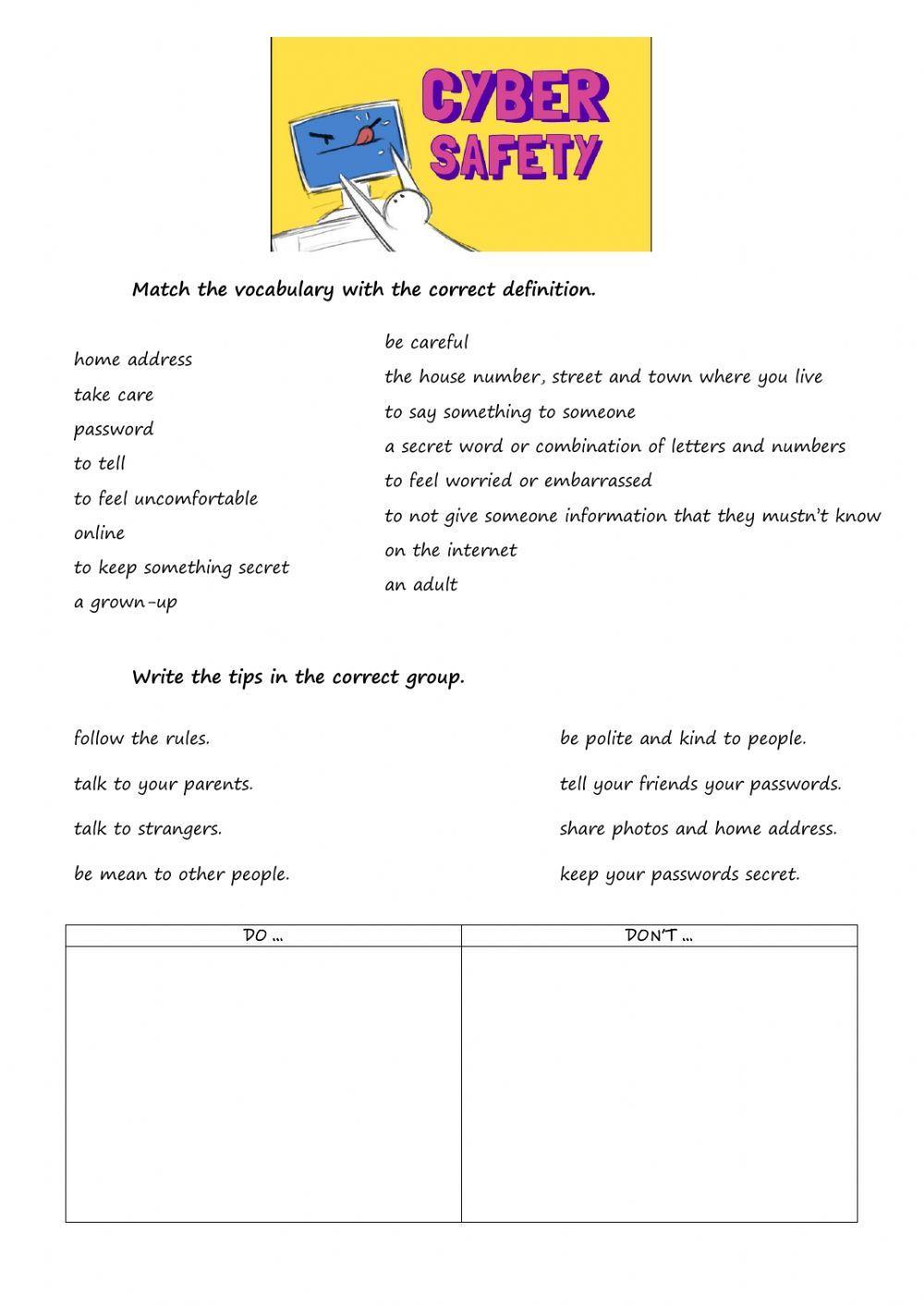
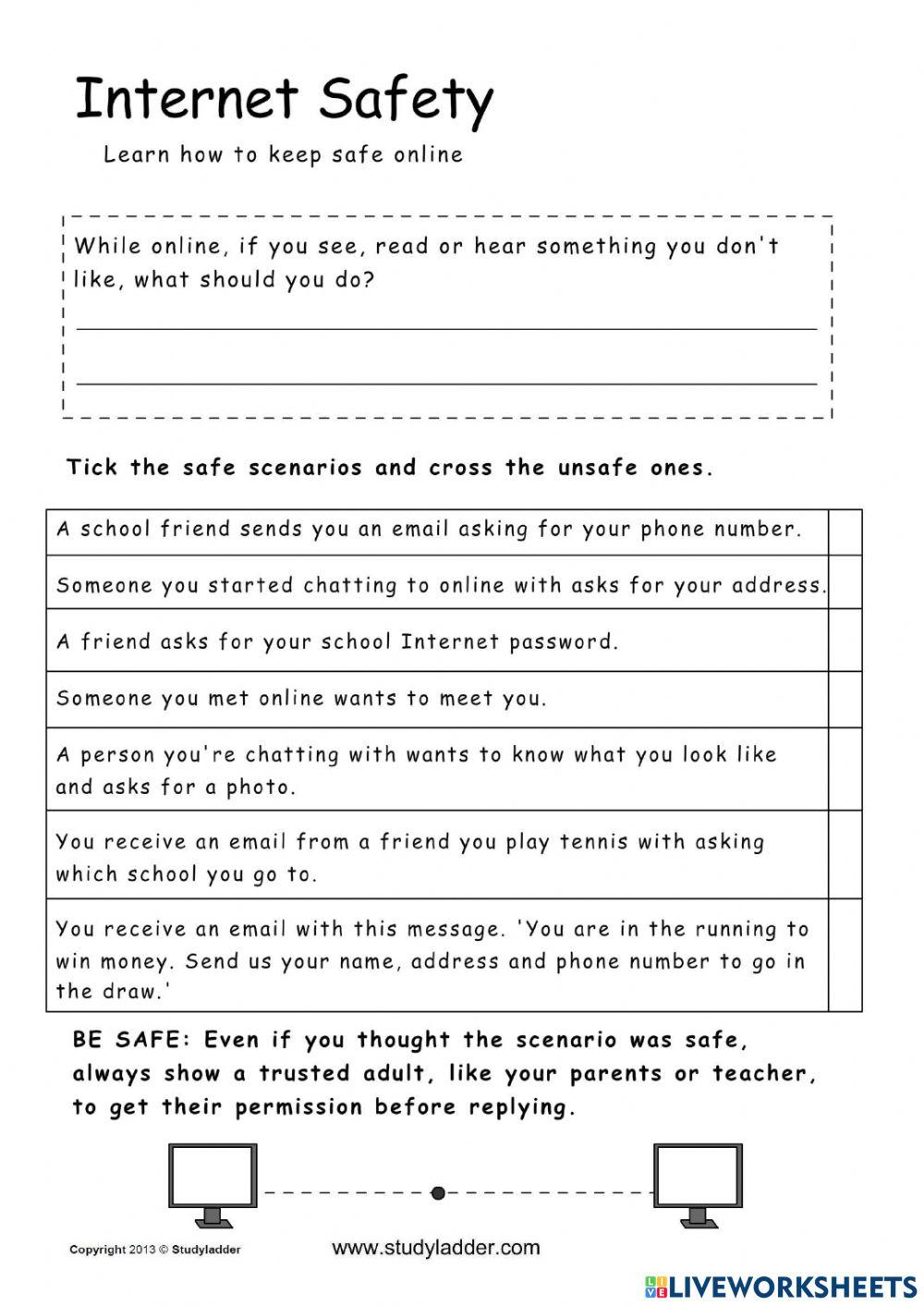
Classroom experience shows that children learn best when complex ideas break down into playful, manageable pieces. This printable resource addresses fundamental digital literacy concepts through gamified challenges like word mazes, scenario-based matching, and offline strategy puzzles. According to Common Sense Media, children engage with digital media at increasingly younger ages, making early foundation-building essential for lifelong habits. The materials emphasize the importance of recognizing private information, including home addresses, phone numbers, and full names. Activities guide youth through the process of identifying secure adults to approach whenever something online feels confusing, strange, or uncomfortable. Crucially, the curriculum reinforces the message that children are never in trouble for reporting a digital mishap or an unsettling interaction. Safety is framed as an ongoing journey of learning rather than a rigid set of punishments, encouraging open dialogue between youth and their educators.
Key Learning Outcomes
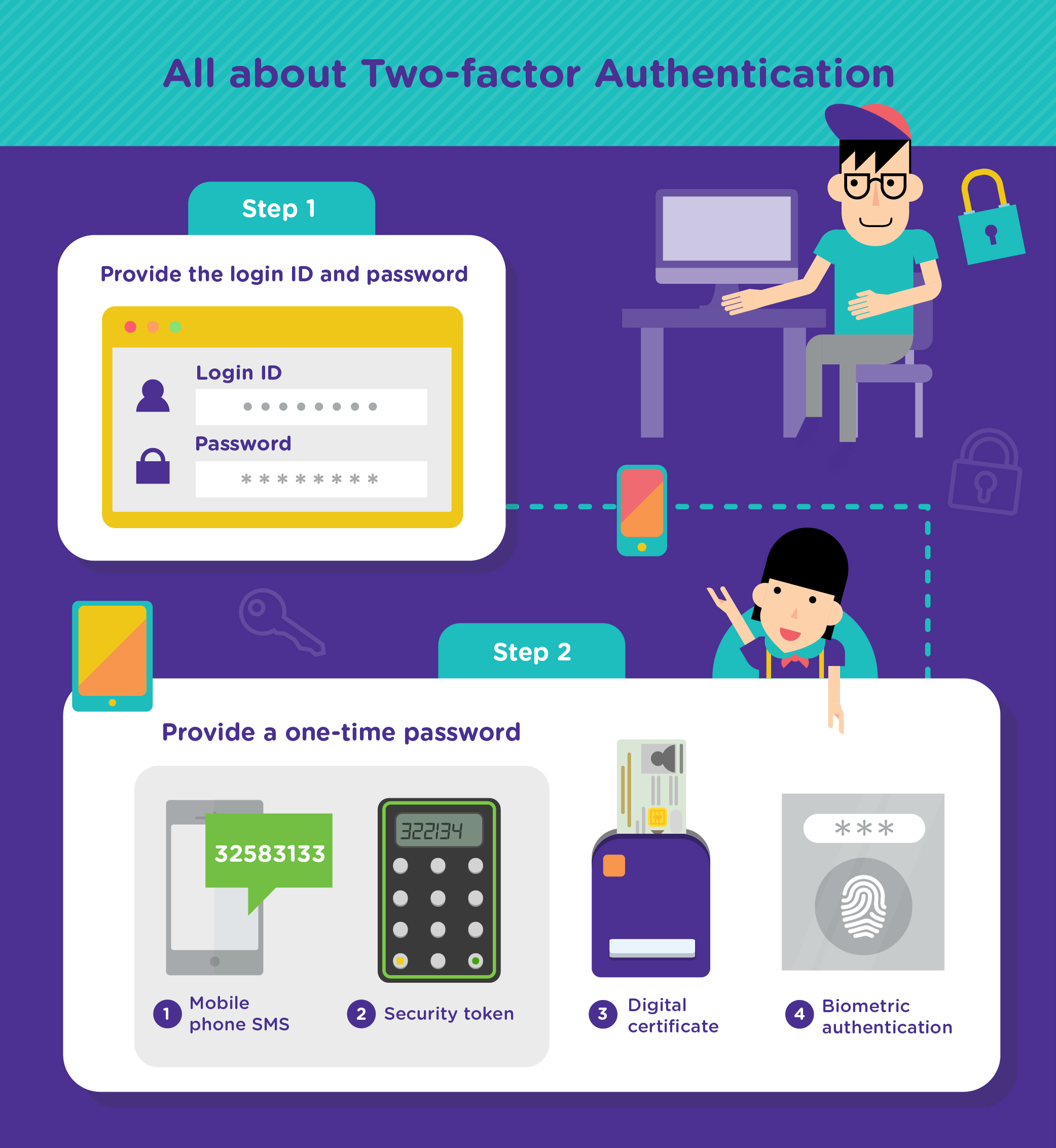
Completing these interactive games empowers youth to identify common digital pitfalls and make independent, responsible choices. Participants learn to distinguish between public data suitable for sharing and private details that must remain confidential. Another core outcome involves understanding password strength through entertaining decoding exercises that demonstrate how hackers guess simple words. Youth also practice evaluating online scenarios, determining whether a specific prompt or message requires immediate adult intervention. It sounds simple, and that’s the point: repetition of these core messages builds muscle memory for real-world digital dilemmas. Educators and caregivers can explore additional resources within the Internet and Digital Safety hub to expand upon these foundational lessons.
How to Use This Printable
Implementing these games requires minimal preparation, making them ideal for morning work, rainy-day indoor recesses, or weekend family strategy sessions. Adults can introduce the activity by asking open-ended questions about favorite apps and games, creating a non-judgmental space for conversation. Here’s what makes this resource different: it uses playful competition and collaborative problem-solving to lower anxieties surrounding technology rules. Working through a maze or matching exercise together allows parents and teachers to observe how children interpret digital rules in real time. Rather than lecturing about screen time or dangers, adults can use the printable prompts as conversational springboards during normal daily routines. Supplementary activities tailored for tactile learners are readily available via the collection of Worksheets designed for diverse learning environments.
Practical Tips for Parents and Teachers
Patience remains the most valuable tool when discussing digital citizenship with developing minds. Adults should approach mistakes made during game scenarios as teachable moments rather than failures of character. Keeping sessions brief and engaging prevents cognitive fatigue and maintains a positive association with online safety. Educators can integrate these printables into media literacy units, while parents might pin a completed puzzle to the refrigerator as a visual reminder of family tech agreements. Consistency across home and school environments ensures children receive a unified message regarding digital boundaries and trusted communication channels.
Age-Appropriate Recommendations
Younger children aged five to eight benefit most from guided activities that focus on basic privacy rules and identifying trusted helpers in their immediate circle. Older children aged nine to twelve can tackle complex scenarios involving peer interactions, digital footprints, and respectful communication in multiplayer chat rooms. Aligning these lessons with the ISTE Standards for Students ensures that technology use promotes digital agency, empathy, and responsible community participation. Tailoring the complexity of the conversation to developmental stages helps children internalize safety habits without feeling overwhelmed by abstract threats they cannot yet comprehend.
According to Pew Research Center, the vast majority of parents express concern about their young children’s digital safety and screen habits, highlighting the widespread need for structured guidance tools. — Pew Research Center
Frequently Asked Questions
How do adults access and print these materials? Users can download the PDF files instantly from the website and print them using standard home or classroom printers without specialized software requirements.
In what ways do these printables support online learning? The games prompt critical thinking and offline reflection, helping children internalize safety rules before encountering complex digital environments.
What guidance does the National Center for Missing & Exploited Children offer regarding youth online communication? According to the National Center for Missing & Exploited Children, open and ongoing communication between children and trusted adults is the single most effective tool for preventing online exploitation.
Explore More Free Kids Online Safety Printables
Expanding a child’s digital literacy toolkit requires access to varied formats that cater to different learning styles and developmental stages. Creative educators can also incorporate the artistic resources found in the Coloring Pages section to reinforce key concepts through visual expression. For broader strategies on managing technology use across multiple age groups, browse the comprehensive articles hosted within the Online and Digital Safety directory.
Developmental Milestone & Activity Table
| Development Stage | Recommended Daily Duration | Primary Learning Objective |
|---|---|---|
| Preschool & Pre-K | 10 – 15 Minutes | Pencil grip development & basic pre-stroke lines |
| Kindergarten | 15 – 20 Minutes | Letter/number formation & spatial line awareness |
| Early Elementary (Grade 1–2) | 20 – 30 Minutes | Fluency, sentence construction & neatness |
Images References