Introduction
Navigating the digital world requires intentional guidance, especially as classrooms and households increasingly rely on connected technology for everyday learning. Children frequently encounter online spaces through shared family devices, in-game chat features, and video platforms long before they fully grasp the mechanics of digital footprints. Educators and caregivers often wonder how best to address the evolving landscape of digital citizenship, prompting a closer look at modern curriculum needs. Teachers of grades 9-12 should expand internet safety instruction to include which topic? The answer often points toward advanced critical thinking, privacy management, and algorithmic awareness, bridging the gap between basic device rules and complex online realities. Exploring these concepts early builds a strong foundation that supports students well before they reach high school. Practical tools, such as engaging educational worksheets, help transform abstract digital concepts into concrete, manageable habits for growing minds.
💡 Educational Key Takeaways:
- Core Skill: Structured Teachers Of Grades 9-12 Should Expand Internet Safety Instruction To Include Which Topic? focused on developing pencil grip, stroke control, and early literacy/math confidence.
- Target Scope: Suited for homeschoolers, preschool, kindergarten, and elementary learners.
- Best Recommendation: Practice 10–15 minutes daily with ergonomic writing tools to reinforce muscle memory without hand fatigue.
What This Printable Covers
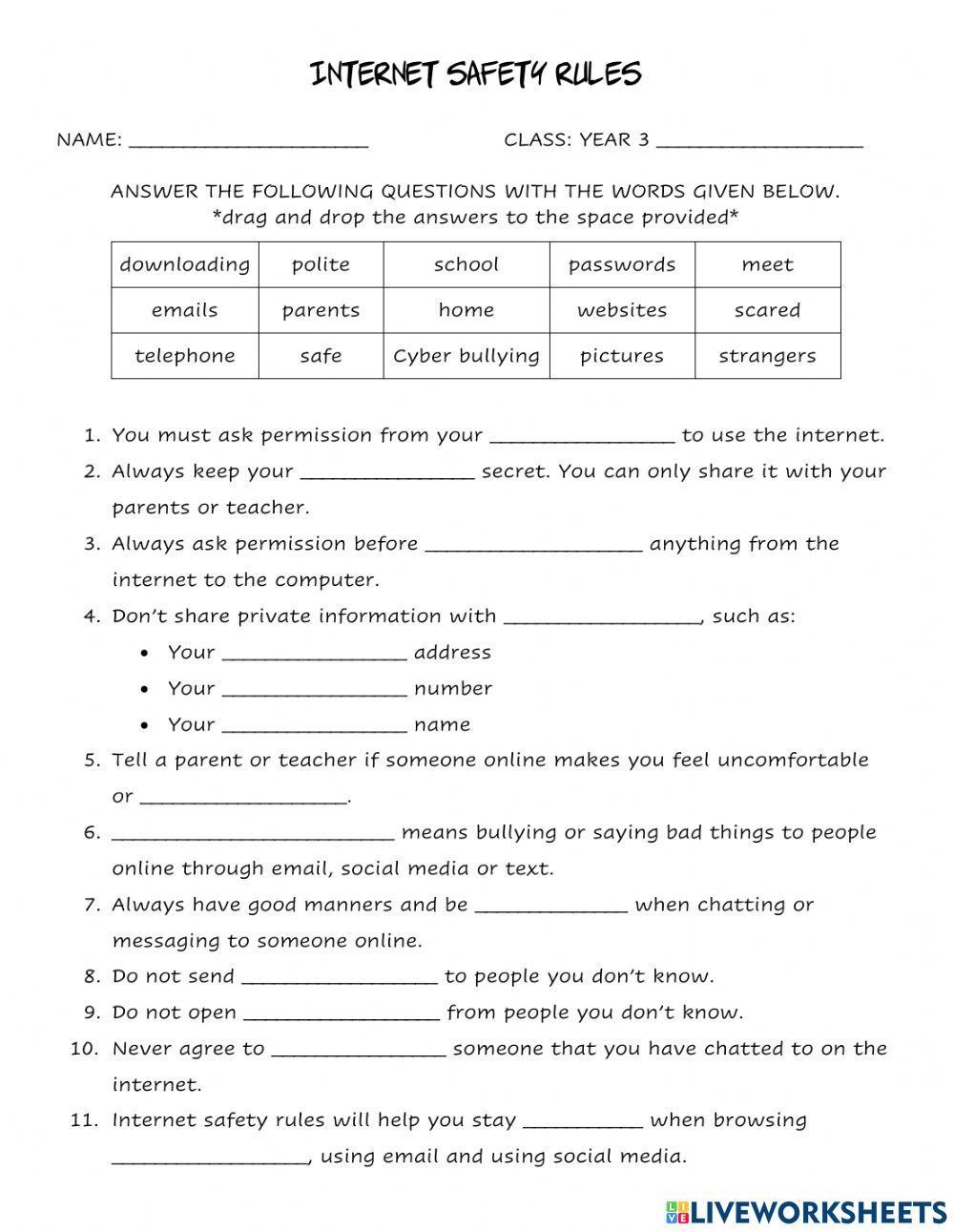
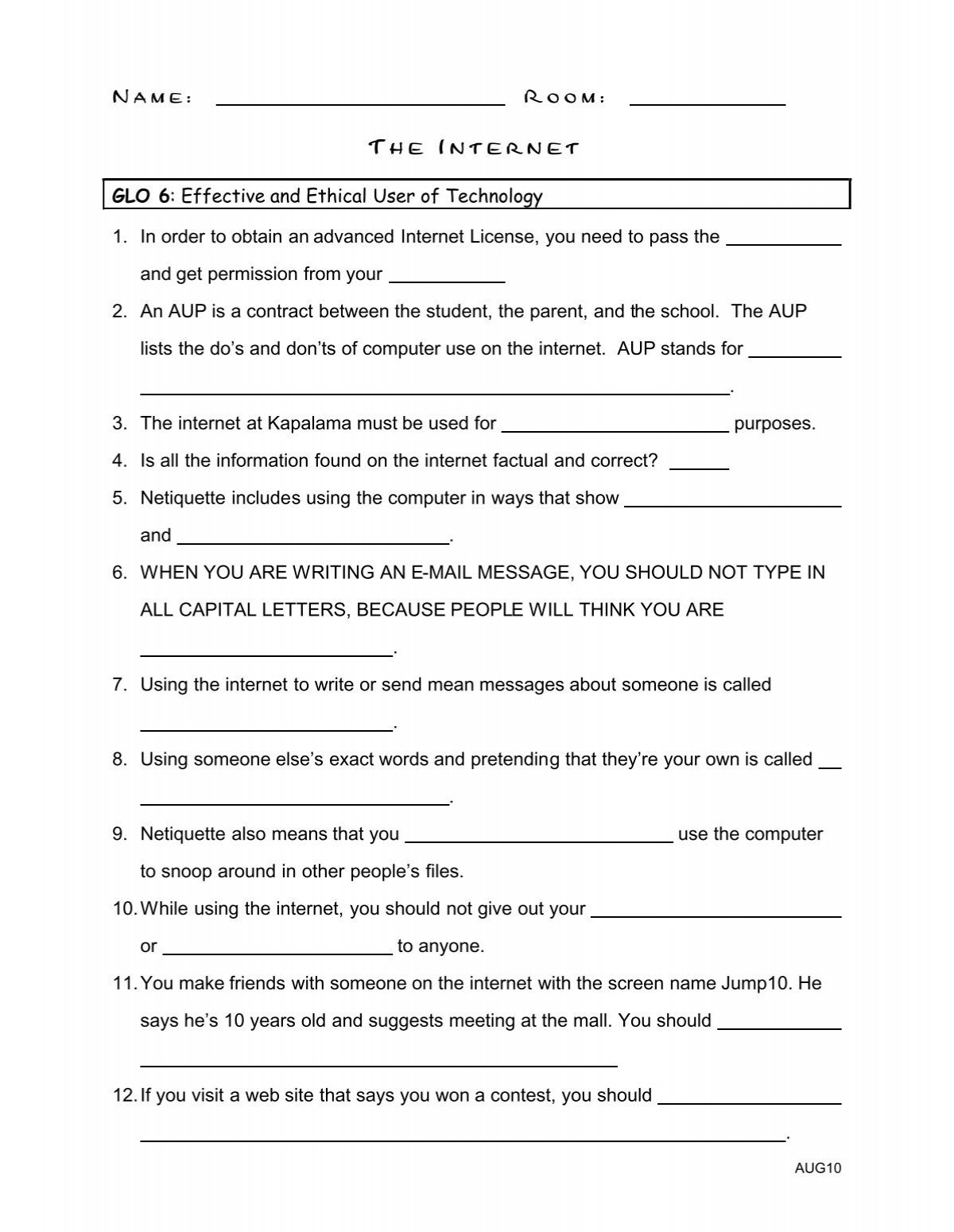
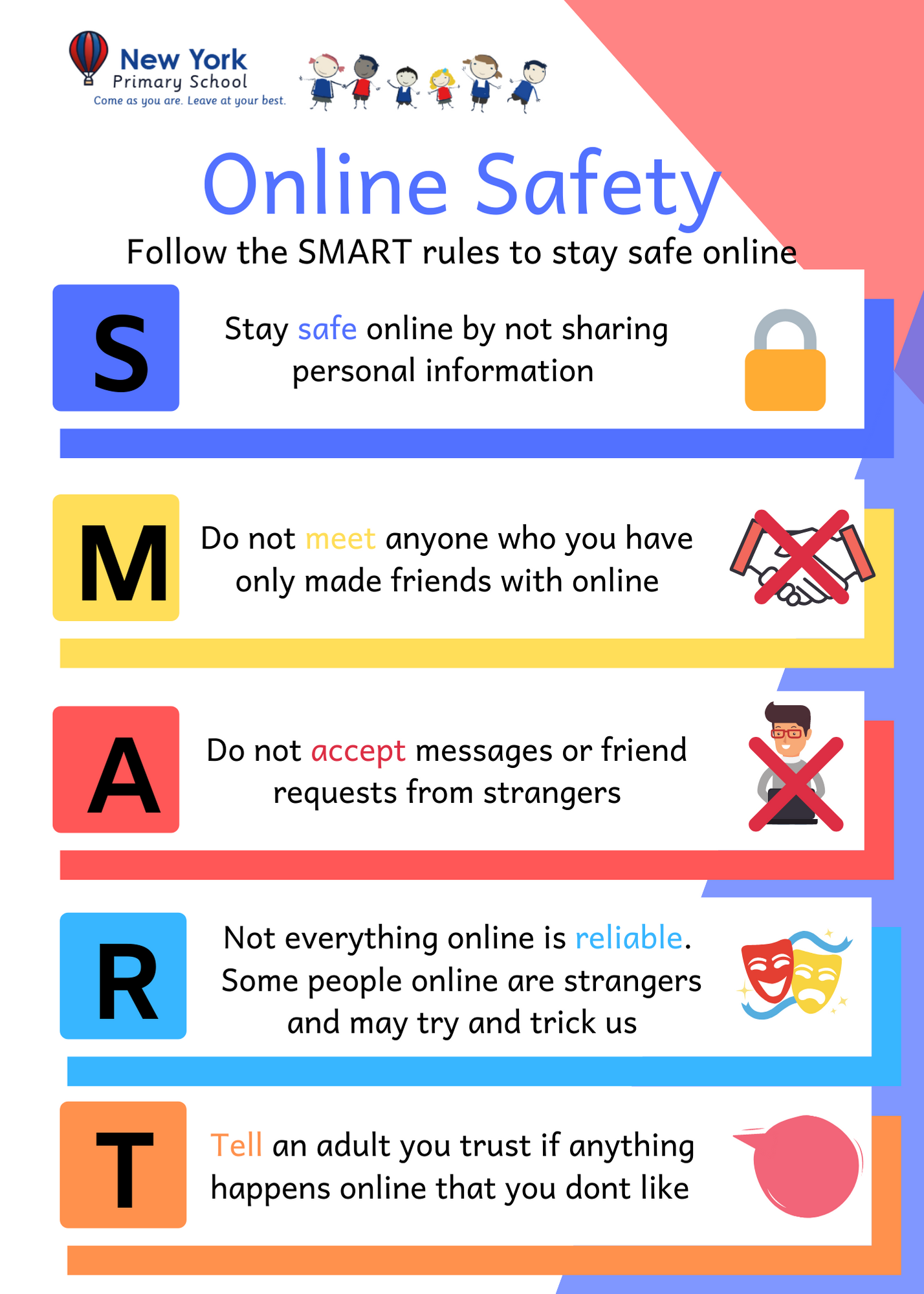
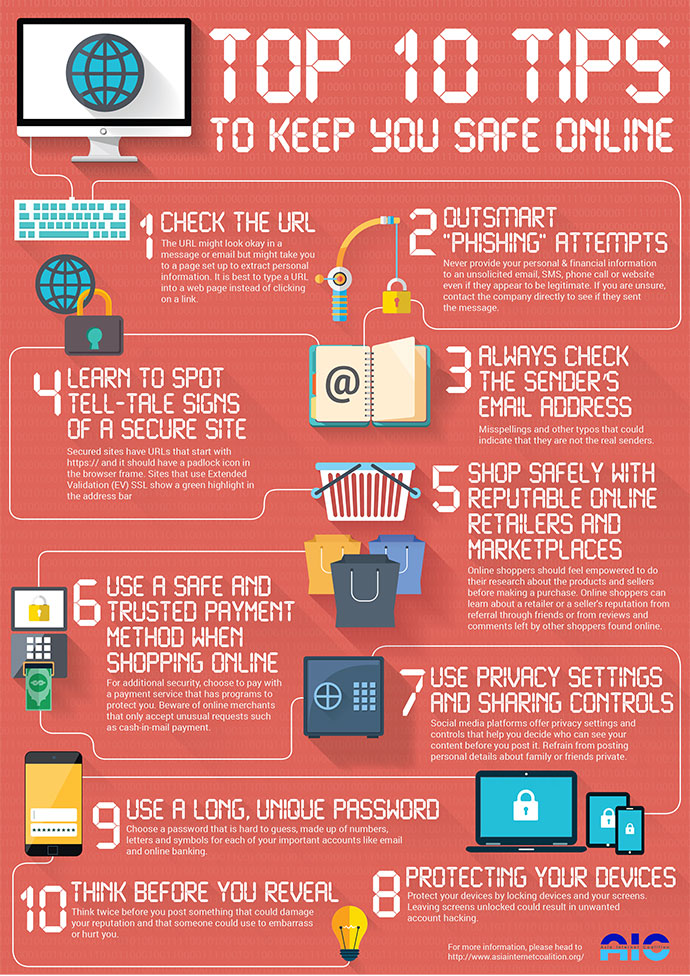
This free printable resource addresses the critical knowledge gap between elementary awareness and high school digital independence. It guides children through essential protective habits, such as keeping personal information private, recognizing strong passwords, and pausing before sharing content online. Rather than relying on fear, the material emphasizes positive choices and proactive communication strategies. Children learn that digital environments require the same mindful behavior as physical playgrounds. It sounds simple, and that’s the point. Clear, accessible language ensures that young learners grasp fundamental boundaries without feeling overwhelmed by technology. Related guide: Digital Safety For Students.
Key Learning Outcomes
Students engaging with this resource practice specific skills designed to foster long-term digital resilience. Learners discover the importance of identifying trusted adults to approach whenever something online feels uncomfortable or confusing. Crucially, the material reinforces the message that children are never in trouble for reporting an uncomfortable digital encounter. Additional outcomes include understanding the permanence of shared content and recognizing the value of keeping private details secure. Educators can browse additional resources within the broader Internet and Digital Safety hub to reinforce these vital lessons across multiple subjects.
How to Use This Printable
Classrooms and living rooms transform into collaborative workshops when adults introduce these targeted activities with intention. The worksheet format allows for guided practice, where students can talk through hypothetical scenarios before encountering them in the wild. Working through prompts together encourages children to voice their own questions and uncertainties about favorite apps and games. It serves as a natural conversation starter rather than a rigid test of compliance. Adults can seamlessly integrate these exercises into morning meetings, advisory periods, or weekend family discussions.
Practical Tips for Parents and Teachers
Establishing a calm, non-judgmental atmosphere remains paramount when discussing online habits with children. Educators recommend asking open-ended questions about how students navigate their favorite multiplayer games or video streaming platforms. Keeping devices in common household areas naturally encourages transparent digital behavior and frequent dialogue. Adults should model healthy screen boundaries and demonstrate positive online interactions. For further inspiration on keeping children secure, teachers and parents frequently explore dedicated Online and Digital Safety materials to supplement their daily lesson plans.
Age-Appropriate Recommendations
Aligning digital lessons with developmental milestones ensures that messages resonate effectively with young minds. According to the Common Sense Education Digital Citizenship Curriculum framework, younger elementary students benefit most from foundational lessons on kindness and privacy, while upper elementary learners are ready for deeper discussions about digital footprints and critical evaluation. Scaffolding instruction prevents cognitive overload and matches the natural progression of children’s technology use. Educators tailor these discussions so that five-year-olds and twelve-year-olds receive guidance suited precisely to their current online environments.
According to Common Sense Media research, a significant majority of children begin using mobile devices and digital media before starting kindergarten, highlighting the need for early and continuous safety education. — Common Sense Media
Frequently Asked Questions
Explore More Free Kids Online Safety Printables
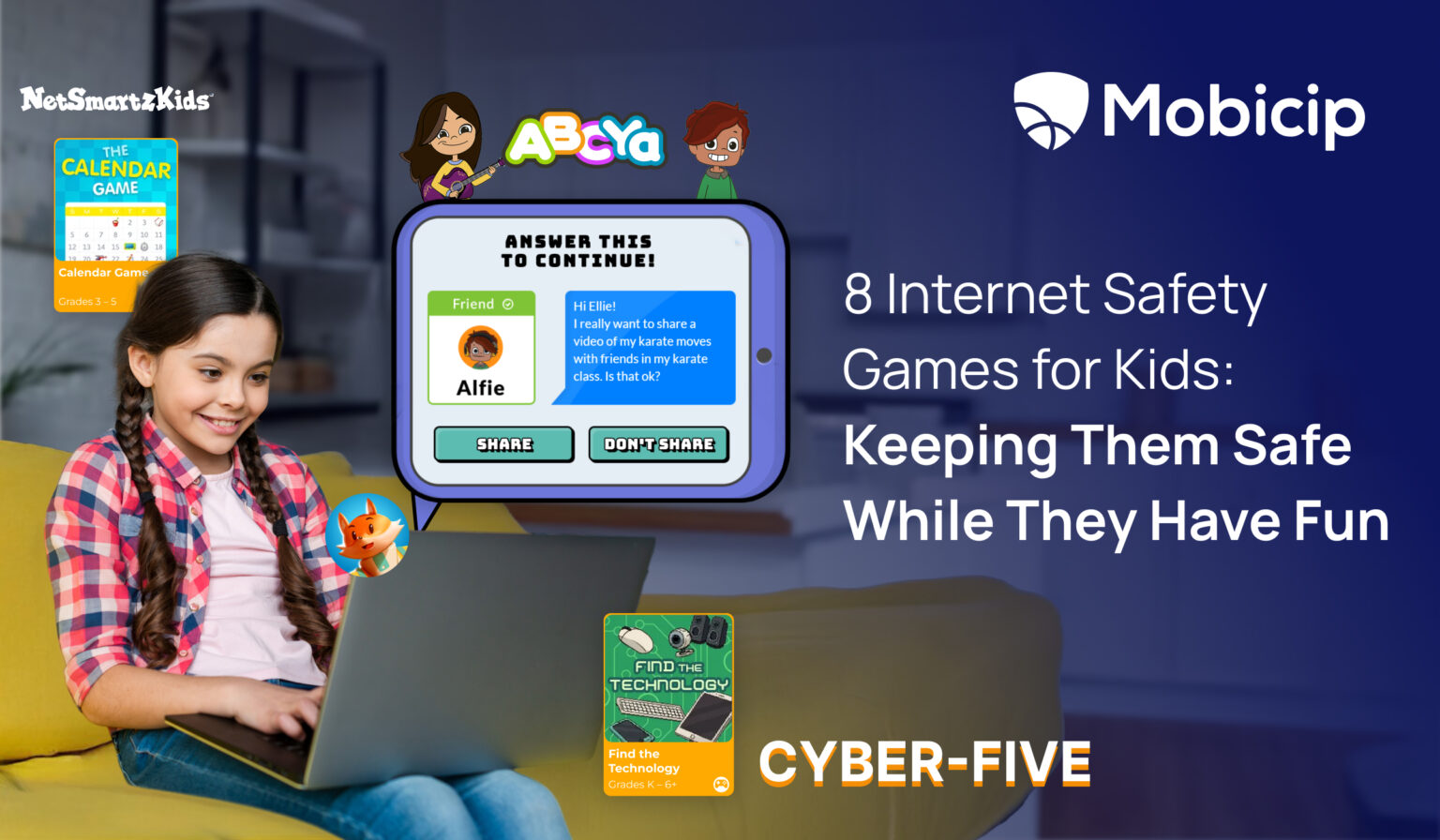
Expanding a digital citizenship library ensures that children receive continuous, varied reminders about healthy technology use throughout the school year. Additional printables, including creative Coloring Pages, reinforce core safety messages through artistic expression and relaxed conversation. Combining different resource formats helps cater to diverse learning styles, keeping digital safety education fresh, engaging, and deeply relevant to every student.
Developmental Milestone & Activity Table
| Development Stage | Recommended Daily Duration | Primary Learning Objective |
|---|---|---|
| Preschool & Pre-K | 10 – 15 Minutes | Pencil grip development & basic pre-stroke lines |
| Kindergarten | 15 – 20 Minutes | Letter/number formation & spatial line awareness |
| Early Elementary (Grade 1–2) | 20 – 30 Minutes | Fluency, sentence construction & neatness |
Images References