Introduction
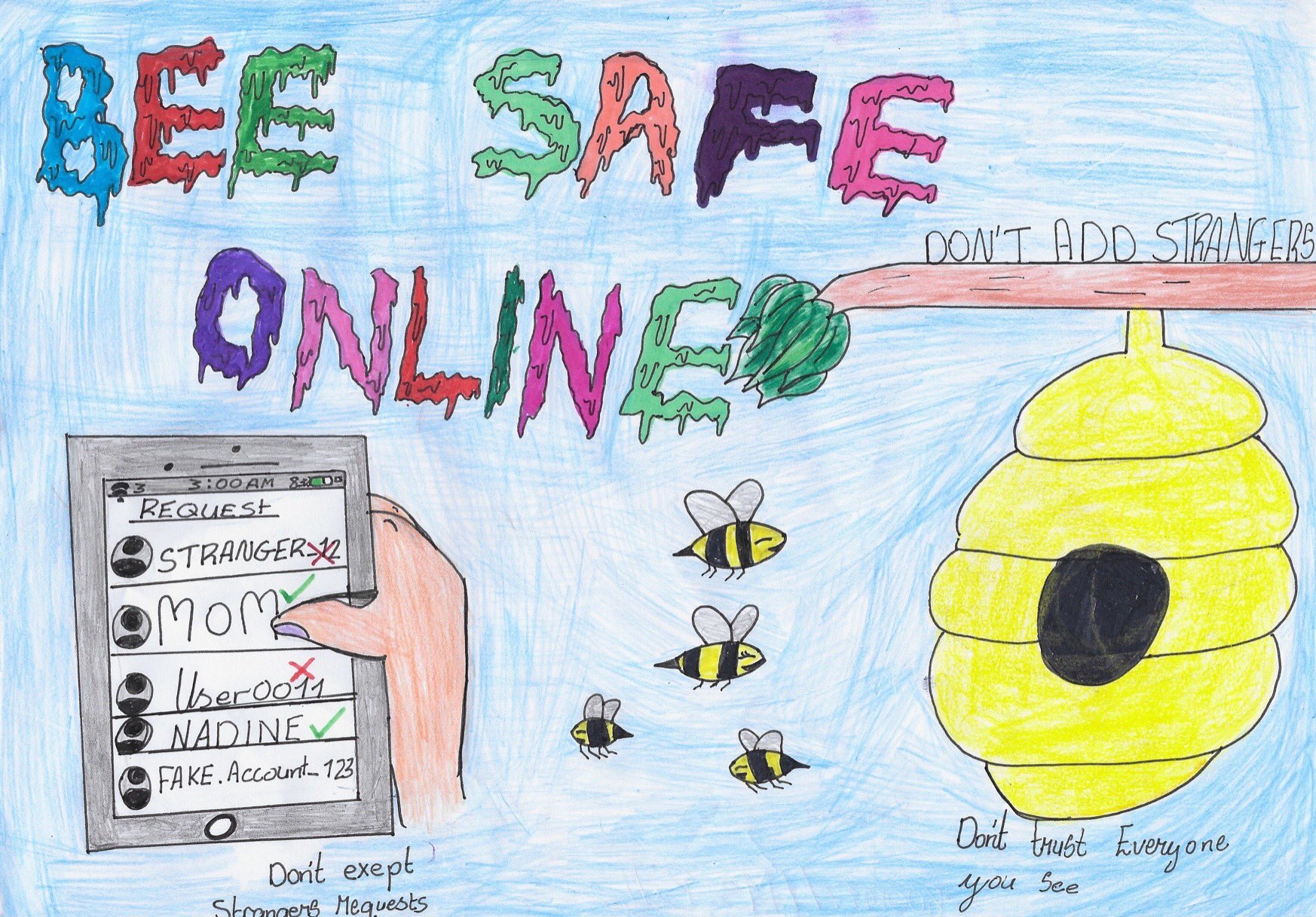
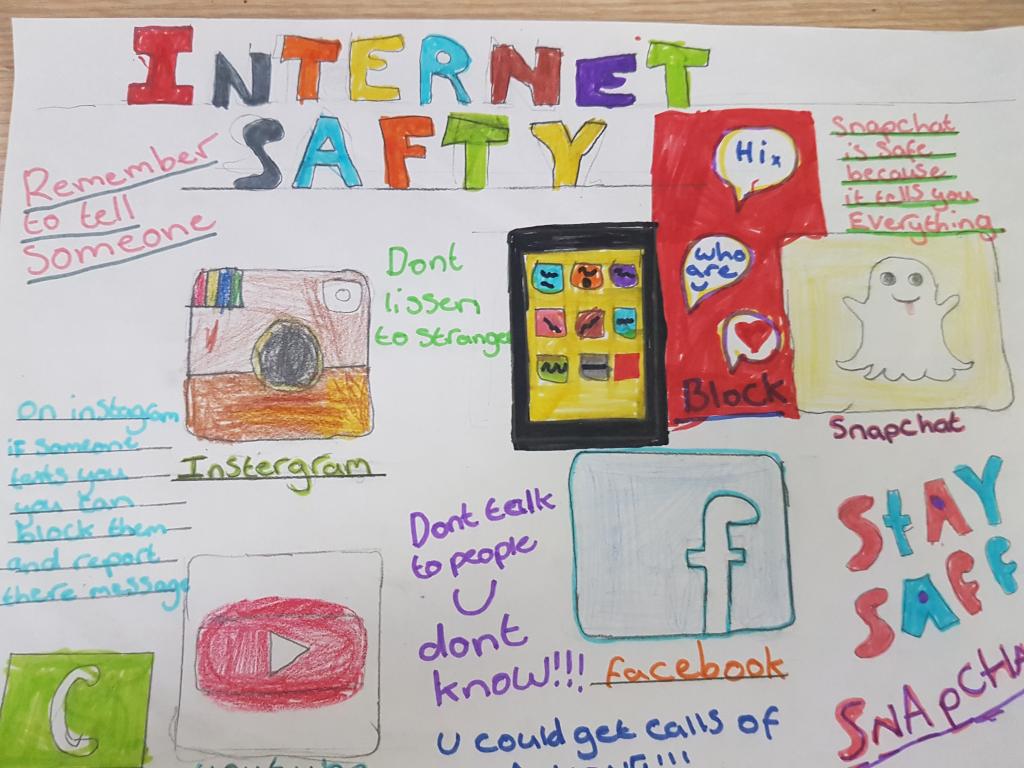
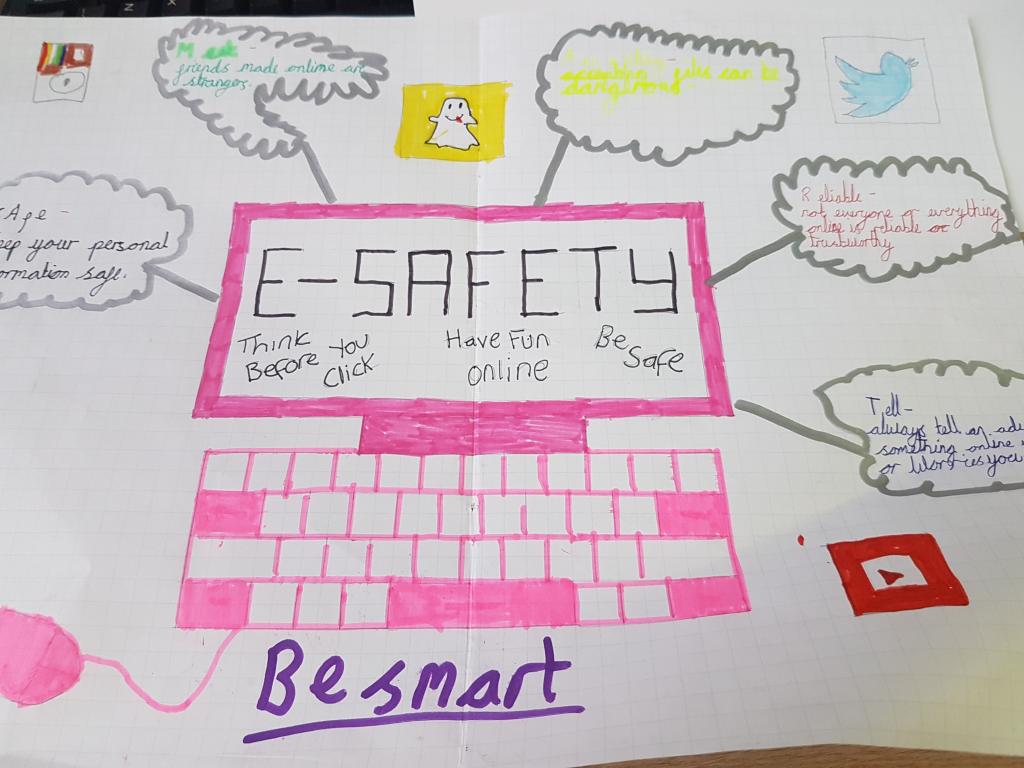
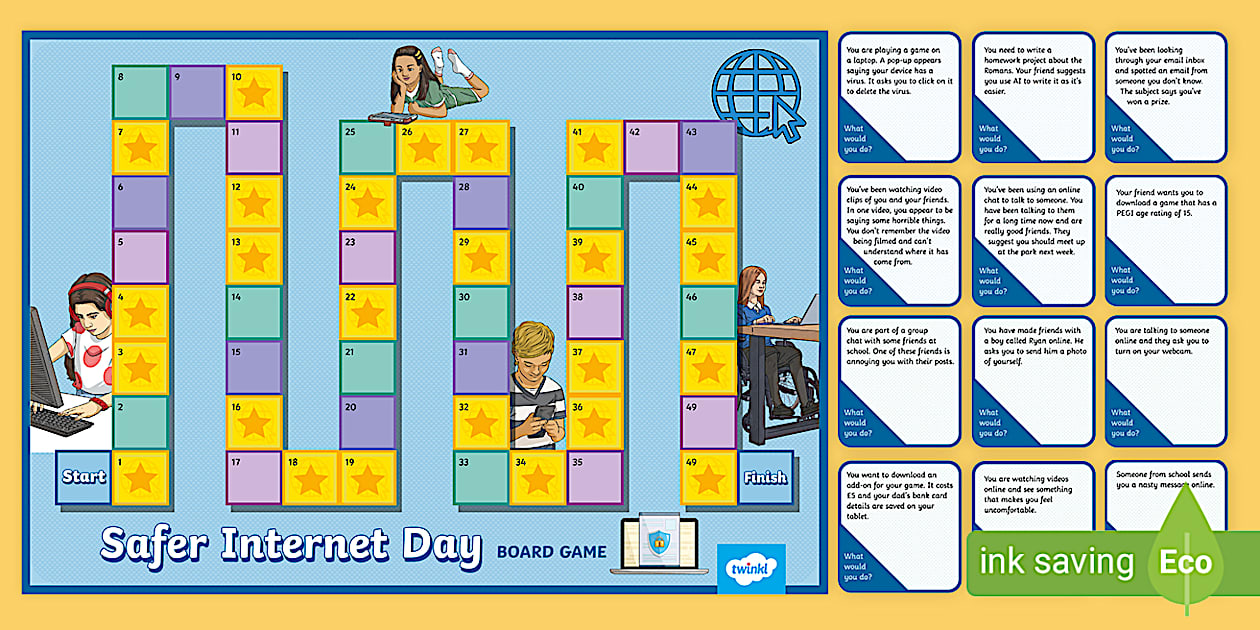
Children often encounter digital environments long before they fully understand how to navigate them safely. Young minds naturally explore shared household tablets, casual in-game chat features, and video streaming platforms with uncurated recommendation algorithms. Rather than relying solely on restrictive blocking software, adults benefit from building proactive digital habits through creative engagement. The free printable internet safety for drawing activity offers a gentle, hands-on method to introduce vital protective concepts to elementary students. Coloring reinforces safety messages organically, keeping hands busy while opening up comfortable, low-pressure conversations about online boundaries. It sounds simple, and that is precisely the point. Creative exercises turn abstract rules about personal data into tangible choices children can visualize and remember. Related guide: 5 Cyber Safety Tips Symbols That Can Be Read By The Grede 7 Students.
💡 Educational Key Takeaways:
- Core Skill: Structured Internet Safety For Drawing focused on developing pencil grip, stroke control, and early literacy/math confidence.
- Target Scope: Suited for homeschoolers, preschool, kindergarten, and elementary learners.
- Best Recommendation: Practice 10–15 minutes daily with ergonomic writing tools to reinforce muscle memory without hand fatigue.
What This Printable Covers
This educational resource breaks down essential digital citizenship lessons into visual prompts suited for young learners. Children color and interact with scenes that emphasize keeping personal information private, recognizing the importance of strong passwords, and pausing before sharing photos or messages. According to Pew Research Center, a vast majority of parents of young children report that their kids interact with digital devices regularly, making early foundational guidance indispensable. The activity also highlights the golden rule of digital life: telling a trusted adult immediately whenever something online feels confusing, strange, or uncomfortable. Crucially, the accompanying discussions reinforce that children are never in trouble for reporting an unsettling online encounter. This supportive approach builds resilience rather than instilling fear, ensuring kids view safety as a helpful skill.
Key Learning Outcomes
Students engaging with these creative safety sheets practice identifying safe versus unsafe sharing habits in a structured format. They learn to recognize what constitutes private data, such as full names, home addresses, and school names, distinguishing this sensitive information from harmless digital preferences. Another major outcome involves identifying trusted helpers both at home and at school. Practicing these scenarios on paper helps children build cognitive pathways, making them far more likely to seek help in real-world digital situations. Exploring these foundational ideas bridges the gap between screen time and real-world common sense, supporting broader lessons found across various online safety modules designed for young classrooms.
How to Use This Printable
Educators and caregivers can integrate this activity into morning meeting routines, art stations, or quiet afternoon homework blocks. Here is what makes this resource different: it relies on tactile creativity to lower the emotional stakes of talking about technology. Adults can hand out crayons and sit beside children, coloring concurrently while asking open-ended questions about favorite games or online shows. This collaborative setting prevents children from feeling interrogated, inviting natural storytelling instead. When a child colors a character keeping a password secret, the adult can casually ask why that choice matters. Such organic touchpoints foster an open dialogue, turning a standard art activity into a meaningful bridge for ongoing household or classroom communication.
Practical Tips for Parents and Teachers
Facilitators maximize the impact of this resource by keeping the tone calm, curious, and empowering throughout the exercise. Adults should avoid lecturing about digital dangers and instead focus on celebrating smart choices depicted in the artwork. Displaying completed sheets on a classroom wall or refrigerator reinforces positive behavior without singling anyone out. It helps to connect the drawn scenarios directly to the actual devices used in the home or school environment, whether those are shared family laptops or classroom tablets. For deeper exploration of offline educational materials, educators often pair these art exercises with printable digital citizenship activities that challenge kids to solve everyday tech dilemmas.
Age-Appropriate Recommendations
For younger children ages five through eight, the focus centers on basic boundaries, such as asking permission before downloading an app or playing a new game. Older elementary students ages nine to twelve can explore more nuanced topics, including digital footprints, respectful communication, and recognizing online persuasion. Aligning these lessons with the Common Sense Education Digital Citizenship Curriculum ensures that activities match developmental milestones for each grade level. Younger learners benefit from concrete visual reminders, while older children thrive when invited to brainstorm solutions to hypothetical online peer scenarios. Tailoring the conversation ensures that foundational habits grow alongside the child’s expanding digital autonomy.
According to Common Sense Media, children’s daily media use continues to rise across all age groups, highlighting the urgent need for early, approachable digital citizenship education in homes and schools. — Common Sense Media
Frequently Asked Questions
How do adults access and print this resource? The file downloads instantly as a PDF, optimized for standard home or school printers using regular paper. How does coloring promote online safety? Coloring keeps hands engaged and lowers anxiety, making it easier for children to discuss rules about privacy and trusted adults. What do experts recommend for digital safety education? According to the National Center for Missing & Exploited Children (NCMEC), open communication and establishing trusted reporting adults are vital pillars for keeping kids safe online.
Explore More Free Kids Online Safety Printables
Expanding a child’s digital literacy toolkit requires a variety of engaging, low-stress materials that grow with their capabilities. Adults can browse additional resources focused on password creation, screen-time balance, and respectful digital communication to support continuous learning. Exploring curated collections on digital wellbeing topics helps maintain consistent messaging across classrooms and living rooms alike. Combining creative art projects with guided discussions ensures that children develop resilient, lifelong habits for navigating the digital world with confidence and peace of mind.
Developmental Milestone & Activity Table
| Development Stage | Recommended Daily Duration | Primary Learning Objective |
|---|---|---|
| Preschool & Pre-K | 10 – 15 Minutes | Pencil grip development & basic pre-stroke lines |
| Kindergarten | 15 – 20 Minutes | Letter/number formation & spatial line awareness |
| Early Elementary (Grade 1–2) | 20 – 30 Minutes | Fluency, sentence construction & neatness |
Images References