Introduction
Young children navigate digital environments long before they master cursive handwriting. Shared household tablets, multiplayer in-game chat windows, and popular video platforms invite elementary students into vast digital spaces every single day. Children often stumble into online risks not through malicious intent, but through innocent curiosity. Teaching foundational digital citizenship requires translating abstract online concepts into concrete, understandable ideas. The free printable designed to explain what a digital footprint is for a child with examples offers an approachable starting point. Safe digital habits develop through consistent, supportive conversations rather than fear-based warnings. Building these protective habits early empowers learners to navigate technology with confidence and awareness. Related guide: Digital Bullying Prevention Activities For Young Children.
💡 Educational Key Takeaways:
- Core Skill: Structured Explain What Digital Footprint Is For A Child With Examples focused on developing pencil grip, stroke control, and early literacy/math confidence.
- Target Scope: Suited for homeschoolers, preschool, kindergarten, and elementary learners.
- Best Recommendation: Practice 10–15 minutes daily with ergonomic writing tools to reinforce muscle memory without hand fatigue.
What This Printable Covers
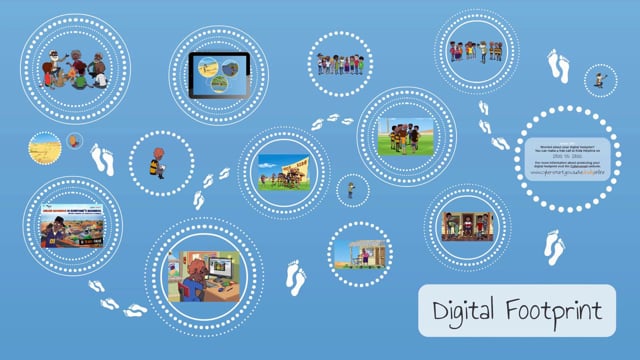
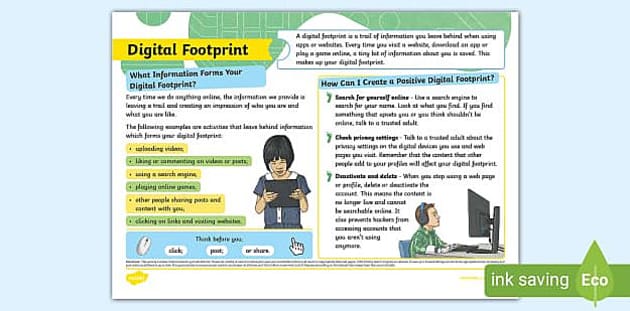
The resource breaks down the invisible concept of online tracking into relatable, physical analogies. Every photo, comment, and game score leaves a permanent trail behind, much like muddy boots walking across a clean kitchen floor. It sounds simple, and that is precisely the point. By illustrating how online actions persist over time, the activity helps children visualize the scope of their internet presence. Concrete examples show the difference between private information, such as home addresses, and public sharing, such as drawing a picture for a class gallery. Children learn that managing a digital footprint means making thoughtful choices about what gets shared with the wider world. The material reinforces that digital safety is a practical skill to practice, rather than an insurmountable rulebook.
Key Learning Outcomes
Working through the activity sheet guides students to identify which pieces of personal data belong strictly in the private category. According to Common Sense Media, children benefit immensely from structured guidance that connects offline manners to online interactions. Students practice pausing before clicking submit, upload, or post. The curriculum emphasizes that children are never in trouble for reporting something uncomfortable they encounter online. Establishing this safe reporting boundary remains vital for early digital health. Learners also discover how to create strong passwords and recognize the importance of keeping account details secure from peers.
How to Use This Printable
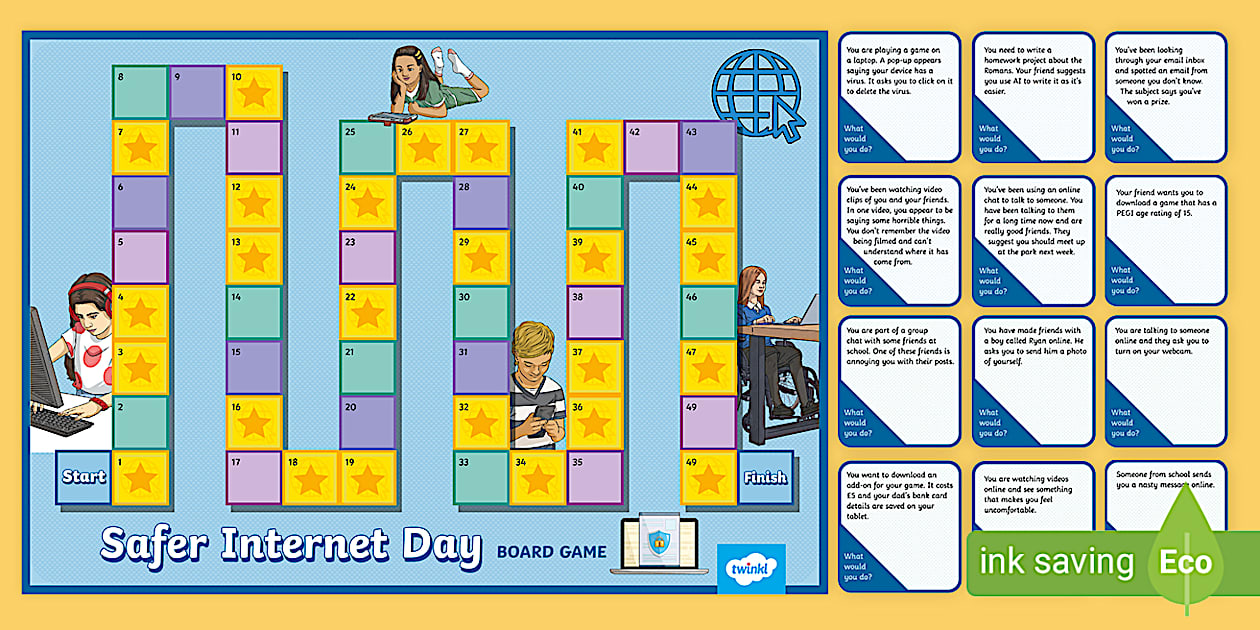
Classrooms, counseling offices, and kitchen tables transform into dynamic digital citizenship workshops using this free educational printable. Adults can introduce the topic by asking open-ended questions about favorite online games and shared family devices. Working collaboratively through the scenario prompts encourages children to voice their own reasoning rather than simply repeating memorized rules. Educators often pair the activity with small group discussions about online kindness and respectful communication. It supports ongoing learning found within broader Internet and Digital Safety initiatives without overwhelming young minds. The goal focuses entirely on building critical thinking skills during everyday screen time.
Practical Tips for Parents and Teachers
Facilitators should keep the tone light, curious, and collaborative. Avoid framing technology as inherently dangerous, which often drives children to hide their digital mistakes out of fear. Instead, celebrate moments when a child pauses, thinks before sharing, and consults an adult about a confusing prompt. Regular check-ins normalise talking about online experiences. Adults can anchor the lesson by sharing age-appropriate examples of their own digital footprints, demonstrating that everyone participates in the digital world. Patience remains essential as children internalize these abstract concepts over months of repeated practice.
Age-Appropriate Recommendations
Adapting the conversation depends heavily on the developmental stage of the audience. Five-year-olds grasp physical analogies best, understanding that internet posts stay visible just like paint drying on a wall. Older elementary students in upper grades can explore how algorithms and public profiles function. Aligning these lessons with the Common Sense Education Digital Citizenship Curriculum ensures content matches cognitive milestones for ages five through twelve. Younger groups focus strictly on keeping personal details private, while older students tackle digital reputation and respectful discourse. Every developmental tier benefits from reinforcing that trusted adults are always available to help navigate tricky digital moments.
According to Common Sense Media, structured digital citizenship education helps children navigate online spaces more safely and responsibly. — Common Sense Media
Frequently Asked Questions
Navigating digital literacy resources often brings up practical questions for educators and families alike. Clear answers help maximize the impact of every printed page. Finding the right balance between restriction and education ensures children build lasting, healthy digital habits. Exploring additional Online and Digital Safety strategies expands these foundational classroom conversations into daily home routines.
Explore More Free Kids Online Safety Printables
Expanding a digital citizenship toolkit requires a variety of engaging formats tailored to different learning styles. Integrating interactive exercises alongside creative coloring pages reinforces vital security messages through artistic expression and open dialogue. Combining multiple activity types keeps children engaged while deepening their understanding of online boundaries. Every resource serves as a stepping stone toward raising mindful, secure digital citizens.
Developmental Milestone & Activity Table
| Development Stage | Recommended Daily Duration | Primary Learning Objective |
|---|---|---|
| Preschool & Pre-K | 10 – 15 Minutes | Pencil grip development & basic pre-stroke lines |
| Kindergarten | 15 – 20 Minutes | Letter/number formation & spatial line awareness |
| Early Elementary (Grade 1–2) | 20 – 30 Minutes | Fluency, sentence construction & neatness |
Images References