Introduction
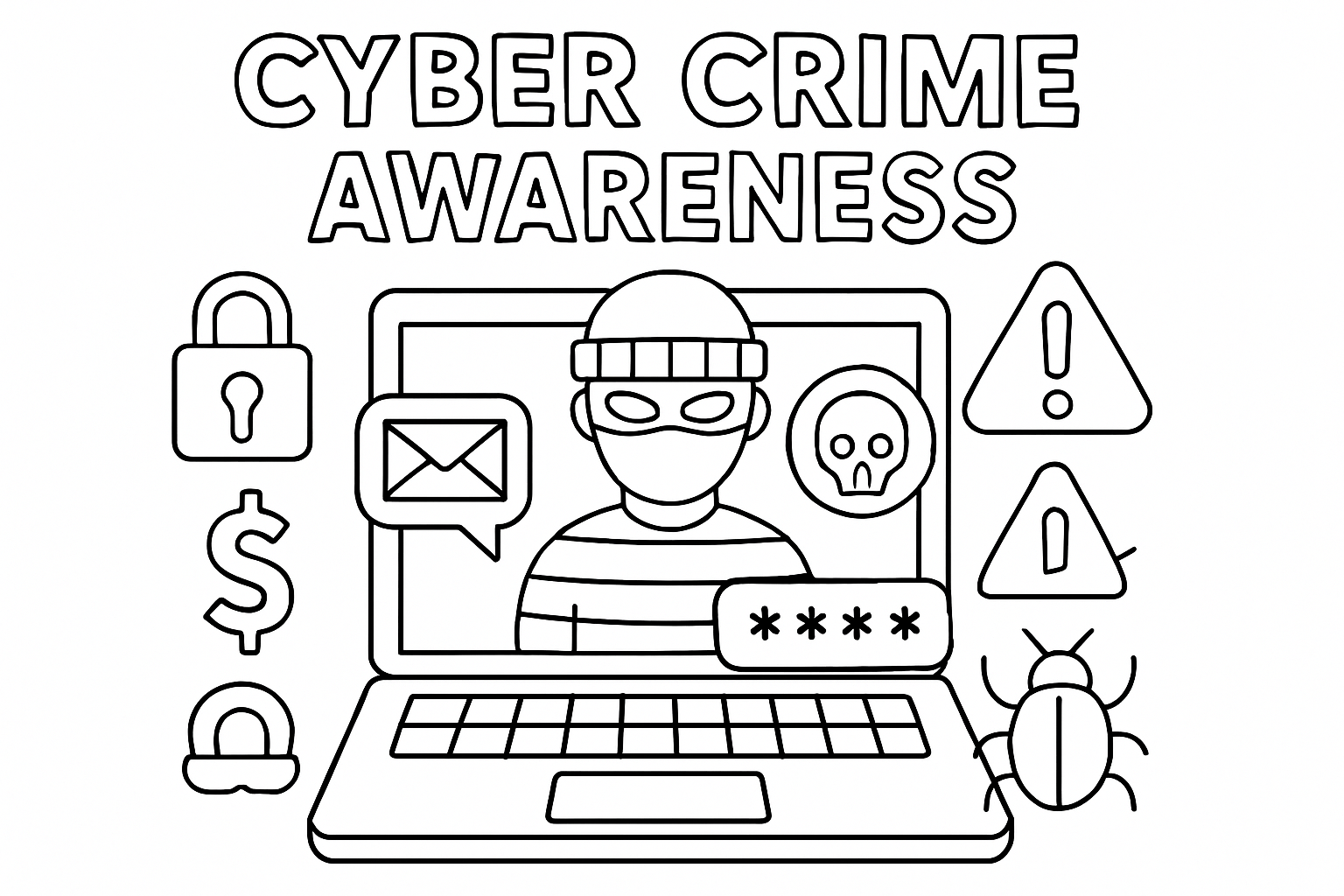
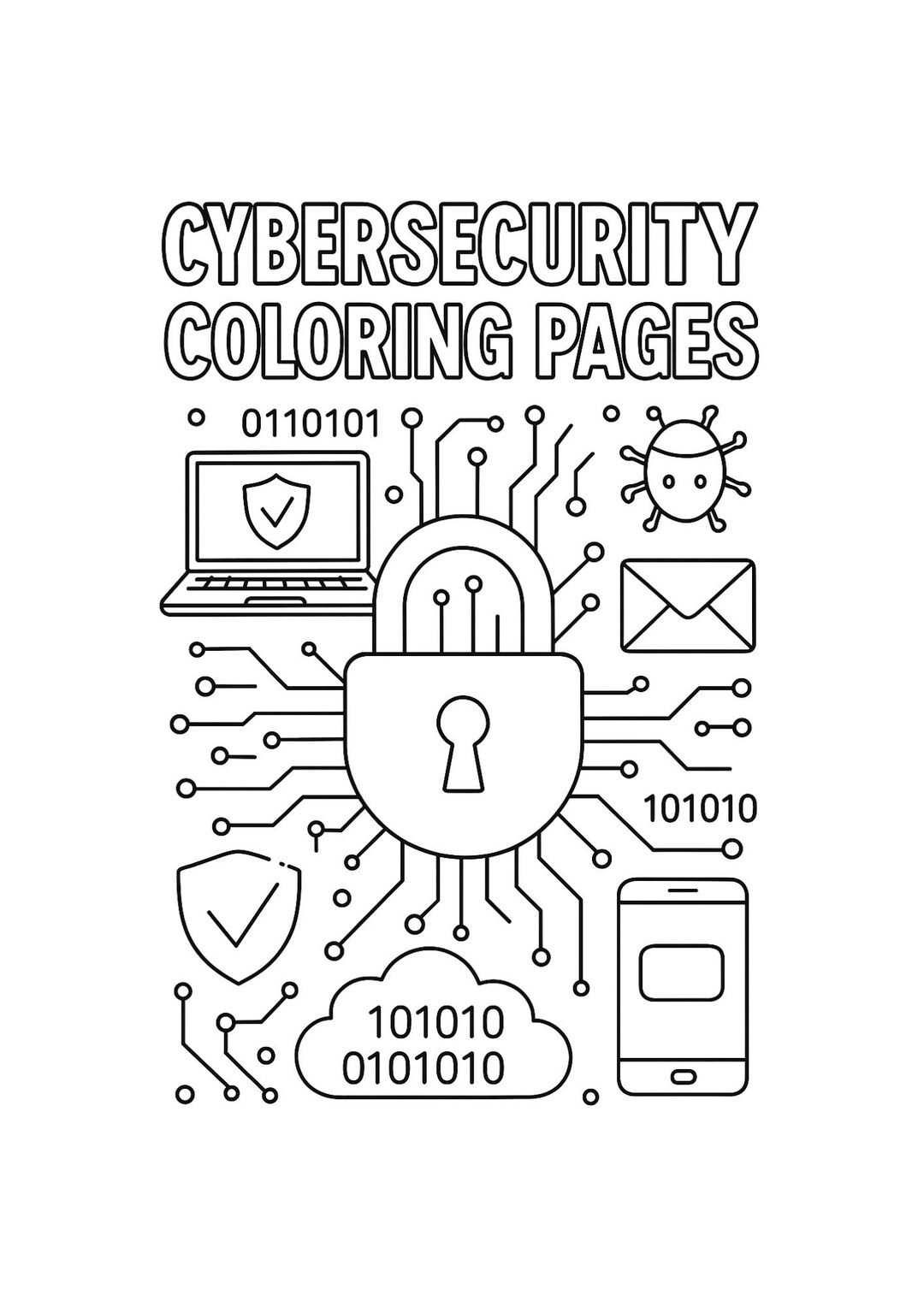
Children today navigate a vibrant digital landscape long before they reach middle school. Shared family tablets, in-game chat features within multiplayer virtual worlds, and streaming video platforms weave technology into daily childhood routines. Teaching digital citizenship requires methods that resonate with developing minds. Traditional lectures on cyber security often glaze young eyes. Hands-on learning bridges this gap effectively. Coloring provides a low-pressure avenue for children to absorb vital protective habits. Integrating free printable somepictures related to cyber security which children can color transforms abstract concepts into tangible visual cues. This creative approach fosters calm, confident discussions around device use without inducing fear. Related guide: 5 Cyber Safety Tips Symbols That Can Be Read By The Grede 7 Students.
💡 Activity Key Takeaways:
- Core Focus: Printable Somepictures Related To Cyber Security Which Children Can Color designed for creative expression and fine-motor coordination.
- Target Scope: Ideal for toddlers, preschool, kindergarten, and classroom art activities.
- Best Recommendation: Use standard heavy printer paper (24–28 lb) or cardstock for vibrant results with crayons, colored pencils, or washable markers.
WhatThis Printable Covers
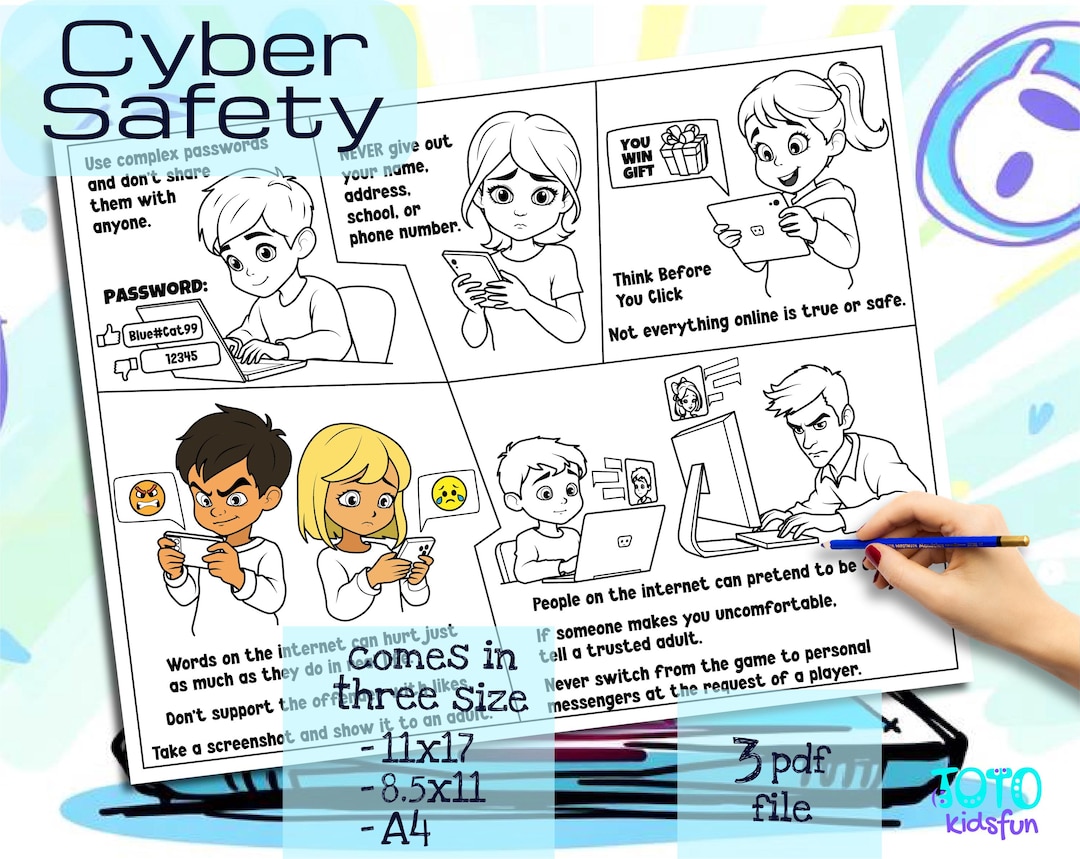
Visual art exercises engage different cognitive pathways than spoken warnings. As crayons move across paper, young learners absorb foundational safety behaviors naturally. The designs focus on empowering routines rather than frightening restrictions. Every sheet highlights everyday choices youngsters make on devices. Children encounter scenarios involving strong passwords, keeping full names and locations private, and pausing before clicking links. It sounds simple, and that’s the point. Repetition through artistic engagement solidifies these concepts. Educators and families find that coloring pages serve as gentle prompts for deeper dialogue about online boundaries.
Key Learning Outcomes
Building resilience in digital spaces starts with core protective habits. First, youngsters learn to identify personal information, such as home addresses and phone numbers, as private treasures that stay off public profiles. Second, the artwork introduces the concept of digital footprints through relatable illustrations. Third, and most importantly, these resources reinforce that children are never in trouble for reporting something uncomfortable. Whether a pop-up looks strange or an in-game message feels unkind, telling a trusted adult remains the golden rule. Exploring additional Internet and Digital Safety strategies expands upon these foundational lessons.
How to Use This Printable
Implementation requires minimal preparation, making these resources ideal for busy classrooms and quiet afternoons at home. Print a stack of sheets and gather colored pencils or markers. Invite children to color while starting an open-ended conversation. Asking open questions transforms a quiet art session into an interactive learning experience. Inquiries like “What is the character building on the screen?” or “Why is that password kept secret?” prompt critical thinking. Art allows children to process digital citizenship at their own pace. Pairing these sheets with related Worksheets adds variety to lesson plans.
Practical Tips for Parents and Teachers
Timing and tone matter immensely when discussing technology habits. Adults should approach these sessions with curiosity rather than interrogation. Here’s what makes this resource different: it keeps hands busy, which naturally lowers the anxiety some children feel when discussing rules. Frame digital safety as a superpower rather than a restriction. Celebrate when a child correctly identifies a safety rule depicted in the line art. Establishing a predictable routine for discussing digital habits normalizes safety as part of everyday life. Consistent messaging between home and school reinforces these positive behaviors.
Age-Appropriate Recommendations
Tailoring digital citizenship instruction to developmental stages ensures maximum comprehension. For younger elementary students aged five to eight, focus on basic device rules, such as asking permission before downloading apps and keeping screens in common household areas. Older elementary children aged nine to twelve can explore more nuanced topics, including respectful communication and password strength. Integrating the Common Sense Education Digital Citizenship Curriculum helps educators align these creative activities with structured, research-backed learning goals. Instruction must grow alongside the child, adapting to the increasing independence they experience online.
According to Common Sense Media, a vast majority of children access mobile devices before starting kindergarten, highlighting the need for early digital citizenship education. — Common Sense Media
Frequently Asked Questions
Accessing and utilizing educational safety tools should be straightforward. The answers below address common inquiries from educators and families looking to integrate creative activities into their routines.
Explore More Free Kids Online Safety Printables
Expanding a child’s digital literacy toolkit requires diverse resources that keep engagement high. Complementing coloring activities with varied media strengthens understanding across different learning styles. Discover additional tools by browsing the curated collection of Coloring Pages and exploring broader Online and Digital Safety materials designed for elementary learners.
Key Specifications & Age-Group Overview
| Age / Grade Group | Target Skill Focus | Recommended Medium |
|---|---|---|
| Toddlers (Ages 2–4) | Hand-eye coordination & broad motor grasp | Jumbo crayons & washable finger paints |
| Early Elementary (Ages 5–7) | Line boundaries & fine pencil control | Standard colored pencils & fine-tip markers |
| Intermediate (Ages 8+) | Color blending, shading & artistic patience | Watercolor pencils, gel pens & dual-brush markers |
Images References