

Introduction
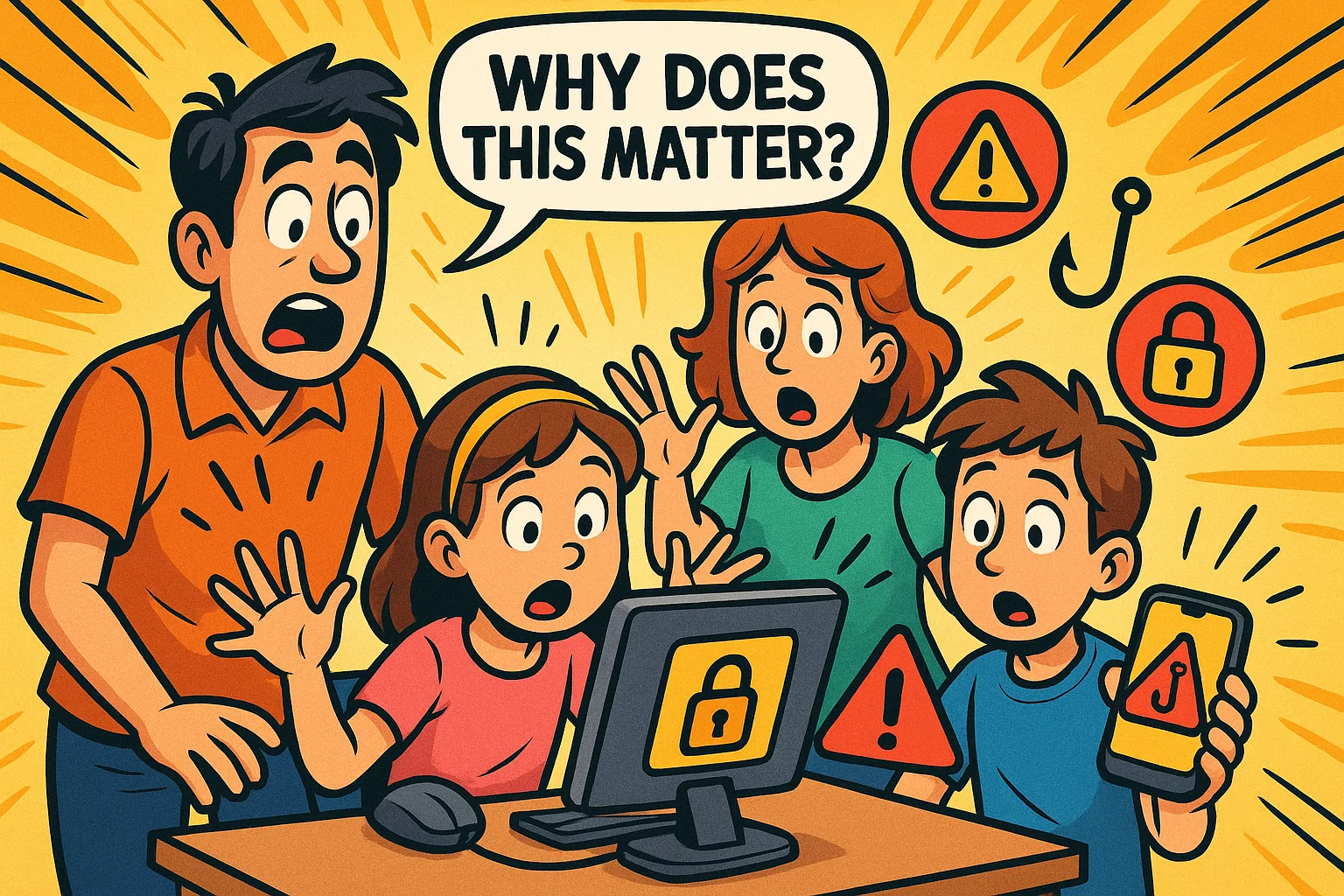
Young children navigate the digital world long before they fully understand the invisible boundaries of the internet. Tablets passed down during family road trips, shared gaming consoles in the living room, and video streaming platforms loaded onto classroom devices mean that five-to-twelve-year-olds encounter digital spaces daily. Modern childhood happens across physical and virtual spaces simultaneously. This reality makes teaching online privacy an essential modern life skill, much like looking both ways before crossing the street. Adults often worry about complicated threats, yet the everyday exposures usually look quite ordinary. Children frequently interact through in-game chat features, comment sections on creative video platforms, or multiplayer lobbies while playing with friends. These environments invite accidental sharing of personal details like full names, school mascots, or home cities. Building strong privacy habits requires patience, repetition, and tools that meet learners at their developmental level. The free printable “Why Online Privacy Matters for Children” serves as a practical bridge between adult supervision and independent digital citizenship. Rather than relying on fear or restriction, effective online safety education empowers students to recognize personal information and make thoughtful choices about what stays private. Related guide: 5 Cyber Safety Tips Symbols That Can Be Read By The Grede 7 Students.
💡 Educational Key Takeaways:
- Core Skill: Structured Why Online Privacy Matters For Childern focused on developing pencil grip, stroke control, and early literacy/math confidence.
- Target Scope: Suited for homeschoolers, preschool, kindergarten, and elementary learners.
- Best Recommendation: Practice 10–15 minutes daily with ergonomic writing tools to reinforce muscle memory without hand fatigue.
What This Printable Covers
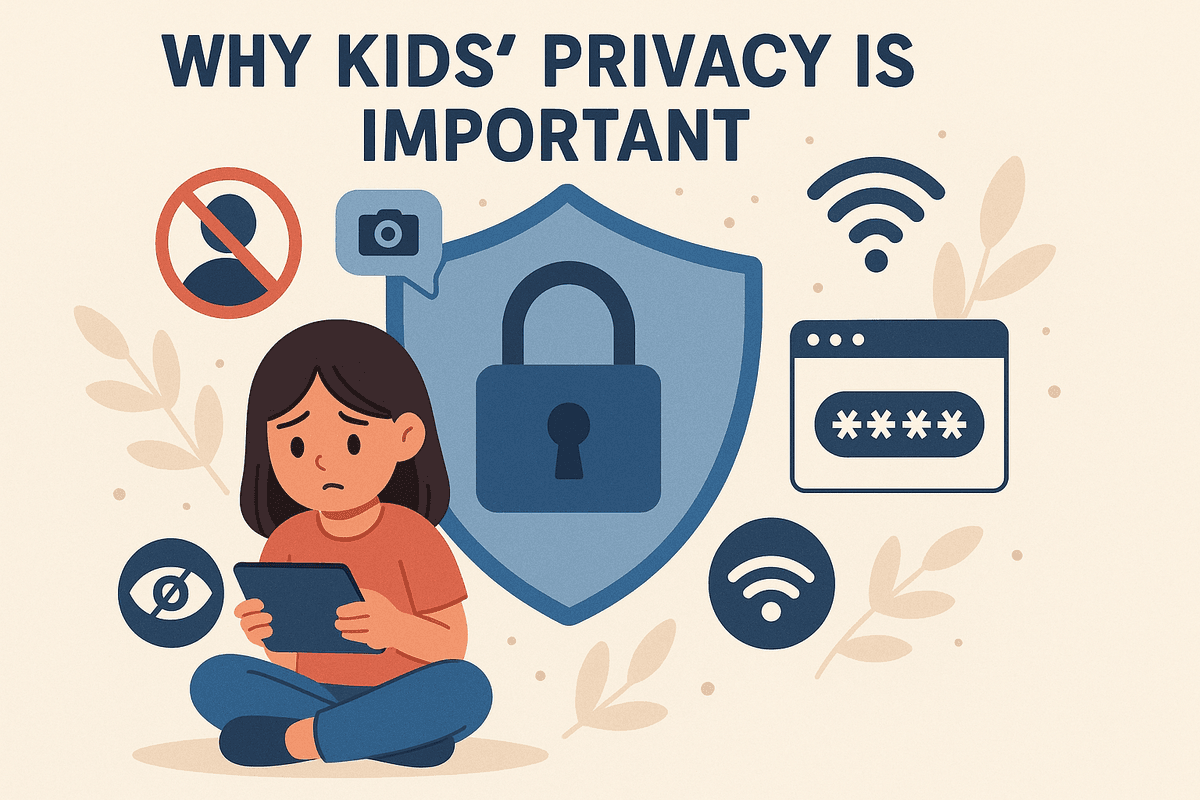
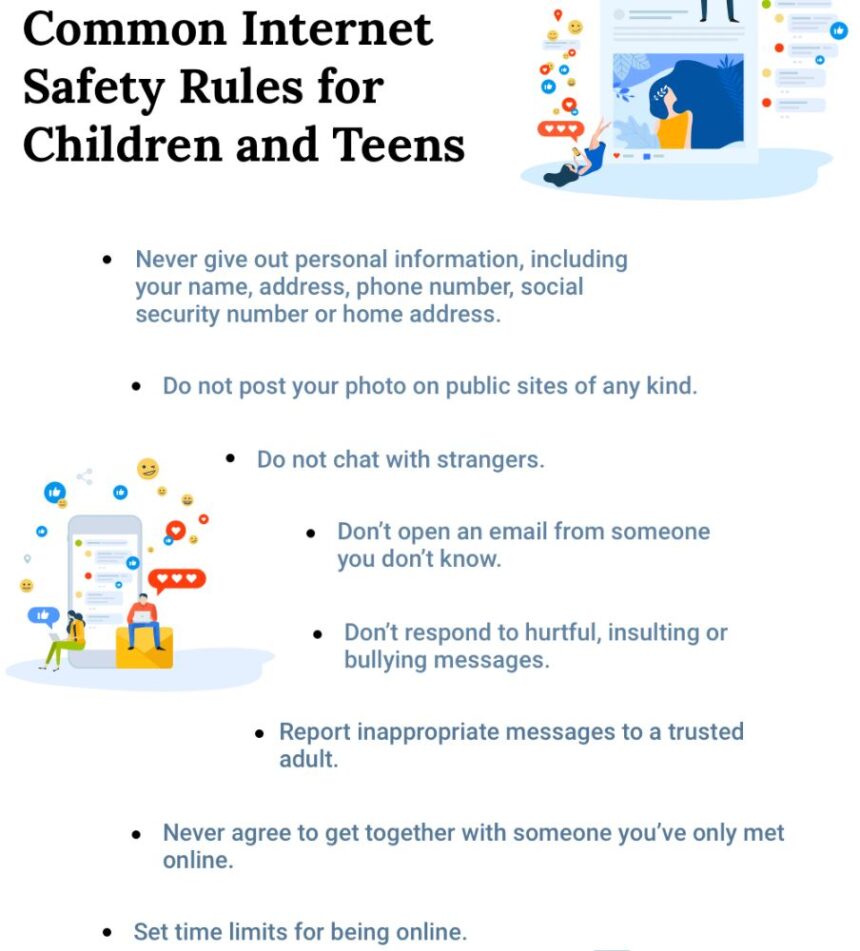
This free educational resource breaks down complex privacy concepts into concrete, manageable lessons designed specifically for elementary and middle childhood. The guide focuses heavily on actionable protective habits rather than abstract rules. Children learn to distinguish between public data—such as favorite colors or general interests—and private details that belong strictly to the family. Furthermore, the material covers the importance of creating strong passwords, recognizing pop-up traps, and pausing before clicking or sharing. It sounds simple, and that is precisely the point. By focusing on foundational concepts, the printable helps young users understand that digital footprints are lasting records. According to the Federal Trade Commission, children frequently share sensitive information online without realizing that data permanence means casual keystrokes can remain accessible for years. Educators and caregivers find that having a visual reference makes these abstract digital concepts tangible. The resource reinforces that keeping information safe is not a punishment, but a way to protect personal peace and safety.
Key Learning Outcomes
Working through this guided activity builds specific competencies that children apply directly to shared devices and interactive apps. Learners identify what constitutes a digital footprint and discover why personal data belongs to them. Another core outcome involves reinforcing the golden rule of online communication: never share real-world names, locations, or school names in open chat boxes. Crucially, the material instills an unwavering safety net message. Children learn that asking a trusted adult for help when something feels confusing or uncomfortable is always the right choice, and that they will never get into trouble for reporting an uneasy online interaction. According to Common Sense Media, structured conversations about digital dilemmas significantly increase the likelihood that children will confide in adults when encountering uncomfortable online situations. These outcomes transform passive screen time into active, mindful engagement supported by comprehensive Internet and Digital Safety strategies.
How to Use This Printable
Classrooms, homeschool environments, and living rooms all benefit from adaptable, low-prep educational tools. This printable functions best as a discussion starter rather than a silent independent quiz. Adults can introduce the sheet during a morning meeting, a family tech check-in, or a dedicated library media lesson. Coloring and drawing components invite children to process safety concepts creatively while adults read prompt questions aloud. It sounds simple, yet the act of coloring gives restless hands a steady anchor, lowering anxiety and opening up natural avenues for authentic dialogue. For maximum impact, pairs or small groups can discuss hypothetical scenarios printed on the page, brainstorming safe responses together before writing or drawing their conclusions. This collaborative approach mirrors broader classroom practices found across many educational worksheets designed to foster critical thinking and peer communication.
Practical Tips for Parents and Teachers
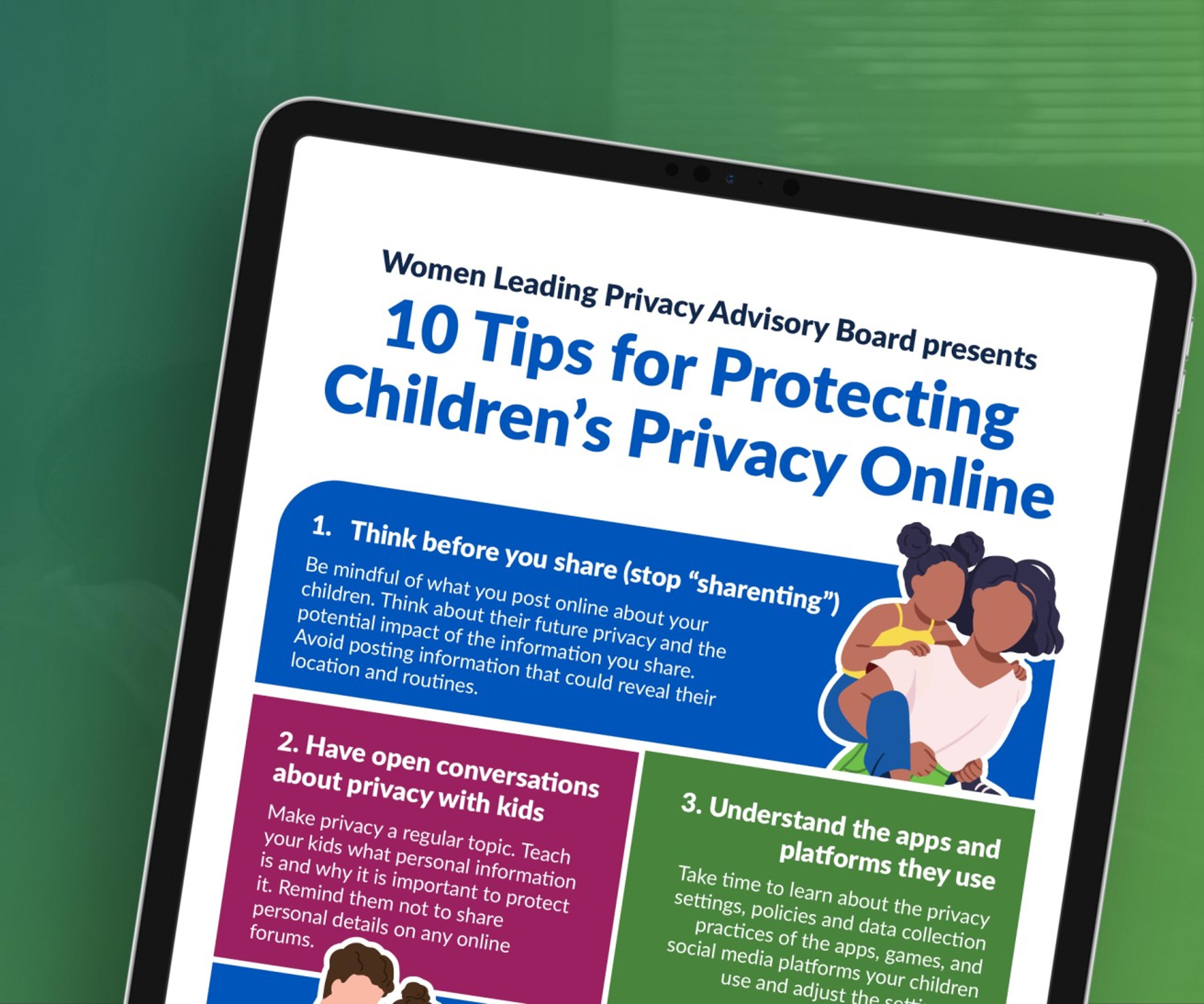
Maximizing the value of any safety resource requires shifting the tone from policing to mentoring. Adults should use the printable prompts to ask open-ended questions like, “What would you do if a game asked for your real name to win a prize?” Listening without immediate judgment ensures that children feel safe bringing future digital mistakes or worries forward. Displaying completed sheets near family charging stations or classroom computer carts serves as a gentle, everyday reminder of the privacy rules established together. Consistency matters immensely in digital habit formation. Revisiting the concepts every few months ensures that as children grow into more complex gaming and social platforms, their privacy instincts evolve alongside their tech usage.
Age-Appropriate Recommendations
Tailoring digital citizenship instruction to developmental stages ensures that children absorb messages without feeling overwhelmed. Younger elementary students in the five-to-eight age bracket require concrete rules, focusing heavily on basic concepts like keeping passwords secret and asking an adult before downloading anything. Older elementary and pre-teen students aged nine to twelve can handle more nuanced discussions regarding digital footprints, peer pressure in chat rooms, and the permanence of shared images. Educators can anchor these lessons using the Common Sense Education Digital Citizenship Curriculum framework, which systematically scaffolds topics from media balance in early grades to privacy and digital footprint management in upper elementary years. Grounding instruction in established developmental frameworks helps ensure that children receive the right message at the exact moment their digital independence expands, further supporting best practices in Online and Digital Safety education.
Children frequently share identifiable personal data online without realizing its permanence — Federal Trade Commission
Frequently Asked Questions
Navigating digital citizenship questions helps adults feel confident while guiding young learners. The answers below address common inquiries regarding accessibility, implementation, and research-backed safety protocols.
Open dialogue about digital dilemmas significantly increases child disclosure rates — Common Sense Media
Explore More Free Kids Online Safety Printables
Expanding a digital citizenship toolkit takes continuous resources and fresh teaching angles. Adults looking for complementary materials can explore diverse offerings such as engaging Coloring Pages that turn abstract safety rules into recognizable artwork. Combining visual art prompts, discussion guides, and interactive lessons helps reinforce positive habits across every environment where children learn, play, and connect online.
Developmental Milestone & Activity Table
| Development Stage | Recommended Daily Duration | Primary Learning Objective |
|---|---|---|
| Preschool & Pre-K | 10 – 15 Minutes | Pencil grip development & basic pre-stroke lines |
| Kindergarten | 15 – 20 Minutes | Letter/number formation & spatial line awareness |
| Early Elementary (Grade 1–2) | 20 – 30 Minutes | Fluency, sentence construction & neatness |
Images References



💬 Frequently Asked Questions
📚 Related Articles

Example Of Digital Poeter About Internet Safety

Grade 3 Ict Topic: Understanding Internet Safety: Identify Common Online Dangers (E.G., Phishing, Scams, Cyberbullying)
Write A Paragraph On The Importance Of Internet Safety For An Application For Year 6 Digital Ambassador Job
