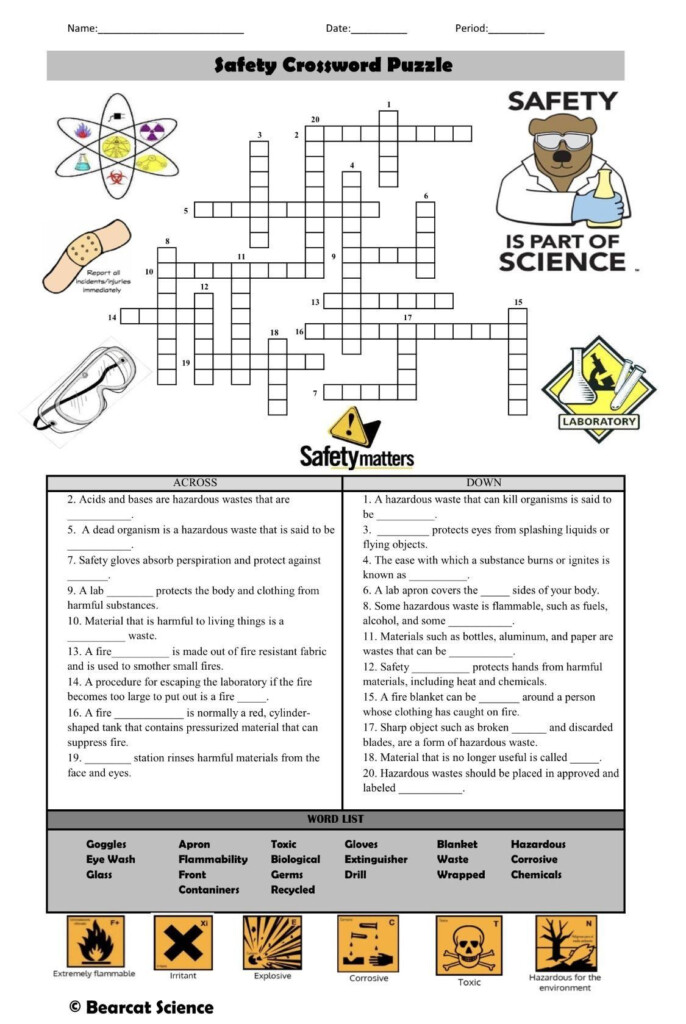
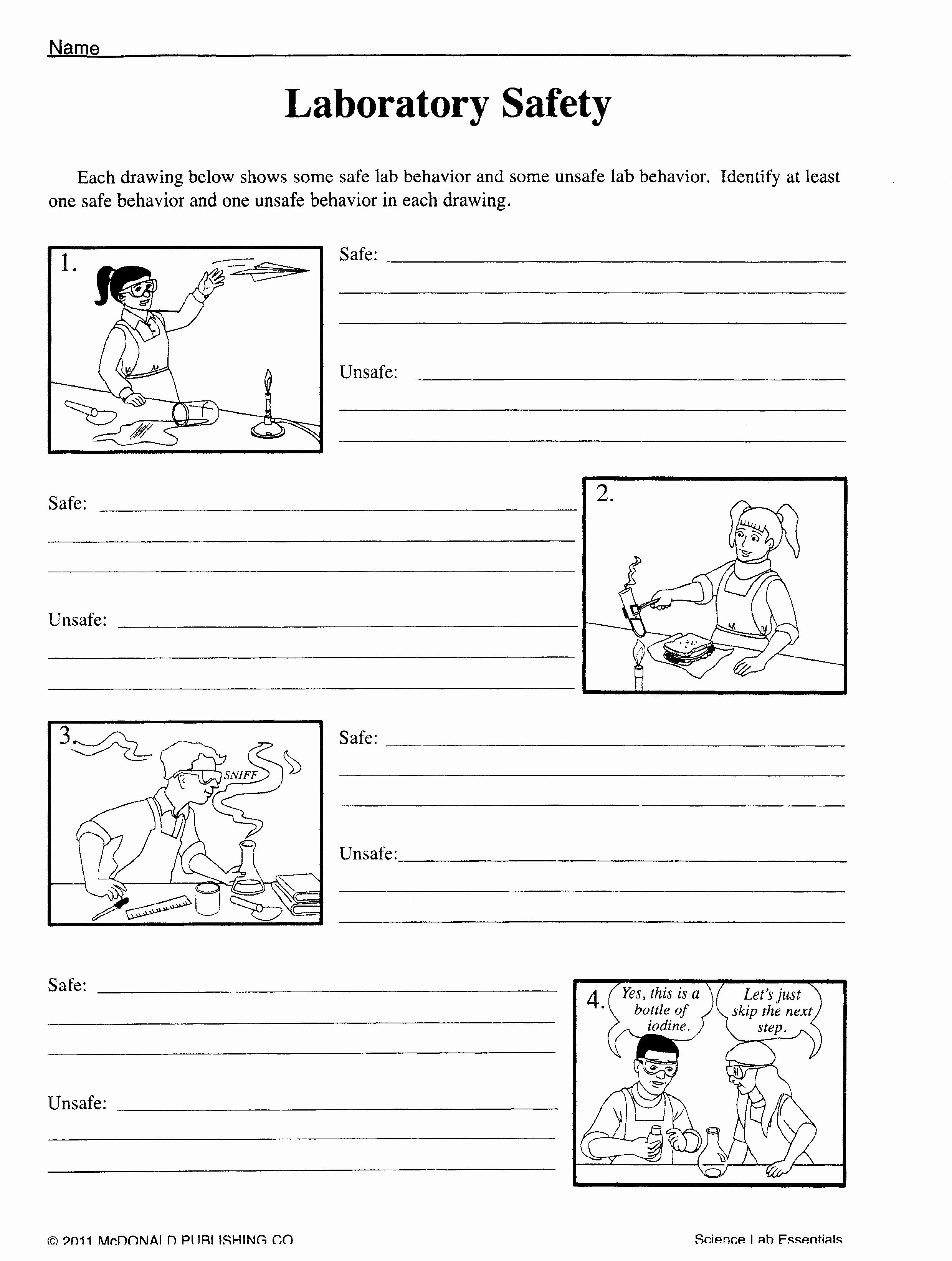
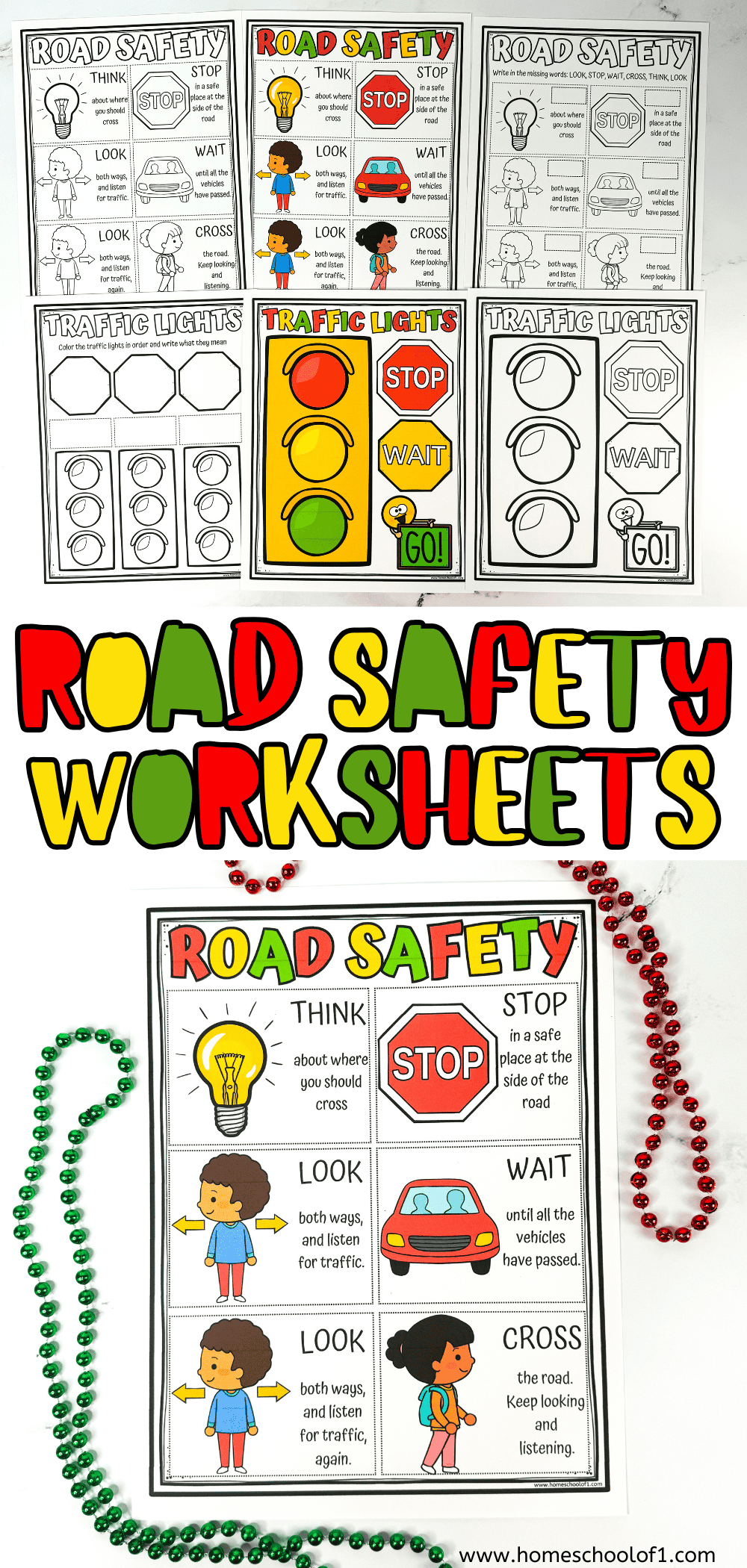
Why Integrating Digital Safety Into Every Science Safety Worksheet Matters
When K-12 students pull up a digital science safety worksheet on a school Chromebook or home tablet, they are often navigating much more than a list of lab rules or chemistry precautions. Modern learning materials frequently link to external video demonstrations, interactive simulations, and embedded cloud documents that collect student data or expose young learners to unforeseen digital risks. Aligning with guidance from organizations like the Cybersecurity and Infrastructure Security Agency and ConnectSafely, educators and parents must recognize that physical laboratory preparation now requires an equally robust digital safety plan. Keeping students secure online while they complete homework assignments means treating web links embedded in school tasks with the same cautious eye as a Bunsen burner or a beaker of reactive chemicals.
💡 Educational Key Takeaways:
- Core Skill: Structured Science Safety Worksheet focused on developing pencil grip, stroke control, and early literacy/math confidence.
- Target Scope: Suited for homeschoolers, preschool, kindergarten, and elementary learners.
- Best Recommendation: Practice 10–15 minutes daily with ergonomic writing tools to reinforce muscle memory without hand fatigue.
Digital Risk Signals and Preventive Guardrails for K-12 Assignments
As students transition between home networks and school-managed devices, different vulnerability points emerge. Recognizing these technical warning signs helps adults intervene before minor tracking concerns or pop-up redirects turn into privacy breaches or malware exposures during routine homework sessions.
| Setting / Context | Common Vulnerability | Practical Safeguard |
|---|---|---|
| Home Devices | Unfiltered search engines exposing children to malicious lookalike educational sites. | Configure parental controls and safe search settings on all personal household laptops and tablets. |
| School Chromebooks | Third-party embedded video ads collecting targeted data or redirecting off-campus. | Rely on district-vetted extension blockers and review Internet and Digital Safety protocols. |
| Social / Chat Habits | Classmates sharing unsecured cloud file links or asking for login credentials to collaborate. | Enforce strict account privacy rules and utilize official district collaboration suites only. |
Establishing Solid Digital Boundaries for Homework and Classroom Tasks
Protecting children online while they study does not require hovering over their shoulders every second. Instead, building predictable habits creates a reliable framework for digital wellness. Schools and families can partner by establishing designated charging zones in common family areas, eliminating late-night screen time that often leads to reckless browsing. Educators should encourage students to use district-approved learning management systems rather than open web searches when locating supplemental lab materials. Furthermore, schools can integrate digital literacy into regular Worksheets so students learn to evaluate URL structures and spot phishing attempts naturally as part of their daily curriculum.
Overcoming Student Workarounds and Digital Pushback Calmly
Children and teens are remarkably resourceful when it comes to bypassing restrictive filters, whether they are trying to access blocked gaming sites or viewing unapproved video clips linked from a science project. When adults discover these workarounds, an aggressive or punitive response often drives students to hide their online behavior more effectively. According to youth privacy frameworks from the Family Online Safety Institute, a balanced approach yields better long-term compliance. Rather than slapping blanket bans on devices, adults should talk calmly with students about why specific redirects or unsecured links pose real security threats. Framing technical rules as shared protection rather than arbitrary punishment encourages kids to report weird pop-ups or accidental misclicks without fear of losing device privileges.
Common Questions Regarding Digital Integration and Student Safety
How can I verify if an online science worksheet link is secure?
Always check that the URL begins with HTTPS and originates from a reputable educational domain, government portal, or established museum site. If a link prompts an unexpected software download or asks for personal information beyond a basic school login, students should close the tab immediately and notify an adult.
What should teachers do if a student encounters inappropriate ads on an external worksheet site?
Instruct the student to capture a screenshot and report the incident to the IT department so the domain can be added to the district blocklist. Teachers can then provide an alternative clean PDF version or guide the class through safe navigation strategies found under Online and Digital Safety resources.
How do I talk to my child about privacy when they use cloud-based school assignments?
Remind children never to use their personal real names, birthdates, or home addresses in public comment sections, shared digital whiteboards, or open collaborative project documents. Keep the conversation open so they feel comfortable telling you if a stranger ever reaches out through a shared educational link.
Explore More Digital Citizenship Resources
Safeguarding students requires a continuous, collaborative effort between home and school. Discover more practical guides, expert tips, and downloadable materials to support your digital citizenship journey by visiting SafeWiredSchools.org today.
Worksheet Previews & Reference Materials