Why Blending Culinary Basics with Digital Safety Matters for Students
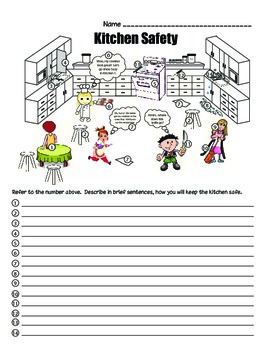
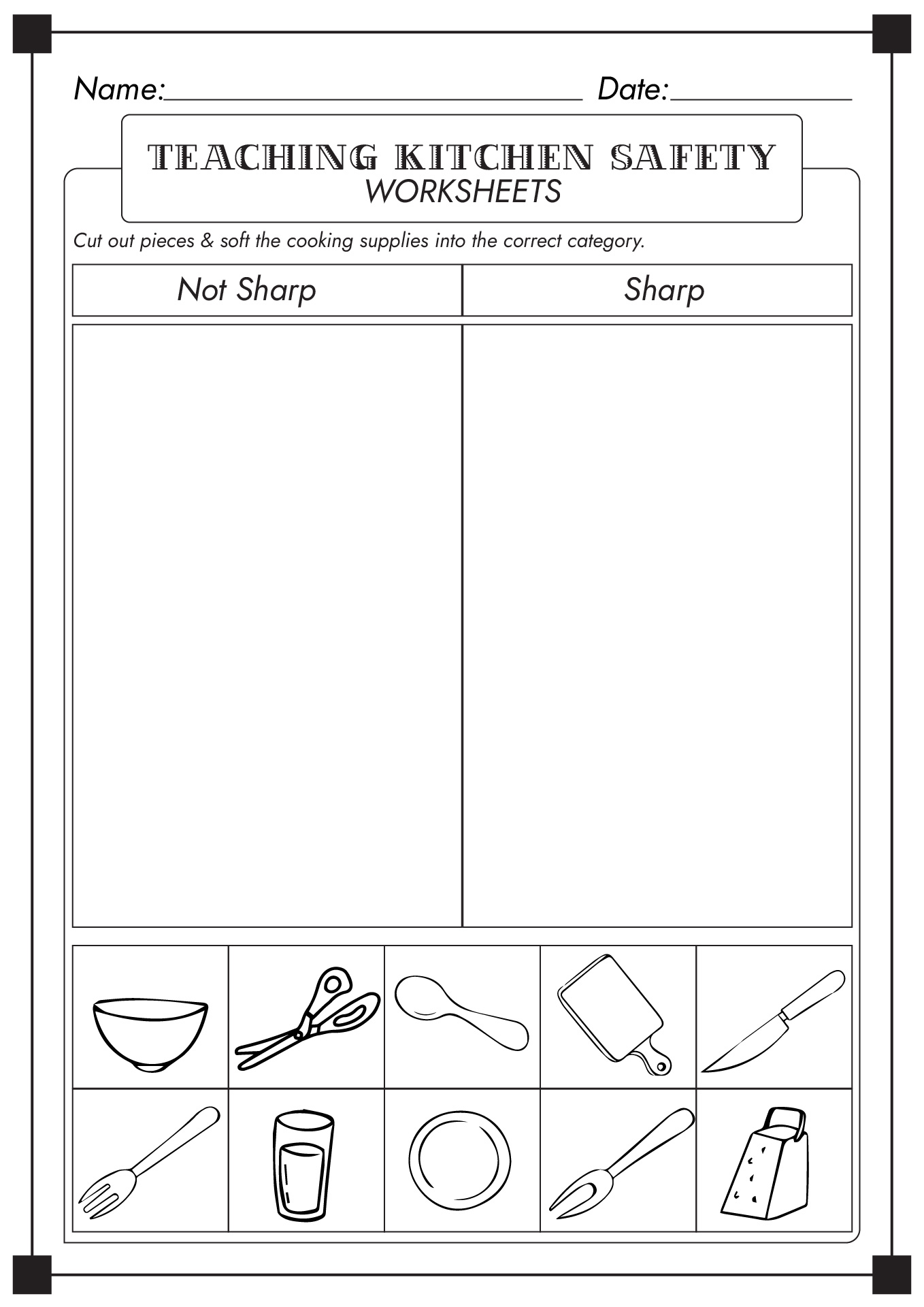
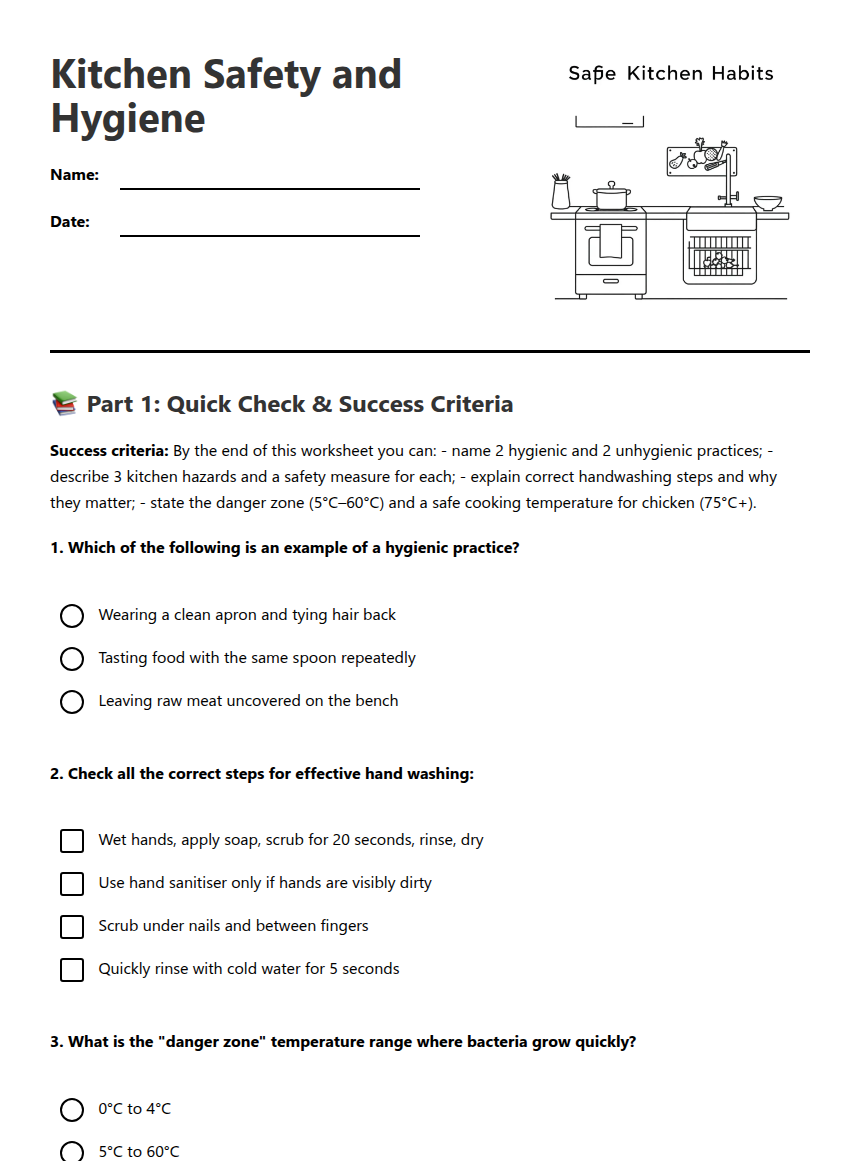
When educators and parents introduce a safety and sanitation in the kitchen worksheet to students, the immediate goal is teaching proper handwashing, knife handling, and cross-contamination prevention. However, in our modern K-12 environment, student learning rarely happens offline. As youth increasingly access online recipe tutorials, cooking vloggers on social media, and digital instructional modules, physical home economics overlaps directly with digital literacy. Organizations like ConnectSafely and the Federal Trade Commission emphasize that guiding children through online environments requires the same structured oversight we use when teaching them to handle a hot stove. Integrating digital citizenship into hands-on projects ensures students remain protected whether they are chopping vegetables in a school culinary lab or searching for baking ideas on an unsupervised home tablet.
💡 Educational Key Takeaways:
- Core Skill: Structured Safety And Sanitation In The Kitchen Worksheet focused on developing pencil grip, stroke control, and early literacy/math confidence.
- Target Scope: Suited for homeschoolers, preschool, kindergarten, and elementary learners.
- Best Recommendation: Practice 10–15 minutes daily with ergonomic writing tools to reinforce muscle memory without hand fatigue.
Digital Risks and Practical Guardrails for Recipe Research
Using tablets or laptops to find cooking inspiration introduces hidden hazards, from malicious pop-up ads on sketchy recipe aggregators to data collection trackers targeted at minors. Educators and parents must balance accessibility with robust technical safeguards. Reviewing our Worksheets archive can help instructors select materials that pair safe physical practices with smart online navigation habits.
| Setting / Context | Common Vulnerability | Practical Safeguard |
|---|---|---|
| Home Devices & Tablets | Accidental clicks on malicious recipe ad networks and aggressive cookie tracking. | Enable content filters, pop-up blockers, and safe-search defaults on all household gadgets. |
| School Chromebooks & Labs | Accessing unvetted streaming cooking videos that host inappropriate comments or external links. | Rely on district-managed DNS filtering and pre-approved educational video platforms. |
| Social Media & Cooking Channels | Interacting with unverified influencers who request personal details or promote unsafe trends. | Establish a family rule prohibiting direct messaging with unknown creators or recipe bloggers. |
Establishing Clear Guidelines for Screen Use During Hands-On Tasks
Managing technology in a space as active as a kitchen requires concrete routines. Because greasy fingers and liquids do not mix well with electronics, students should place tablets or laptops on secure, elevated stands away from food prep zones. Adults can utilize our Internet and Digital Safety resources to formulate clear classroom and household policies. Before turning on any device to look up cooking instructions, establish a quick pre-check routine: verify that the website is trusted, ensure privacy settings block targeted data harvesting, and maintain a clutter-free workspace that prevents device water damage or drops.
Overcoming Student Workarounds and Managing Device Pushback
Children naturally seek out shortcuts, sometimes bypassing school web filters or bringing personal phones into restricted cooking spaces to stream entertainment while working. Overly restrictive bans often backfire by driving these habits underground, making it harder for adults to intervene. Instead of harsh penalties, pair necessary device controls with calm, open-ended conversations. Explain *why* certain sites are blocked—such as protecting their privacy from predatory data brokers—rather than simply forbidding device use. When students understand the reasoning behind digital boundaries, they are much more likely to communicate openly if they encounter a suspicious pop-up or inappropriate ad while searching for a recipe.
Frequently Asked Questions About Integrating Digital Safety Into Practical Lessons
How can I protect students from inappropriate ads when they use a safety and sanitation in the kitchen worksheet online?
Always use ad-blockers and browser extensions designed for educational environments. Educators should download PDF versions of worksheets ahead of time so students do not need to navigate ad-heavy commercial websites.
What should a student do if they encounter a strange pop-up or unsafe link while looking up a recipe?
Teach children to immediately close the browser tab, walk away from the screen, and notify an adult without fear of getting in trouble. Reinforcing a non-punitive reporting culture ensures students speak up right away.
Are there specific privacy concerns when kids upload cooking project photos to class portfolios?
Yes. Always ensure student images do not reveal identifiable home backgrounds, uniforms, or location data. Review our Online and Digital Safety section for comprehensive guidelines on protecting student media and metadata.
Explore More Digital Citizenship Resources
Equipping students with the tools to navigate both physical workspaces and digital platforms safely takes a collaborative community effort. Continue building robust online habits by exploring all the guides, tools, and educational strategies available at SafeWiredSchools.org.
Worksheet Previews & Reference Materials