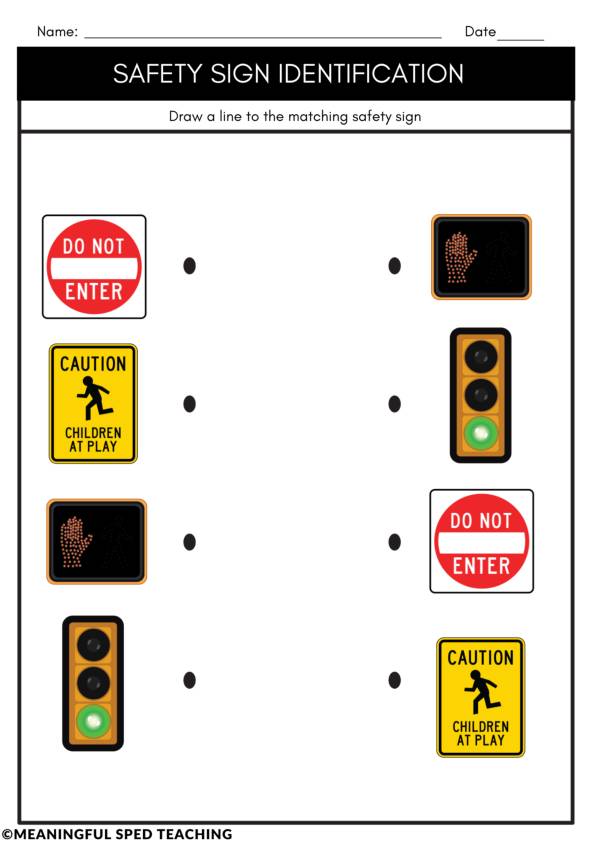
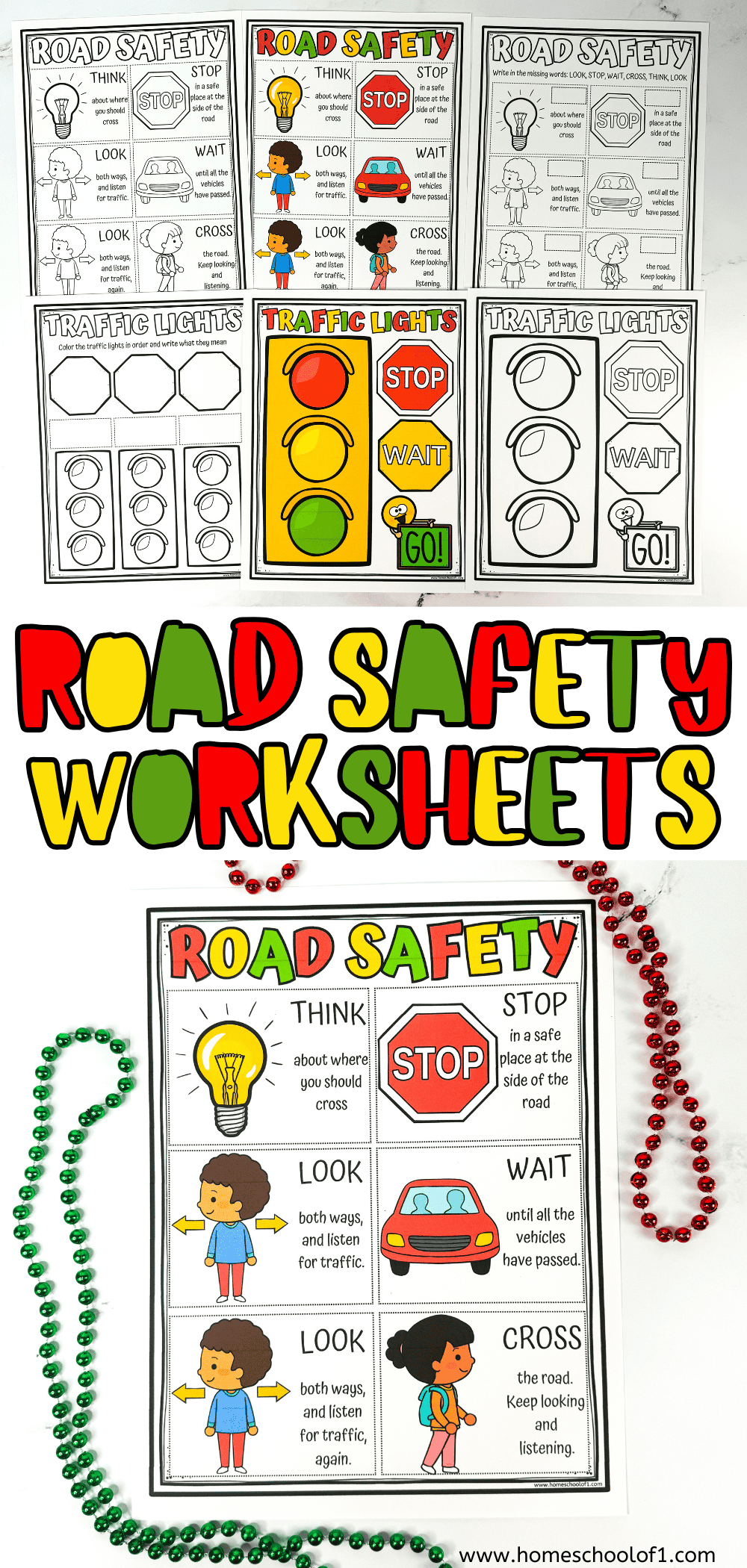
Why Hands-On Safety Awareness Worksheets Strengthen K-12 Digital Citizenship
Navigating the digital world requires more than just blocking malicious websites or handing out passive warnings. Students today encounter algorithms, direct messaging features, and interactive apps from a very young age. To foster genuine self-regulation, educators and parents need practical tools that bridge theory and practice. Organizations like ConnectSafely and the Cybersecurity and Infrastructure Security Agency emphasize that digital resilience is built through active engagement, open communication, and structured exercises rather than fear-based lectures. Integrating safety awareness worksheets into daily lesson plans and family meetings gives children the concrete vocabulary and decision-making frameworks they need to handle tricky online situations with confidence.
💡 Educational Key Takeaways:
- Core Skill: Structured Safety Awareness Worksheets focused on developing pencil grip, stroke control, and early literacy/math confidence.
- Target Scope: Suited for homeschoolers, preschool, kindergarten, and elementary learners.
- Best Recommendation: Practice 10–15 minutes daily with ergonomic writing tools to reinforce muscle memory without hand fatigue.
Decoding Digital Red Flags: Risk Signals and Practical Safeguards
Recognizing early signs of online overexposure, cyberbullying, or privacy missteps allows adults to intervene before minor digital friction escalates into a major safety concern. Whether a student is browsing on a school-issued device or connecting via home Wi-Fi, keeping track of common technical vulnerabilities ensures robust device hygiene.
| Setting / Context | Common Vulnerability | Practical Safeguard |
|---|---|---|
| Home Personal Devices | Over-sharing location data and personal details in gaming profiles | Review privacy settings together; restrict profiles to private and disable location sharing by default. |
| School Chromebooks & Tablets | Bypassing web filters or accessing unapproved communication apps | Enforce district Acceptable Use Policies and maintain teacher visibility during device-heavy instructional blocks. |
| Social & Chat Platforms | Interacting with unverified users or responding to urgent baiting messages | Practice the pause-and-verify method; encourage students to screenshot and report rather than reply. |
Establishing Balanced Rules and Positive Online Habits
Consistency between home and school is essential for reinforcing healthy digital habits. When teachers introduce safety awareness worksheets in the classroom, parents can extend those same themes at home by setting clear, collaborative boundaries. Establish tech-free zones, such as the dinner table or bedrooms overnight, to ensure devices do not disrupt healthy sleep and family connection. Furthermore, make sure children know that coming to an adult about an accidental exposure, scam, or mean message will not result in an immediate device ban. Fostering a blame-free reporting culture ensures kids speak up early when something feels off online, aligning with guidelines published by the Family Online Safety Institute regarding youth digital well-being.
Overly restrictive content filters or absolute bans often backfire by driving tech-savvy students to find secretive workarounds, such as using proxy sites or secondary hidden accounts. Instead of viewing technical controls as foolproof shields, adults must pair them with ongoing, age-appropriate conversations about digital citizenship. When students push back against monitoring or safety rules, use the moment to discuss why these guardrails exist—not to police their fun, but to protect their developing digital footprint. Utilizing interactive worksheets helps young learners analyze these concepts from an objective standpoint, shifting their mindset from compliance to genuine critical thinking.
Frequently Asked Questions About Digital Safety Education
At what age should we start introducing formal digital safety concepts?
Foundational concepts like recognizing private information and asking an adult before downloading apps can begin as early as kindergarten. As children gain independent access to devices in upper elementary and middle school, transition to discussions about cyberbullying, footprint management, and evaluating online credibility.
How can teachers effectively blend digital safety lessons with core academic subjects?
Digital citizenship does not need to live in a vacuum. Educators can incorporate internet safety scenarios into language arts reading comprehension exercises, media literacy evaluations, or computer science ethics modules, ensuring students see online responsibility as a life skill.
What should a parent do if their child encounters inappropriate content or cyberbullying?
Stay calm and praise the child for coming forward. Document the incident by taking screenshots if necessary, block the offending account or report it to the platform administrator, and utilize resources from Internet and Digital Safety guides for next steps.
Explore More Digital Citizenship Resources
Equipping the next generation of digital citizens is an ongoing partnership between educators, caregivers, and communities. Discover additional lesson plans, printable activities, and classroom guides by visiting SafeWiredSchools.org to keep your students protected and informed.
Worksheet Previews & Reference Materials