Blending Offline Awareness with Online Lesson Planning
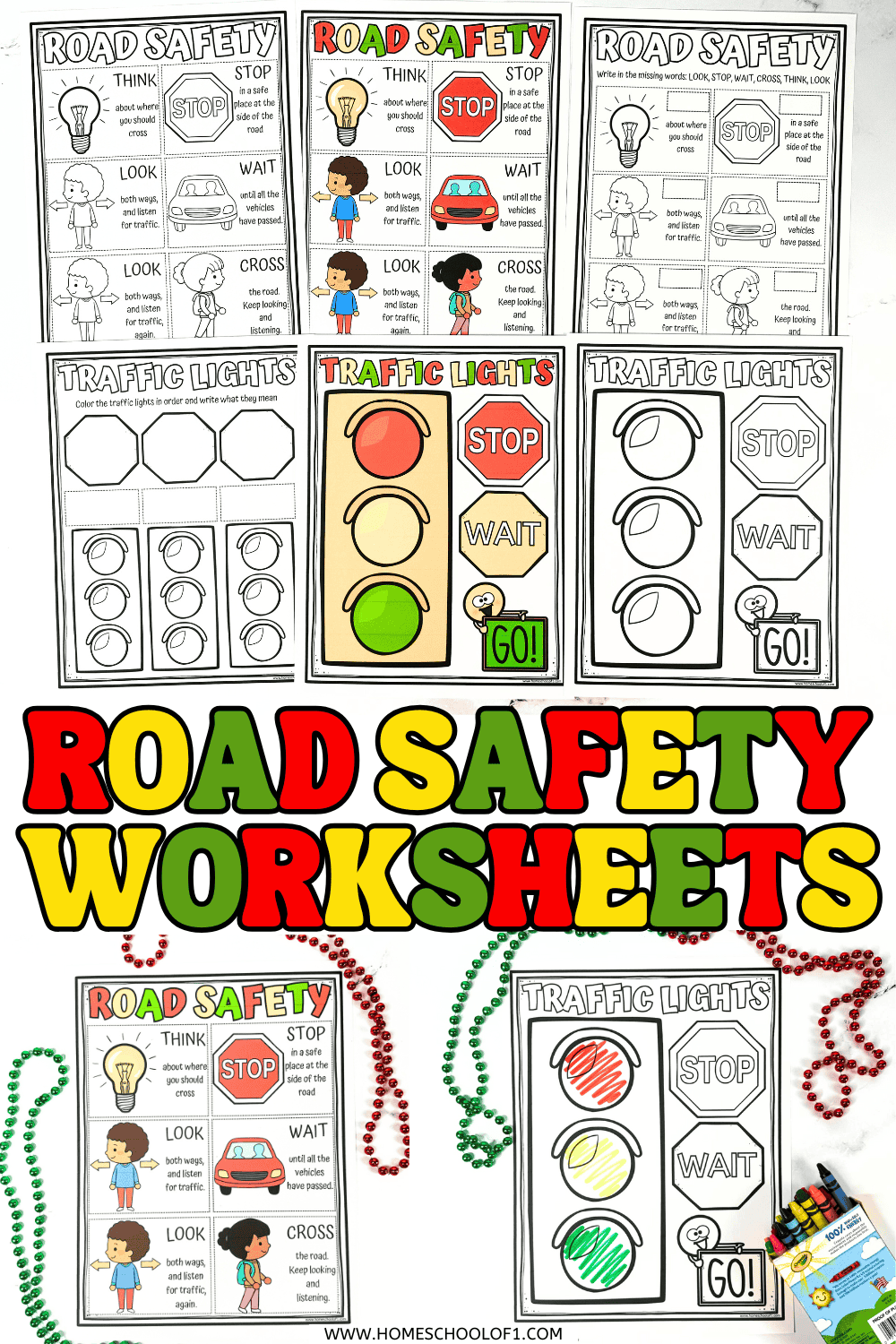
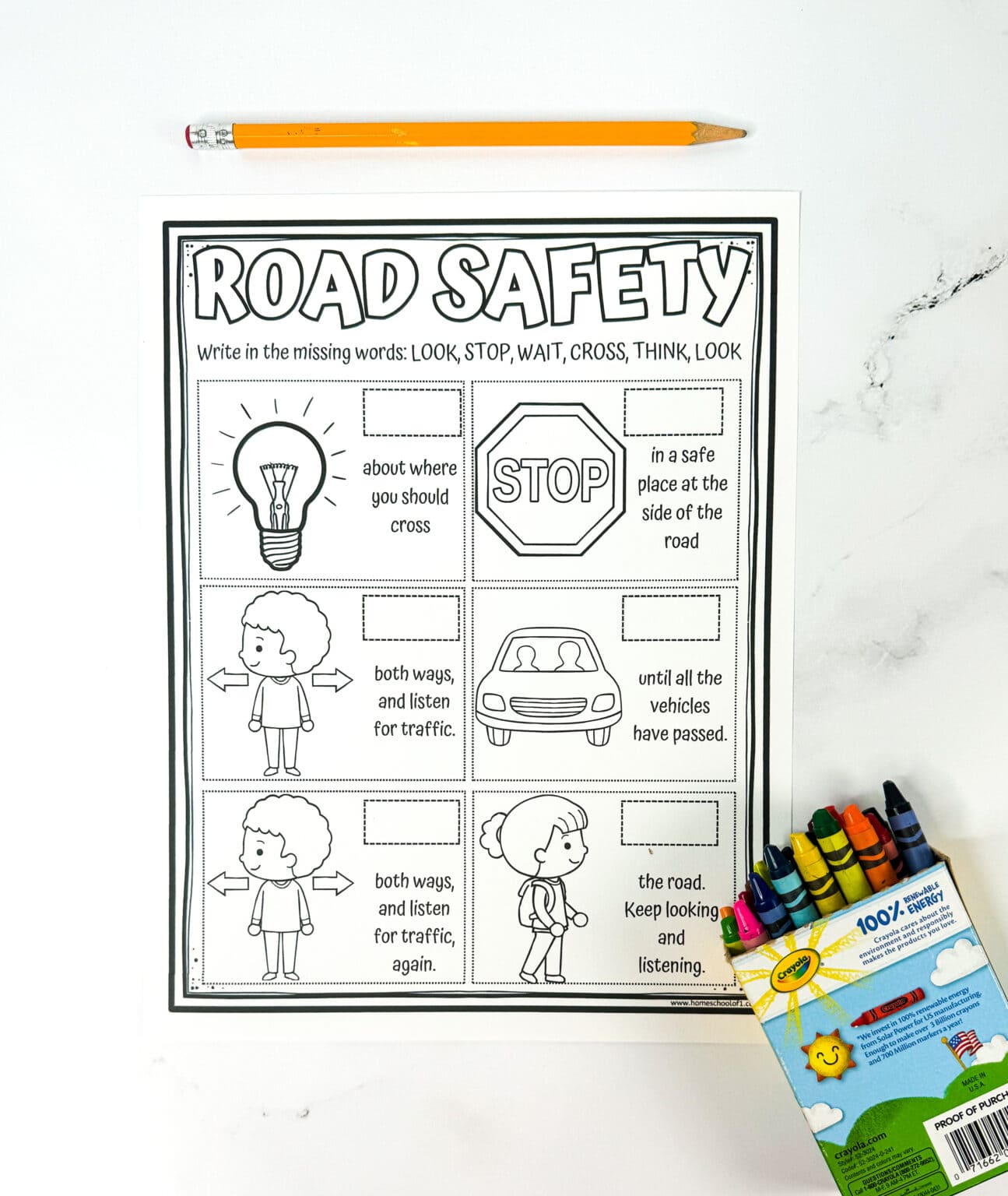
Educators and families constantly look for balanced ways to keep children safe across physical and digital environments. Integrating physical activities into daily learning schedules helps reinforce critical life lessons. When teachers utilize free printable road safety worksheets, they provide students with tactile exercises that build hazard recognition skills. This physical practice pairs effectively with broader digital citizenship guidelines provided by organizations like ConnectSafely and the Federal Trade Commission, ensuring that young learners understand caution, boundaries, and situational awareness both on the street and online.
💡 Educational Key Takeaways:
- Core Skill: Structured Free Printable Road Safety Worksheets focused on developing pencil grip, stroke control, and early literacy/math confidence.
- Target Scope: Suited for homeschoolers, preschool, kindergarten, and elementary learners.
- Best Recommendation: Practice 10–15 minutes daily with ergonomic writing tools to reinforce muscle memory without hand fatigue.
Assessing Vulnerabilities Across Learning Environments
Protecting students requires monitoring both their physical movements near traffic and their navigation of digital spaces. Adults must recognize behavioral signals and technical risks across multiple platforms, whether children are using family laptops at home or district-issued Chromebooks in the classroom. The breakdown below highlights common vulnerabilities and outlines practical safeguards to protect young users during daily routines. Related guide: Internet Safety Worksheets Pdf.
| Setting / Context | Common Vulnerability | Practical Safeguard |
|---|---|---|
| Home Devices | Unmonitored web searching and accidental exposure to unsafe links while looking for homework materials. | Enable strict browser filtering, establish central charging stations, and guide children toward pre-vetted educational hubs like our Worksheets archive. |
| School Chromebooks | Bypassing network filters or downloading unverified third-party activity packs containing hidden malware. | Enforce district-wide device management policies and require students to download materials only from approved teacher repositories, similar to resources found in our Internet and Digital Safety category. |
| Interactive Apps | Sharing personal identifying information in public chatrooms embedded within educational gaming apps. | Disable public chat features, turn off location tracking permissions, and review app privacy policies regularly in alignment with FOSI recommendations. |
Establishing Consistent Safety Routines at Home and School
Effective child online safety relies on predictable, low-stress routines rather than reactive restrictions. Schools and parents can coordinate efforts by establishing clear boundaries for device usage and offline activities. For instance, teachers can distribute free printable road safety worksheets during morning advisory periods, encouraging students to discuss pedestrian habits with their families over dinner. Pairing these paper-based exercises with open-ended conversations about online privacy creates a unified front. Adults should model calm communication, ensuring children know they can report suspicious pop-ups, cyberbullying, or uncomfortable physical encounters without fear of losing device privileges or facing immediate punishment.
Overcoming Student Pushback and Managing Workarounds
Overly restrictive content filters often backfire, driving tech-savvy students to seek clever workarounds or proxy servers to access blocked content. When adults rely exclusively on technical blocks without explaining the reasoning behind them, children miss out on developing critical thinking skills. Instead of treating every workaround as a severe disciplinary infraction, educators and parents should use these moments to discuss why certain guardrails exist. Combining transparent technical filters with engaging, offline activities—such as utilizing creative modules from our Coloring Pages collection—keeps students focused on constructive learning while reinforcing essential risk-assessment habits.
Frequently Asked Questions From Educators and Parents
How can teachers incorporate offline safety printables into digital citizenship curricula?
Teachers can blend offline printables into digital lessons by using them as introductory hooks before introducing online research tasks. Discussing pedestrian traffic signals provides a natural analogy for understanding digital stop signs, such as avoiding unverified links or pausing before sharing personal data.
Are downloadable safety worksheets safe from malicious software downloads?
Downloads are generally safe when sourced directly from reputable educational domains and trusted school portals. Adults should always verify file extensions, avoid clicking on deceptive third-party banner ads offering free downloads, and utilize updated endpoint protection on all family devices.
What is the best way to talk to young children about online and offline dangers?
Keep conversations calm, direct, and age-appropriate by focusing on proactive choices rather than fear. Encourage children to practice the pause-and-think method whether they are crossing a busy street or deciding whether to click an unexpected link.
Explore More Digital Citizenship Resources
Building comprehensive safety habits for children requires ongoing collaboration between teachers, administrators, and families. To discover more expert-vetted lesson plans, classroom management strategies, and practical digital literacy tools, visit us today at SafeWiredSchools.org.
Worksheet Previews & Reference Materials