Why Foundational Boundaries Matter for Young Digital Citizens
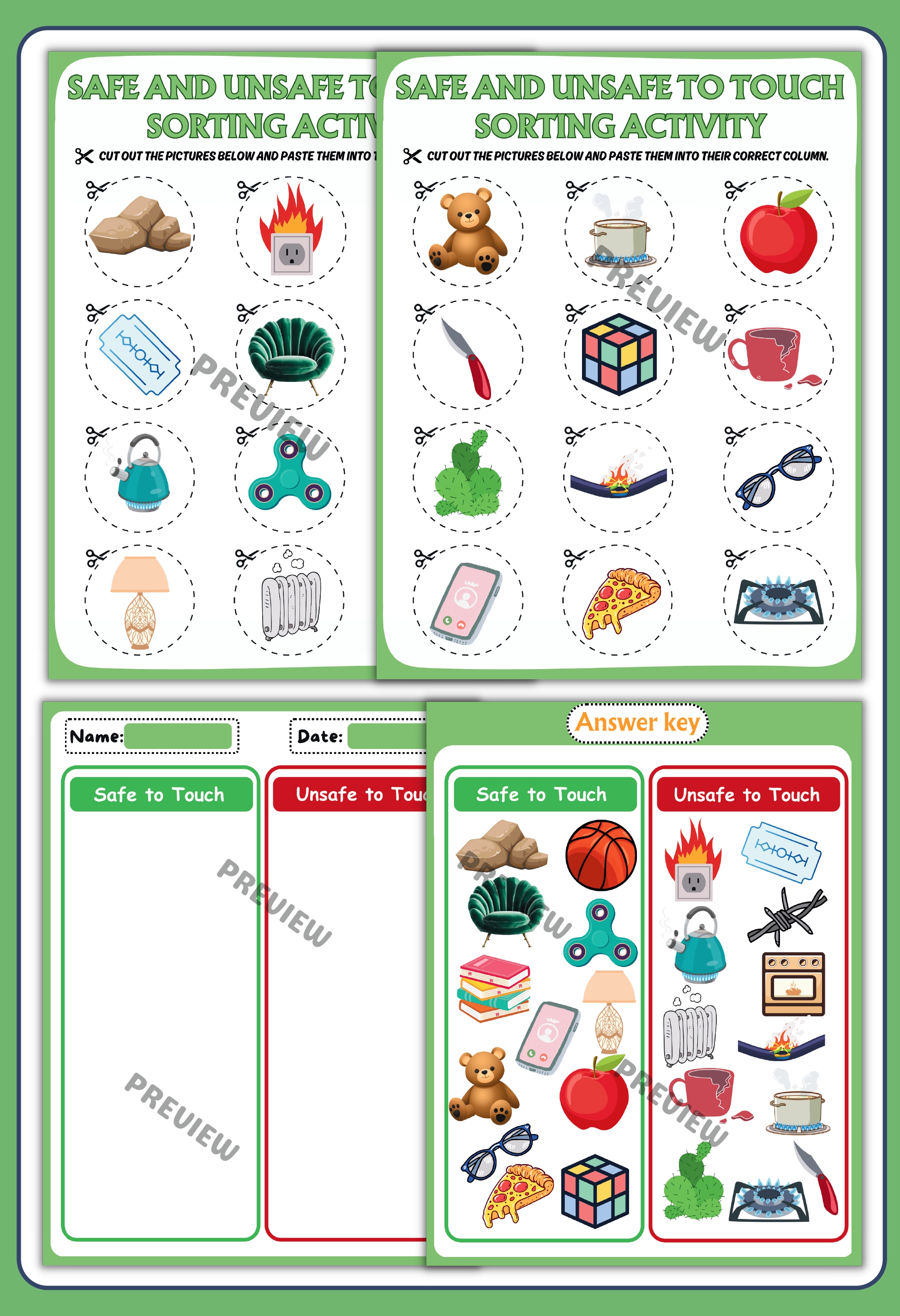
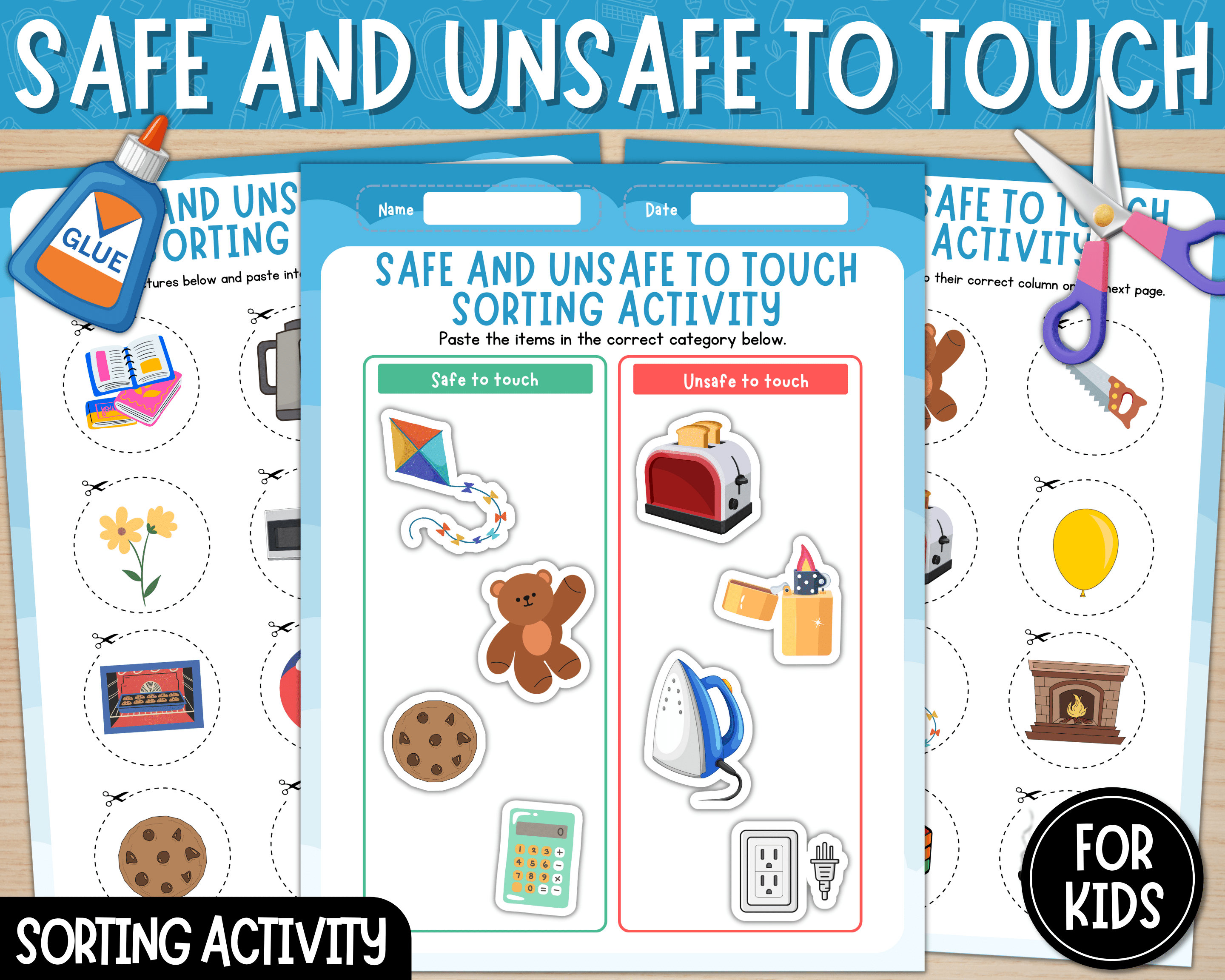
Navigating the digital world requires clear, consistent boundaries that children can easily understand and apply. As schools and homes integrate more connected devices into everyday learning, adults need practical tools to teach children how to recognize digital risks. Grounded in youth privacy principles from organizations like ConnectSafely and the Federal Trade Commission, utilizing a safe unsafe worksheet helps transform abstract internet safety rules into concrete, age-appropriate choices. By categorizing online actions into green-light safe behaviors and red-light unsafe triggers, educators and parents empower students to evaluate interactive apps, messaging environments, and web links independently before a problem arises.
💡 Educational Key Takeaways:
- Core Skill: Structured Safe Unsafe Worksheet focused on developing pencil grip, stroke control, and early literacy/math confidence.
- Target Scope: Suited for homeschoolers, preschool, kindergarten, and elementary learners.
- Best Recommendation: Practice 10–15 minutes daily with ergonomic writing tools to reinforce muscle memory without hand fatigue.
Digital Risk Signals and Preventive Technical Guardrails
Translating digital safety theory into daily practice requires pairing behavioral lessons with robust technical device controls. Whether students are using school-issued Chromebooks or personal home tablets, adults must monitor both device settings and social interaction signals. The following breakdown maps common online contexts against practical safeguards to protect K-12 students. Related guide: Online Safety And Netiquette Lesson Plan Grade 4.
| Setting / Context | Common Vulnerability | Practical Safeguard |
|---|---|---|
| Home Devices & Tablets | Unmonitored app store downloads and accidental exposure to age-inappropriate search results. | Enable built-in parental controls, turn on strict safe search filters, and require administrator approval for new apps. |
| School Chromebooks | Bypassing network filters through unauthorized proxy extensions or browser games. | Rely on district-level classroom management software, audit installed extensions regularly, and review our Internet and Digital Safety guides. |
| Social Apps & Group Chat | Interacting with unknown profiles, sharing personal details, or encountering cyberbullying. | Set privacy profiles to private-only, disable direct messaging with strangers, and complete a collaborative Worksheets activity on sharing boundaries. |
Establishing Daily Habits and Classroom Routines
Effective digital citizenship cannot be achieved through a single lecture or isolated worksheet. Building sustainable safety habits relies on predictable routines at school and home. Educators should integrate digital literacy discussions directly into everyday lessons, while parents can establish clear offline habits. Designate a central household charging station where all phones, tablets, and laptops sleep overnight to curb late-night screen fatigue and unsupervised browsing. Implement open-door reporting workflows that encourage children to notify an adult immediately if they encounter cyberbullying, pop-up malware, or unwanted messages, ensuring they never fear losing device privileges when seeking help.
When adults implement rigid, blanket bans on online communication or gaming, children often respond by finding clever workarounds, such as using hidden browser tabs, deleting history, or borrowing peer devices. Instead of relying solely on heavy-handed restrictions, pair age-appropriate technical filters with regular, calm check-ins about what students are experiencing online. Discussing real-world online dilemmas helps kids internalize safety rules rather than just memorizing them to avoid punishment. For more creative reinforcement tools, explore our library of Online and Digital Safety resources to keep discussions engaging and constructive.
Frequently Asked Questions About Digital Safety Worksheets
At what age should children start using a safe unsafe worksheet?
Children in kindergarten through second grade can begin learning basic online safety concepts using picture-based sorting activities. As students advance into upper elementary and middle school, these worksheets can evolve to cover complex topics like phishing, digital footprints, and password security.
How can teachers adapt safety worksheets for diverse learning needs?
Educators can modify sorting exercises by incorporating visual icons, audio prompts, or small-group role-playing scenarios. This ensures that English language learners and students with diverse learning profiles can fully grasp essential digital boundaries.
What is the best way to handle a child who breaks a digital safety rule?
Treat rule violations as teachable moments rather than immediate triggers for harsh punishment. Calmly review what went wrong, discuss why the unsafe action posed a risk, and work together to reinforce the correct digital habit.
Explore More Digital Citizenship Resources
Empowering the next generation of digital citizens takes a collaborative community of informed educators and proactive parents. Continue building safe, balanced technology habits by exploring expert guides, lesson plans, and safety strategies across SafeWiredSchools.org today.
Worksheet Previews & Reference Materials