Introduction
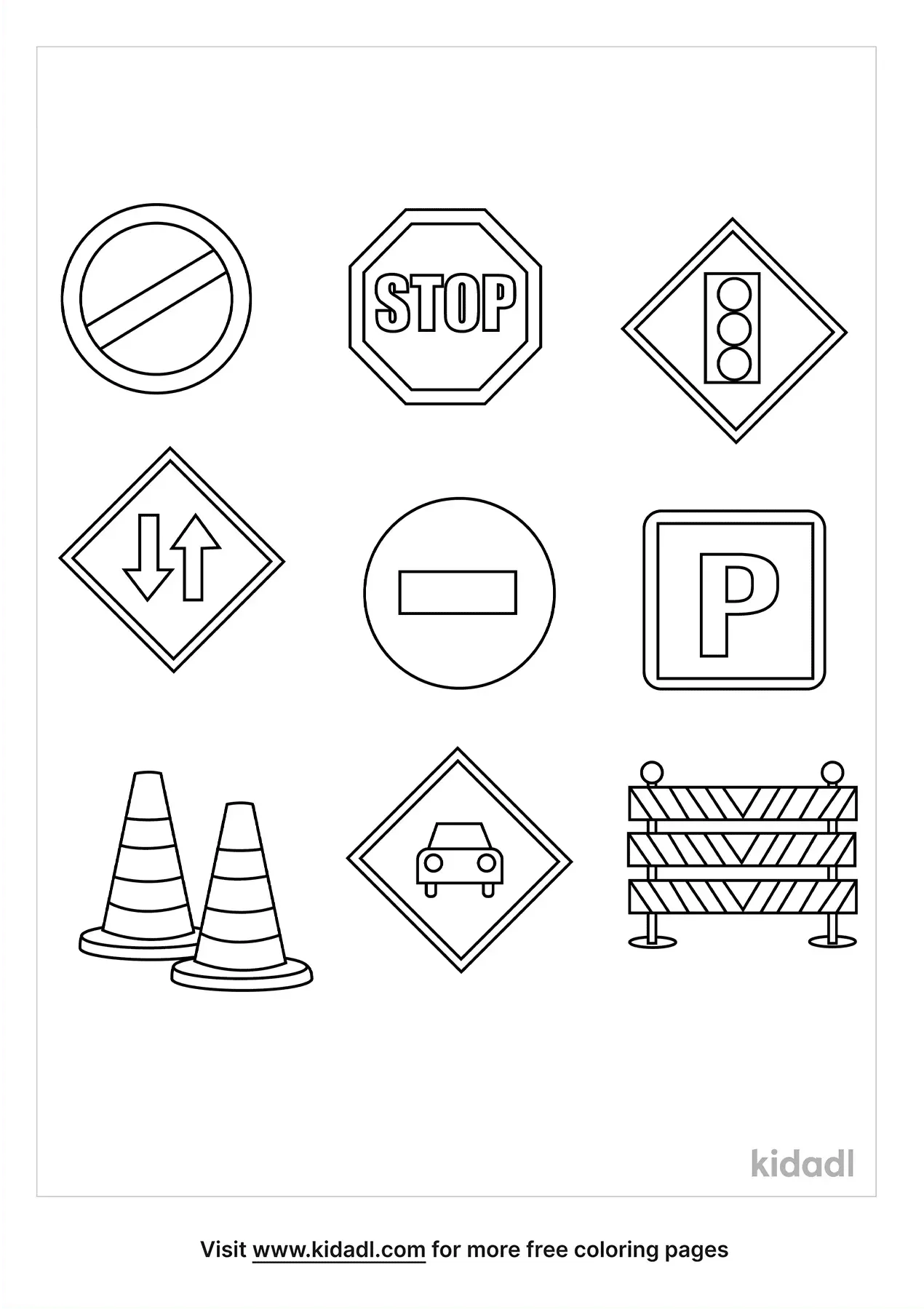
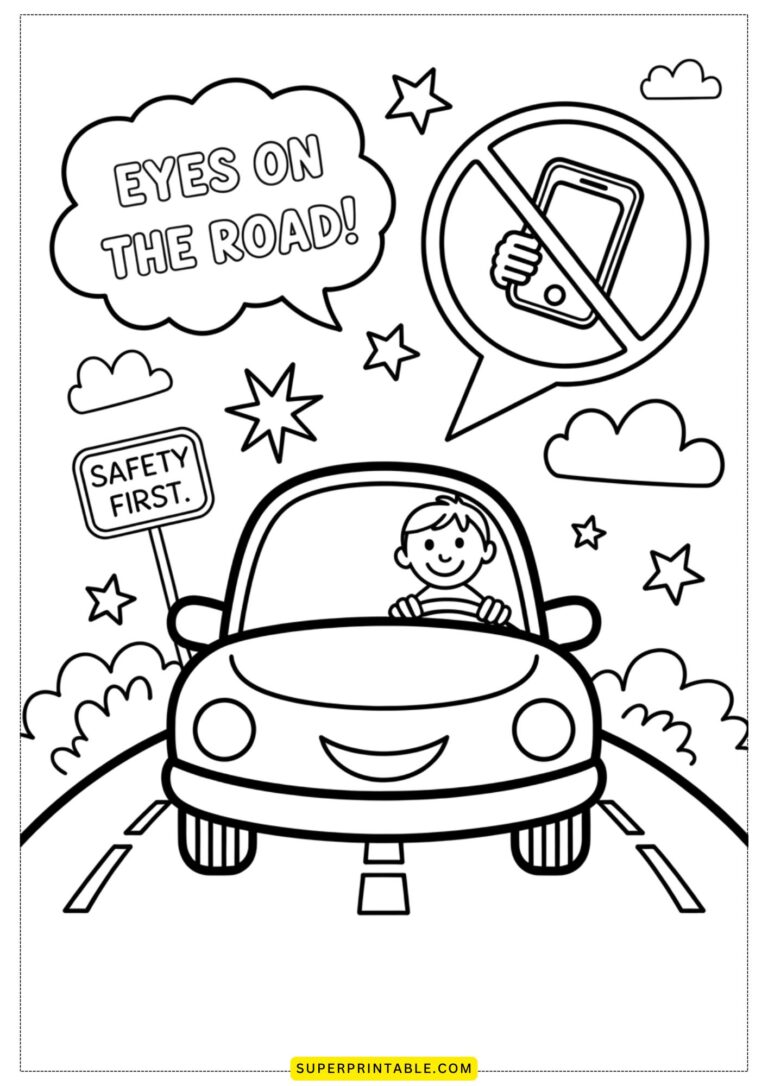
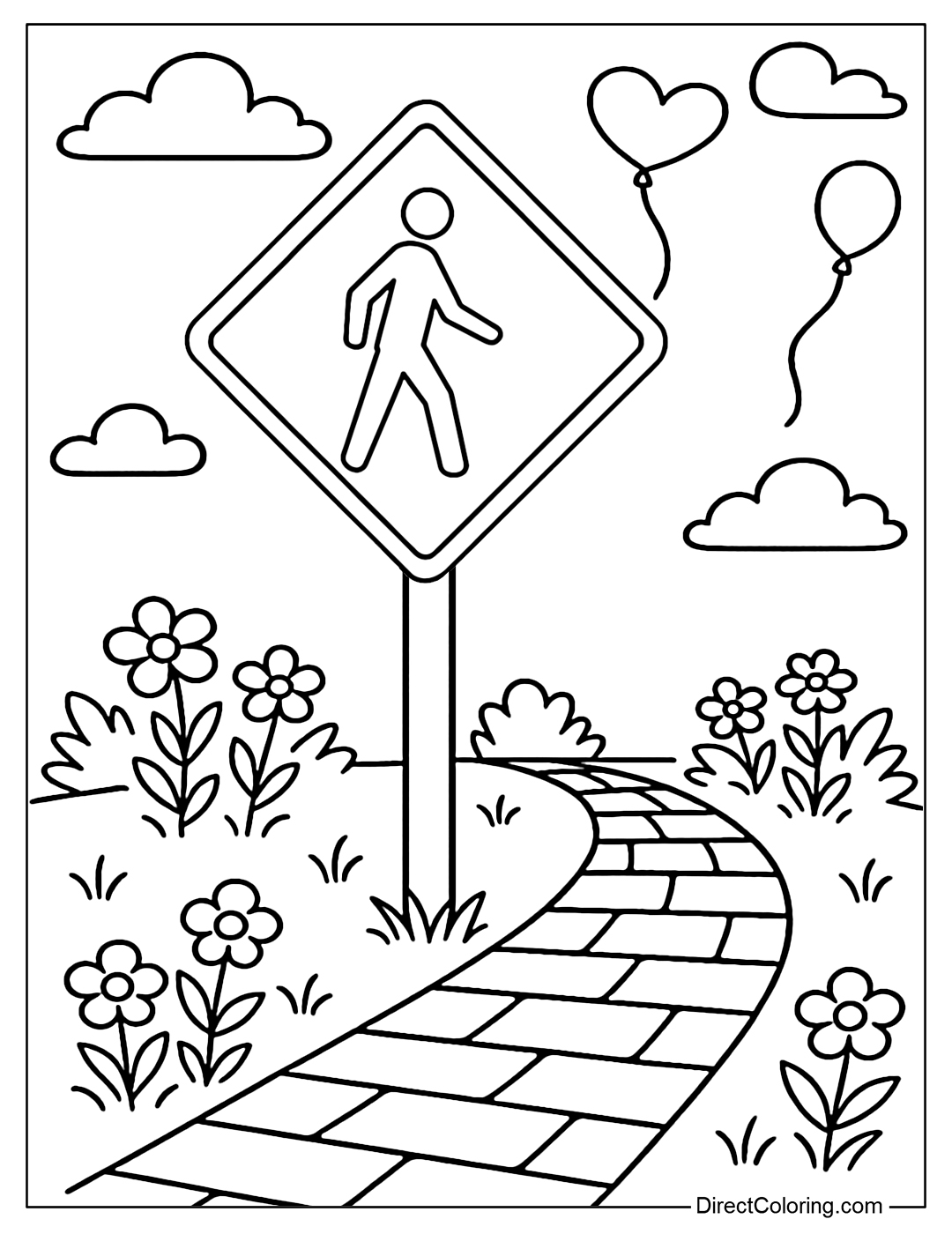
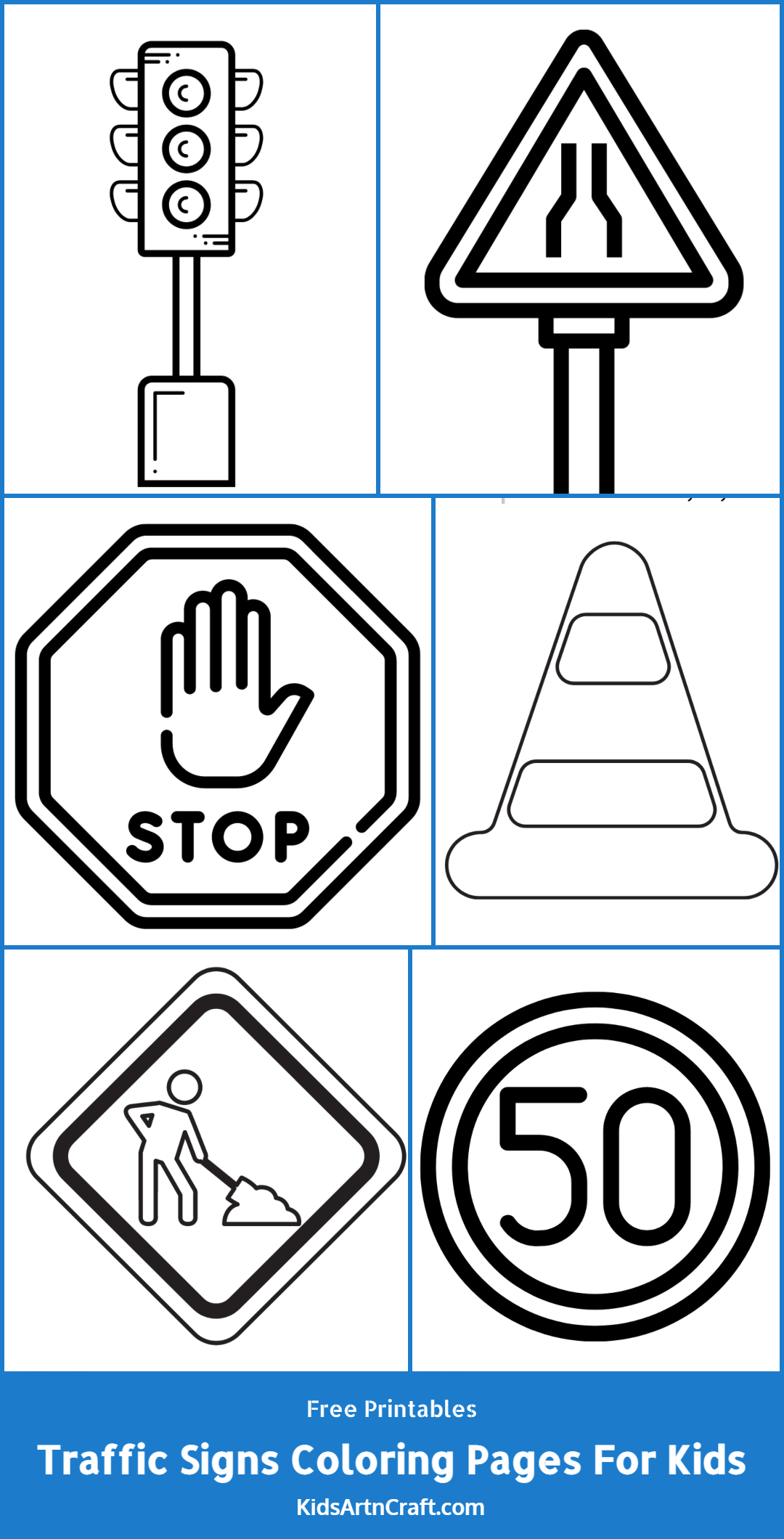
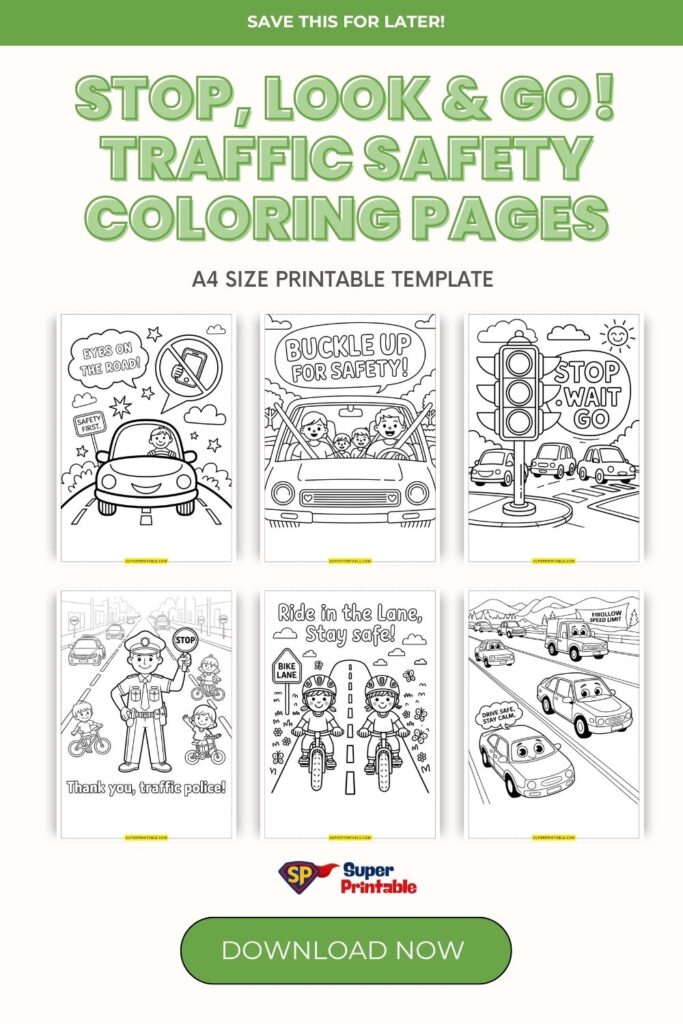
Navigating the digital world requires the same foundational habits as crossing a busy street. Children often encounter online spaces long before they fully grasp the invisible currents of the internet, frequently landing in unfamiliar digital territory through shared family tablets, open-ended video platforms, or cooperative in-game chat features. Teaching digital citizenship does not require fear-based lectures or complicated technical jargon. Instead, educators and parents can rely on creative, tactile tools that bridge the gap between concrete physical rules and abstract online concepts. Using a familiar visual metaphor, the traffic safety coloring page available on {site_name} transforms abstract digital boundaries into recognizable road signs, green lights, and crosswalks. Coloring reinforces safety messages and naturally opens conversations, giving young learners a low-stakes environment to process big ideas. Digital safety is a continuous practice of building healthy habits, empowering children to recognize digital stop signs without dreading the journey. Related guide: Two Factor Authentication Coloring Page Kids.
💡 Activity Key Takeaways:
- Core Focus: Printable Traffic Safety Coloring Page designed for creative expression and fine-motor coordination.
- Target Scope: Ideal for toddlers, preschool, kindergarten, and classroom art activities.
- Best Recommendation: Use standard heavy printer paper (24–28 lb) or cardstock for vibrant results with crayons, colored pencils, or washable markers.
What This Printable Covers
Visual metaphors provide children with concrete reference points for invisible digital rules. The traffic safety coloring page uses familiar road imagery to illustrate essential protective habits like keeping personal information private, recognizing digital caution zones, and knowing when to pause. It sounds simple, and that’s the point. Children frequently stumble upon online risks not through malicious intent, but through innocent exploration on shared household devices or fast-moving multiplayer game environments where text boxes pop up unexpectedly. By mapping these digital scenarios onto traffic lights, stop signs, and pedestrian crossings, the resource helps kids connect the dots between looking both ways on a street and thinking before clicking a link or sharing a photo. Coloring gives hands something to do while minds process why certain online behaviors require a full stop.
Key Learning Outcomes
Children who engage with this coloring activity practice several vital protective behaviors that translate directly to safe digital citizenship. First, learners identify physical stop signs and apply that same pause-and-think logic to online decisions, such as strong passwords and private data protection. Second, the resource reinforces the critical message that children are never in trouble for reporting something uncomfortable, establishing a clear green light for open communication with trusted adults. Third, young learners practice identifying safe digital pathways, distinguishing between trusted environments and areas requiring extra caution. According to the Federal Trade Commission, children frequently encounter digital prompts and unexpected pop-ups that require immediate critical thinking, making foundational pause habits essential for every young internet user.
How to Use This Printable
Effective safety education happens best in relaxed, collaborative settings rather than high-pressure lectures. Adults can introduce the coloring page during a quiet afternoon art session or a morning classroom routine, laying out crayons and inviting casual conversation about everyday rules. Here’s what makes this resource different: it shifts the adult role from enforcer to guide, prompting natural questions like what a red light means for a car and what a digital stop sign might look like on a tablet screen. When children shade in crosswalks or traffic signals, adults can draw parallel lines to online choices, asking how to handle a strange message in a favorite video game. To expand on these concepts, educators and caregivers can explore additional creative resources found within the Coloring Pages collection.
Practical Tips for Parents and Teachers
Maximizing the educational value of any printable relies on patience, consistency, and open dialogue. Adults should avoid turning the coloring time into a test, instead using the pictures as a springboard for storytelling. Asking open-ended questions allows children to voice their own understanding of online boundaries in their own words. Establishing clear routines around device use at home or in the classroom reinforces these lessons long after the crayons are put away. For broader instructional support, adults often turn to structured Worksheets designed to reinforce foundational internet safety habits through engaging, hands-on activities that complement visual art projects.
Age-Appropriate Recommendations
Tailoring digital citizenship concepts to developmental stages ensures that children absorb information without feeling overwhelmed. For younger children ages five to eight, the focus stays on simple rules like checking with a grown-up before downloading anything or sharing a name. For older elementary students ages nine to twelve, conversations can expand to cover digital footprints, respectful chat etiquette, and navigating unexpected online encounters. This progressive approach aligns closely with the Common Sense Education Digital Citizenship Curriculum, which emphasizes age-appropriate media literacy and digital resilience. According to Common Sense Media research, younger children benefit immensely from concrete analogies that turn abstract internet safety rules into tangible everyday practices.
Young children frequently navigate digital environments via shared family devices and interactive gaming platforms, making tangible visual analogies vital for early safety education. — Common Sense Media
Frequently Asked Questions
Finding clear answers helps parents and educators implement safety tools smoothly. Addressing common technical and instructional questions ensures every adult feels fully equipped to guide young learners. Exploring targeted resources on Internet and Digital Safety provides even more background information for structuring home and classroom conversations.
Explore More Free Kids Online Safety Printables
Building a comprehensive toolkit of digital citizenship resources helps reinforce protective habits over time. Adults looking for additional ways to engage children in meaningful safety discussions can browse the extensive collection of materials available through Online and Digital Safety to find activities suited for every developmental stage.
Key Specifications & Age-Group Overview
| Age / Grade Group | Target Skill Focus | Recommended Medium |
|---|---|---|
| Toddlers (Ages 2–4) | Hand-eye coordination & broad motor grasp | Jumbo crayons & washable finger paints |
| Early Elementary (Ages 5–7) | Line boundaries & fine pencil control | Standard colored pencils & fine-tip markers |
| Intermediate (Ages 8+) | Color blending, shading & artistic patience | Watercolor pencils, gel pens & dual-brush markers |
Images References