Introduction
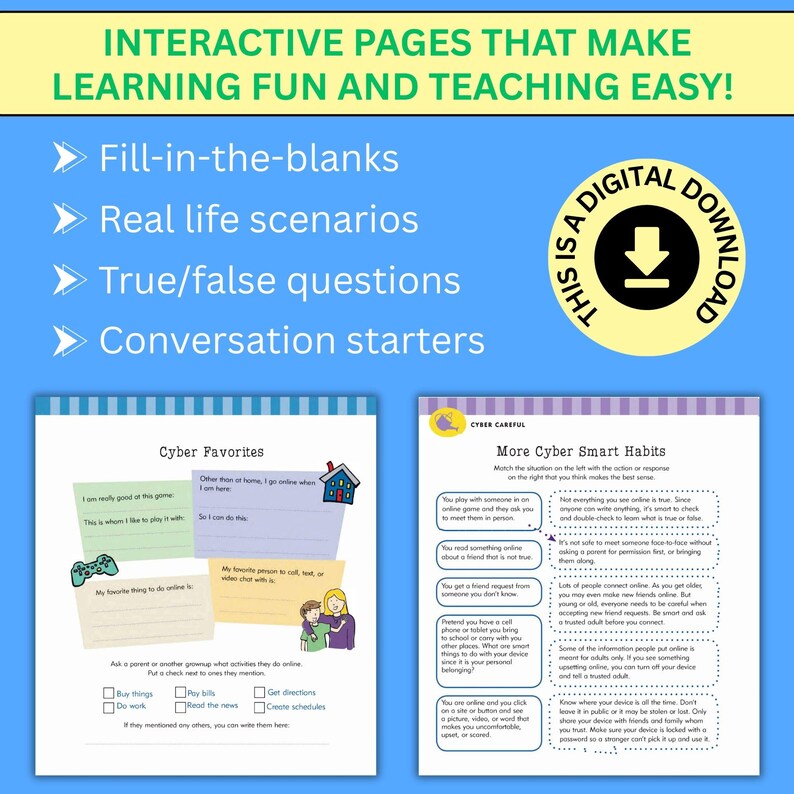
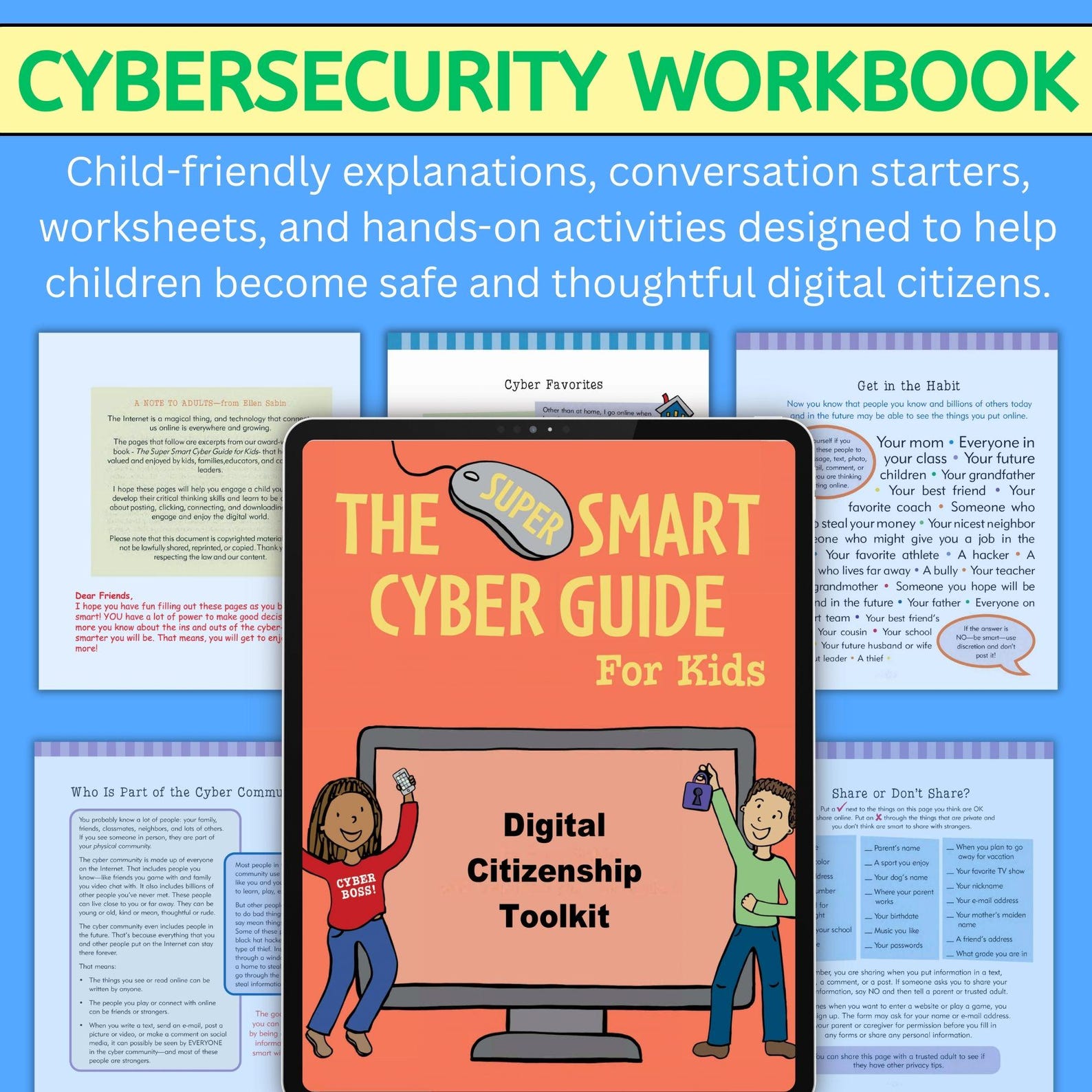
Digital literacy begins long before a child navigates unsupervised websites, often starting on shared living room tablets or through casual multiplayer gaming sessions. Modern children encounter online environments through in-game chat features, video streaming platforms, and family devices where boundaries blur quickly. Teaching cybersecurity concepts to elementary-aged learners requires translating complex technical jargon into relatable, everyday habits. The free printable tools used by cybersecurity for kid terms bridges this gap by introducing foundational security concepts through accessible language and interactive practice. Children absorb these lessons best when paired with thoughtful dialogue rather than strict warnings. Building digital resilience is an ongoing journey of skill development, much like teaching bicycle safety or street awareness. Educators and families need practical materials that make abstract digital concepts tangible for young minds. Related guide: Internet Safety Games For Middle School.
💡 Educational Key Takeaways:
- Core Skill: Structured Tools Used By Cybersecurity For Kid Terms focused on developing pencil grip, stroke control, and early literacy/math confidence.
- Target Scope: Suited for homeschoolers, preschool, kindergarten, and elementary learners.
- Best Recommendation: Practice 10–15 minutes daily with ergonomic writing tools to reinforce muscle memory without hand fatigue.
What This Printable Covers
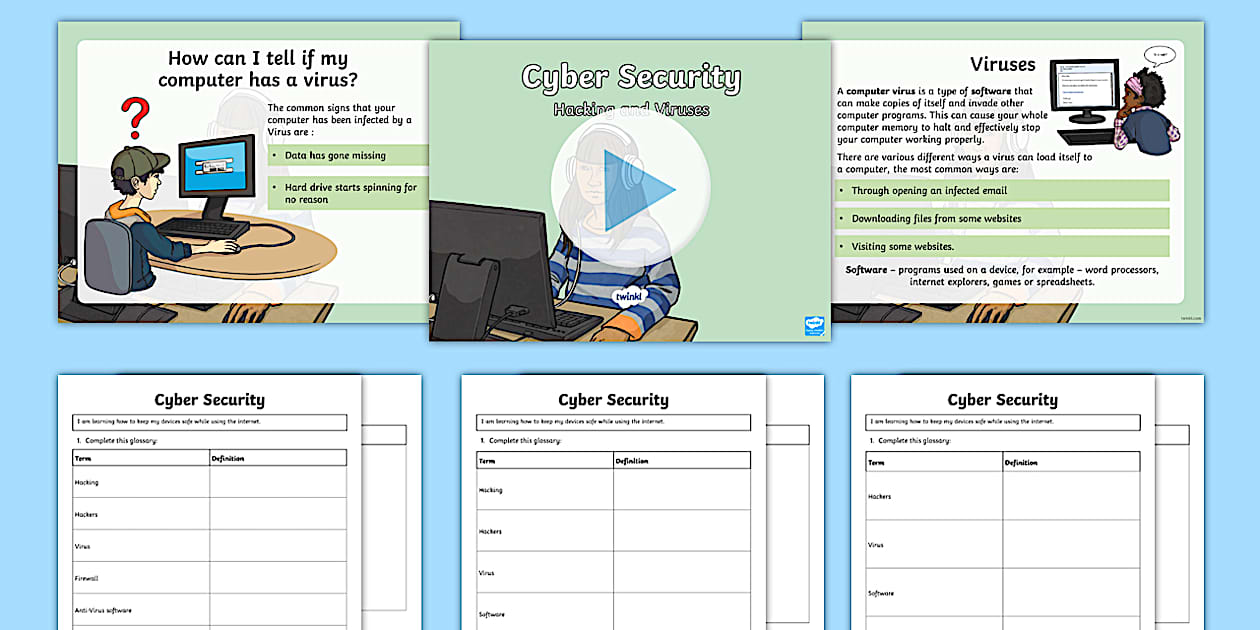
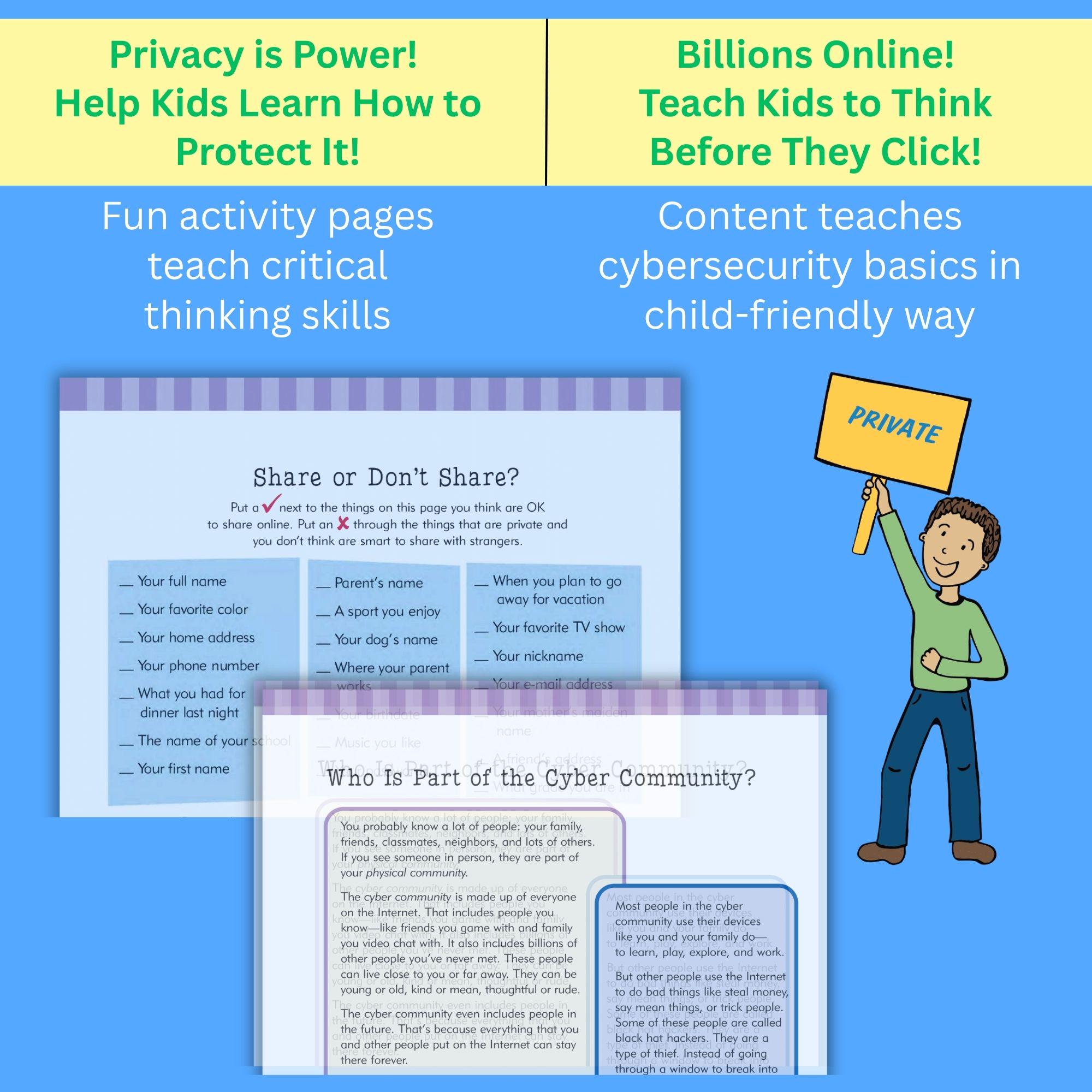
Translating enterprise-level cybersecurity tools into kid-friendly definitions transforms intimidating security protocols into empowering superpowers. The resource demystifies essential digital defense vocabulary, such as firewalls, passwords, encryption, and secure networks, by comparing them to familiar physical objects. A password becomes a secret clubhouse handshake, while a firewall acts as a friendly castle guard checking who enters the digital domain. Grounding these definitions in physical metaphors helps children grasp why certain rules exist around sharing personal information. According to Common Sense Media, children engage with digital media at increasingly younger ages, making early vocabulary introduction a vital component of proactive education. By mastering these terms, learners shift from passive consumers to active participants in their own digital safety.
Key Learning Outcomes
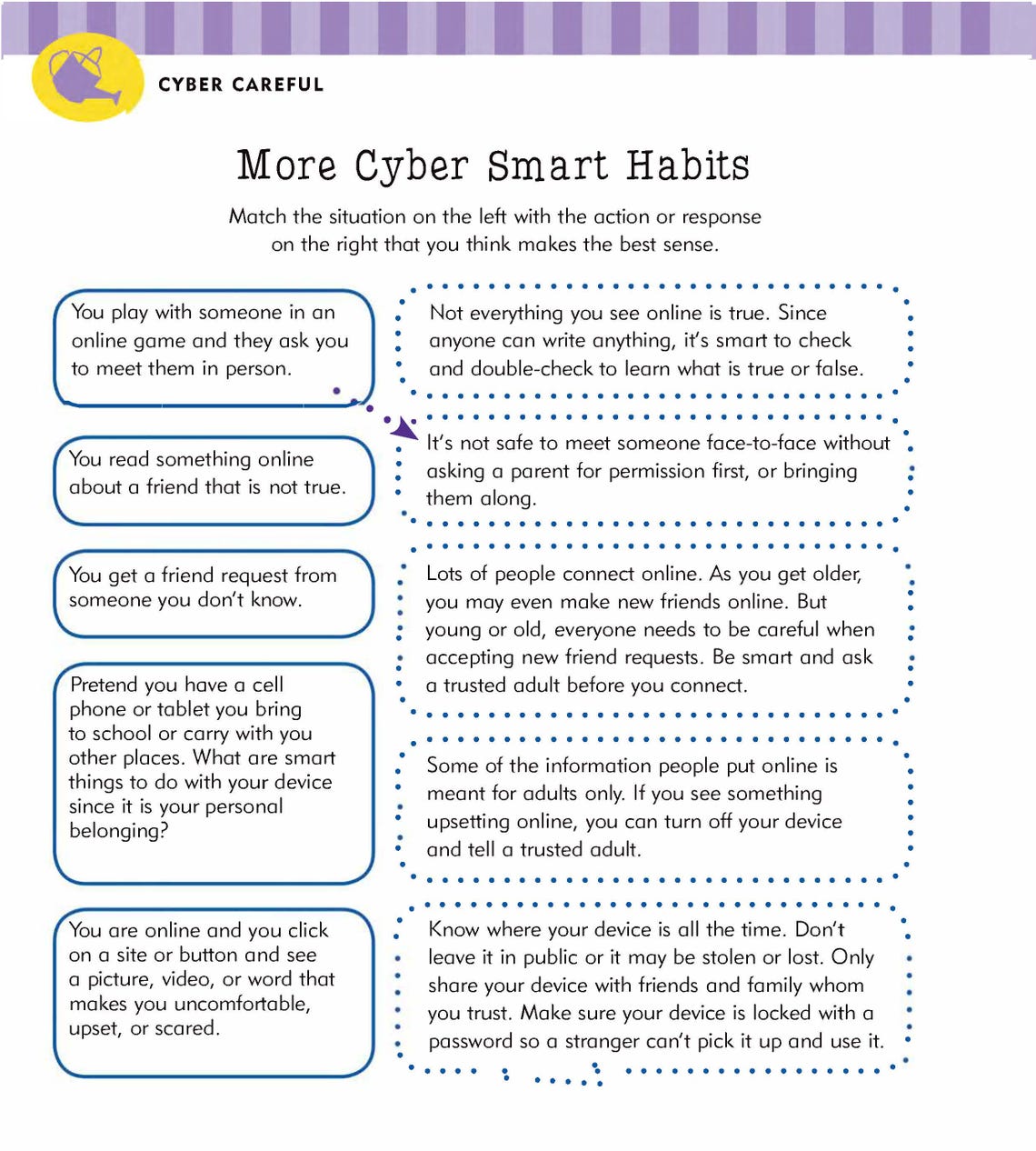
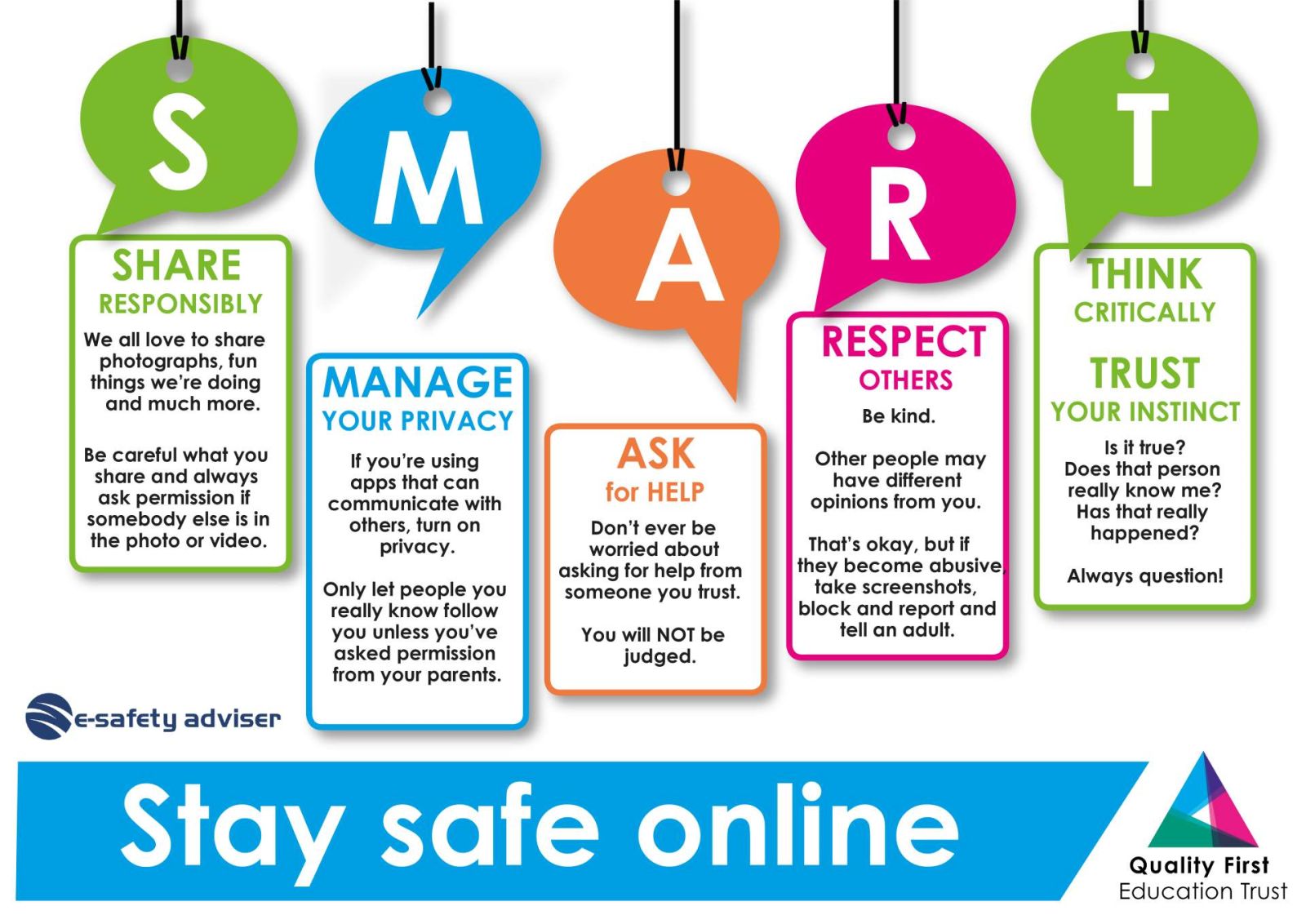
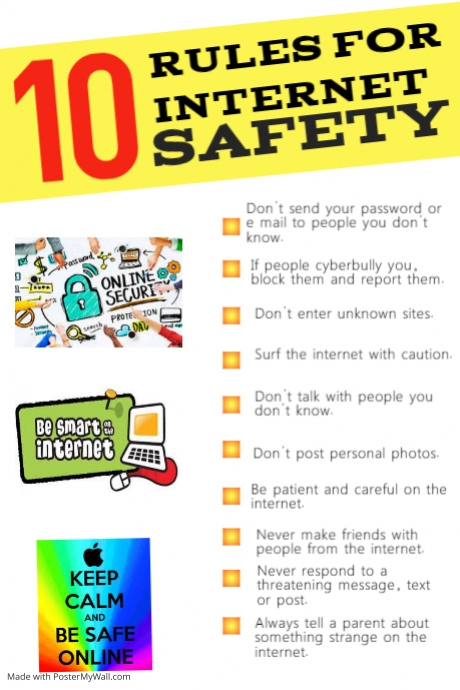
Working through this educational sheet allows children to identify core cybersecurity concepts and apply them to common online scenarios. Learners discover the importance of keeping personal details private, creating robust passcodes, and recognizing when something feels uncomfortable on a screen. The targeted skill practiced here is critical thinking, specifically learning to pause before clicking or typing information into an unfamiliar prompt. Furthermore, the resource reinforces the golden rule of digital citizenship: children are never in trouble for reporting an uncomfortable interaction to a trusted adult. Establishing this open communication channel matters far more than memorizing technical definitions. When children understand the language of digital safety, they gain the confidence to articulate concerns immediately.
How to Use This Printable
Implementing this activity worksheet in a classroom or living room setting is straightforward and requires no advanced technical preparation. Educators can integrate the terms into morning meeting discussions, while parents can review the vocabulary during weekend screen-time sessions. It sounds simple, and that’s the point. The specific skill practiced through this guided worksheet is contextual association, linking abstract digital risks to concrete protective habits. Adults should encourage learners to read each term aloud, discuss the physical analogy provided, and brainstorm real-world examples from their own digital experiences. Educators looking for more engaging classroom materials often pair these exercises with hands-on Worksheets designed to reinforce healthy tech habits. Regular practice normalizes these safety conversations, removing the fear and mystery surrounding digital environments.
Practical Tips for Parents and Teachers
Maximizing the educational impact of any safety resource relies heavily on creating a supportive, shame-free environment for young learners. Adults should avoid framing digital safety around fear, focusing instead on building protective habits and digital citizenship skills. Ask open-ended questions like what a strong password looks like or who they would tell if a pop-up made them feel uneasy. According to the Federal Trade Commission, open family communication about digital habits remains one of the most effective ways to guide children through online challenges. Documenting discussions and revisiting the vocabulary sheet periodically ensures the concepts stick long-term. Consistency across home and school environments helps children internalize these protective behaviors naturally.
Age-Appropriate Recommendations
Tailoring digital citizenship instruction to developmental stages ensures that children process information without feeling overwhelmed or anxious. Younger learners in early elementary grades benefit from focusing on basic boundaries, such as keeping full names and addresses private, using playful coloring sheets found within Coloring Pages collections to anchor the lessons visually. Upper elementary students are ready for deeper discussions regarding digital footprints, peer communication, and the mechanics behind strong passcodes. Aligning these lessons with the Common Sense Education Digital Citizenship Curriculum provides a structured pathway for progressive skill building. Educators can scaffold the vocabulary based on reading levels, ensuring every child engages meaningfully with the material regardless of their prior tech exposure.
Children encounter digital environments and connected devices at increasingly younger ages, making foundational vocabulary introduction a vital component of proactive education. — Common Sense Media
Frequently Asked Questions
Explore More Free Kids Online Safety Printables
Expanding a child’s digital literacy toolkit requires access to diverse, engaging educational materials that grow alongside them. Educators and families can explore a wide variety of Internet and Digital Safety resources to support continuous learning. Building comprehensive digital citizenship habits takes time, patience, and the right combination of supportive tools found throughout Online and Digital Safety guides.
Developmental Milestone & Activity Table
| Development Stage | Recommended Daily Duration | Primary Learning Objective |
|---|---|---|
| Preschool & Pre-K | 10 – 15 Minutes | Pencil grip development & basic pre-stroke lines |
| Kindergarten | 15 – 20 Minutes | Letter/number formation & spatial line awareness |
| Early Elementary (Grade 1–2) | 20 – 30 Minutes | Fluency, sentence construction & neatness |
Images References