Introduction
Establishing healthy digital habits from an early age forms a cornerstone of comprehensive internet safety education. The “screen time schedule for kids” worksheet serves as a vital resource, primarily designed for Elementary (grades 1-5) and early Middle School (grades 6-8) students, though adaptable for wider age ranges. This printable resource reinforces critical internet safety concepts by engaging learners in a hands-on activity, fostering proactive management of digital engagement. Printable learning materials, trusted by educators and parents alike, provide a tangible and consistent method for building digital awareness and promoting responsible online behavior. These resources offer a structured approach to complex topics, making abstract ideas like digital boundaries and balanced use concrete and actionable for young minds. Utilizing such tools empowers children to take ownership of their digital well-being, preparing them for a lifetime of safe and informed internet use.
💡 Educational Key Takeaways:
- Core Skill: Structured Screen Time Schedule For Kids focused on developing pencil grip, stroke control, and early literacy/math confidence.
- Target Scope: Suited for homeschoolers, preschool, kindergarten, and elementary learners.
- Best Recommendation: Practice 10–15 minutes daily with ergonomic writing tools to reinforce muscle memory without hand fatigue.
What This Worksheet Covers
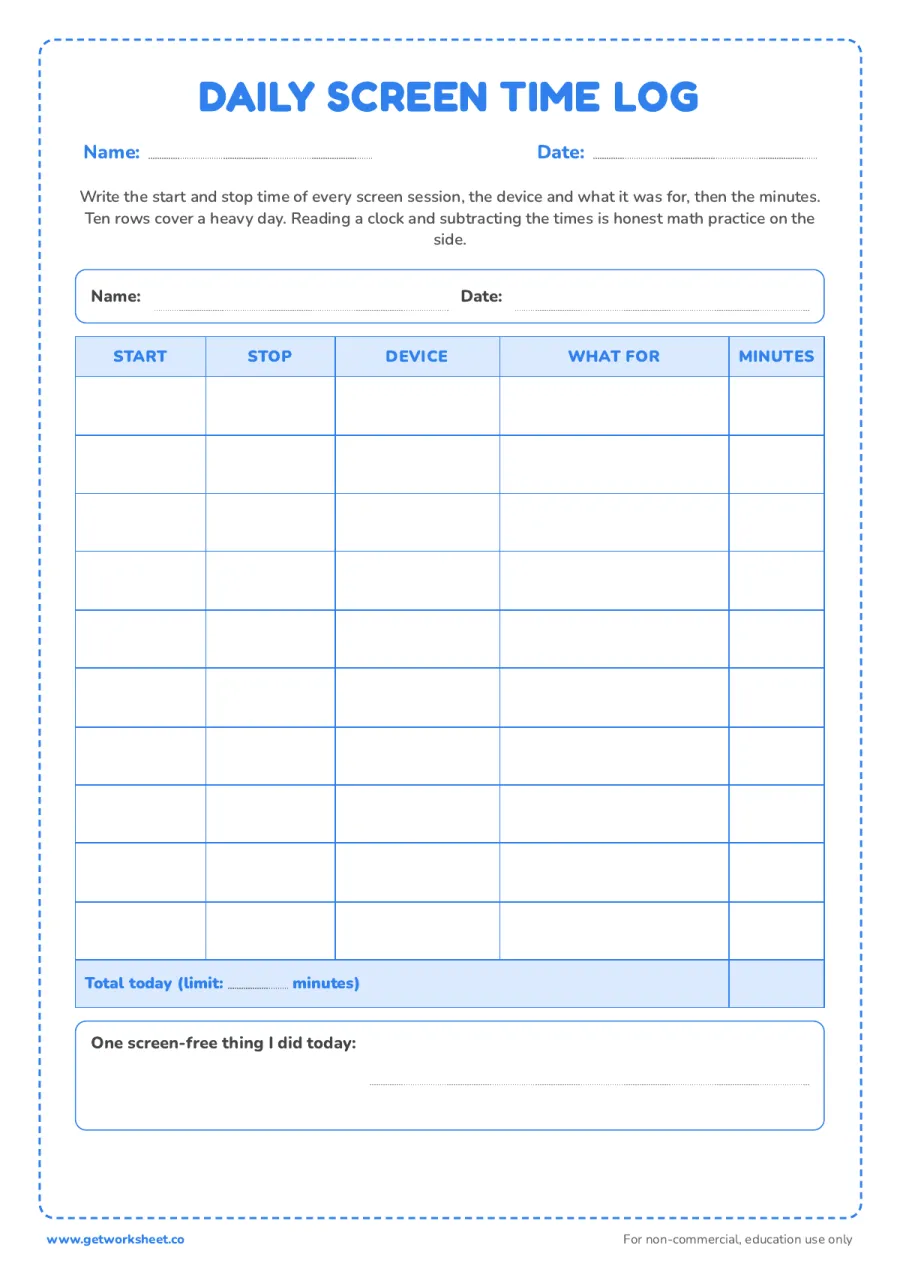
The “screen time schedule for kids” worksheet directly addresses the crucial internet safety topic of digital well-being and responsible screen use. This resource guides children through the process of understanding, planning, and adhering to healthy screen time limits. It covers concepts such as the distinction between educational and recreational screen use, the importance of balancing digital activities with offline pursuits, and the value of family rules surrounding technology. The worksheet helps children visualize their daily routines, identifying opportunities for both engaging with digital content and participating in other enriching activities. This content directly aligns with recognized digital citizenship standards, which emphasize personal responsibility, health, and wellness in a digital world. The activity promotes self-regulation and thoughtful decision-making, essential skills for navigating today’s technology-rich environment effectively.
Key Learning Outcomes
By completing the “screen time schedule for kids” worksheet, students and children will develop several crucial skills and knowledge areas:. Browse more guides on Safe Wired Schools.
- Enhanced Self-Regulation: Children learn to identify and plan for balanced digital engagement, fostering an internal sense of control over their screen use.
- Improved Time Management: The activity helps organize daily routines, promoting an understanding of how to allocate time effectively across various activities, both online and offline.
- Increased Awareness of Digital Well-being: Learners gain insight into the importance of healthy screen habits for their physical and mental health.
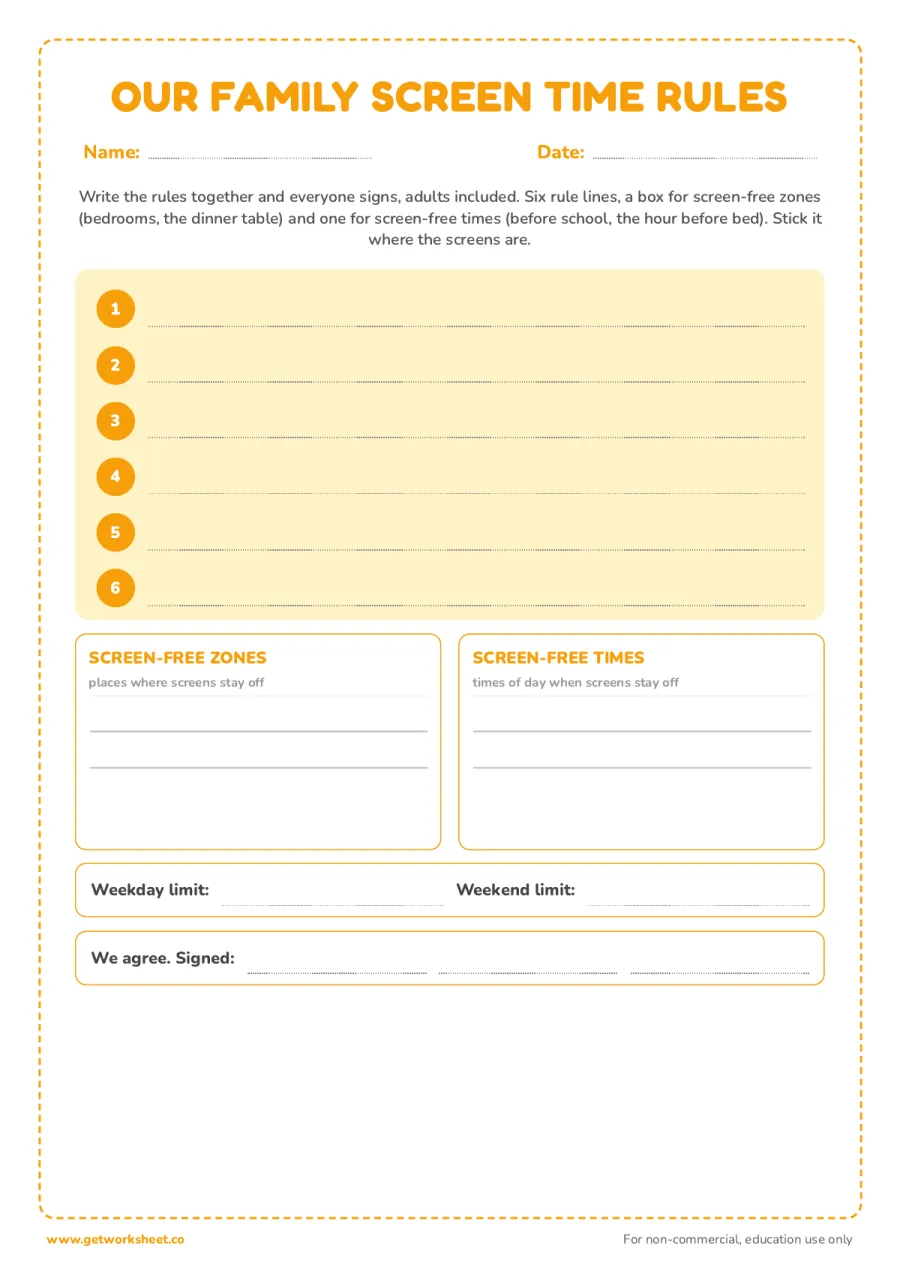
- Facilitated Family Communication: The worksheet provides a tangible tool for discussions about family technology rules and expectations, strengthening communication channels.
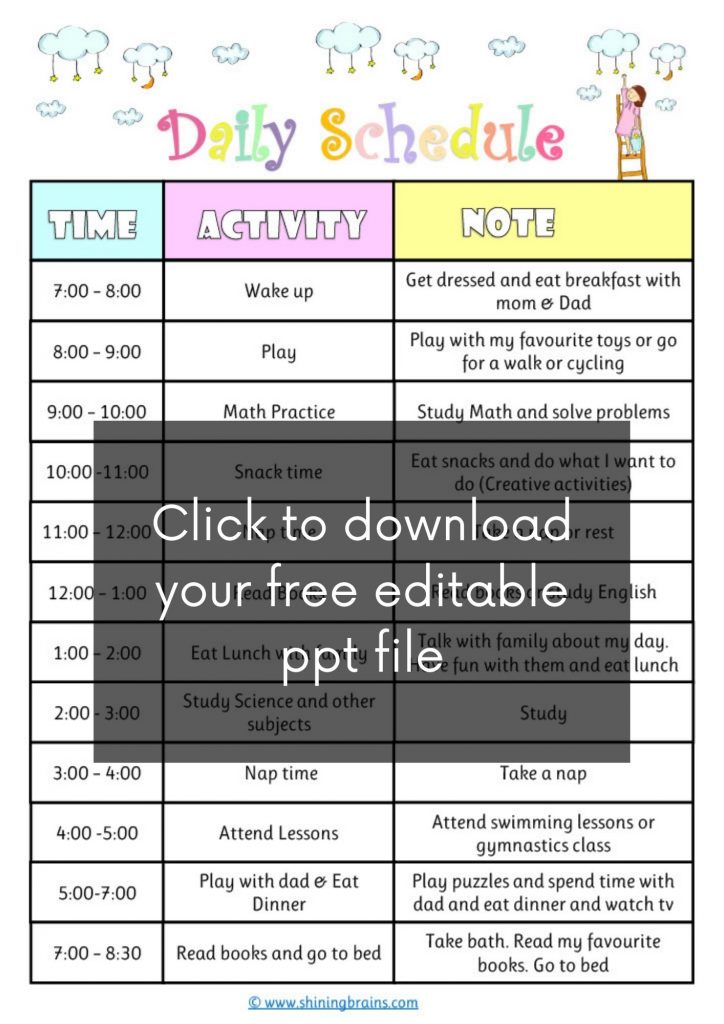
- Practical Schedule Creation: Children develop the practical skill of designing a personalized screen time schedule, translating abstract concepts into a concrete plan.
How to Use This Worksheet
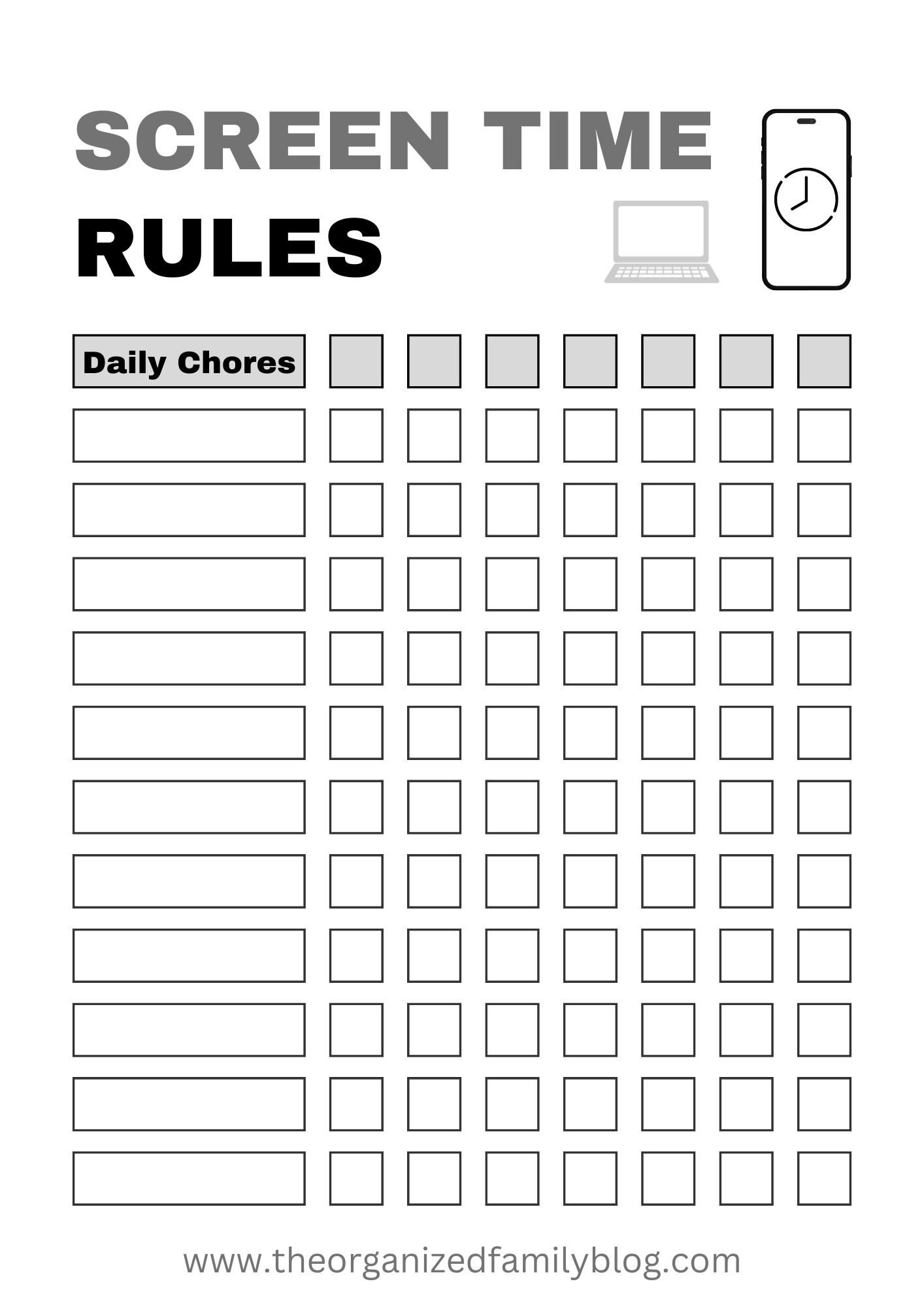
The “screen time schedule for kids” worksheet offers a practical and engaging activity suitable for both classroom and home environments. Its format typically includes sections for listing daily activities, allocating specific time slots for different types of screen use (e.g., learning, entertainment), and reflecting on personal goals for digital balance. Instructions are designed to scaffold learning progressively, beginning with simple identification of activities and moving towards the creation of a comprehensive schedule. The worksheet is versatile, serving effectively as a standalone activity to initiate discussions about digital habits, as an integral part of a broader lesson plan on digital citizenship, or as a homework assignment to involve families in the learning process. Its hands-on nature encourages active participation and personalized application of safety principles.
Practical Tips for Parents and Teachers
- Preparation is Key: Before introducing the worksheet, discuss with children what screen time means, distinguishing between different types of digital engagement (e.g., educational apps vs. video games).
- Facilitate Collaborative Creation: Encourage children to actively participate in filling out the schedule, rather than simply dictating terms. This fosters ownership and commitment.
- Prompt Meaningful Discussion: After completion, initiate a conversation about the challenges and benefits of adhering to the schedule. Ask questions like, “What was easy to plan?” or “What might be difficult?”
- Model Healthy Habits: Adults can demonstrate responsible screen use by adhering to their own digital boundaries, reinforcing the principles taught in the worksheet.
- Regular Review and Adjustment: Digital needs evolve. Periodically review the created schedule with children, making adjustments as their routines, interests, and educational requirements change.
Age-Appropriate Recommendations
Tailoring the approach to the “screen time schedule for kids” worksheet ensures maximum effectiveness across different developmental stages.
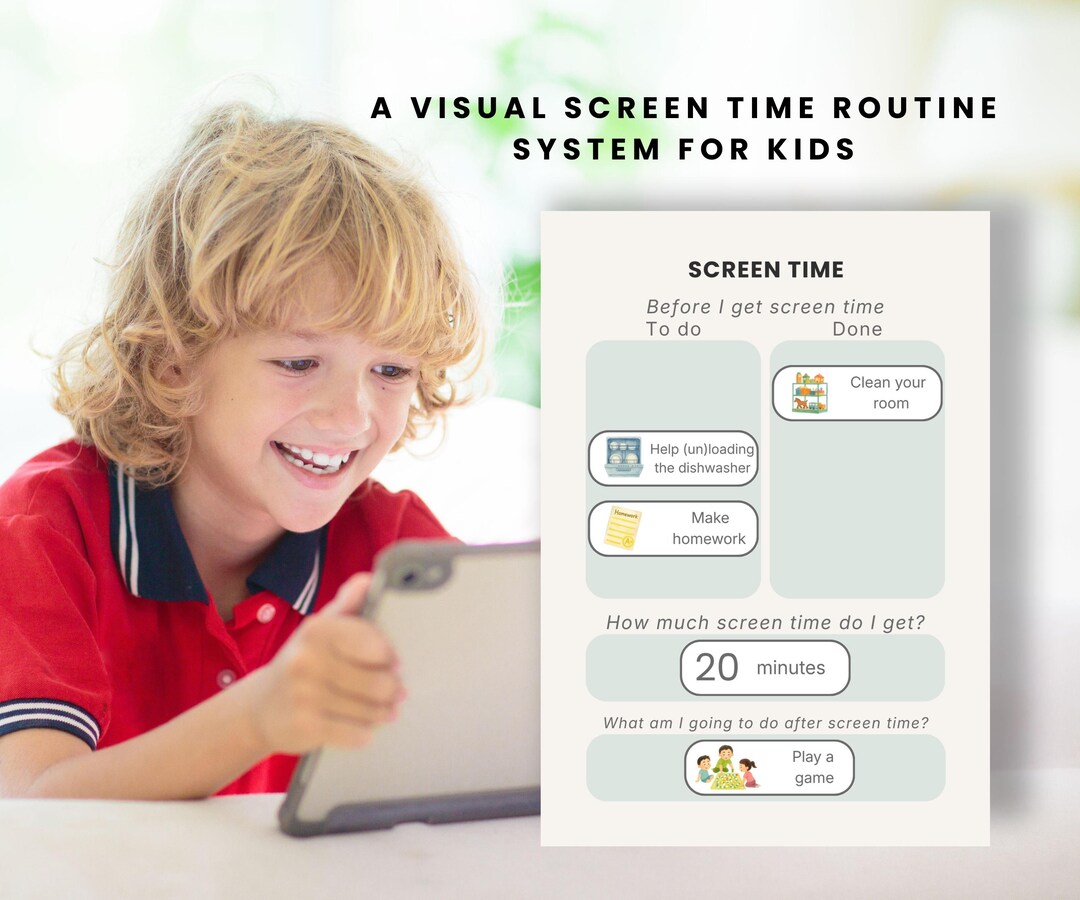
- Ages 5-8 (Early Elementary): For younger learners, focus on the basic concept of balance. Use simple vocabulary and allow for drawing or visual cues. Parental or teacher involvement should be high, guiding them through each section, perhaps creating a schedule together as a family or class activity. The emphasis should be on understanding that there are times for screens and times for other activities.
- Ages 9-12 (Late Elementary/Early Middle School): Children in this age group can engage more independently. Introduce discussions about the different types of screen content and their purposes. Vocabulary can expand to include terms like “digital footprint” or “responsible use.” Activity pacing can be more self-directed, with adults acting as facilitators, prompting deeper reflection on the pros and cons of various screen habits.
- Ages 13-18 (Middle/High School): While primarily designed for younger ages, the core principles remain relevant. For older students, the worksheet can serve as a reflective tool for self-assessment of their current digital habits. The approach should encourage critical thinking about the impact of screen time on sleep, social interactions, and academic performance. Parental/teacher involvement shifts to supportive guidance, encouraging self-advocacy and independent problem-solving regarding digital balance.
Frequently Asked Questions
Q: How can families ensure the “screen time schedule for kids” worksheet is effective in the long term? A: Consistent reinforcement and open communication are vital. Regularly review the schedule with children, discuss any challenges, and celebrate successes in adhering to the planned digital boundaries. Flexibility to adjust the schedule as needs change also contributes to its long-term effectiveness.
Q: Is this worksheet suitable for children who do not have a lot of screen time? A: Yes, the worksheet promotes balanced digital habits, regardless of current screen usage levels. It helps all children understand the importance of incorporating non-screen activities into their daily routine and setting intentional boundaries for any digital engagement.
Q: Where can educators and parents access the free printable “screen time schedule for kids” worksheet? A: The “screen time schedule for kids” worksheet is available for free download directly from the SafeWiredSchools.org website. Navigate to the “Worksheets” section to locate and print this valuable resource immediately.
Explore More Free Printable Worksheets
A single worksheet works best as part of a broader collection of printable resources. Reinforcing safe online practices requires a consistent and varied learning routine. Educators and parents are invited to explore a full collection of free printable internet safety worksheets, activity sheets, checklists, quizzes, and more at SafeWiredSchools.org Worksheets. These resources cover every internet safety topic imaginable, from digital footprints to cyberbullying, and are meticulously designed for every grade level and learning environment, ensuring a comprehensive approach to digital literacy.
Developmental Milestone & Activity Table
| Development Stage | Recommended Daily Duration | Primary Learning Objective |
|---|---|---|
| Preschool & Pre-K | 10 – 15 Minutes | Pencil grip development & basic pre-stroke lines |
| Kindergarten | 15 – 20 Minutes | Letter/number formation & spatial line awareness |
| Early Elementary (Grade 1–2) | 20 – 30 Minutes | Fluency, sentence construction & neatness |
Images References