Introduction
The management of digital device usage stands as a critical aspect of modern education and parenting. For students spanning Elementary grades (1-5) through Middle and High School (6-12), developing healthy screen habits is paramount. The free printable resource, “screen time log for students,” offers a practical and engaging solution for fostering digital awareness. This tangible worksheet provides a structured approach to tracking and reflecting on daily device use, directly reinforcing essential internet safety concepts. Educators and parents consistently trust printable worksheets as fundamental tools for building digital literacy and promoting responsible online behavior. These resources offer a hands-on learning experience, encouraging active participation and critical thinking without adding to screen fatigue. A physical log transforms an abstract concept into a concrete, measurable activity, helping young learners and adolescents alike visualize their digital footprint and cultivate mindful engagement with technology. Such tools are indispensable in guiding students toward becoming thoughtful and secure digital citizens.
💡 Educational Key Takeaways:
- Core Skill: Structured Screen Time Log For Students focused on developing pencil grip, stroke control, and early literacy/math confidence.
- Target Scope: Suited for homeschoolers, preschool, kindergarten, and elementary learners.
- Best Recommendation: Practice 10–15 minutes daily with ergonomic writing tools to reinforce muscle memory without hand fatigue.
What This Worksheet Covers
The “screen time log for students” specifically addresses the vital topic of digital wellness and balanced technology use. This resource helps students monitor their engagement with various digital devices and applications, encouraging an understanding of personal usage patterns. Key concepts covered include the distinction between productive and recreational screen time, the importance of setting boundaries, and the impact of digital habits on overall well-being. The worksheet guides students in identifying when and how they use screens, promoting self-awareness crucial for developing healthy routines. Its content directly aligns with recognized digital citizenship and child safety education standards, which advocate for responsible technology use, media literacy, and the cultivation of self-regulation skills in the digital realm. This log serves as a foundational component in a comprehensive approach to digital safety, moving beyond mere restriction to foster conscious and informed choices.
Key Learning Outcomes
Students or children completing the “screen time log for students” will develop several critical skills and areas of knowledge:. Browse more guides on Safe Wired Schools.
- Develop an understanding of personal screen time patterns across different activities.
- Cultivate self-awareness regarding the duration and type of digital device usage.
- Identify opportunities for balanced online engagement and essential offline activities.
- Reinforce the importance of establishing healthy time limits and digital boundaries.
- Strengthen self-regulation skills in managing personal technology use effectively.
How to Use This Worksheet
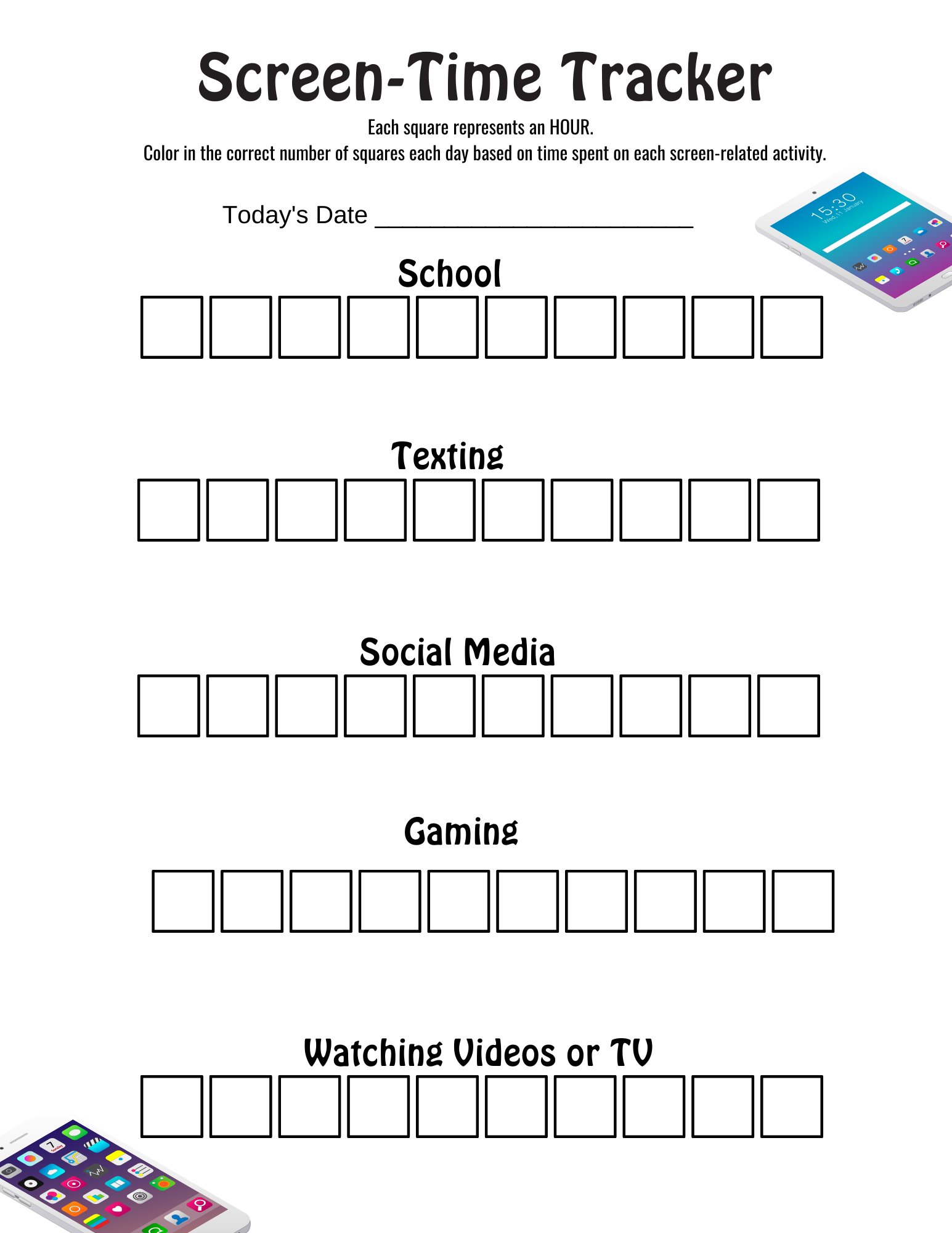
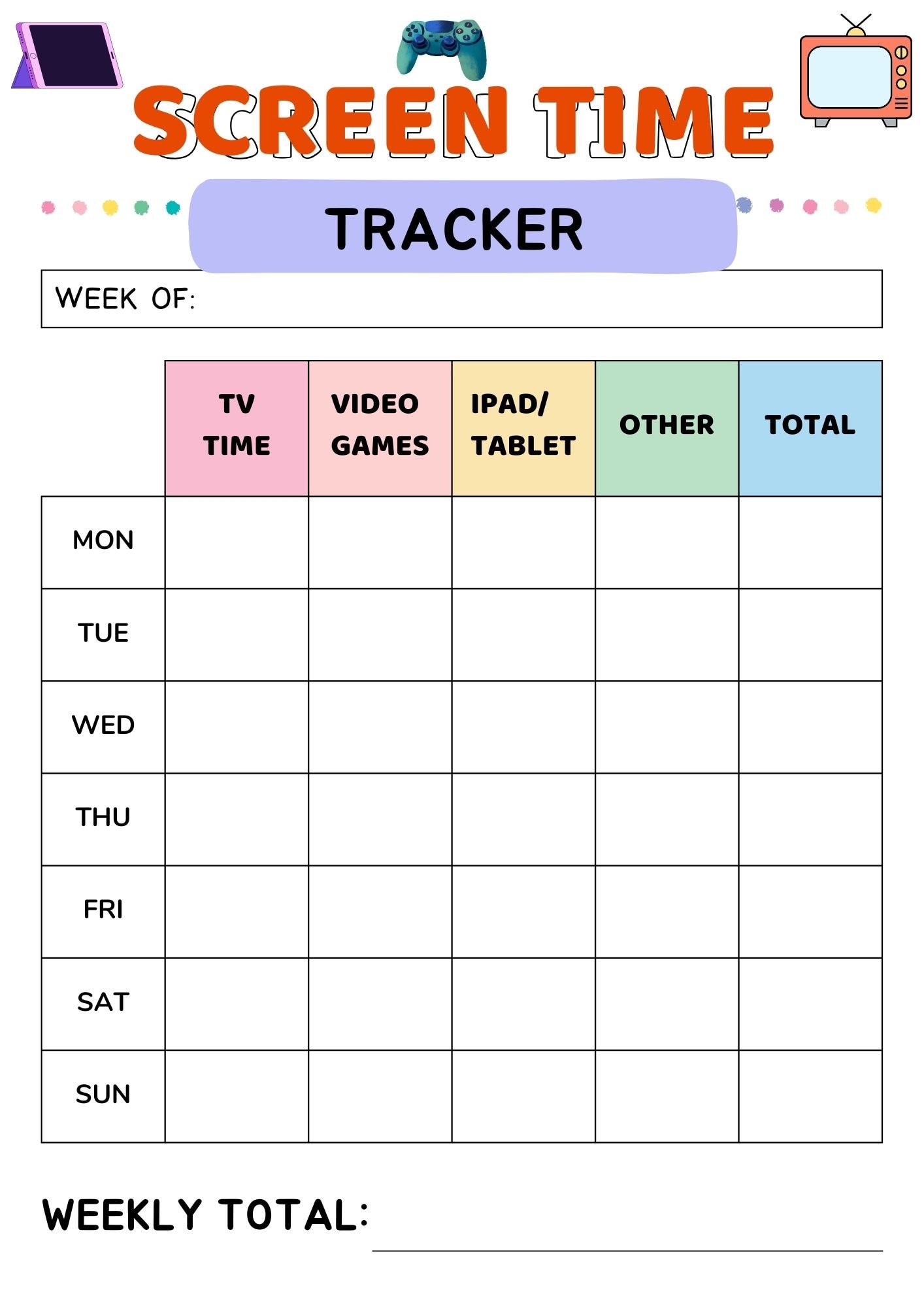
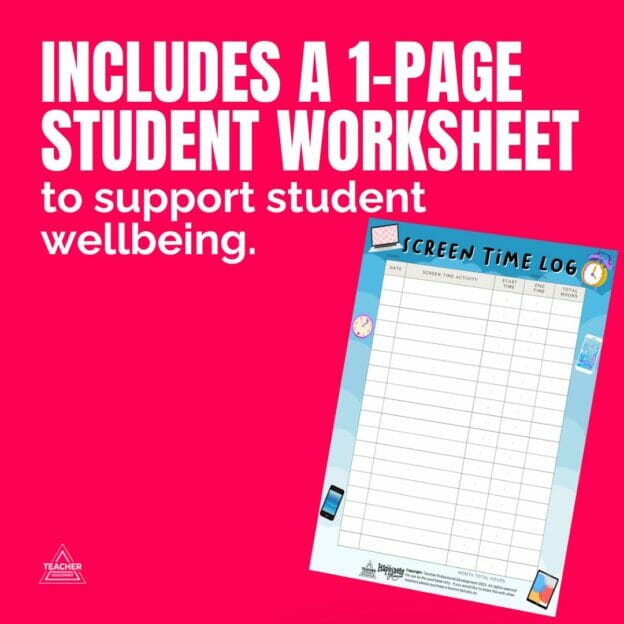
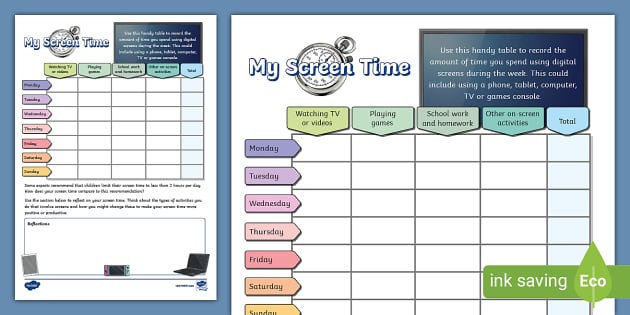
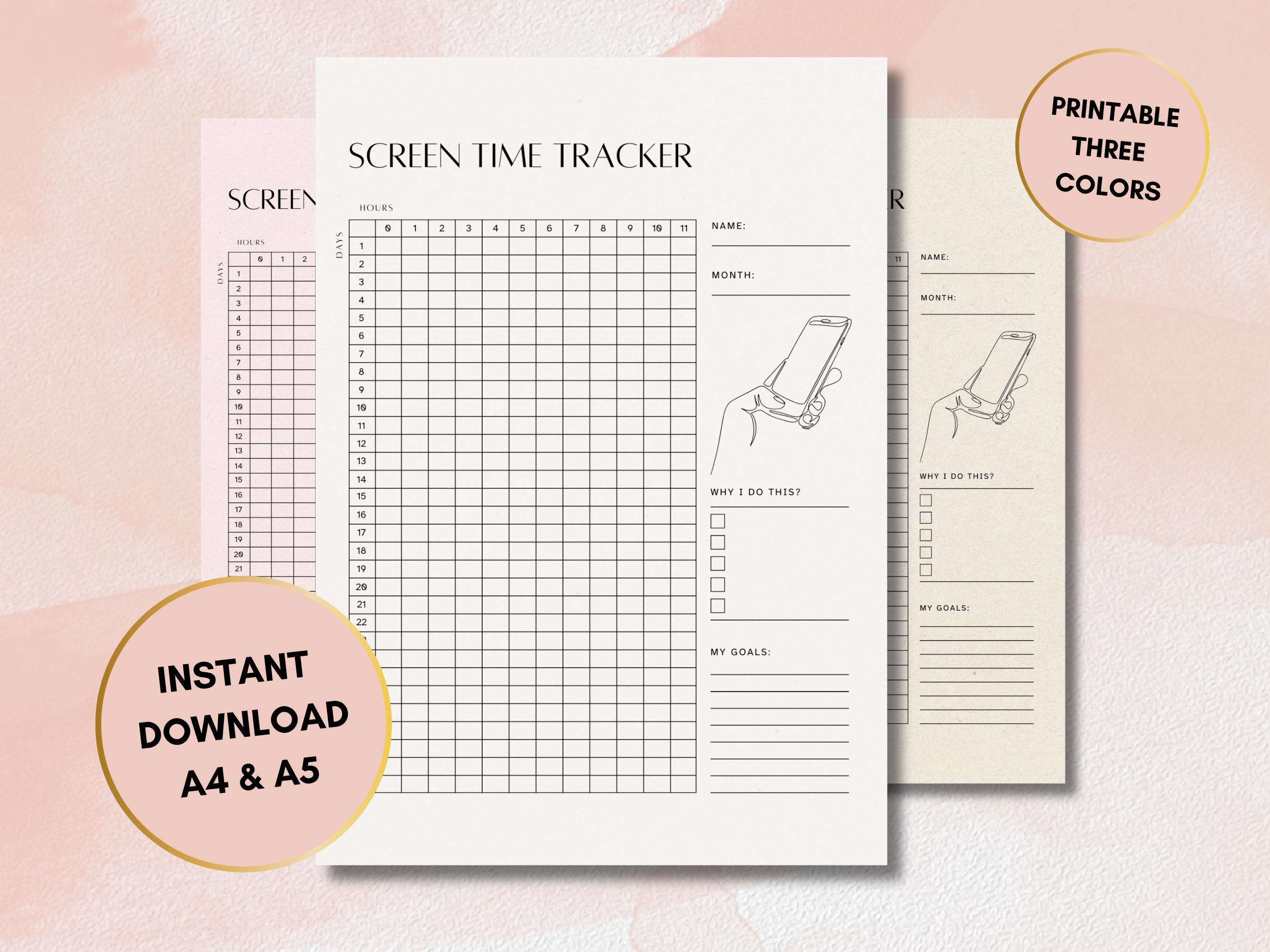
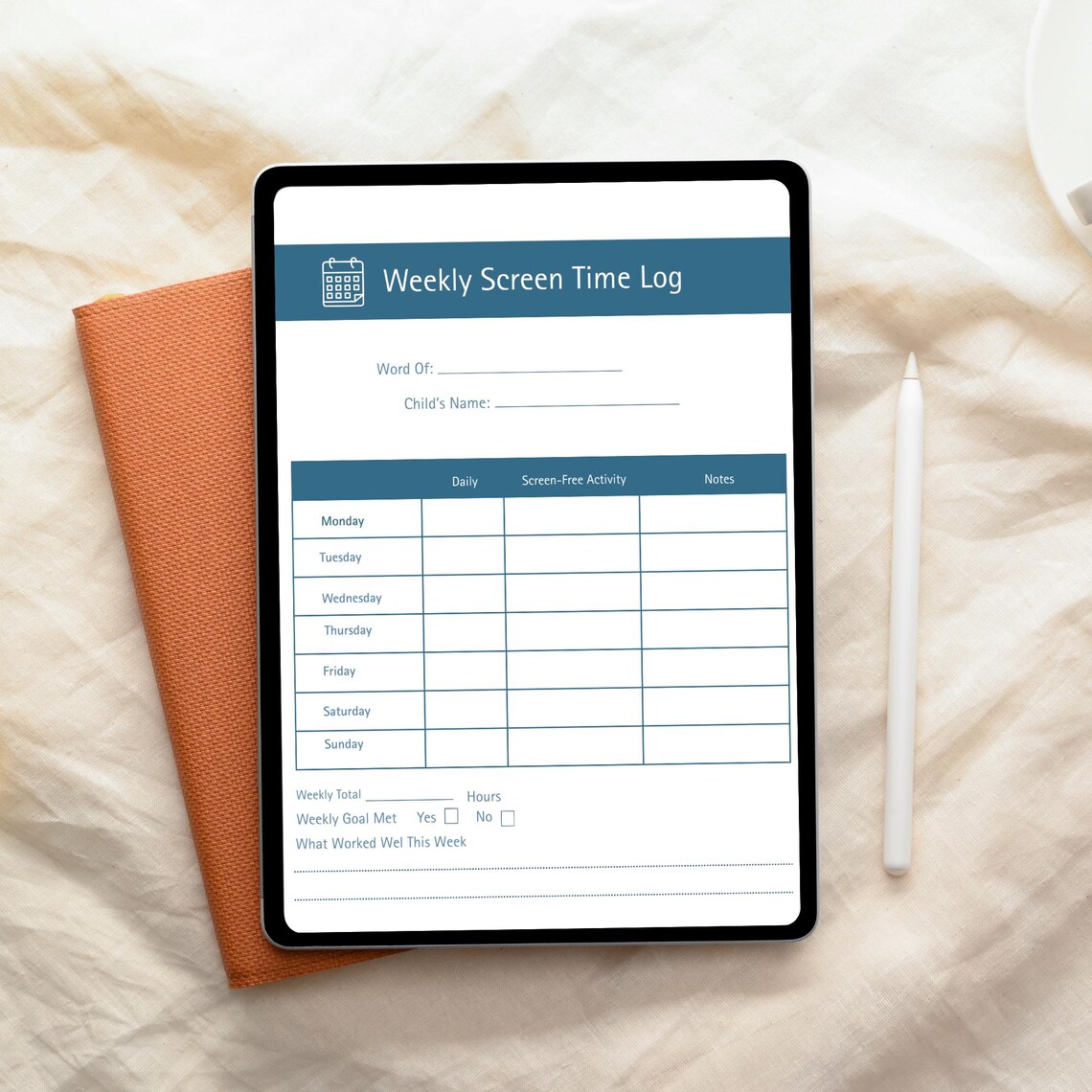
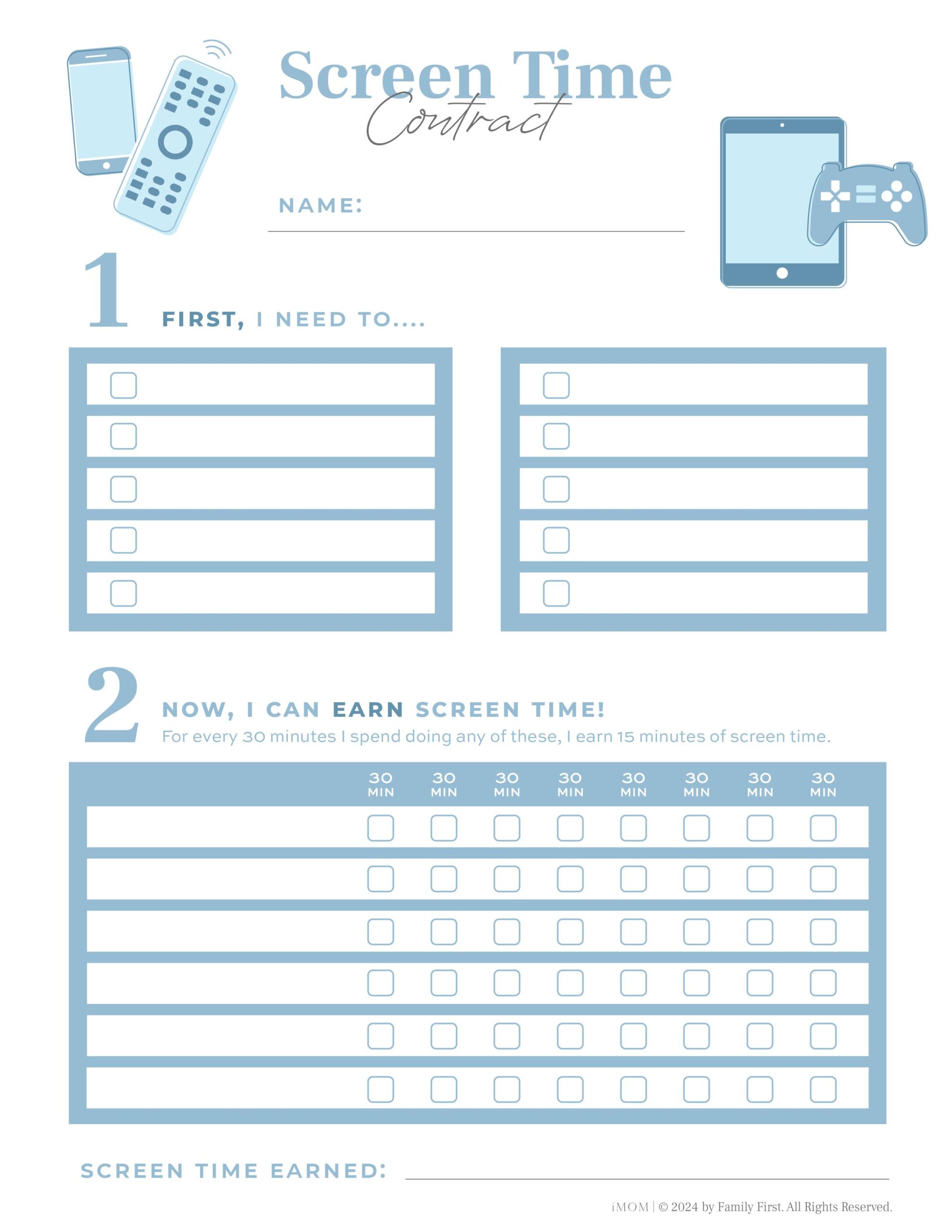
The “screen time log for students” is designed for flexible integration into both classroom curricula and home routines. The worksheet typically features a simple grid or table format, allowing for daily entries of screen time duration and activity type. Activity types can range from ‘educational apps’ and ‘homework’ to ‘gaming’ and ‘social media.’ The difficulty level is moderate, requiring basic writing and numerical skills suitable for elementary-aged learners and above. Instructions are clear and direct, often including examples to scaffold learning progressively. This resource can function as a standalone daily or weekly activity, providing a consistent record for review. It also serves as an excellent component within a broader lesson plan on digital citizenship, offering empirical data for discussion. Furthermore, the log can be assigned as homework, encouraging family involvement in discussions about technology use and promoting accountability outside of the classroom setting.
Practical Tips for Parents and Teachers
- Establish a Consistent Logging Routine: Encourage students to complete the log at the same time each day, perhaps before bedtime or after school, to ensure accuracy and build a habit.
- Focus on Patterns, Not Just Numbers: When reviewing logs, initiate discussions about usage trends and activity types rather than solely focusing on total minutes. This fosters analytical thinking.
- Collaborate on Goal Setting: Work with students to set realistic screen time goals based on their logged data, promoting ownership and self-management rather than imposed restrictions.
- Utilize as a Conversation Starter: The log provides a neutral, data-driven starting point for discussing digital well-being, the impact of screens on sleep or schoolwork, and the benefits of offline pursuits.
- Combine with Offline Activities: Suggest or plan non-screen activities that can be integrated into the daily routine, demonstrating practical ways to achieve balance and reduce screen dependency.
Age-Appropriate Recommendations
The adaptability of the “screen time log for students” allows for tailored application across various age groups, ensuring maximum educational impact.
For Ages 5-8 (Early Elementary), the focus should remain on basic awareness and guided participation. A parent or teacher can assist with logging, using simple visual cues or stickers to represent screen time blocks. Categories should be broad, such as “learning games” or “watching shows.” Discussions should be short and positive, emphasizing the fun of both screen and non-screen activities. The goal is to introduce the concept of balance in an encouraging, non-judgmental manner.
For Ages 9-13 (Late Elementary/Middle School), students can take more ownership of their logging. The worksheet can include more specific categories like “social media,” “online homework,” or “video games.” Reflection questions about feelings before and after screen time can be introduced, fostering self-awareness. Discussions should delve into the “why” behind screen time limits, linking usage to academic performance, sleep quality, and physical activity. This age group benefits from setting personal goals and tracking their progress.
For Ages 14-18 (High School), the log becomes a tool for advanced self-evaluation and digital citizenship. Students are encouraged to independently log their screen time, analyzing its impact on productivity, mental well-being, and social interactions. The worksheet can include sections for identifying distractions versus purposeful use. Conversations should explore the ethical implications of online behavior, digital footprints, and the development of sustainable digital habits for future success. This approach empowers older students to become advocates for their own digital wellness.
Frequently Asked Questions
Q: What is the primary purpose of a “screen time log for students”? A: The log helps students track their daily digital device usage, promoting self-awareness and encouraging the development of balanced, healthy screen habits. It serves as a practical tool for digital wellness education.
Q: How can educators and parents access the “screen time log for students”? A: The “screen time log for students” is available as a free, downloadable PDF resource on the SafeWiredSchools.org website. It can be found within the dedicated resources or worksheets section.
Q: Does this resource advocate for completely eliminating screen time for students? A: No, the “screen time log for students” focuses on promoting balanced and mindful technology use, not elimination. It aims to help students understand their habits and make informed choices for their overall well-being.
Explore More Free Printable Worksheets
The “screen time log for students” represents just one valuable component in a comprehensive approach to digital safety education. Consistent learning and reinforcement are most effective when integrated into a broader curriculum. Educators and parents are invited to explore a full collection of free printable internet safety worksheets, activity sheets, checklists, quizzes, and more. These resources cover every essential internet safety topic, including online privacy, cyberbullying prevention, digital footprints, and critical media literacy. Each item is thoughtfully designed for every grade level and learning environment, ensuring a continuous and engaging educational experience for all students. Discover these invaluable tools and more at SafeWiredSchools.org Worksheets.
Developmental Milestone & Activity Table
| Development Stage | Recommended Daily Duration | Primary Learning Objective |
|---|---|---|
| Preschool & Pre-K | 10 – 15 Minutes | Pencil grip development & basic pre-stroke lines |
| Kindergarten | 15 – 20 Minutes | Letter/number formation & spatial line awareness |
| Early Elementary (Grade 1–2) | 20 – 30 Minutes | Fluency, sentence construction & neatness |
Images References