Introduction
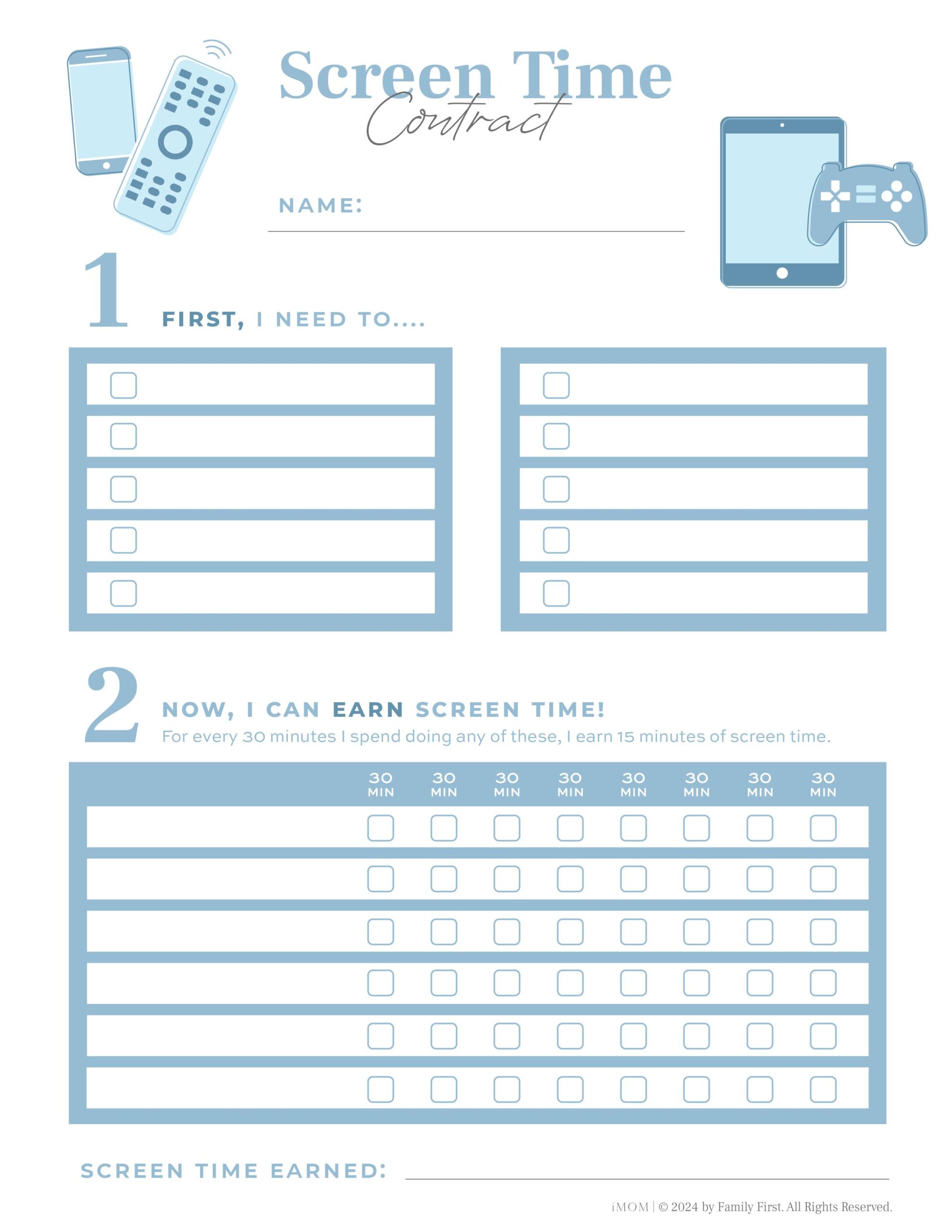
Navigating the digital landscape responsibly is a critical skill for today’s youth. Educators and parents consistently seek effective, tangible resources to instill healthy online habits. The “free screen time log for kids” is a valuable printable resource designed to support this vital learning process, primarily targeting Elementary (grades 1-5) and Middle School (grades 6-8) students, with adaptable applications for High School (grades 9-12). This worksheet offers a practical, hands-on approach to understanding and managing digital device use. Printable resources hold a trusted position in educational settings and homes due to their tangible nature; they provide a physical tool for engagement and reflection, fostering a deeper connection to the material than purely digital interactions. Such materials serve as foundational instruments for building digital awareness, promoting self-regulation, and cultivating responsible online behavior in an increasingly connected world. The consistent use of these tried-and-true educational aids reinforces essential concepts, empowering young individuals to make informed choices about their digital lives.
💡 Educational Key Takeaways:
- Core Skill: Structured Free Screen Time Log For Kids focused on developing pencil grip, stroke control, and early literacy/math confidence.
- Target Scope: Suited for homeschoolers, preschool, kindergarten, and elementary learners.
- Best Recommendation: Practice 10–15 minutes daily with ergonomic writing tools to reinforce muscle memory without hand fatigue.
What This Worksheet Covers
The “free screen time log for kids” directly addresses the crucial internet safety topic of responsible screen time management and overall digital well-being. This resource provides a structured method for children and young people to track their daily engagement with digital devices across various platforms and activities. It covers essential concepts such as identifying different types of screen use (e.g., educational, recreational, social), recording durations, and noting the activities displaced by screen time. The log encourages an awareness of personal digital habits, moving beyond simple time limits to a deeper understanding of how screen use integrates with or impacts other daily routines. The content directly aligns with recognized digital citizenship and child safety education standards, which emphasize media literacy, personal responsibility, and the cultivation of a balanced lifestyle in the digital age. By documenting their usage, individuals can begin to recognize patterns, evaluate choices, and develop strategies for healthier engagement with technology. Related guide: Worksheets For Kindergarten Pdf.
Key Learning Outcomes
By completing the “free screen time log for kids,” students and children will develop several important skills and areas of knowledge:. Browse more guides on Safe Wired Schools.
- Develop self-awareness regarding personal digital device usage patterns and habits.
- Practice goal-setting and self-monitoring techniques for balanced screen time.
- Improve self-regulation and time management skills in a digital context.
- Understand the importance of integrating varied daily activities, including offline pursuits, into their routines.
- Foster open communication within families about digital device use and its impact on well-being.
How to Use This Worksheet
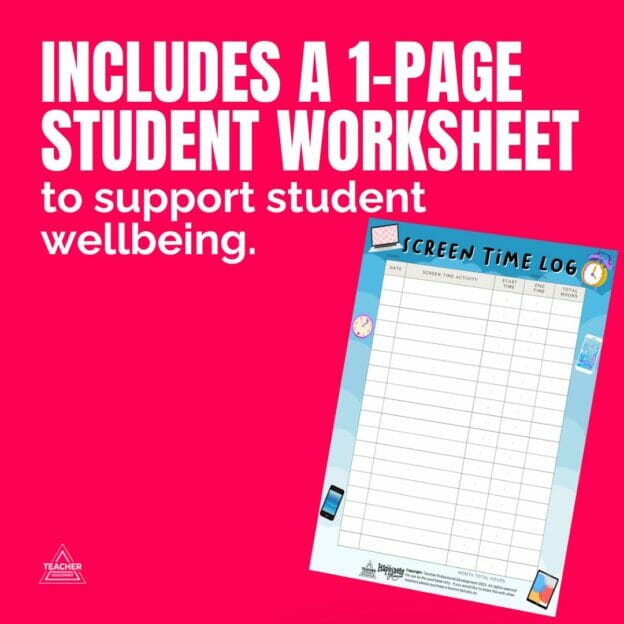
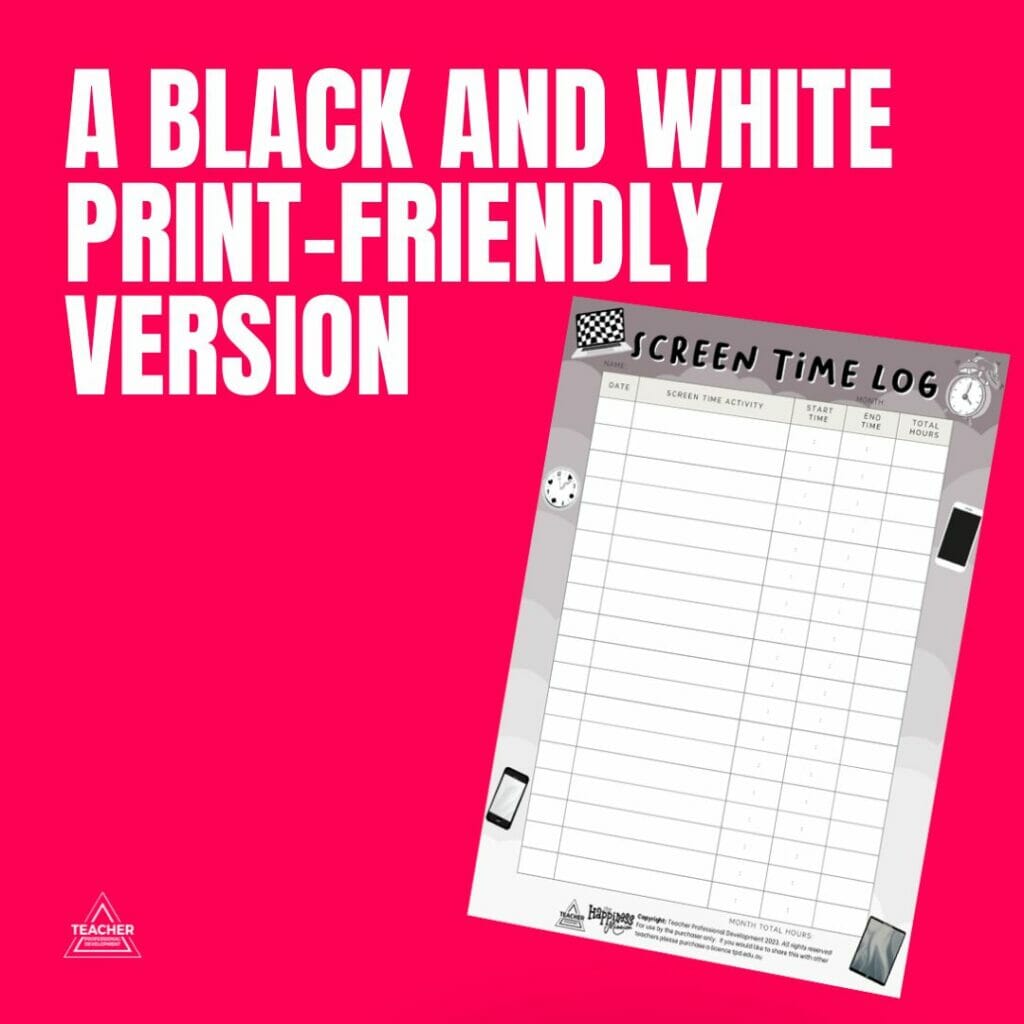
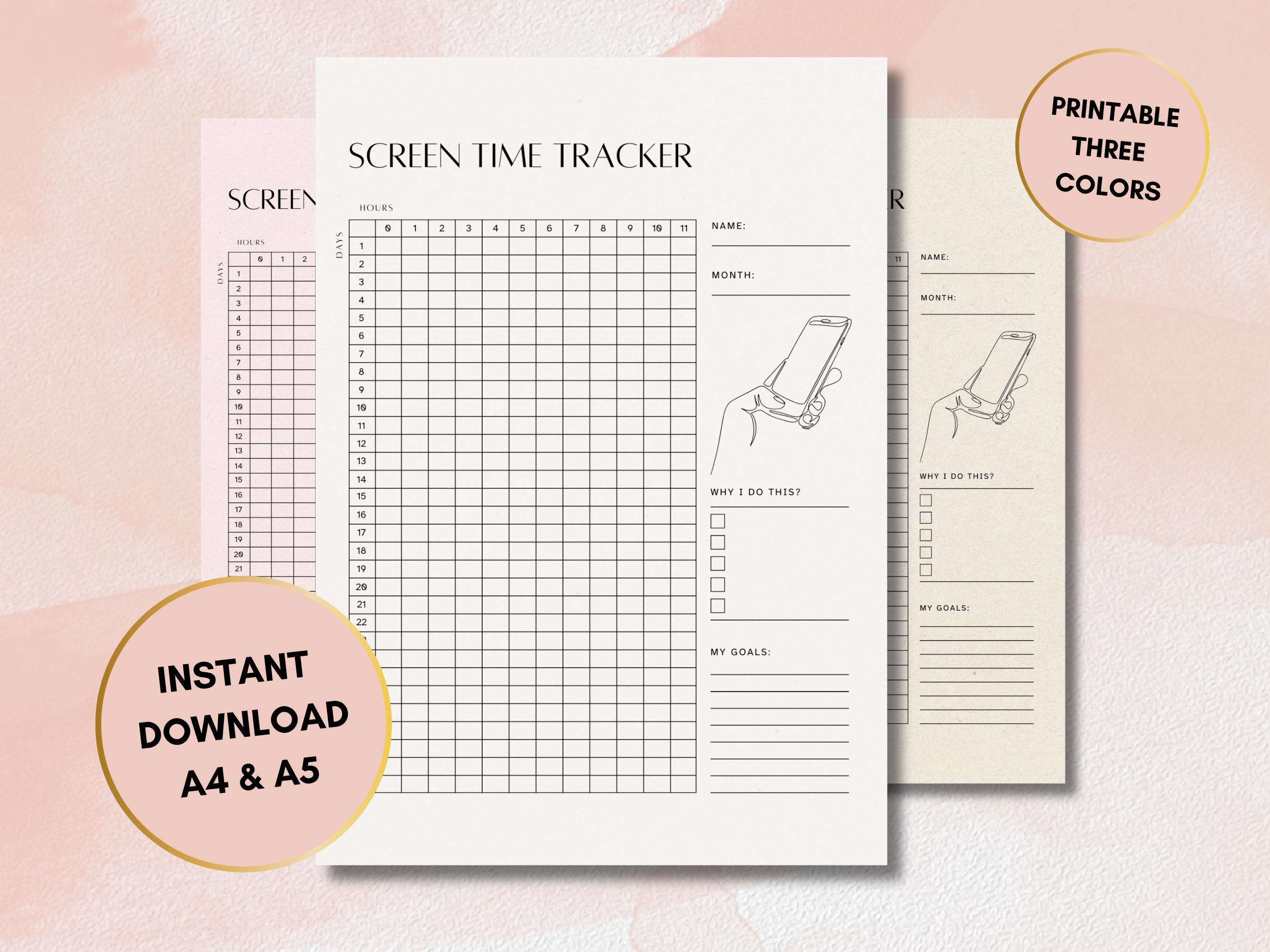
The “free screen time log for kids” is structured to facilitate daily tracking and periodic reflection. The worksheet typically features a clear grid or table format where users can record the date, type of device or platform used, activity engaged in, and duration of use. It may also include prompts for reflecting on feelings after screen time or spaces for setting daily or weekly screen time goals. The difficulty level is designed to be accessible, with instructions that scaffold learning progressively, starting with simple data recording and advancing to analytical reflection. This resource can function effectively as a standalone activity to initiate discussions about digital habits. Alternatively, it can be integrated into a broader lesson plan on digital citizenship, media literacy, or personal health. Teachers might assign it as homework, encouraging family involvement, while parents can utilize it as a regular tool for establishing and reviewing household screen time guidelines. The hands-on nature of the log promotes active participation and ownership of digital habits.
Practical Tips for Parents and Teachers
- Introduce the Concept Clearly: Before beginning, discuss what balanced screen time means and why tracking it is beneficial, focusing on health and well-being rather than solely on restrictions.
- Model the Behavior: For younger children, demonstrate how to fill out the log. For all ages, show personal commitment to digital balance, even if not using the log directly.
- Schedule Regular Check-ins: Dedicate specific times (e.g., weekly) to review the completed logs together. This provides an opportunity for constructive conversation, not just evaluation.
- Encourage Self-Reflection: Prompt questions such as, “What did you learn about your screen time this week?” or “How did your screen time affect your sleep or homework?” to deepen understanding.
- Extend the Learning: Use the insights gained from the log to collaboratively set realistic goals, explore new offline activities, or adapt family screen time agreements.
Age-Appropriate Recommendations
Effective implementation of the “free screen time log for kids” requires consideration of developmental stages:
For Ages 6-10 (Elementary School), focus on simple, consistent tracking. The logging process often requires significant parental guidance and support, especially for recording durations. Vocabulary should be kept straightforward; emphasize understanding different types of screen activities (e.g., “watching videos,” “playing games,” “doing schoolwork”). Activity pacing should be broken into short, manageable segments. Discussions should center on understanding the difference between “a little” and “a lot” of screen time and linking it to immediate feelings or activities like playtime or bedtime. Visual cues, such as drawing small pictures next to activities, can aid engagement.
For Ages 11-14 (Middle School), encourage greater independence in logging and reflection. This age group can begin to analyze patterns and connect screen time directly to academic performance, social interactions, or sleep quality. Introduce vocabulary related to digital well-being, such as “mindful use” or “digital citizenship.” The log can become a tool for self-assessment and goal-setting, with less direct parental supervision needed for the recording itself, but continued structured discussions are crucial. The focus shifts towards personal responsibility and understanding the broader implications of digital habits.
For Ages 15-18 (High School), the log serves as a self-management tool for deeper analysis of digital habits and their impact on future goals, academic success, and mental health. While the logging process remains similar, the reflection prompts can be more complex, encouraging critical thinking about digital detox strategies, productivity, and the role of technology in personal identity. Parental or teacher involvement transitions to a mentorship role, offering guidance on interpreting data, setting challenging but achievable goals, and exploring advanced time management techniques. Discussions should empower young adults to design and implement their own strategies for a balanced digital life.
Frequently Asked Questions
Q: What is the “free screen time log for kids”?
A: The “free screen time log for kids” is a printable worksheet designed to help children and young people track and monitor their daily digital device usage across various activities and platforms, promoting awareness and balanced habits.
Q: How does this resource support internet safety education?
A: This log supports internet safety by fostering digital well-being and responsible online behavior. It helps individuals understand and manage their screen time, a fundamental aspect of staying safe and healthy in a connected world.
Q: Where can the “free screen time log for kids” be downloaded?
A: The “free screen time log for kids” is available for immediate and complimentary download from the comprehensive collection of resources on SafeWiredSchools.org’s worksheets section.
Explore More Free Printable Worksheets
While the “free screen time log for kids” offers significant value for developing responsible digital habits, a single resource works best as part of a broader, consistent digital safety learning routine. Building a comprehensive understanding of internet safety requires exposure to a variety of topics and interactive materials. Educators and parents are invited to explore the full collection of free printable internet safety worksheets, activity sheets, checklists, quizzes, and more at SafeWiredSchools.org Worksheets. This extensive library covers every essential internet safety topic, from identifying misinformation to understanding digital footprints, and is thoughtfully designed for every grade level and learning environment, ensuring a continuous and robust educational experience.
Developmental Milestone & Activity Table
| Development Stage | Recommended Daily Duration | Primary Learning Objective |
|---|---|---|
| Preschool & Pre-K | 10 – 15 Minutes | Pencil grip development & basic pre-stroke lines |
| Kindergarten | 15 – 20 Minutes | Letter/number formation & spatial line awareness |
| Early Elementary (Grade 1–2) | 20 – 30 Minutes | Fluency, sentence construction & neatness |
Images References