Introduction
The management of digital interactions stands as a fundamental aspect of modern childhood. Equipping children with the skills to navigate their online environments responsibly begins with an understanding of their own habits. The “weekly screen time tracker for kids” is an invaluable, free printable resource designed to support this crucial learning process. This educational tool primarily targets elementary and middle school-aged learners (grades 18), though its principles are adaptable for a broader age range. Printable worksheets, long trusted by educators and parents, offer a tangible, hands-on approach to complex topics. They provide a structured framework for building digital awareness, encouraging self-reflection, and fostering responsible online behavior in a consistent and accessible manner. The act of physically recording and reviewing screen usage reinforces lessons on digital citizenship, making abstract concepts concrete and actionable.
💡 Educational Key Takeaways:
- Core Skill: Structured Weekly Screen Time Tracker For Kids focused on developing pencil grip, stroke control, and early literacy/math confidence.
- Target Scope: Suited for homeschoolers, preschool, kindergarten, and elementary learners.
- Best Recommendation: Practice 10–15 minutes daily with ergonomic writing tools to reinforce muscle memory without hand fatigue.
What This Worksheet Covers
This worksheet directly addresses the critical internet safety topic of screen time management and digital wellness. It guides children in monitoring their daily and weekly engagement with various digital devices and platforms. The core concepts covered include recognizing different types of screen activities (e.g., educational, creative, social, entertainment), understanding the duration of these activities, and identifying patterns in usage. The tracker encourages children to develop self-awareness regarding their digital habits, a foundational skill for preventing excessive use and promoting a balanced lifestyle. The content aligns with established digital citizenship standards, emphasizing responsible use, healthy habits, and the importance of offline activities. It provides a practical mechanism for children to observe their own behavior, serving as a first step towards self-regulation and informed digital choices.
Key Learning Outcomes
By engaging with the “weekly screen time tracker for kids,” learners will achieve several vital developmental and educational milestones:. Browse more guides on Safe Wired Schools.
- Enhanced Self-Awareness: Children will develop a clearer understanding of how much time they spend on screens and the types of activities they engage in.
- Goal Setting and Tracking: Learners will practice setting personal screen time goals and monitoring their progress toward those objectives.
- Critical Reflection: The tracker prompts critical thinking about the impact of screen time on other activities, such as homework, play, and sleep.
- Improved Communication: It facilitates open discussions between children and adults about digital habits, fostering a collaborative approach to online safety.
- Development of Healthy Habits: Regular use of the tracker supports the formation of balanced digital routines and encourages participation in non-screen activities.
How to Use This Worksheet
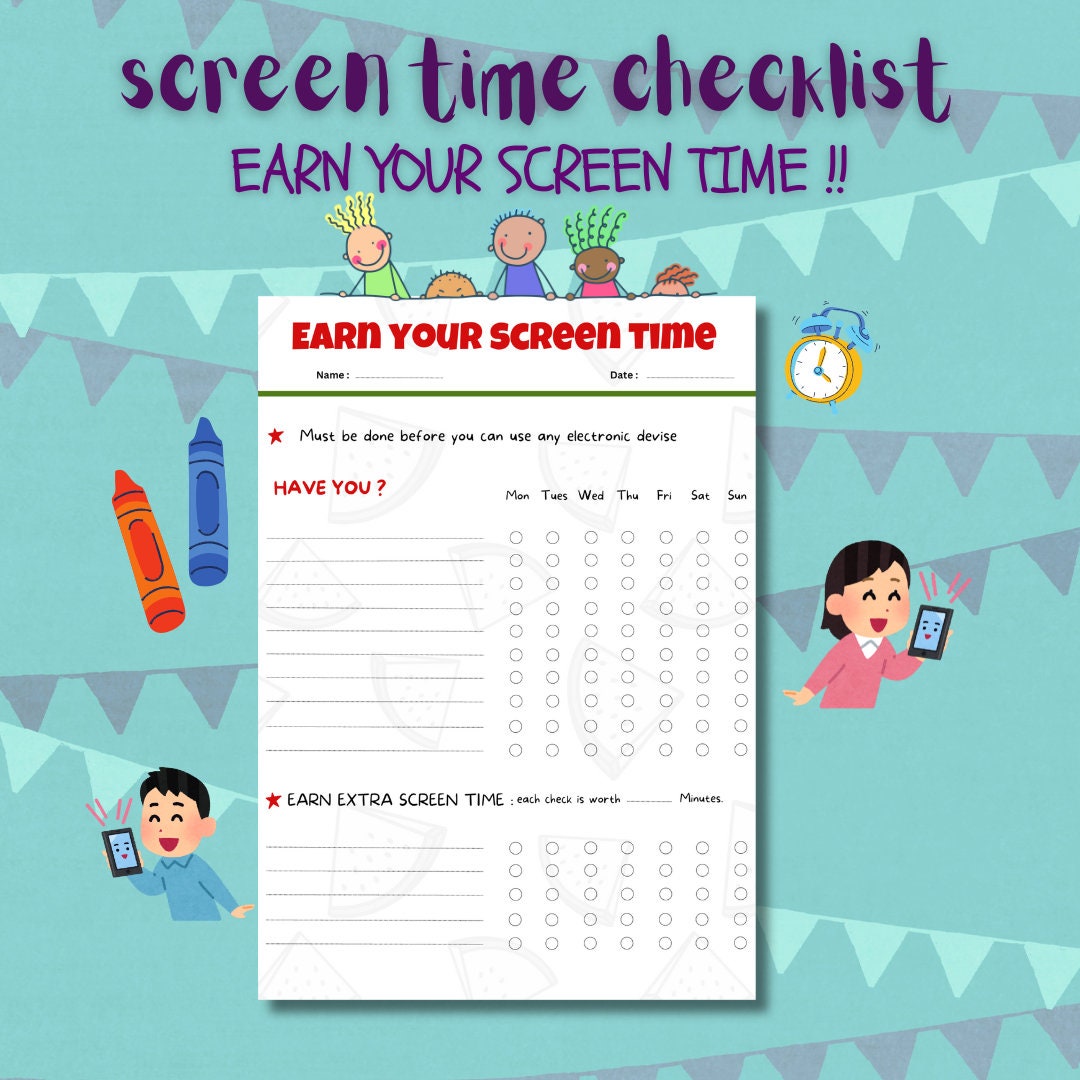
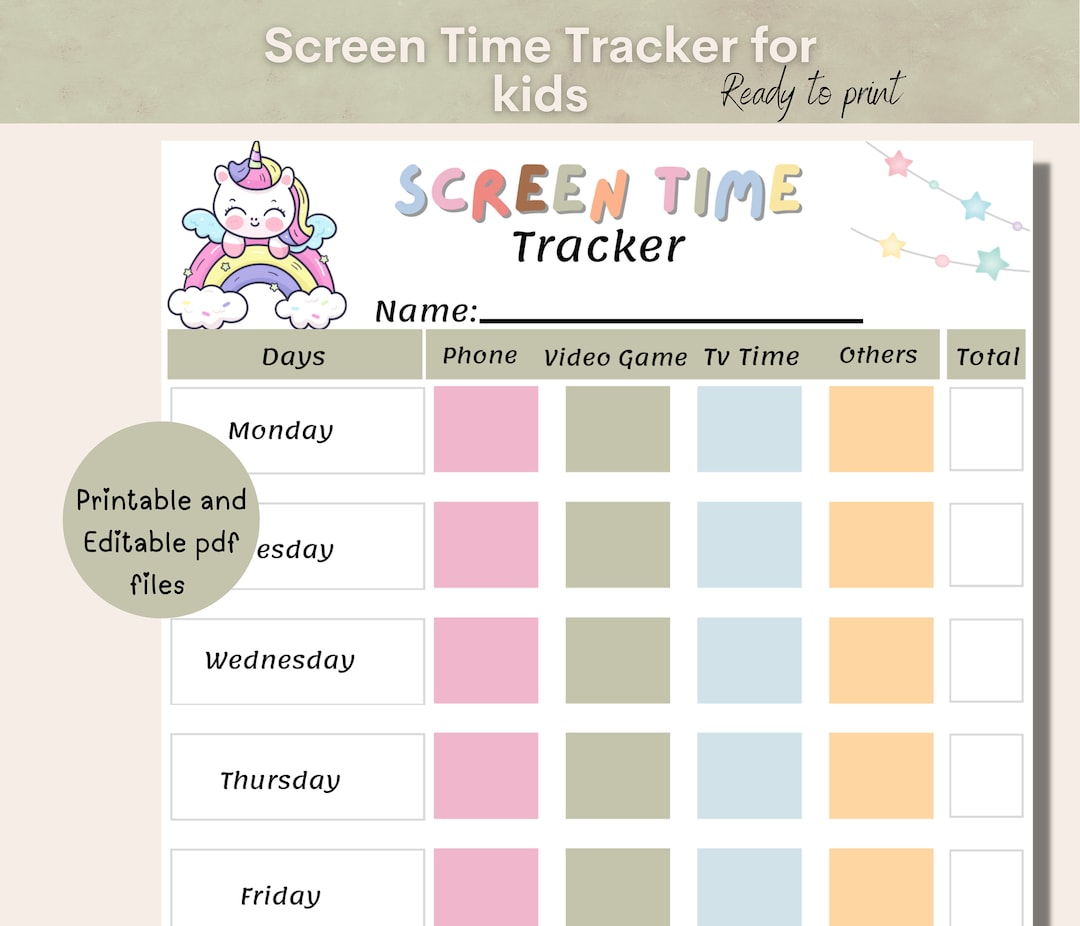
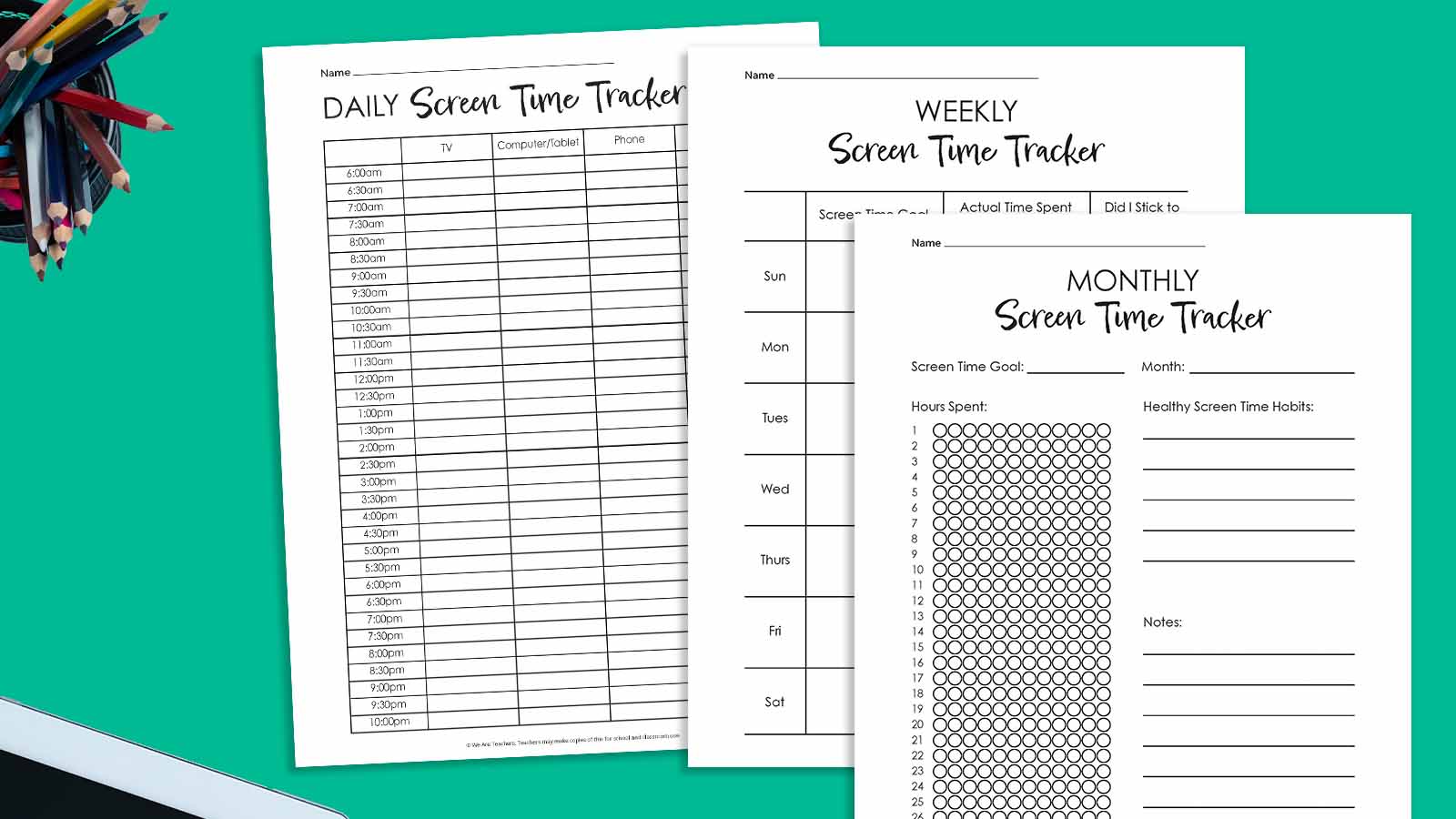
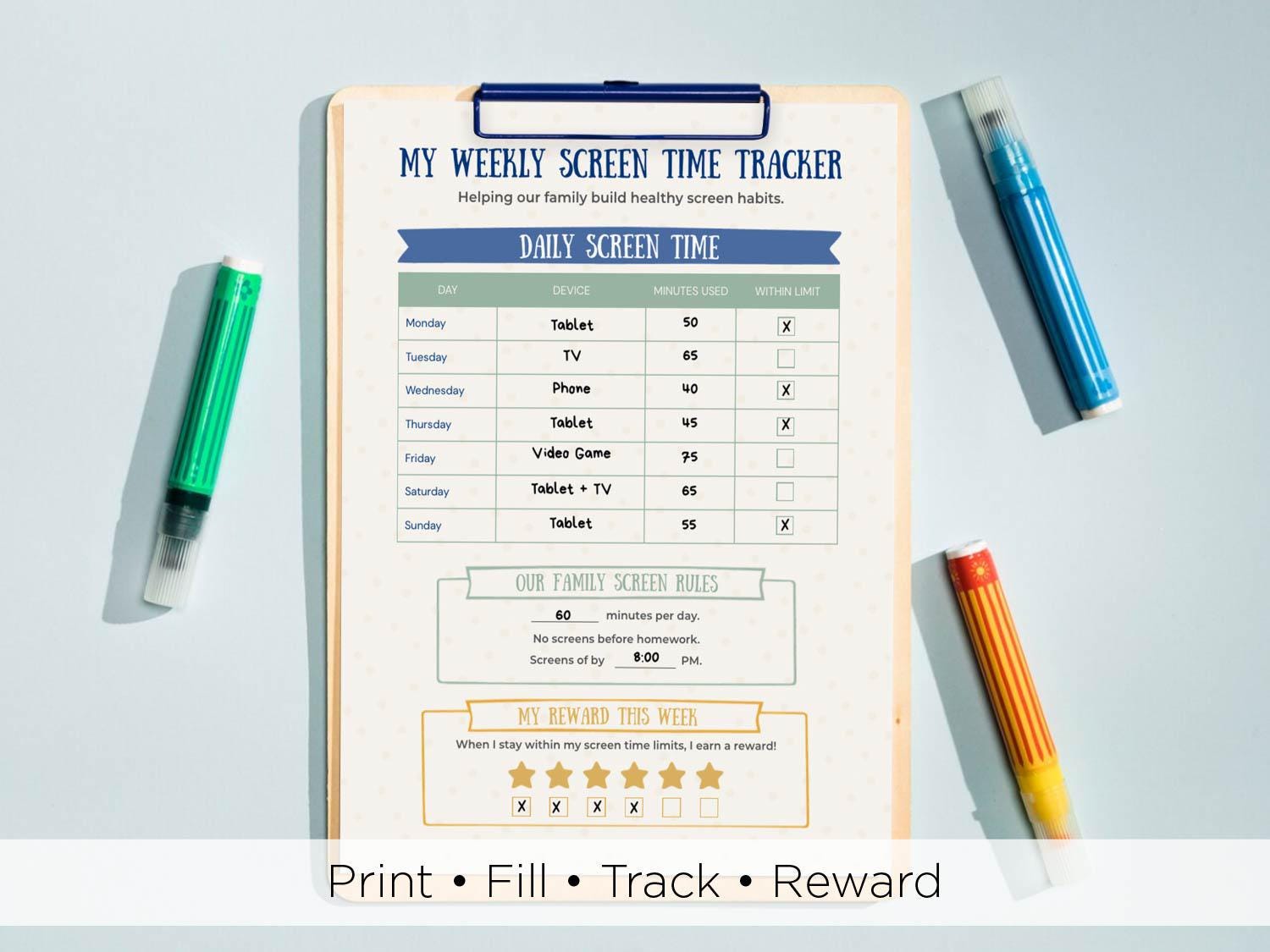
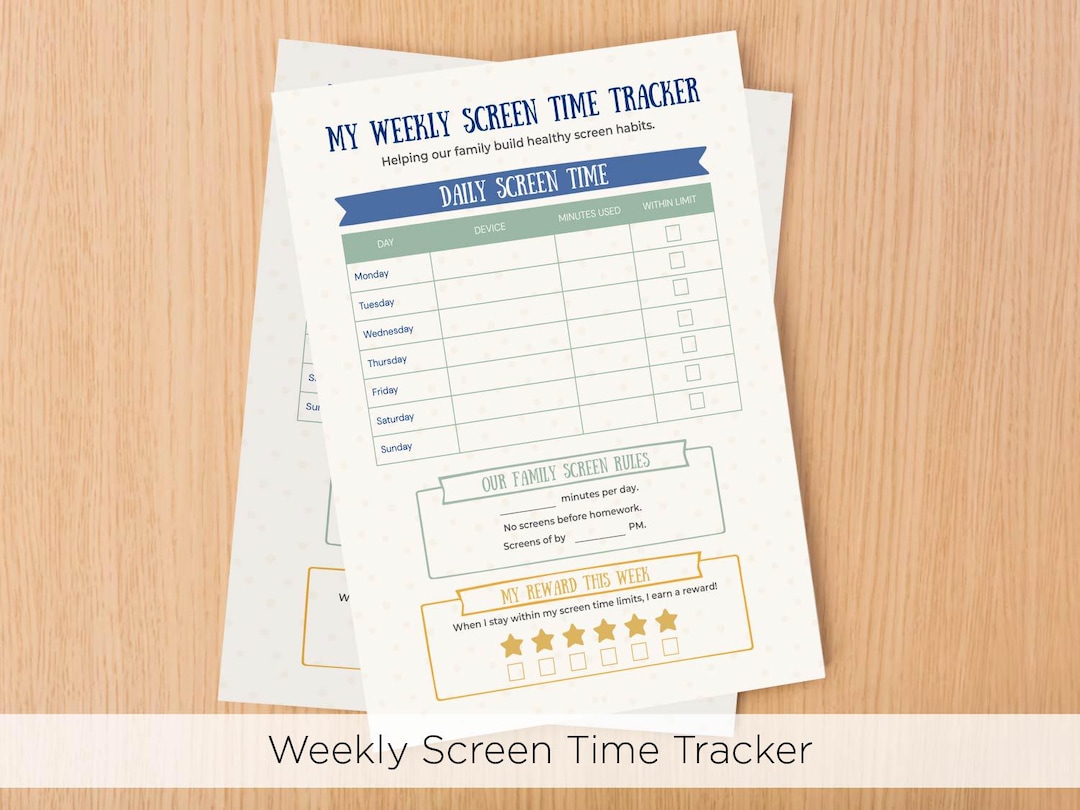
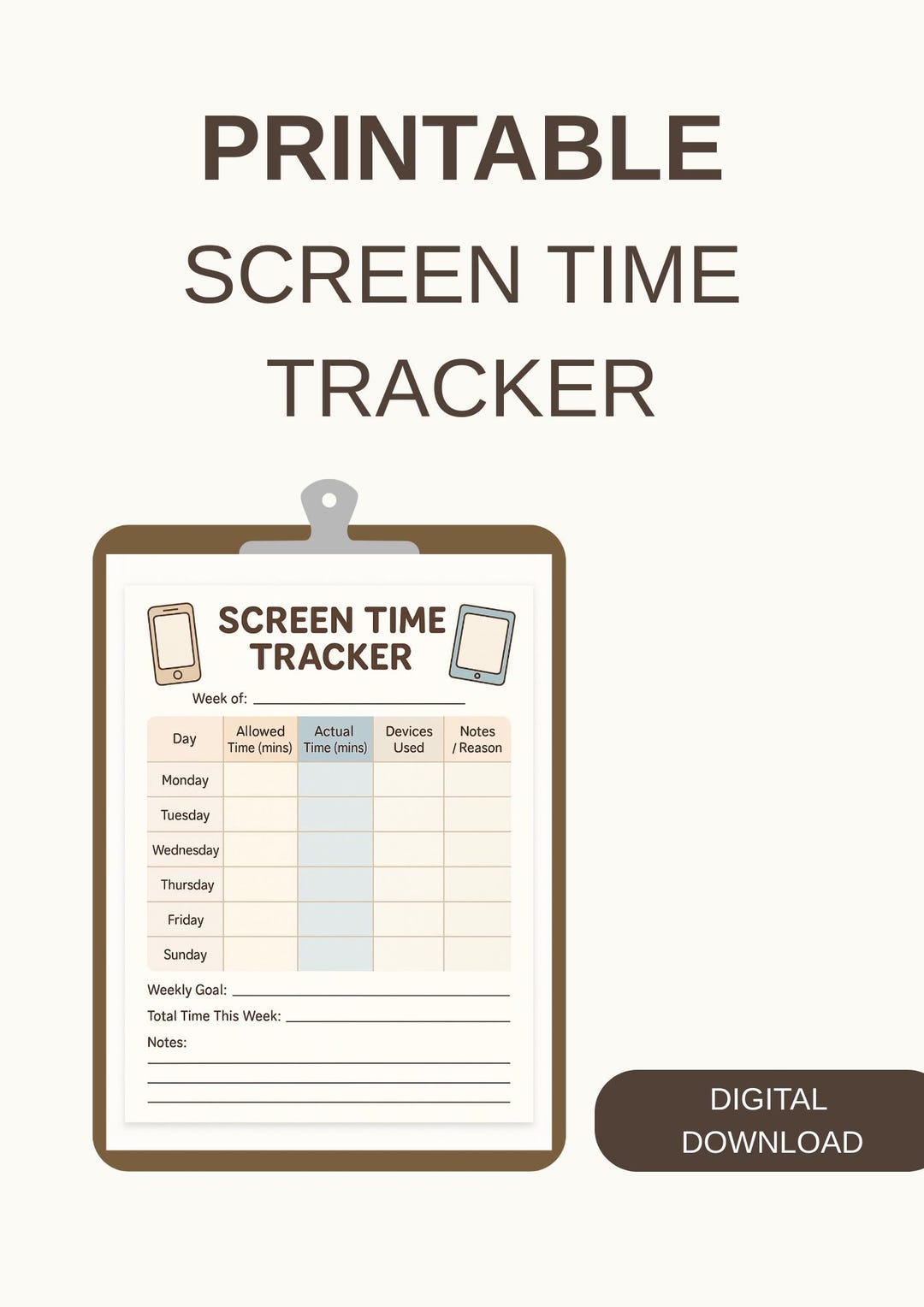
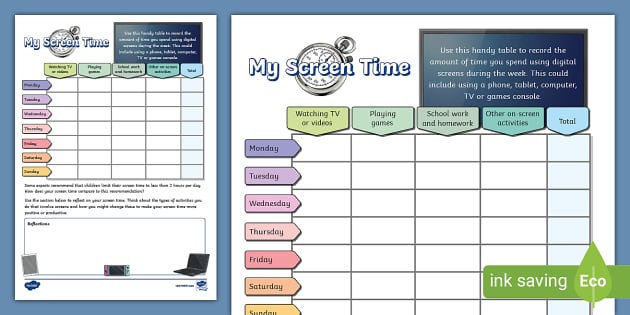
The “weekly screen time tracker for kids” features a straightforward, user-friendly format, typically a grid or table, allowing for daily logging of screen usage across different categories. Its design accommodates various activity types, from simple time entry to brief reflective notes. The difficulty level is adaptable, making it suitable for a range of ages; younger children can focus on basic time tracking, while older learners can delve into more detailed reflections. Instructions are clear and scaffolded, guiding users through the process of recording their screen activities. This printable resource functions effectively as a standalone activity, providing a complete self-monitoring tool. It can also be integrated seamlessly into a broader lesson plan on digital citizenship, serving as a practical component. Additionally, the tracker makes an excellent homework assignment, extending learning into the home environment and encouraging family involvement in digital wellness discussions.
Practical Tips for Parents and Teachers
- Introduce with Purpose: Begin by explaining the “why” behind tracking screen time, focusing on health, balance, and making informed choices rather than punishment.
- Model and Engage: Adults can participate by tracking their own screen time alongside children, demonstrating the process and fostering a sense of shared responsibility.
- Schedule Regular Check-ins: Dedicate a specific time each week to review the completed tracker together. This creates a consistent opportunity for discussion and reflection.
- Focus on Discussion, Not Judgment: Use the data from the tracker as a springboard for open-ended questions like, “What did you enjoy most about your screen time this week?” or “Were there times you wished you spent less time on screens?”
- Brainstorm Alternatives: Collaboratively identify and list engaging offline activities that can replace or balance screen time, encouraging a diverse range of interests.
Age-Appropriate Recommendations
The “weekly screen time tracker for kids” offers flexible application across various developmental stages, with specific adaptations enhancing its effectiveness for different age groups.
For Ages 5-8 (Early Elementary), the approach should be highly interactive and guided. Vocabulary support is essential; use simple language to define “screen time” and “activities.” Focus on tracking broad categories, perhaps with visual cues like drawing a happy face for balanced days. Parental or teacher involvement will be significant, with adults helping to record times and initiating brief, positive conversations about choices. The activity pacing should be short and regular, perhaps a quick five-minute check-in each evening.
For Ages 9-12 (Upper Elementary to Early Middle School), learners can take on more responsibility for independent tracking. The tracker can introduce more specific categories of screen use (e.g., gaming, video calls, homework). Encourage simple written reflections on how screen time made them feel or what they accomplished. Vocabulary can expand to include terms like “digital balance” and “mindful use.” Adult involvement transitions to a supportive, mentoring role, reviewing the tracker weekly and facilitating discussions about patterns and potential adjustments to screen habits.
For Ages 13-18 (Middle and High School), the tracker becomes a tool for self-assessment and goal-setting. The focus shifts to critical analysis of digital habits, identifying areas for improvement, and understanding the impact of screen time on sleep, academics, and social interactions. The vocabulary can incorporate advanced concepts like “digital well-being” and “online productivity.” This age group benefits from a high degree of autonomy in tracking and reflecting, with adults serving as a resource for guidance and deeper conversations about personal responsibility and long-term digital health strategies.
Frequently Asked Questions
Q: What is the primary purpose of the “weekly screen time tracker for kids”?
A: The tracker’s main goal is to help children develop self-awareness about their digital habits and encourage them to manage their screen time responsibly. It promotes a balanced approach to online and offline activities.
Q: How often should this screen time tracker be used?
A: For optimal benefit, the tracker should be used consistently on a weekly basis. Regular tracking helps identify patterns, fosters habit formation, and provides ongoing data for meaningful discussions about digital wellness.
Q: Where can the free printable “weekly screen time tracker for kids” be downloaded?
A: This valuable educational resource is available for free download directly from the SafeWiredSchools.org website. Navigate to the “Worksheets” section to access and print the tracker.
Explore More Free Printable Worksheets
A single resource, while powerful, works best as part of a comprehensive learning journey. The “weekly screen time tracker for kids” contributes significantly to digital literacy, but consistent reinforcement across various topics is key to sustained understanding. Educators and parents are invited to explore a full collection of free printable internet safety worksheets, activity sheets, checklists, quizzes, and more at SafeWiredSchools.org Worksheets. These resources cover every essential internet safety topic and are meticulously designed for every grade level and learning environment, ensuring a robust and continuous digital safety education.
Developmental Milestone & Activity Table
| Development Stage | Recommended Daily Duration | Primary Learning Objective |
|---|---|---|
| Preschool & Pre-K | 10 – 15 Minutes | Pencil grip development & basic pre-stroke lines |
| Kindergarten | 15 – 20 Minutes | Letter/number formation & spatial line awareness |
| Early Elementary (Grade 1–2) | 20 – 30 Minutes | Fluency, sentence construction & neatness |
Images References