Introduction
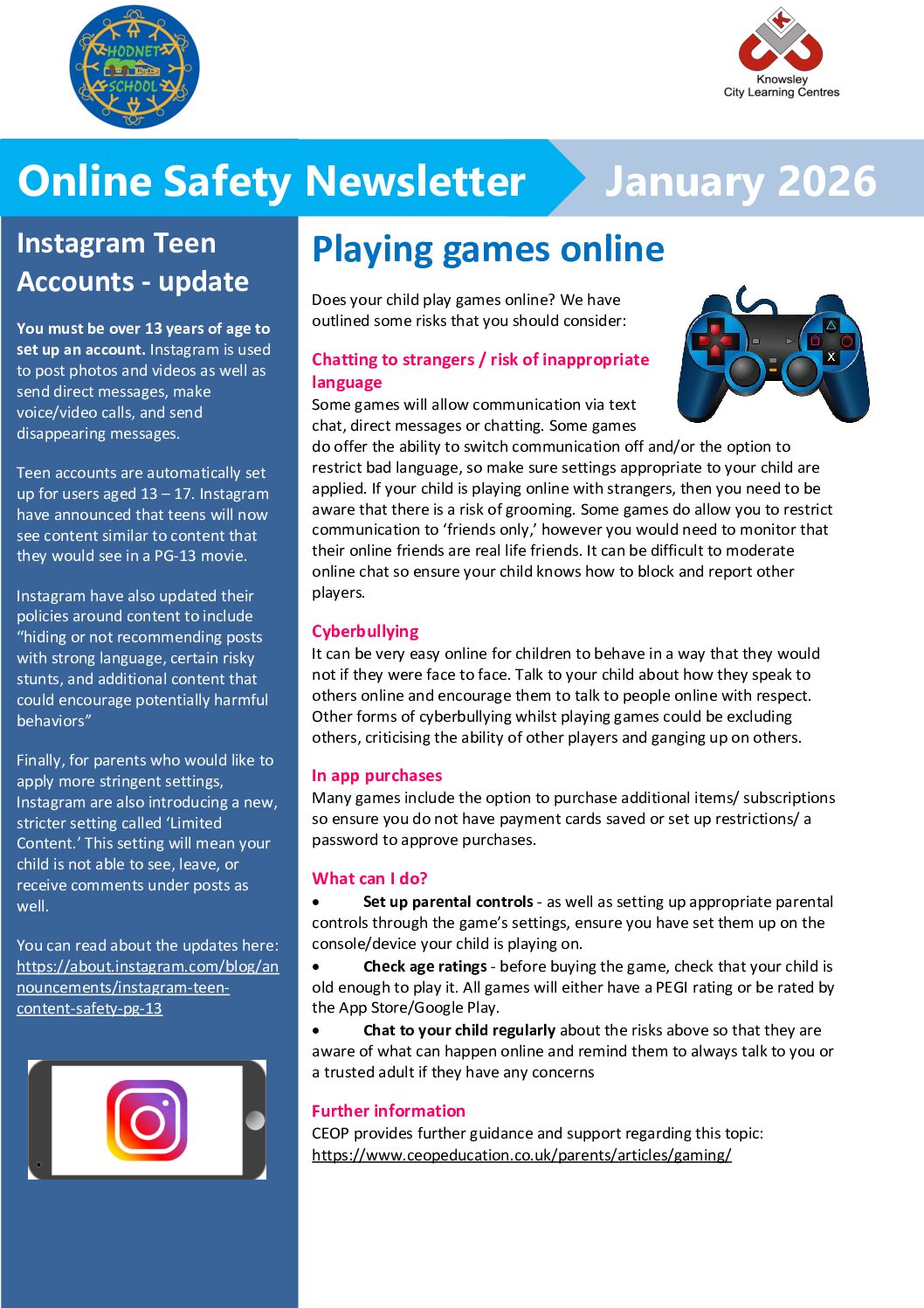
Digital spaces are dynamic extensions of the modern playground, classroom, and living room. Children navigate screens long before they fully understand the underlying mechanics of the internet. A free printable newsletter on internet safety paragraph few lines about this topic serves as a bridge between the physical world and digital environments. Educational materials must evolve to meet young learners where they spend time, fostering habits rather than instilling fear. Experience in classrooms shows that children absorb safety concepts best when presented through clear, bite-sized information rather than heavy lectures. Building digital resilience is a gradual process requiring steady reinforcement at home and school. Adults often struggle to initiate conversations about online boundaries without sounding overly restrictive or alarming. Thoughtfully designed printables offer a natural entry point for these important discussions, transforming abstract rules into tangible takeaways. It sounds simple, and that’s the point.
💡 Educational Key Takeaways:
- Core Skill: Structured Newsletter On Internet Safety Paragraph Few Lines Abot This Topic focused on developing pencil grip, stroke control, and early literacy/math confidence.
- Target Scope: Suited for homeschoolers, preschool, kindergarten, and elementary learners.
- Best Recommendation: Practice 10–15 minutes daily with ergonomic writing tools to reinforce muscle memory without hand fatigue.
What This Printable Covers
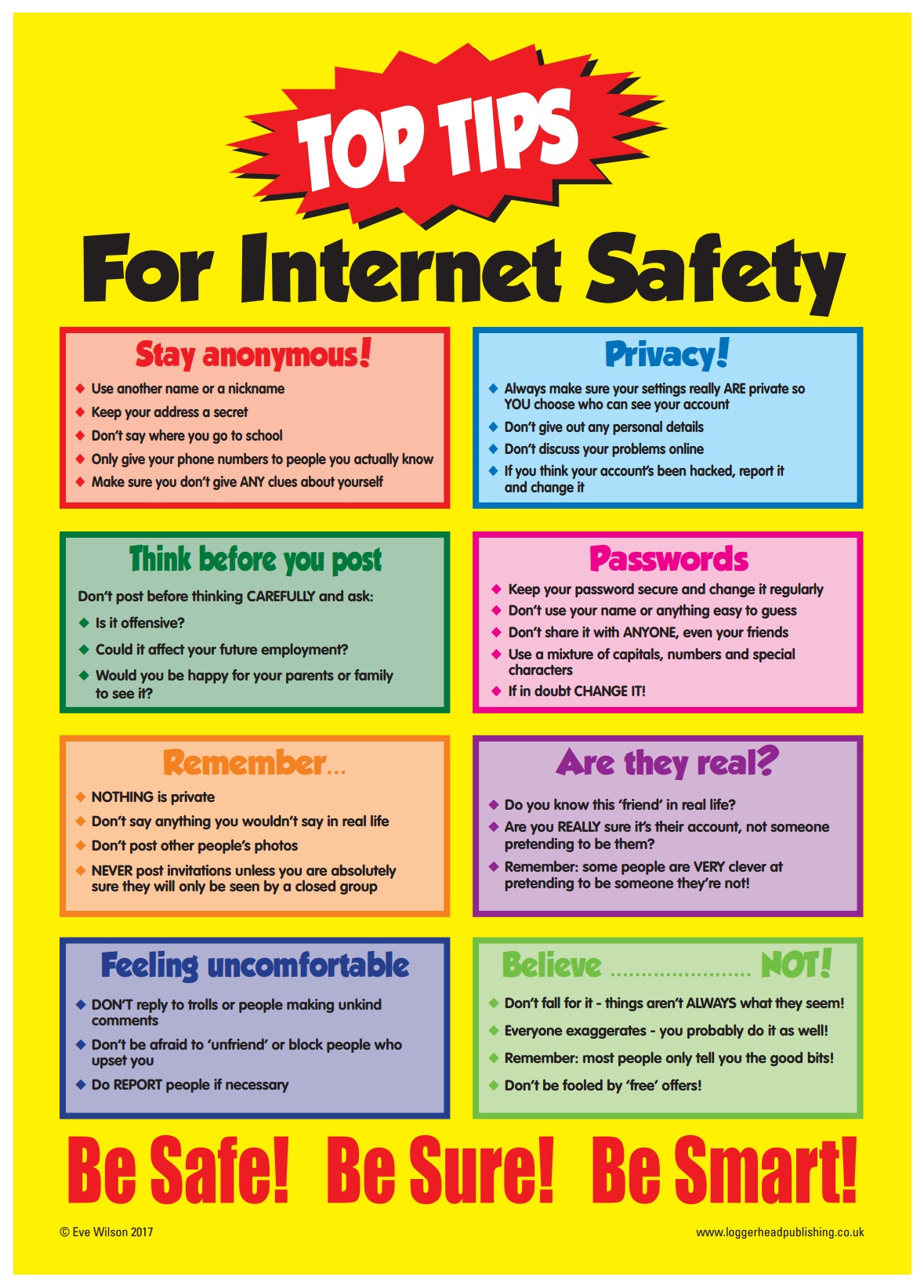
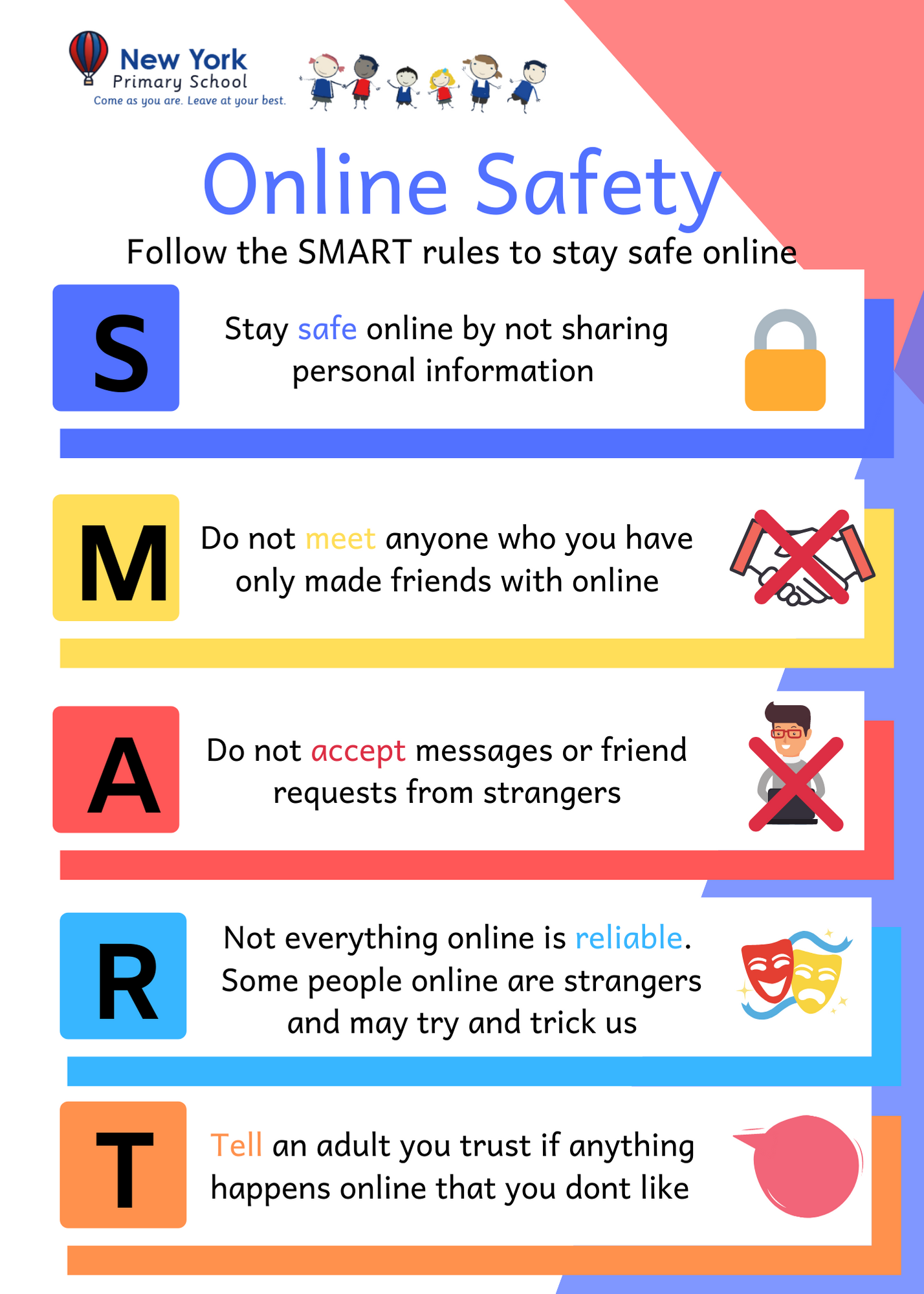
Core protective habits form the foundation of effective digital citizenship. This resource outlines fundamental practices, such as recognizing private information like home addresses and full names, creating memorable yet secure passwords, and pausing to think before sharing digital content. Children frequently encounter online risks in unexpected places, such as through shared household tablets or the chat functions embedded inside popular video games and collaborative virtual worlds. Instead of focusing on scary scenarios, the content emphasizes positive choices and self-regulation. Young learners discover the power of the “stop and think” rule when interacting with unfamiliar links or popup windows. Furthermore, the material reinforces the golden rule of online reporting: children are never in trouble for coming forward when something feels uncomfortable, confusing, or outright strange. Related guide: Teachers Of Grades 9–12 Should Expand Internet Safety Instruction To Include Which Of The Following Topics?.
Key Learning Outcomes
Translating safety guidelines into actionable daily behaviors remains the primary goal of any instructional print material. Children who interact with this guide learn to identify the difference between public and private details before typing them into a form or game profile. They also practice the crucial habit of consulting a trusted adult whenever a digital situation shifts outside established boundaries. According to Common Sense Media, the majority of young children begin using mobile devices before entering kindergarten, making early foundational awareness vital for healthy digital habits. Here’s what makes this resource different: it focuses on empowerment over restriction, teaching children how to advocate for their own safety. Comprehension is reinforced through clear headings and concise summaries, making complex cybersecurity concepts accessible to developing readers.
How to Use This Printable
Classrooms, homeschool environments, and kitchen tables all benefit from flexible, low-prep educational tools. Educators can distribute physical copies to take home, bridging the communication gap between school policies and family routines. Counselors often utilize these printouts during small-group sessions to facilitate discussions around peer interaction and respectful communication in digital channels. Parents find success by reading through the brief paragraphs together during a quiet afternoon, pausing to ask open-ended questions about favorite apps and games. The goal is to establish an ongoing dialogue rather than a one-time lecture. Placing the printed guide on a refrigerator or bulletin board serves as a gentle visual reminder of everyday digital citizenship expectations.
Practical Tips for Parents and Teachers
Maximizing the impact of any informational handout requires intentional pacing and positive reinforcement. Adults should avoid hovering over every screen interaction, instead encouraging children to self-monitor while keeping lines of communication wide open. Establish a predictable routine where digital habits are discussed casually, perhaps during dinner or morning meeting times. When a child reports an uncomfortable online encounter, respond with immediate calm praise for their honesty and courage. Exploring Internet and Digital Safety resources provides additional context for addressing emerging trends in youth technology use. Patience and consistency remain the most effective tools for turning these printed guidelines into lifelong instincts.
Age-Appropriate Recommendations
Tailoring digital safety education to developmental stages ensures that children absorb concepts without feeling overwhelmed. Younger elementary students, ages five through eight, benefit from concrete rules about physical devices, supervised screen time, and immediate adult notification regarding strange popups. Older elementary students, ages nine through twelve, are ready to explore nuanced topics like digital footprints, respectful peer communication, and peer pressure in multiplayer gaming environments. Aligning instruction with the ISTE Standards for Students helps educators integrate digital citizenship seamlessly into core academic subjects. Guidance should scale up gradually, matching the increasing independence children experience as they transition into middle school and broader digital autonomy.
Young children frequently encounter digital environments through shared household tablets and interactive gaming platforms — Pew Research Center
Frequently Asked Questions
Finding clear answers helps educators and families implement digital citizenship tools effectively. The designated FAQ section below addresses common logistical and pedagogical questions regarding the material. Each answer is designed for quick reference and maximum clarity.
Explore More Free Kids Online Safety Printables
Expanding a digital citizenship library ensures children receive diverse, engaging reinforcement throughout the school year. Educators looking for interactive classroom exercises can browse specialized Worksheets designed for various grade levels. Creative learners often respond well to artistic reinforcement found within curated Coloring Pages that pair mindfulness with digital wellness concepts. For broader topical units, checking out Online and Digital Safety categories delivers fresh inspiration for home and classroom integration. Continuous learning creates a resilient community prepared for the future of technology.
Developmental Milestone & Activity Table
| Development Stage | Recommended Daily Duration | Primary Learning Objective |
|---|---|---|
| Preschool & Pre-K | 10 – 15 Minutes | Pencil grip development & basic pre-stroke lines |
| Kindergarten | 15 – 20 Minutes | Letter/number formation & spatial line awareness |
| Early Elementary (Grade 1–2) | 20 – 30 Minutes | Fluency, sentence construction & neatness |
Images References