Introduction
Digital spaces form a natural extension of modern childhood, where ten-year-olds navigate educational platforms, multiplayer gaming lobbies, and shared family tablets daily. Children often encounter confusing pop-ups, tempting download buttons, or unexpected messages long before they understand the inner workings of device security. Demystifying complex digital threats requires translating technical jargon into approachable concepts that resonate with pre-teens. Educators and caregivers frequently seek accessible tools found within Internet and Digital Safety collections to bridge the gap between abstract computer science and everyday device habits. This free printable, “malware explained to a 10 year old,” provides a structured way to introduce software safety without inducing panic or fear.
💡 Educational Key Takeaways:
- Core Skill: Structured Malware Explaiend To A 10 Year Old focused on developing pencil grip, stroke control, and early literacy/math confidence.
- Target Scope: Suited for homeschoolers, preschool, kindergarten, and elementary learners.
- Best Recommendation: Practice 10–15 minutes daily with ergonomic writing tools to reinforce muscle memory without hand fatigue.
What This Printable Covers
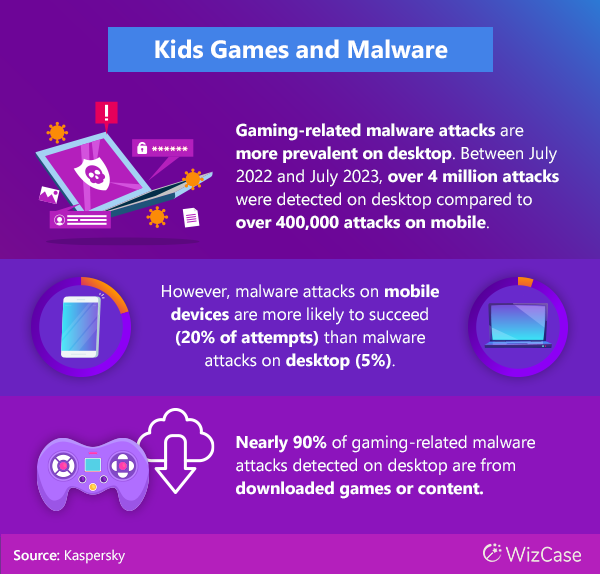
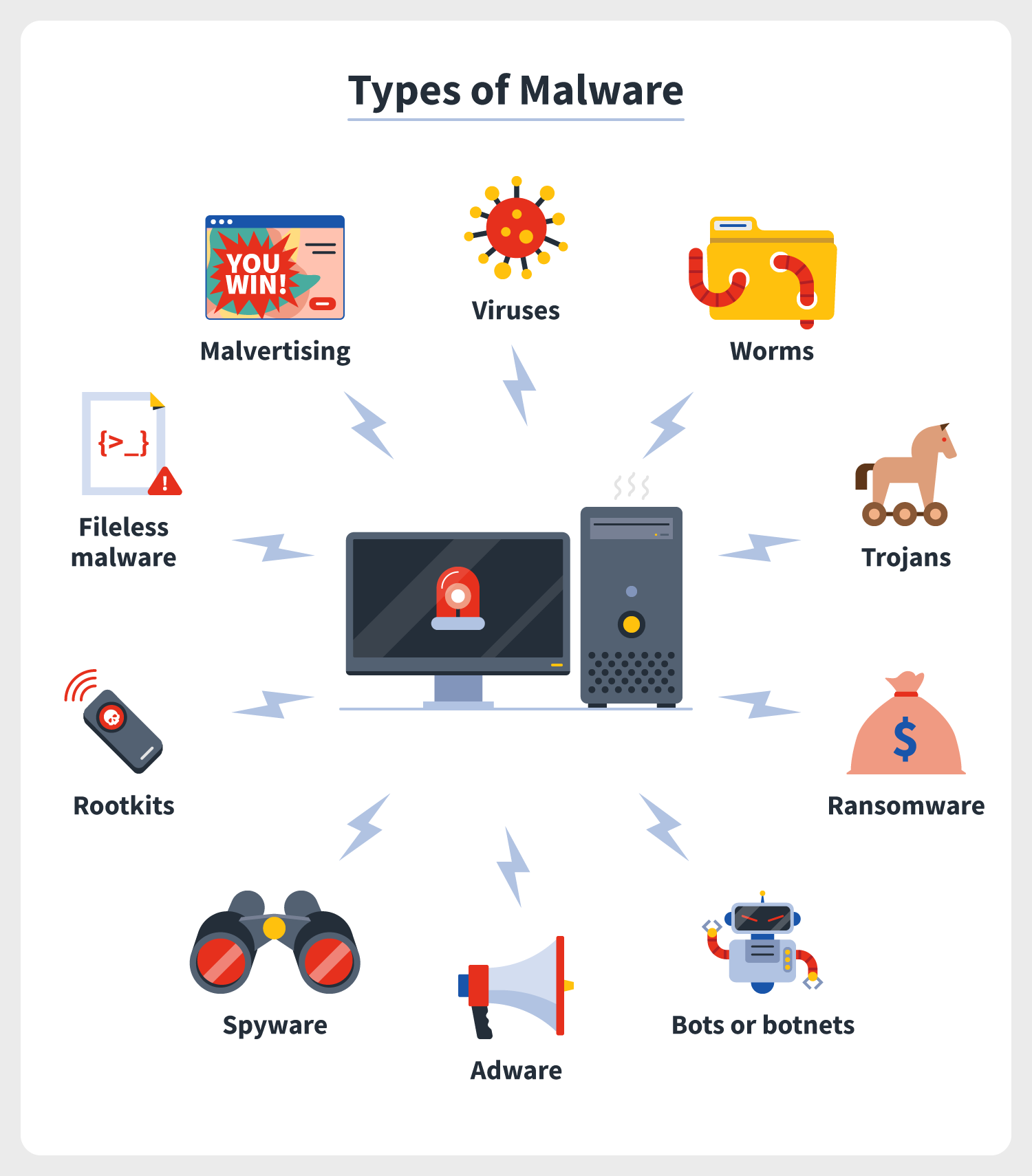
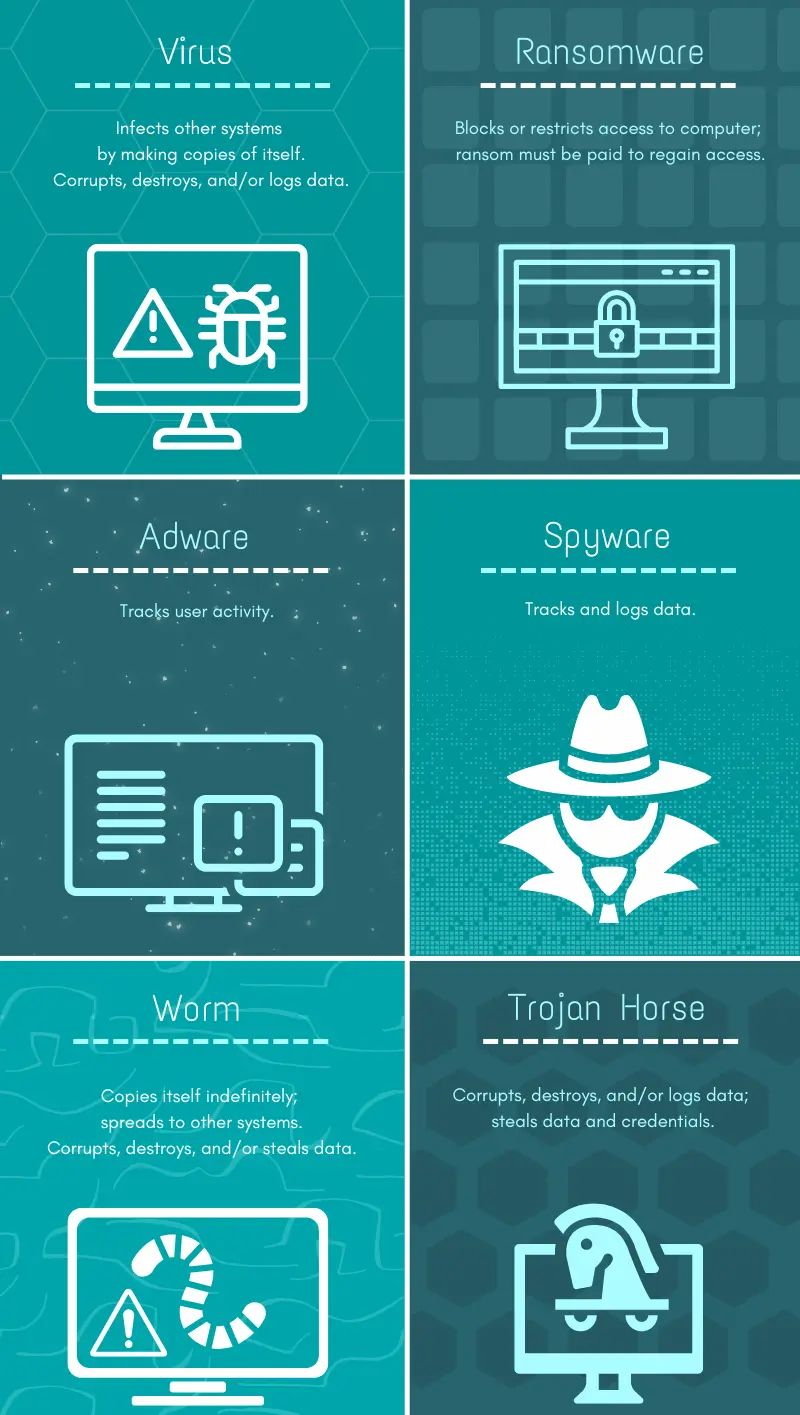
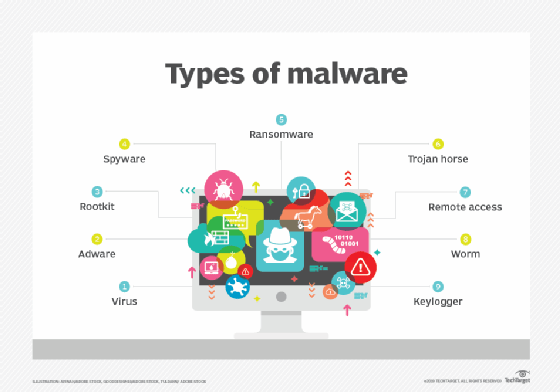
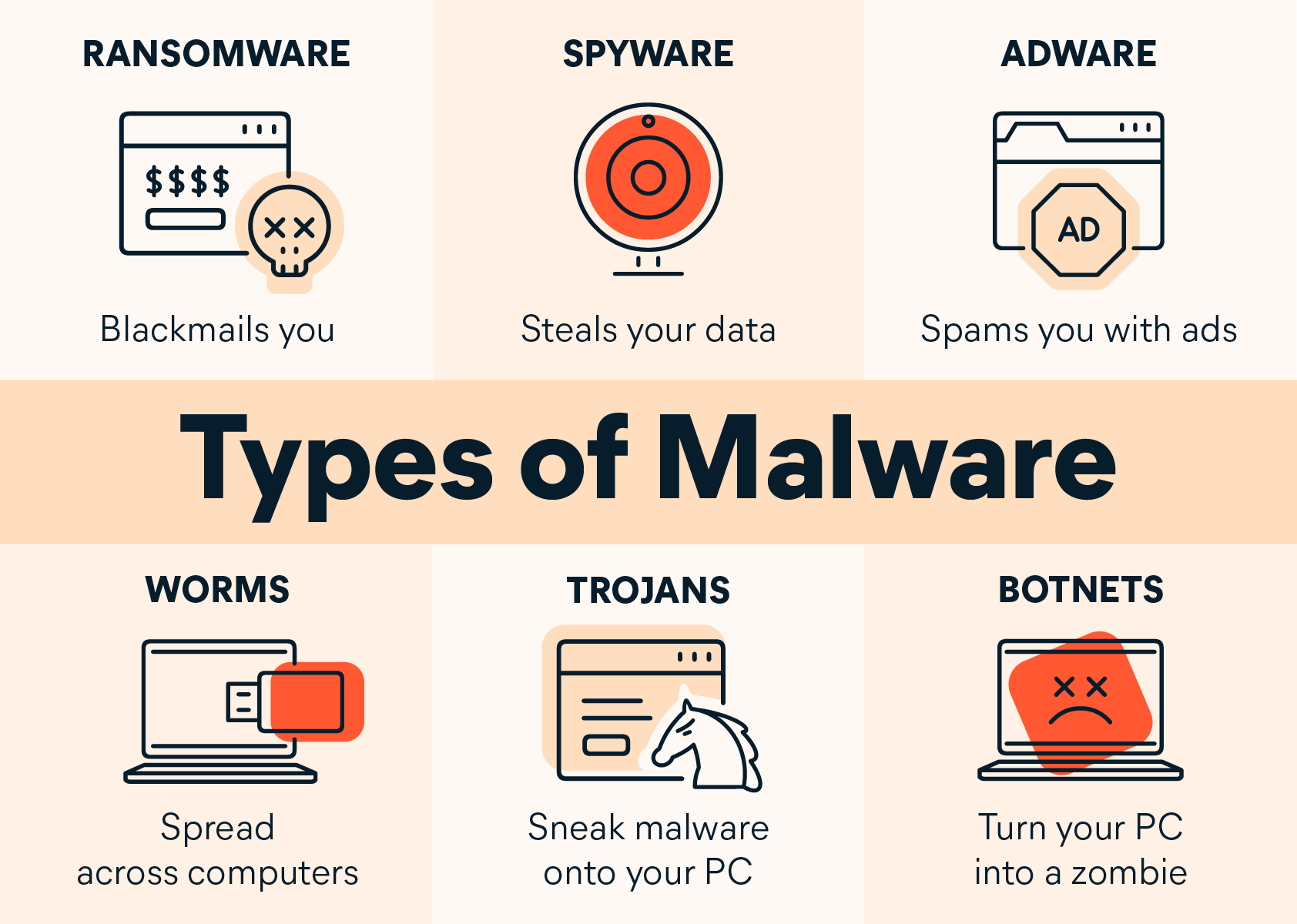
Malware sounds intimidating, but the underlying concept boils down to computer programs that sneak onto devices and cause unintended trouble. The resource breaks down malicious software using relatable analogies, comparing digital intruders to uninvited guests who wander into a treehouse without permission. It highlights common entry points, such as clicking unverified links in video game chat windows or downloading modifications from untrusted websites. Children learn to recognize warning signs like sudden sluggishness, strange pop-up windows, or unfamiliar applications appearing on the screen. The material emphasizes proactive routines, including checking with a trusted adult before clicking download prompts and sticking to approved application stores. Related guide: Teachers Of Grades 9–12 Should Expand Internet Safety Instruction To Include Which Of The Following Topics?.
Key Learning Outcomes
Building resilience online involves cultivating critical thinking habits rather than relying on technical filters alone. Working through the printable helps learners identify red flags associated with deceptive downloads and unverified links. According to Common Sense Media, children benefit immensely from concrete mental models that help them pause before acting on digital impulses. Learners discover that reporting a strange computer behavior or an accidental click brings no negative consequences. This reassurance fosters an open reporting culture where children immediately inform adults about digital mishaps instead of concealing them out of anxiety.
How to Use This Printable
Implementing this worksheet in a classroom or living room setting works best as a collaborative discussion starter rather than an independent quiz. Adults can introduce the topic by asking ten-year-olds what they think happens behind the scenes when a game downloads a new expansion pack. As children complete the structured activities, guided prompts encourage conversation around past experiences with pop-ups or strange links. Educators can pair the activity with broader lessons found in Worksheets designed to reinforce foundational device stewardship. It sounds simple, and that is the point: breaking heavy cybersecurity topics into bite-sized segments helps knowledge stick.
Practical Tips for Parents and Teachers
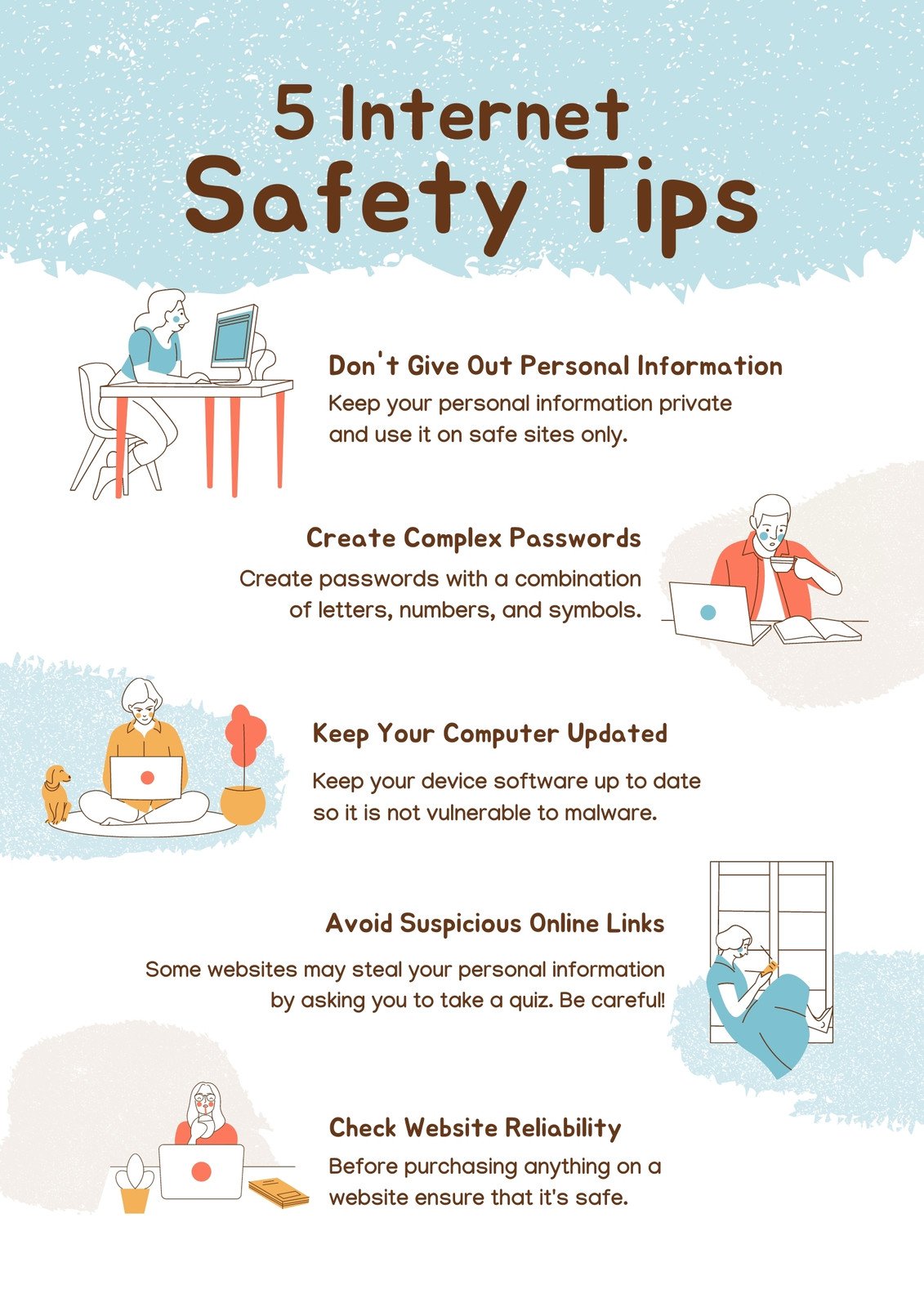
Creating a calm, low-pressure environment transforms technical instruction into an empowering life skill. Adults should avoid lecturing about cyber threats and instead focus on collaborative problem-solving when devices misbehave. Establishing clear family guidelines around software installation ensures children know exactly which permissions require adult approval. According to Pew Research Center, many parents navigate these device management conversations regularly as children gain access to personal and shared technology. Keeping communication channels wide open ensures that when a ten-year-old encounters an unusual digital prompt, asking for help becomes the automatic first reaction.
Age-Appropriate Recommendations
Ten-year-olds possess the cognitive maturity to grasp cause-and-effect relationships in digital environments, making this the ideal window for foundational cybersecurity education. Aligning instruction with the International Society for Technology in Education Standards for Students helps learners understand their responsibilities as empowered digital citizens. Educators should tailor discussions to match the specific technology environments children frequent, whether that involves school-issued laptops or shared living room tablets. Keeping the language supportive ensures young minds build digital confidence alongside digital literacy. Exploring additional resources within Online and Digital Safety categories provides further avenues for reinforcing these essential protective habits.
Children frequently encounter unverified links and download prompts in shared gaming and video spaces — Common Sense Media
Frequently Asked Questions
Clear answers to common questions help educators and families maximize the educational value of digital safety printables.
Educators and parents report that visual analogies significantly improve tech comprehension in pre-teens — Pew Research Center
Explore More Free Kids Online Safety Printables
Extending digital citizenship lessons across the entire school year requires a diverse library of engaging instructional materials. Caregivers and teachers can supplement core device safety rules with creative resources such as those available in Coloring Pages collections. Combining visual art with structured discussions reinforces healthy online habits, ensuring children stay safe, confident, and informed across all digital adventures.
Developmental Milestone & Activity Table
| Development Stage | Recommended Daily Duration | Primary Learning Objective |
|---|---|---|
| Preschool & Pre-K | 10 – 15 Minutes | Pencil grip development & basic pre-stroke lines |
| Kindergarten | 15 – 20 Minutes | Letter/number formation & spatial line awareness |
| Early Elementary (Grade 1–2) | 20 – 30 Minutes | Fluency, sentence construction & neatness |
Images References