Why Teaching Cyber Security Words For Elementary Students Matters for School and Home Safety
When young learners first navigate school-issued Chromebooks or family tablets, they step into a vast digital neighborhood. Just as we teach children to look both ways before crossing a street, we must equip them with foundational digital vocabulary. According to youth privacy guidance from organizations like ConnectSafely and the Cybersecurity and Infrastructure Security Agency (CISA), introducing basic online defense concepts early helps children recognize red flags before mistakes happen. By breaking down complex technical terms into friendly, age-appropriate language, parents and educators empower students to become confident, cautious participants in a connected world. Related guide: 5 Cyber Safety Tips Symbols That Can Be Read By The Grede 7 Students.
💡 Educational Key Takeaways:
- Core Skill: Structured Cyber Security Words For Elementary Students focused on developing pencil grip, stroke control, and early literacy/math confidence.
- Target Scope: Suited for homeschoolers, preschool, kindergarten, and elementary learners.
- Best Recommendation: Practice 10–15 minutes daily with ergonomic writing tools to reinforce muscle memory without hand fatigue.
Essential Safety Vocabulary: Risk Signals and Preventive Guardrails
To help children build strong digital habits, adults must first understand how to translate abstract tech concepts into everyday scenarios. The following breakdown highlights common security contexts, the vulnerabilities elementary students typically encounter, and the practical safeguards families and schools can implement together.
| Setting / Context | Common Vulnerability | Practical Safeguard |
|---|---|---|
| Home Devices & Wi-Fi | Children downloading unapproved games or clicking pop-up ads promising free rewards. | Use router-level content filters and establish a rule that all software downloads require adult permission. |
| School Chromebooks & Tablets | Sharing login credentials or leaving school accounts logged in on shared household computers. | Teach students to lock screens using simple keyboard shortcuts and practice independent sign-outs after every session. |
| In-Game Chats & Messaging | Interacting with strangers who use friendly language to trick children into sharing personal details. | Disable public chat features on gaming platforms and reinforce that real friends do not ask for secrets or private information. |
Actionable Rules and Habits Families and Schools Can Apply
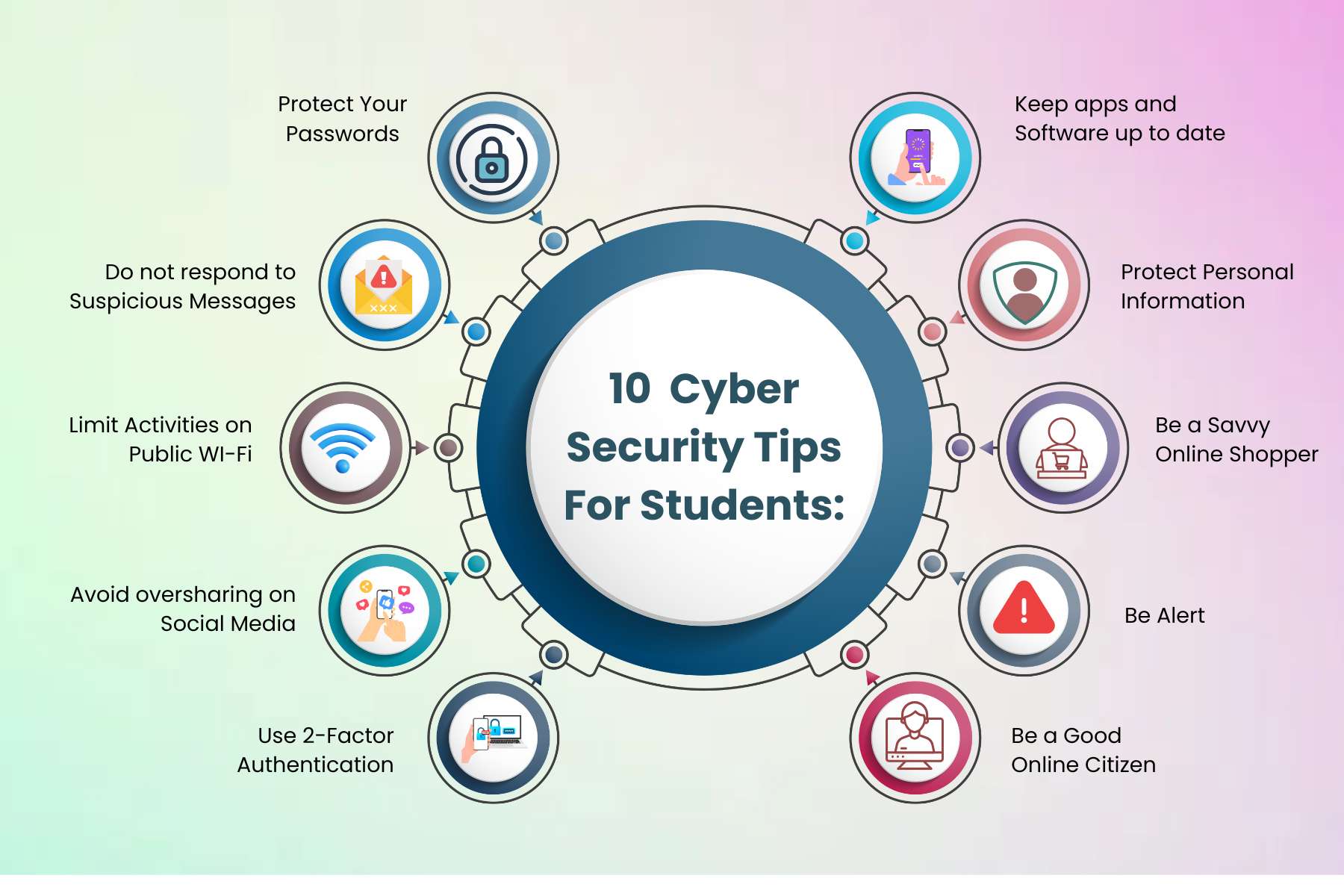
Translating cyber security words for elementary students into daily practice requires consistency across both classroom environments and home routines. Start by creating a shared vocabulary list that children can reference during computer lab sessions or homework time. Integrate concepts like password privacy, secure links, and private data into regular conversations without inducing fear. Establish a central, public charging station in the house where all tablets and phones rest overnight, eliminating unsupervised late-night browsing. When students learn these expectations early, they view digital safety as a normal part of using technology, much like buckling a seatbelt before a car ride.
Handling Student Pushback and Common Tech Workarounds
Even with clear definitions and friendly explanations, elementary students may occasionally try to bypass filters or grumble about device rules out of sheer curiosity. Overly restrictive bans often backfire by driving children to experiment with workarounds in secret. Instead of relying solely on heavy-handed blocks, pair your technical controls with open, judgment-free check-ins. If a child encounters a strange pop-up or accidentally clicks a suspicious link, praise them for coming forward immediately. Fostering a supportive reporting workflow ensures that students feel safe disclosing mistakes, allowing adults to address security breaches before minor issues escalate into major safety concerns.
Frequently Asked Questions About Elementary Digital Vocabulary
What is the best age to start teaching cyber security words to children?
Children can begin learning basic digital safety concepts as early as kindergarten or first grade, typically around ages five to seven. At this stage, focus on simple ideas like keeping passwords secret and asking an adult before downloading apps, utilizing our Internet and Digital Safety guides for structured lesson plans.
How can teachers reinforce these vocabulary words in a busy classroom?
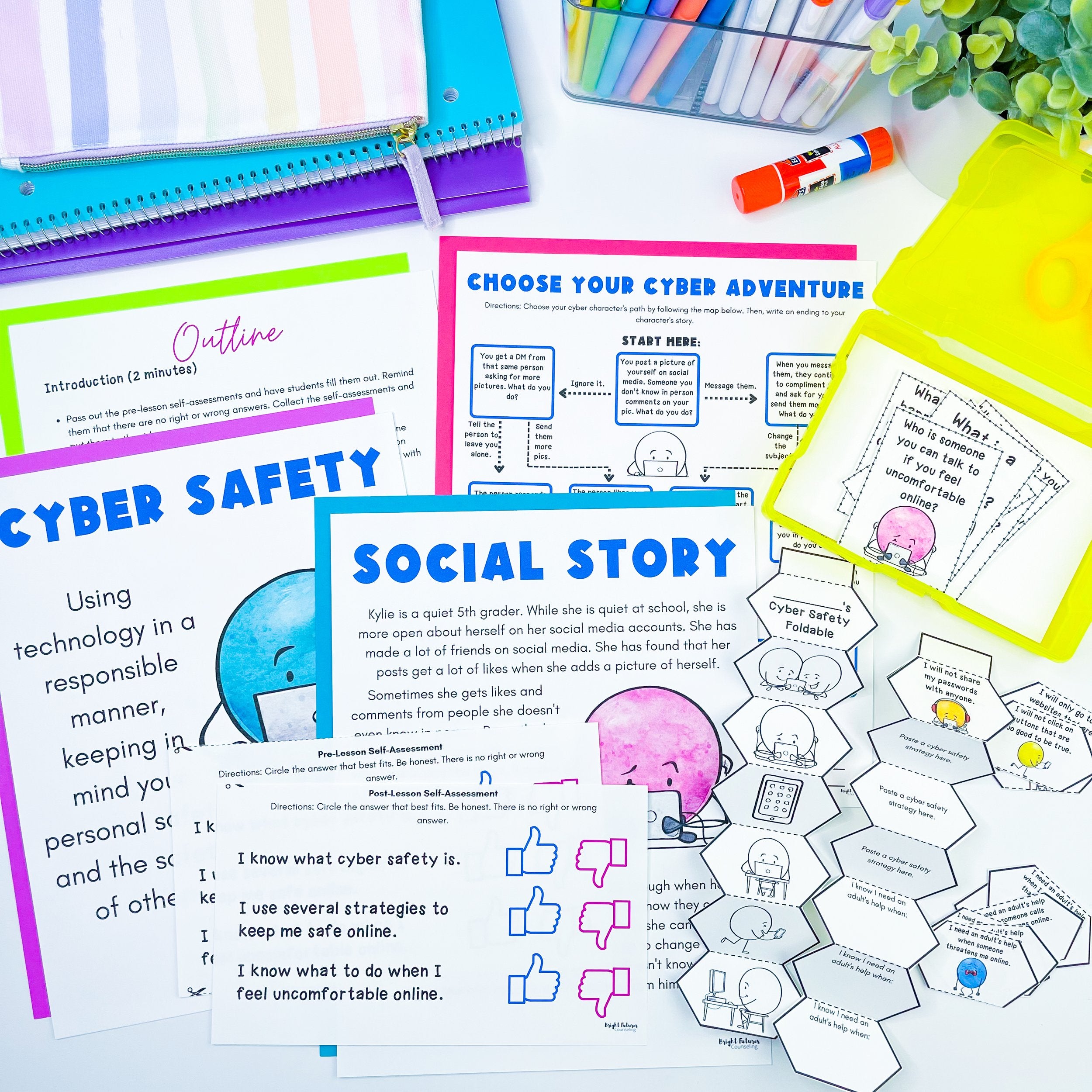
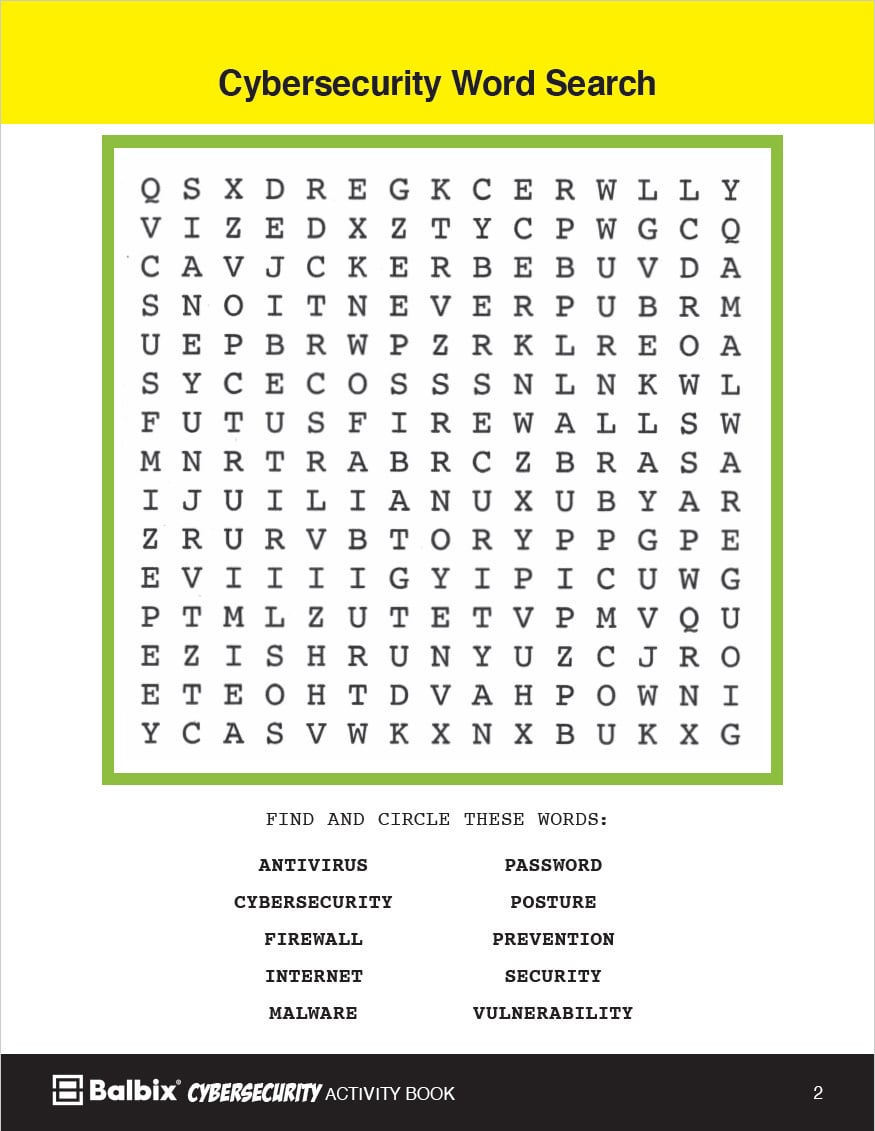
Educators can incorporate digital citizenship terms into morning meetings, spelling lists, or computer lab rules. Using interactive activities from our collection of Worksheets helps students connect technical definitions to real-world scenarios in a fun, low-stress manner.
What should a child do if a strange message or alert pops up on their screen?
Teach children the freeze and tell rule: freeze what they are doing, do not click any buttons, and immediately find a trusted adult to look at the screen together. This calm response prevents accidental malware downloads and keeps communication lines open.
Explore More Digital Citizenship Resources and Printable Tools
Building a secure digital foundation is an ongoing journey that benefits from collaboration between home and school. To support your students with engaging activities, creative exercises, and expert-backed strategies, explore our full library of lessons and download helpful materials directly from SafeWiredSchools.org.
Visual Reference Gallery