Why Consistent Internet Safety Rules For Kids Matter for School and Home Protection
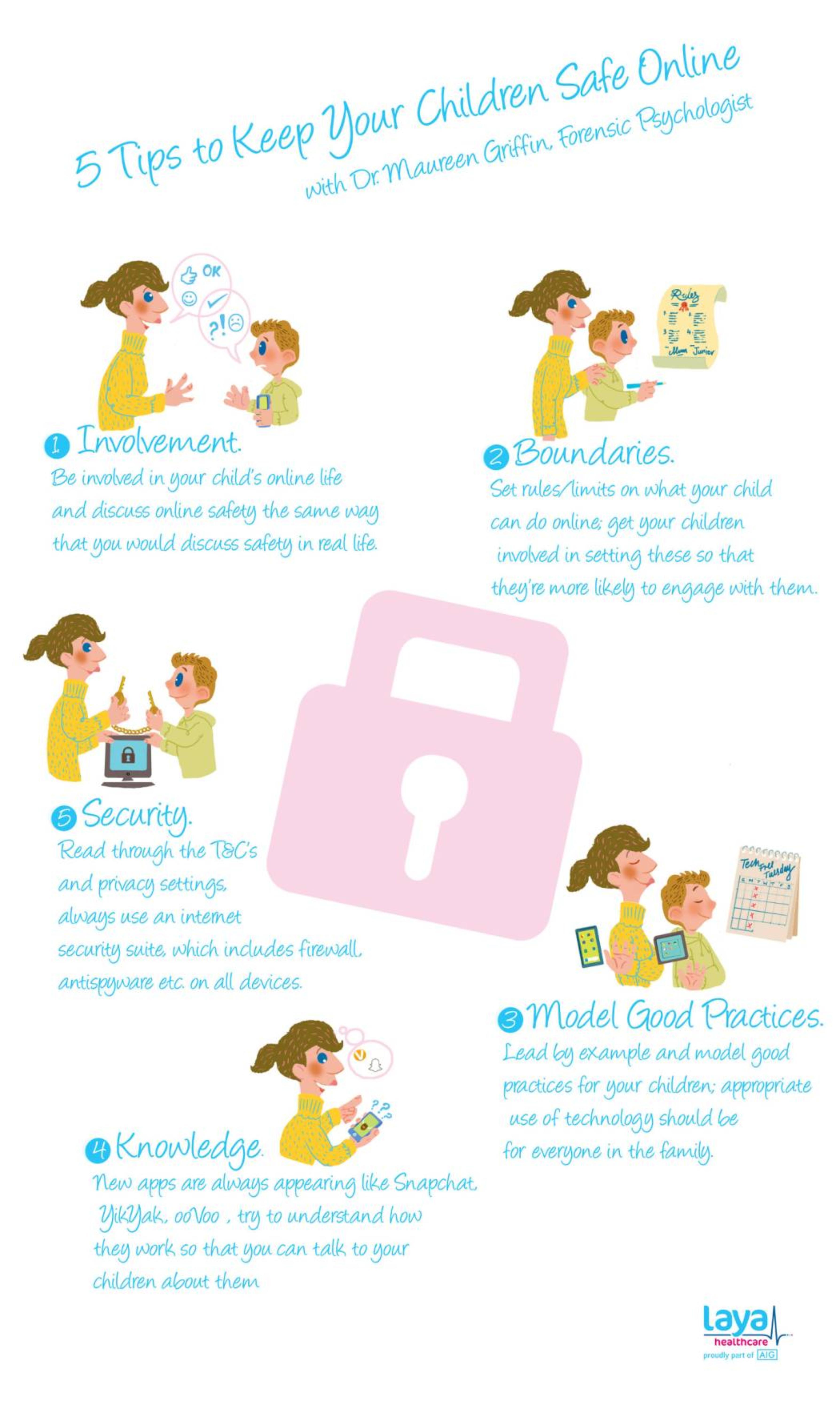
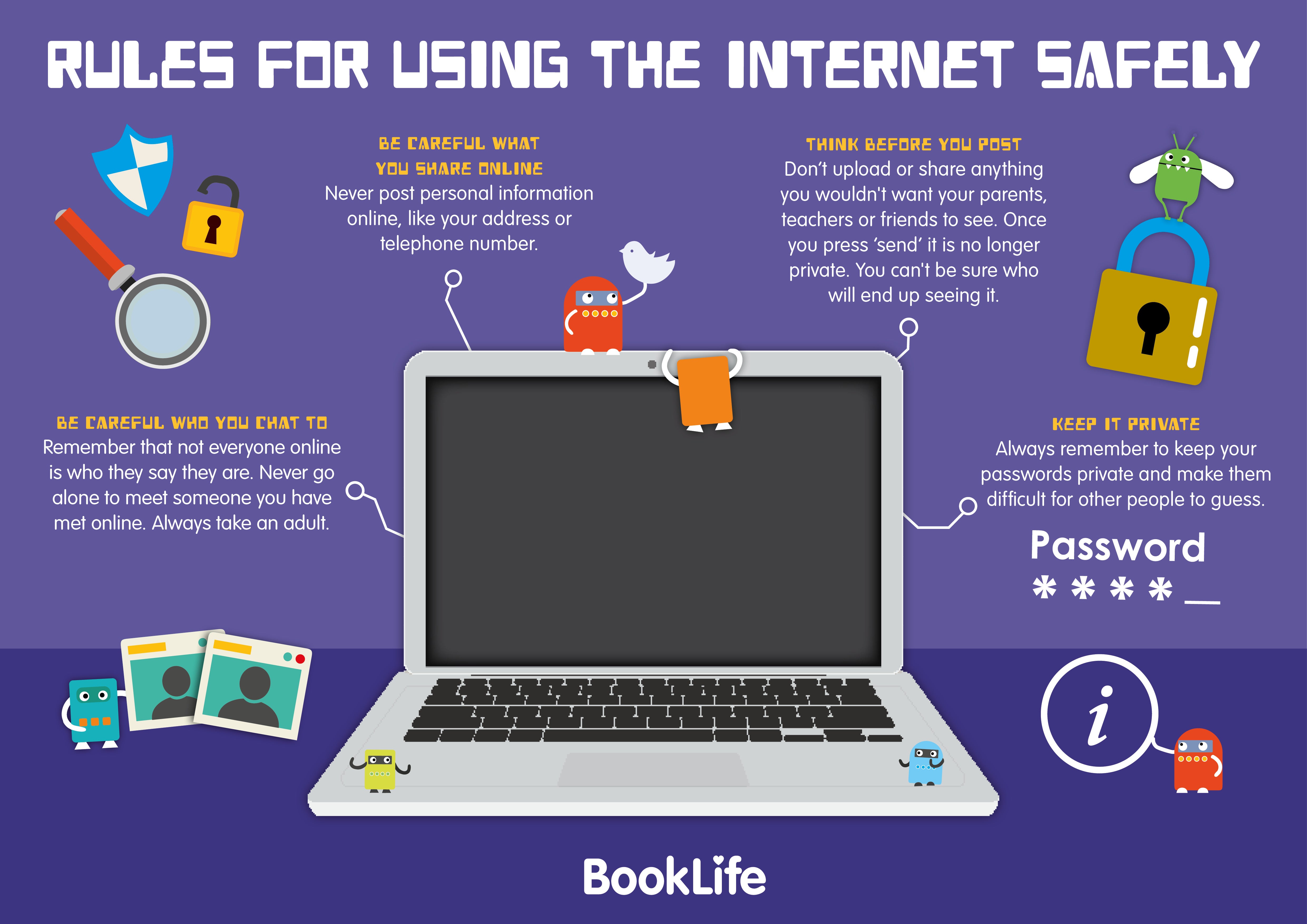
As students navigate a blended digital landscape of school-issued tablets and personal smartphones, establishing clear boundaries is essential. When educators and parents collaborate on Internet Safety Rules For Kids, children receive a unified message regarding online behavior, privacy, and device usage. Guidance from organizations like ConnectSafely and the Cybersecurity and Infrastructure Security Agency emphasizes that proactive digital citizenship goes beyond blocking dangerous URLs. It requires teaching kids how to spot predatory behavior, protect personal data, and respect peers across every online platform.
💡 Educational Key Takeaways:
- Core Skill: Structured Internet Safety Rules For Kids Back Earrings focused on developing pencil grip, stroke control, and early literacy/math confidence.
- Target Scope: Suited for homeschoolers, preschool, kindergarten, and elementary learners.
- Best Recommendation: Practice 10–15 minutes daily with ergonomic writing tools to reinforce muscle memory without hand fatigue.
Digital Risk Signals and Preventive Guardrails
Understanding where technical vulnerabilities intersect with student habits allows adults to apply appropriate device controls. The matrix below outlines common risk factors across home devices, classroom Chromebooks, and chat spaces, paired with actionable safeguards aligned with FOSI recommendations. Related guide: 5 Cyber Safety Tips Symbols That Can Be Read By The Grede 7 Students.
| Setting / Context | Common Vulnerability | Practical Safeguard |
|---|---|---|
| Home Devices & Tablets | Unmonitored late-night browsing and access to unrated third-party app stores. | Establish a central family charging station outside bedrooms and lock app store downloads with a parent-only PIN. |
| School Chromebooks & Labs | Bypassing network filters or sharing login credentials with classmates. | Reinforce classroom technology policies and direct students to review resources in Internet and Digital Safety modules. |
| Direct Messages & Gaming Chats | Interaction with unverified strangers or exposure to peer bullying in comment threads. | Turn off direct messaging on non-educational apps and keep gaming accounts set to private friend-only modes. |
Actionable Habits and Device Routines Families and Schools Can Apply
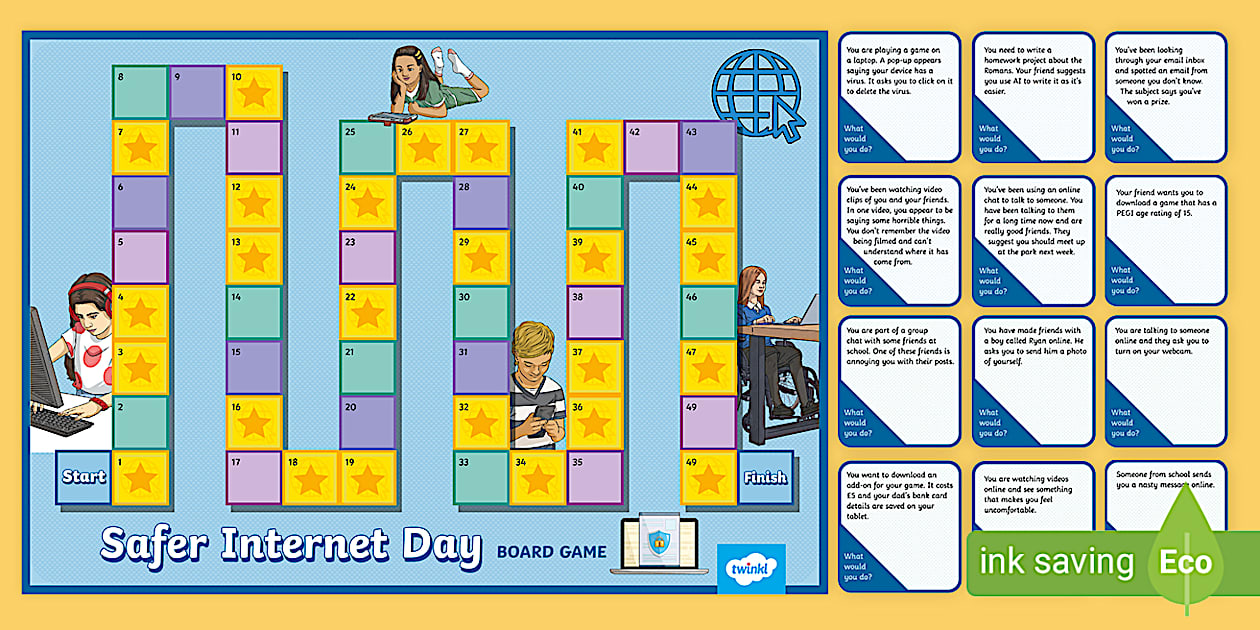
Enforcing Internet Safety Rules For Kids works best when rules are transparent, repeatable, and free from shame. Rather than relying solely on background monitoring software, integrate regular touchpoints into daily routines. For younger students, pair discussions with engaging activities found in Worksheets designed to spark conversation about passwords and cyberbullying. At school, establish a clear reporting workflow where students can notify a trusted teacher about concerning online interactions without fear of losing device privileges. At home, practice device-free dinner hours and establish calm check-ins where children can share weird pop-ups or uncomfortable messages they encountered online.
Handling Student Pushback and Common Technical Workarounds
Kids are quick to find workarounds, whether using hidden browser tabs, proxy sites, or secret messaging apps. When adults react with anger or instant confiscation, students simply learn to hide their digital mistakes. Instead of overly restrictive bans that drive behavior underground, pair technical filters with open dialogue. Acknowledge that curiosity is natural, but explain that security settings and rules exist to protect their personal safety and digital reputation. When students understand the why behind internet guidelines, they are far more likely to come to an adult when something goes wrong.
Frequently Asked Questions About Student Digital Habits
What is the best age to introduce core internet safety rules?
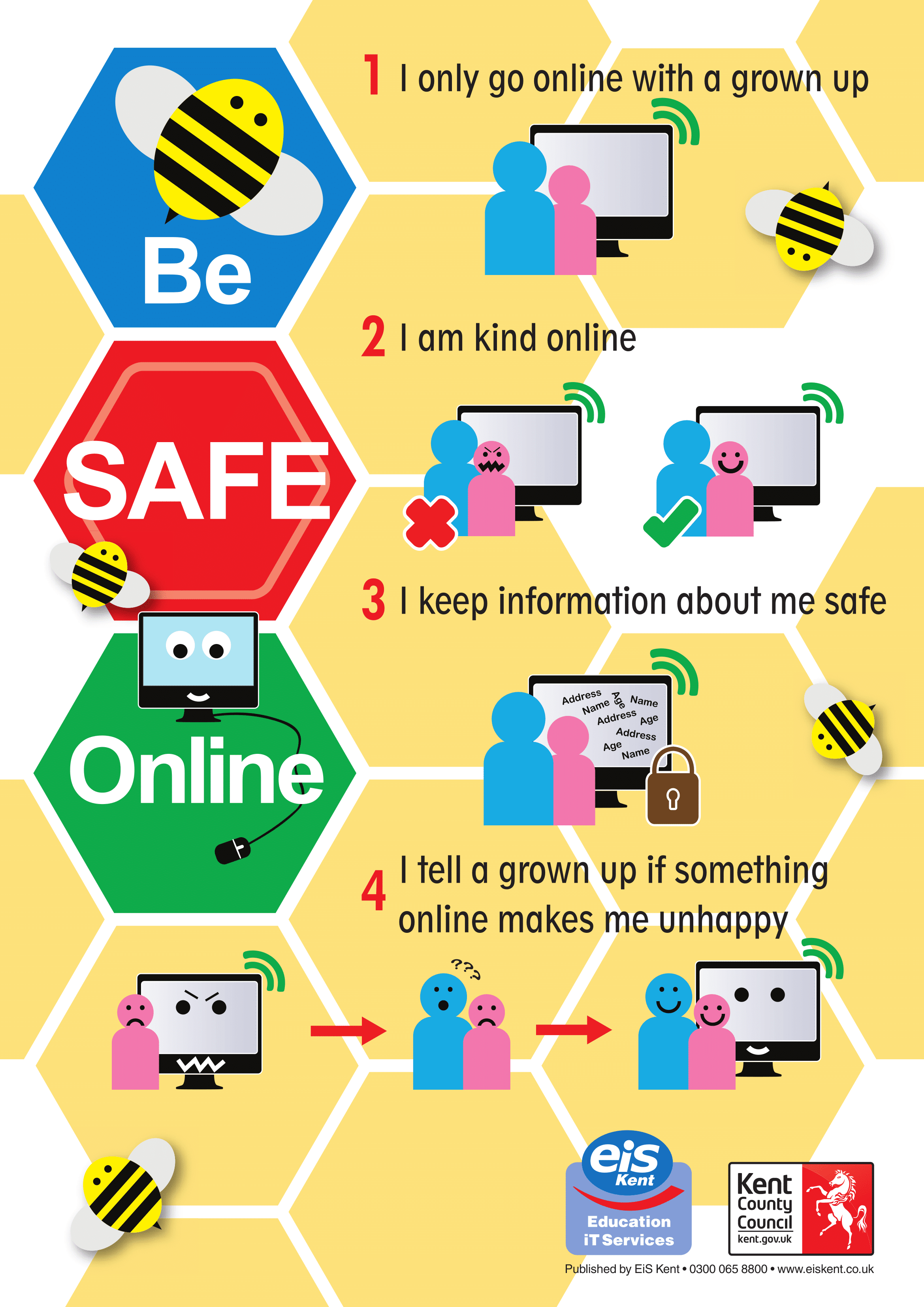
Foundational concepts like keeping personal information private and asking an adult before downloading apps should begin as soon as children touch a digital screen, typically around preschool or kindergarten.
How can teachers handle online safety violations in the classroom?
Treat minor infractions as teachable moments rather than severe disciplinary offenses, guiding students back to acceptable use policies while offering alternative digital citizenship lessons.
Should parents monitor every message their child sends and receives?
While younger children require active oversight, older kids benefit from gradual trust building paired with open conversations about privacy, digital footprints, and respectful communication.
Explore More Digital Citizenship Resources
Building a resilient digital culture takes ongoing practice and collaboration between home and school. To access additional guides, printable activities, and expert advice, visit our main portal at SafeWiredSchools.org.
Visual Reference Gallery