Introduction
Children encounter digital environments long before they possess the technical vocabulary to navigate them safely. Shared family tablets, in-game chat features on popular gaming platforms, and educational video portals introduce kids to complex digital systems every single day. Introducing abstract technical concepts like malicious software to young learners requires more than a casual warning. It demands tangible, age-appropriate tools that translate invisible risks into concrete understanding. Educators and caregivers need accessible materials that bridge the gap between technical jargon and childhood comprehension. This is where a targeted educational resource transforms anxiety into actionable confidence, making foundational tech concepts approachable for early learners. Related guide: Teachers Of Grades 9–12 Should Expand Internet Safety Instruction To Include Which Of The Following Topics?.
💡 Educational Key Takeaways:
- Core Skill: Structured Malware Explained For Kids focused on developing pencil grip, stroke control, and early literacy/math confidence.
- Target Scope: Suited for homeschoolers, preschool, kindergarten, and elementary learners.
- Best Recommendation: Practice 10–15 minutes daily with ergonomic writing tools to reinforce muscle memory without hand fatigue.
What This Printable Covers
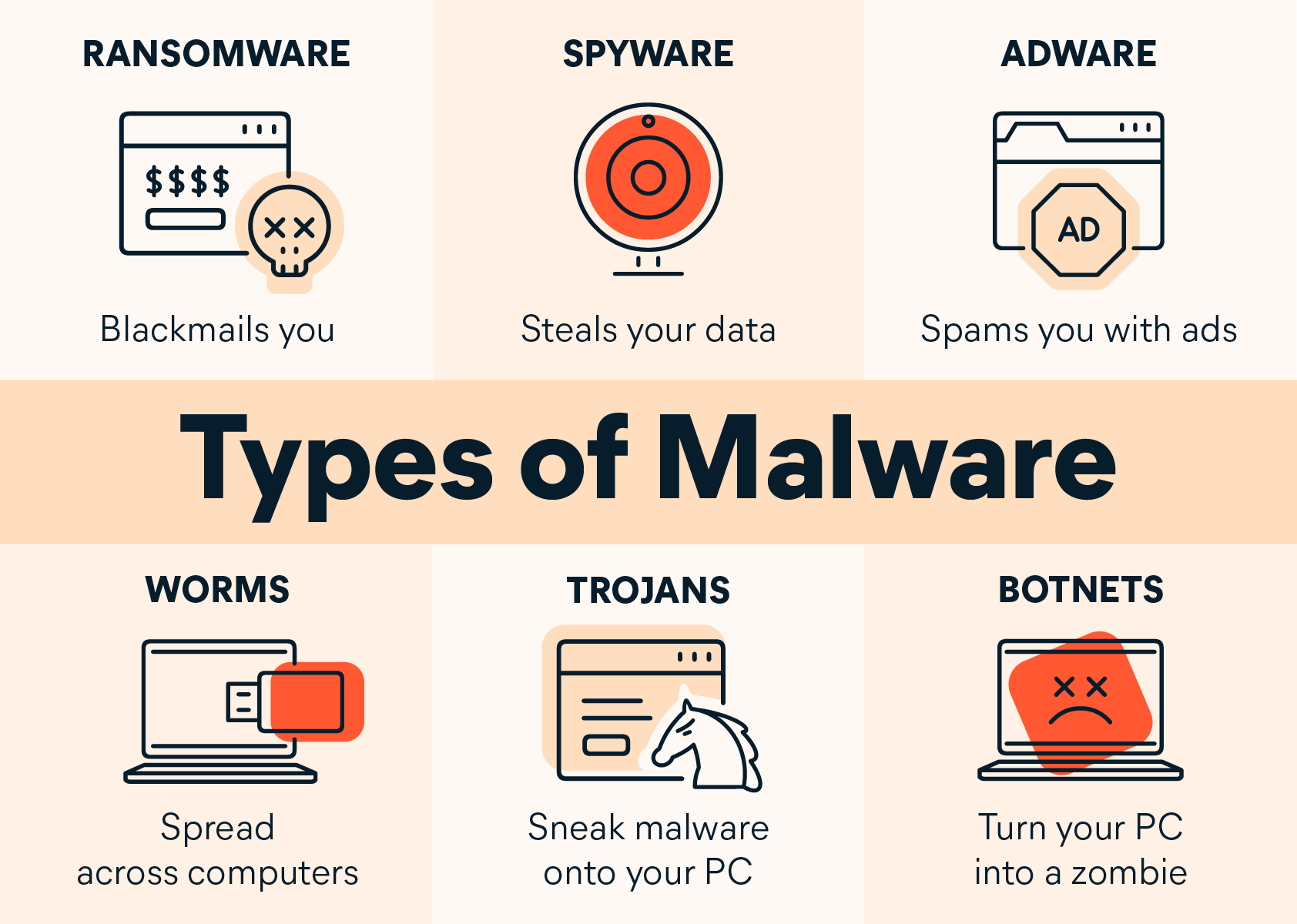
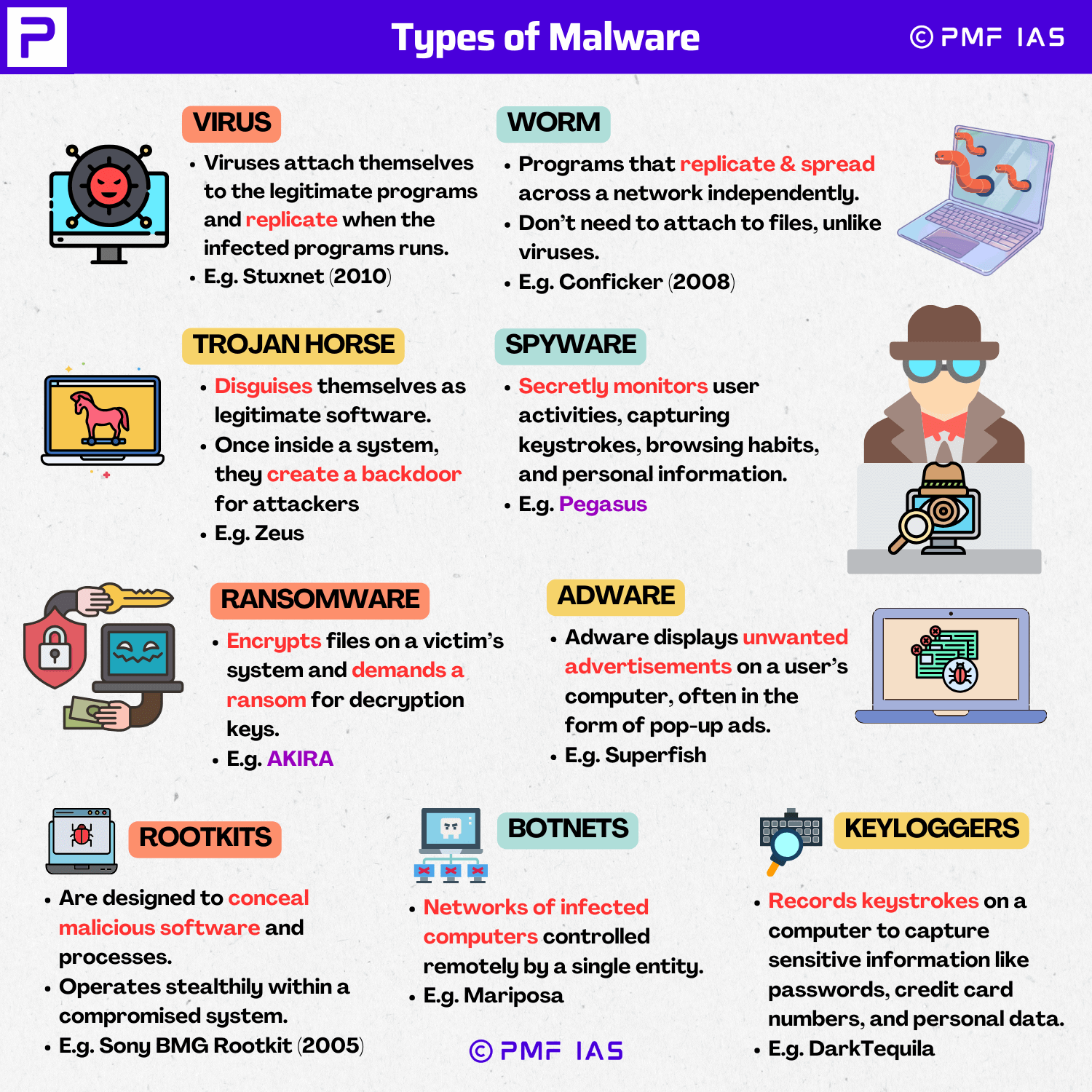
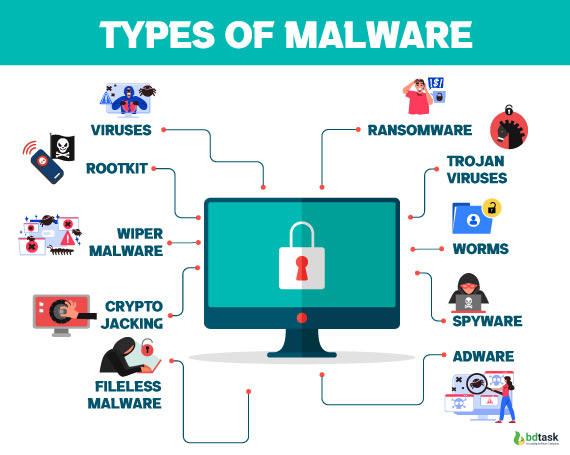
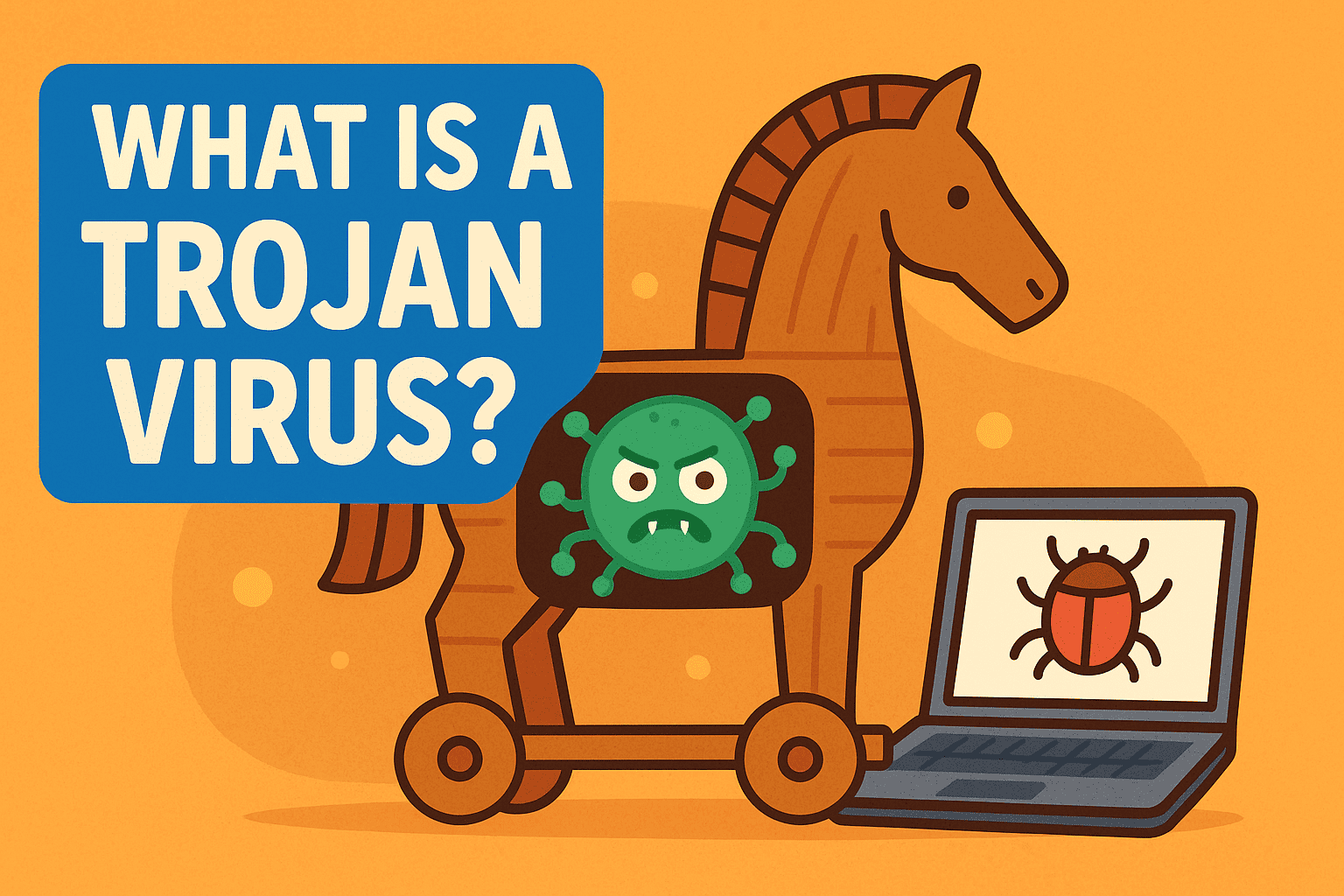
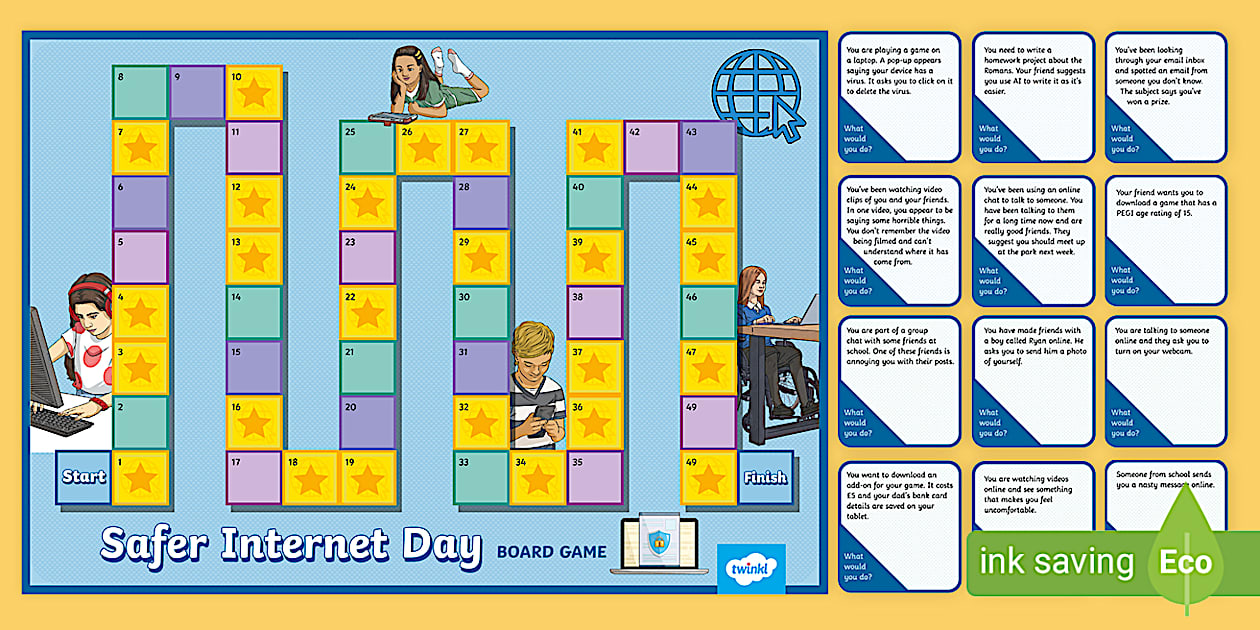
The free printable “malware explained for kids” breaks down complicated cybersecurity ideas into bite-sized, relatable concepts. Instead of frightening warnings about broken computers, the resource uses kid-friendly analogies to explain how unauthorized programs sneak into devices. It illustrates why clicking random pop-up windows or downloading unauthorized game mods can cause trouble for household technology. Children learn to view their digital environment with healthy curiosity rather than fear, understanding that taking care of a device is similar to taking care of physical belongings. The worksheet format relies on specific skills practiced through guided scenarios, prompting young users to identify safe versus unsafe digital choices. Discussion use is built right into every exercise, encouraging children to talk through hypothetical dilemmas before they ever encounter them in the wild. Working through these pages helps establish baseline habits, reinforcing that safe technology use is a normal, everyday practice.
Key Learning Outcomes
Students who complete this activity gain a clearer understanding of basic device hygiene and digital boundaries. They learn to recognize the visual cues of deceptive links, strange download buttons, and unfamiliar pop-up windows that demand immediate attention. More importantly, the resource emphasizes emotional resilience and proactive communication. Children discover that encountering a strange pop-up or a glitchy game does not mean they are in trouble. The materials explicitly teach that reporting an uncomfortable digital surprise to a trusted adult is always the right choice. By practicing these responses on paper, kids build cognitive muscle memory that kicks in when a real screen behaves unexpectedly. Teachers and parents can explore additional resources within the Internet and Digital Safety hub to expand upon these foundational lessons.
How to Use This Printable
Implementing this educational asset requires no advanced technical background from the adult guiding the session. Group settings like classrooms and homeschool co-ops benefit from reading through the scenarios together before allowing independent completion. It sounds simple, and that is the point. Facilitators can pause at key illustration breaks to ask open-ended questions about what characters should do next. This collaborative approach turns a quiet pencil-and-paper task into a lively discussion about digital citizenship. Families often find success using the printables during relaxed weekend afternoons or evening device-downtime routines. Adults should frame the activity as a behind-the-scenes look at how computers work, keeping the tone light, educational, and empowering.
Practical Tips for Parents and Teachers
Maximizing the impact of any instructional printout involves anchoring the concepts to real-world routines. Caregivers can connect the lesson to physical household rules, such as locking doors or checking labels before opening packages. When children experience an unexpected computer glitch or a strange advertisement, adults should use the moment to calmly reference the printable’s core lessons. Praise children immediately whenever they pause to ask permission before downloading a new game or extension. Reinforcing these positive micro-habits builds lasting digital awareness without cultivating device phobia. For further ideas on integrating hands-on learning, browse the collection of Worksheets designed for various elementary grade levels.
Age-Appropriate Recommendations
Kindergarten and early elementary students require highly visual explanations that focus strictly on asking adults for help and keeping personal information private. Upper elementary learners, approaching middle school, can engage with slightly more detailed mechanics regarding how unauthorized programs travel across networks and why keeping software updated matters. Aligning with the Common Sense Education Digital Citizenship Curriculum, lessons at this stage emphasize critical thinking and digital responsibility. According to the Federal Trade Commission, youth across various age groups frequently encounter deceptive online prompts, making early and consistent education vital. Caregivers should tailor the pacing of the conversation to match the child’s developmental readiness and digital exposure level.
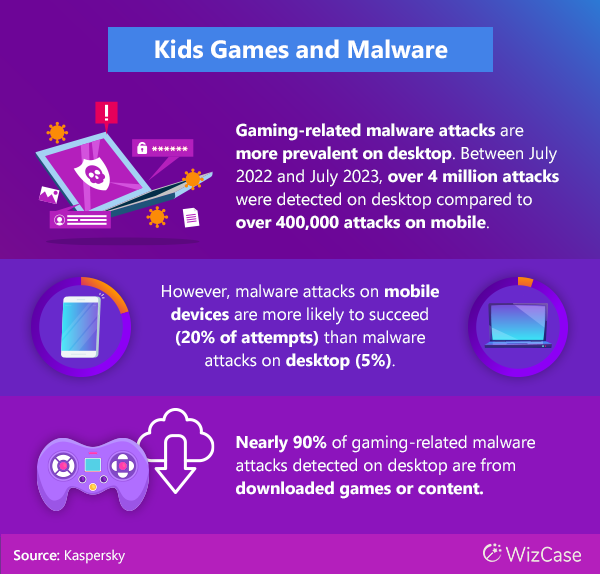
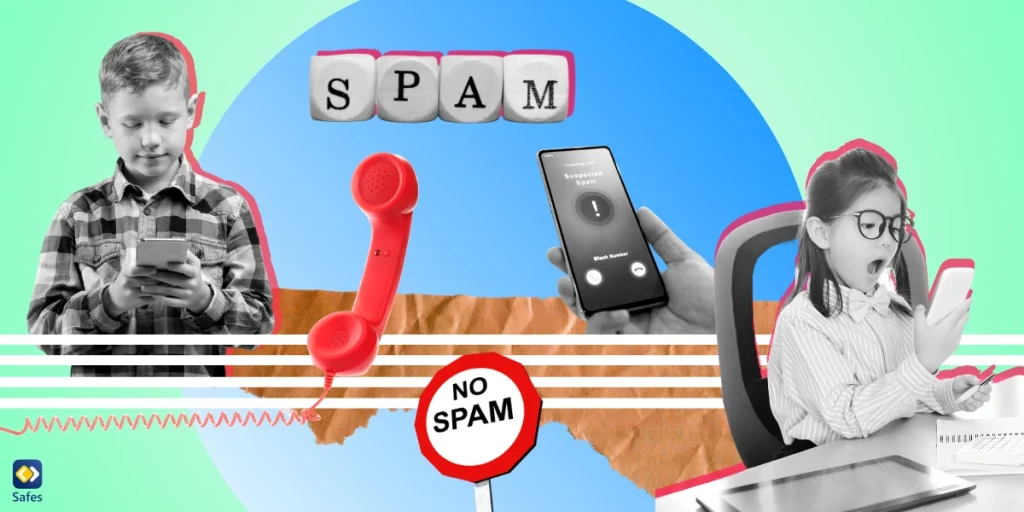
Children frequently encounter deceptive online advertisements, misleading game modifications, and accidental downloads while exploring shared family devices and gaming platforms. — Federal Trade Commission
Frequently Asked Questions
Clear answers to common questions help educators and parents maximize the educational value of downloadable safety materials.
Explore More Free Kids Online Safety Printables
Continuing the digital citizenship journey involves introducing diverse formats that cater to different learning styles and developmental stages. Educators looking to expand their classroom toolkits can browse additional creative resources by visiting the Online and Digital Safety archive. Pairing text-based lessons with artistic activities helps solidify key protective habits across multiple subjects. Discover more engaging options tailored for young learners by exploring the comprehensive library of Coloring Pages.
Developmental Milestone & Activity Table
| Development Stage | Recommended Daily Duration | Primary Learning Objective |
|---|---|---|
| Preschool & Pre-K | 10 – 15 Minutes | Pencil grip development & basic pre-stroke lines |
| Kindergarten | 15 – 20 Minutes | Letter/number formation & spatial line awareness |
| Early Elementary (Grade 1–2) | 20 – 30 Minutes | Fluency, sentence construction & neatness |
Images References