Introduction
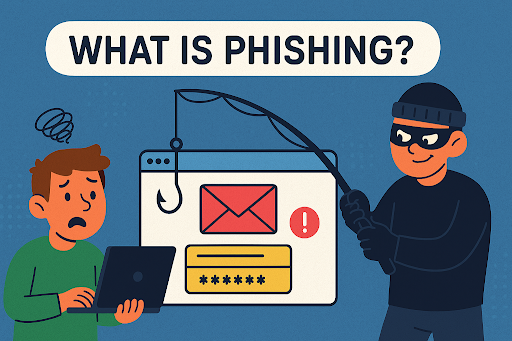
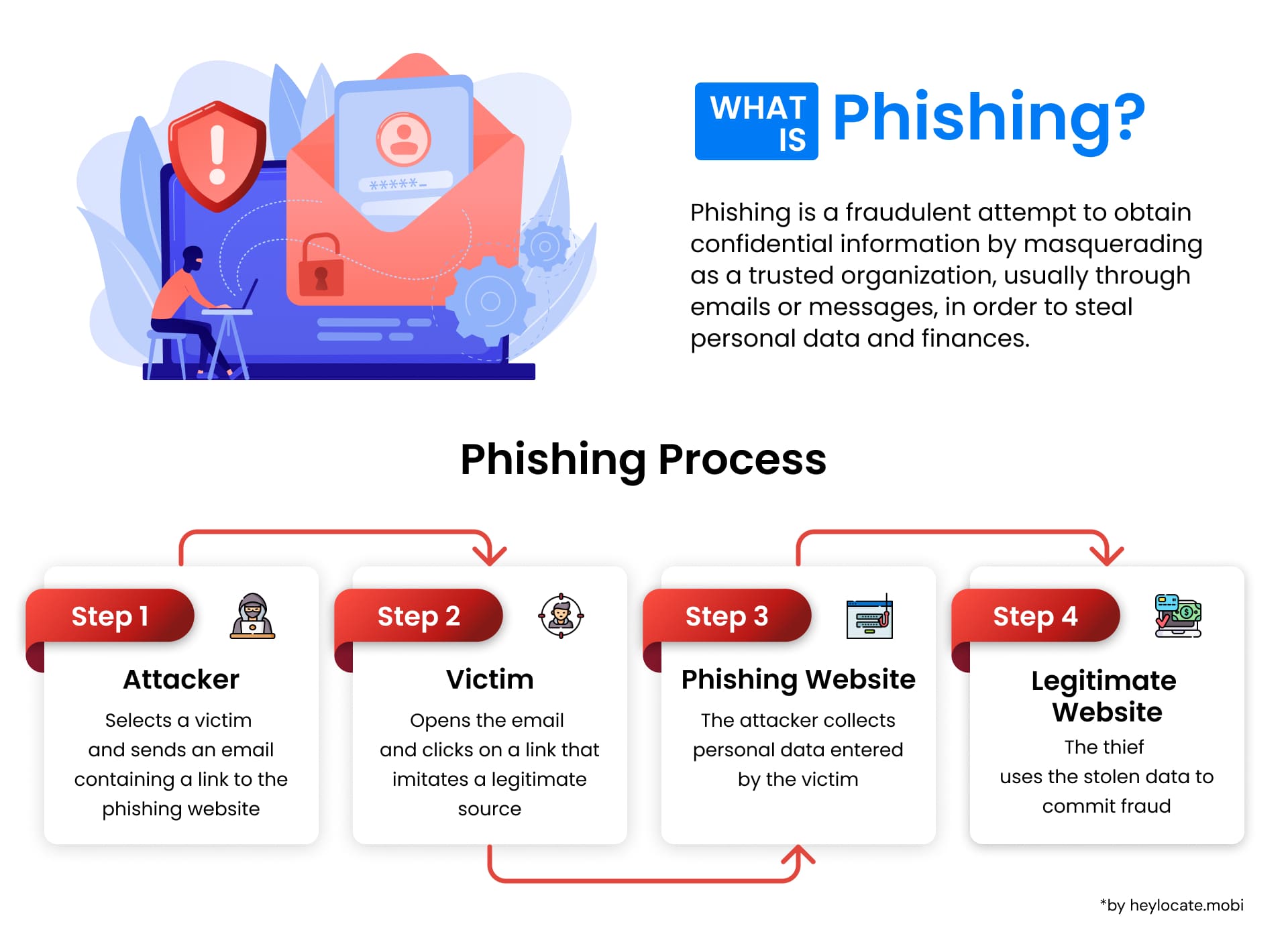
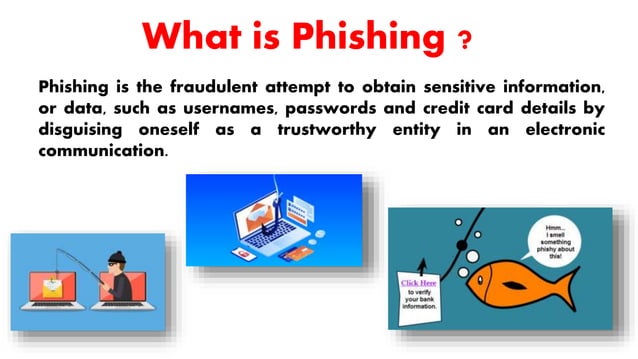
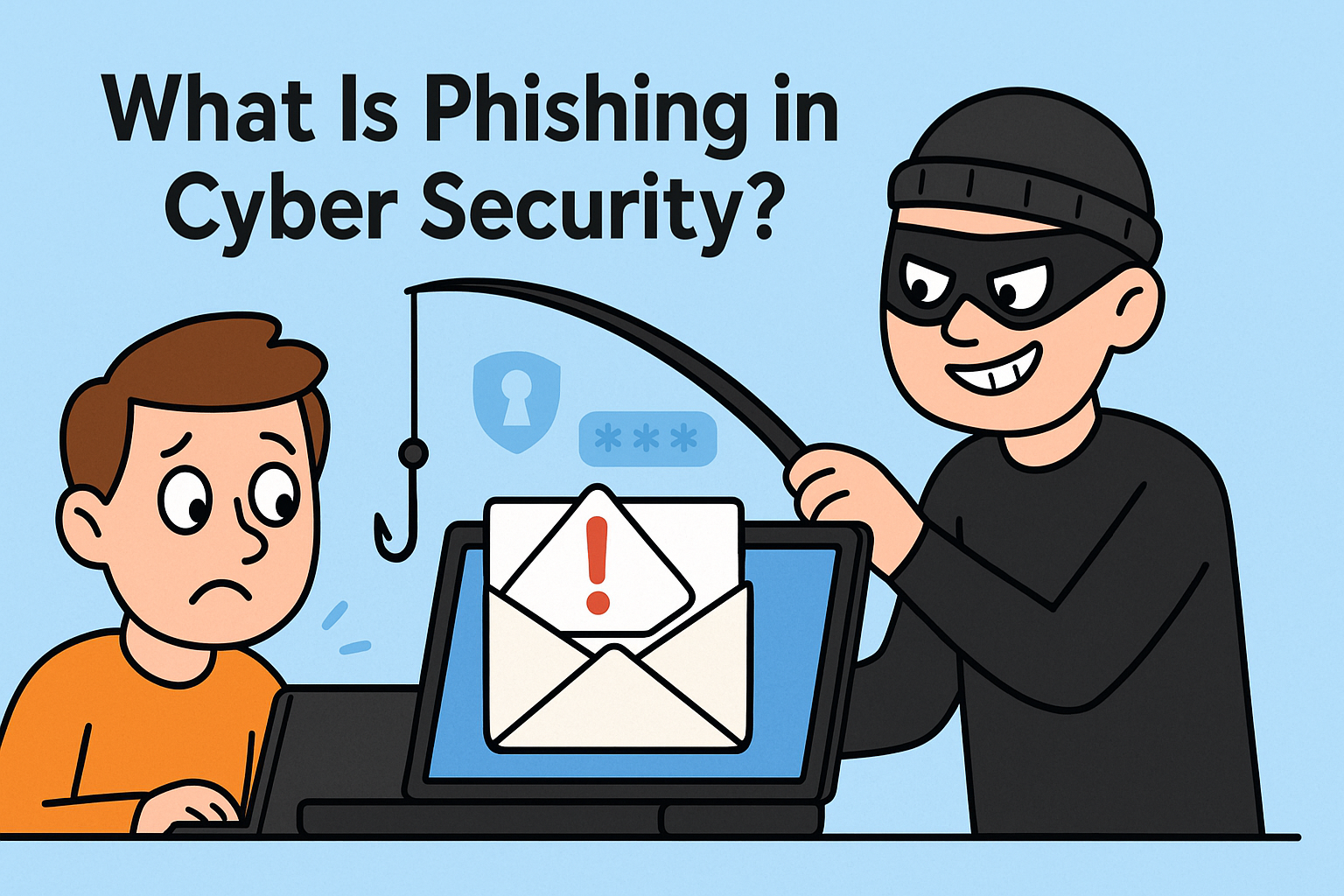
Digital spaces form a natural extension of modern childhood, where classrooms utilize tablets for reading groups and living rooms host weekend gaming sessions. Children often encounter digital environments long before mastering the critical thinking required to navigate them safely. Shared household devices, open-lobby in-game chats, and video streaming platforms frequently expose young minds to clever tricks designed to steal information. Understanding these risks does not require instilling fear. Instead, educators and families can build digital resilience through proactive instruction and open dialogue. Recognizing deceptive online messages—commonly known as phishing—is a foundational skill for any young digital citizen. To help facilitate these vital conversations, a free printable “phishing meaning for kids” worksheet provides an accessible entry point for elementary classrooms and home learning spaces alike. The specific skill practiced through this activity revolves around critical pause: teaching children to stop, read carefully, and consult a trusted adult before clicking or sharing information.
💡 Educational Key Takeaways:
- Core Skill: Structured Phishing Meaning For Kids focused on developing pencil grip, stroke control, and early literacy/math confidence.
- Target Scope: Suited for homeschoolers, preschool, kindergarten, and elementary learners.
- Best Recommendation: Practice 10–15 minutes daily with ergonomic writing tools to reinforce muscle memory without hand fatigue.
What This Printable Covers
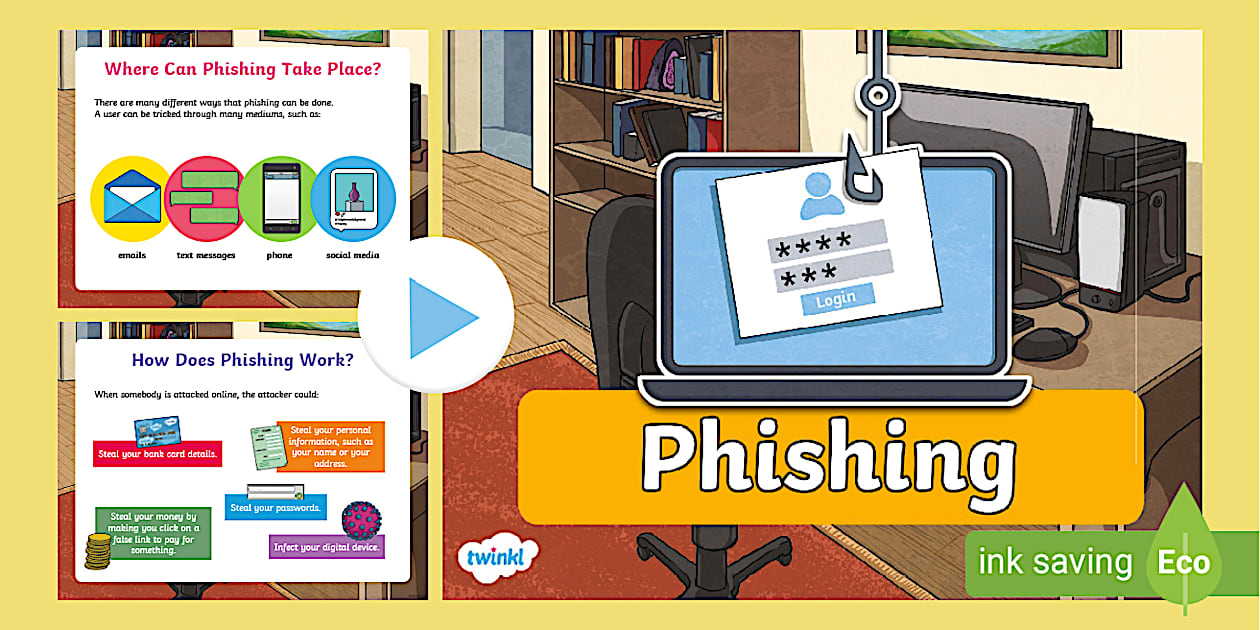
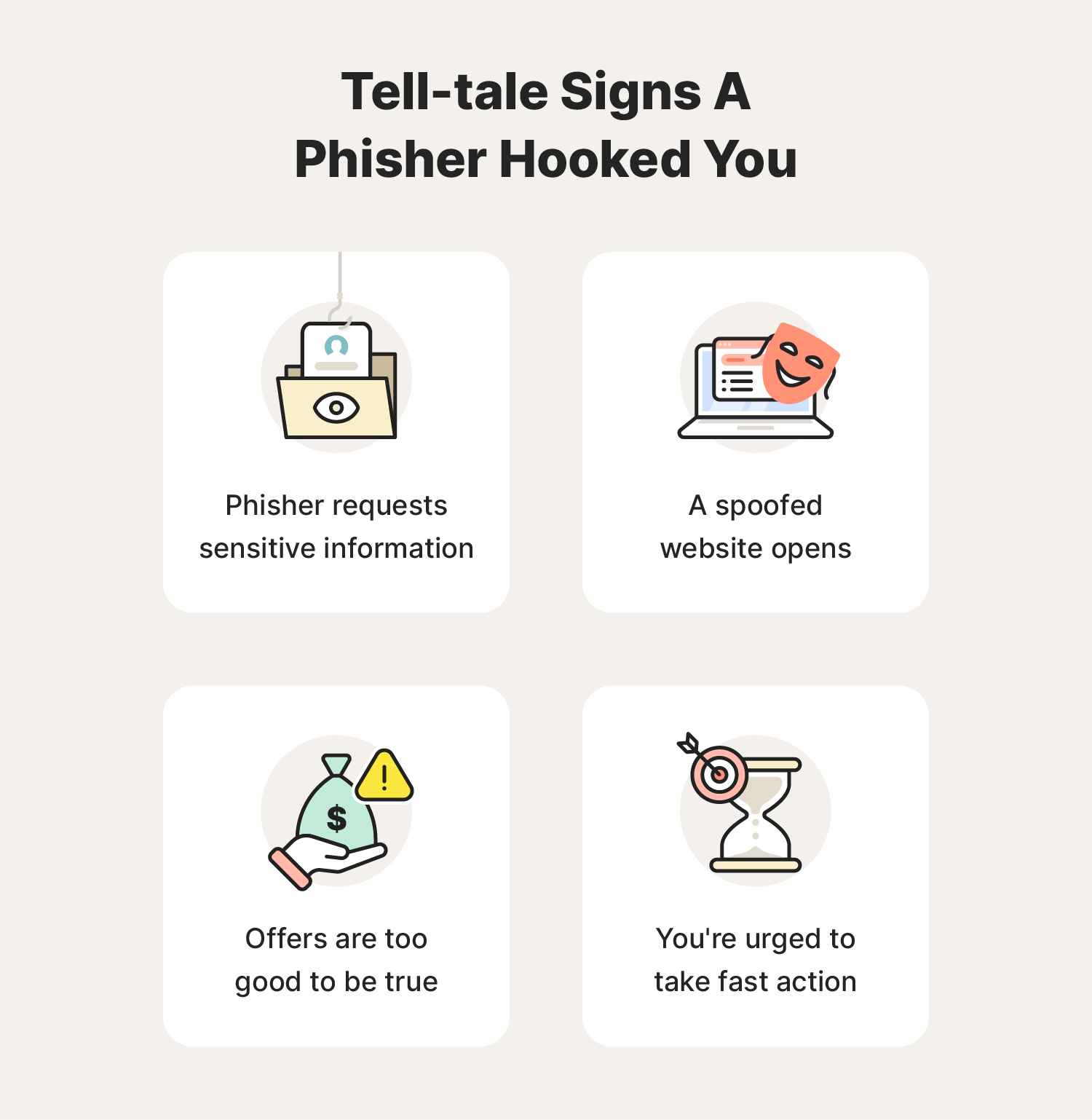
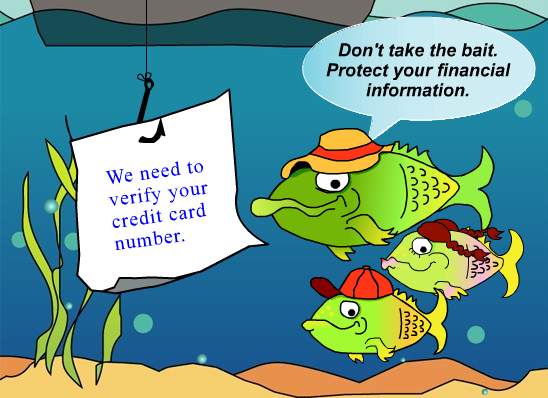
Deceptive online messages rarely look like terrifying cyberattacks to a child; instead, they appear as exciting pop-ups promising free virtual game currency, rare character skins, or urgent alerts that a favorite account will be deleted. This educational resource breaks down complex cybersecurity concepts into child-friendly terms, using relatable scenarios to illustrate how tricksters try to harvest personal data. Through targeted exercises, the material teaches children to identify common red flags, such as urgent demands for passwords, too-good-to-be-true rewards, and unfamiliar sender addresses. It sounds simple, and that’s the point. Repetition and visual recognition help cement these lessons in young brains, transforming abstract safety rules into actionable instincts.
Key Learning Outcomes
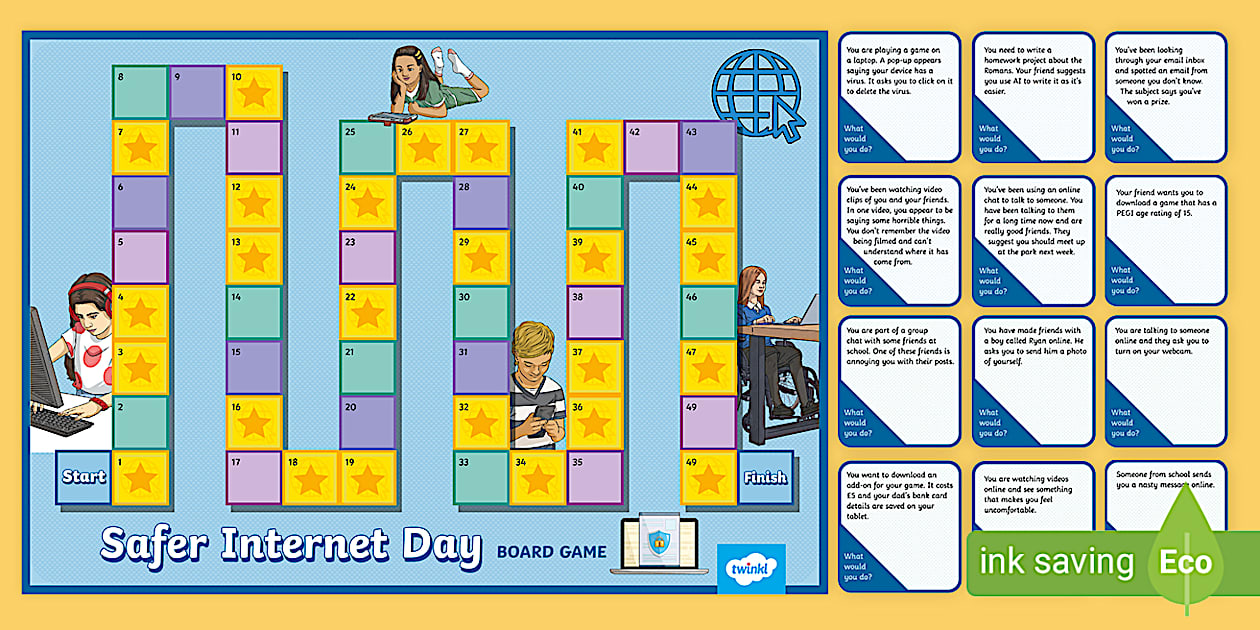
Working through the activity sheet guides students toward specific, measurable digital citizenship milestones. Children learn to define personal information, recognize online bait, and identify the trusted adults in their support network. Furthermore, the curriculum reinforces the absolute rule that children are never in trouble for reporting an uncomfortable digital encounter or an accidental click. Building this trust ensures that minor mistakes transform into teachable moments rather than hidden secrets. Exploring broader concepts becomes much easier when foundational habits are reinforced with quality student activity sheets designed for young learners.
How to Use This Printable
Classroom integration works wonderfully during morning meeting or computer lab preparation, while families can review the pages together at the kitchen table. Adults should introduce the sheet as a decoding puzzle rather than a safety warning test, keeping the tone light, curious, and empowering. As children examine the scenarios presented on the page, facilitators can ask guiding questions like, “How would this message make a game character feel?” or “Who should we check with before clicking this button?” These prompts encourage active participation over passive listening.
Practical Tips for Parents and Teachers
Maximizing the educational value of the material requires creating a relaxed environment where children feel safe sharing their digital missteps. Adults should model transparency by discussing their own experiences with spam emails or suspicious text messages. Consistency matters immensely; revisiting these concepts periodically helps children retain protective habits as they grow and encounter new platforms. Supplemental tools, including engaging creative safety artwork, can further reinforce these lessons through visual expression and low-pressure discussion. When safety is framed as a superpower rather than a restriction, children embrace the learning process with enthusiasm.
Age-Appropriate Recommendations
Tailoring digital literacy instruction to developmental stages ensures maximum comprehension and retention without overwhelming young minds. For younger elementary students aged five to eight, instruction should focus on basic concepts like keeping full names and home addresses private. Upper elementary students aged nine to twelve can explore more nuanced scenarios involving peer communication, multiplayer chat platforms, and suspicious links disguised as friendly messages. Grounding this progression in frameworks such as the Common Sense Education Digital Citizenship Curriculum helps educators align lessons with cognitive milestones. According to Pew Research Center, a substantial majority of parents express concern about their children’s digital safety, highlighting the necessity of structured, age-appropriate educational tools that bridge home and school environments.
Pew Research Center — A vast majority of parents report navigating childhood digital safety as a primary modern parenting challenge, emphasizing the need for accessible classroom and home educational resources.
Frequently Asked Questions
Finding clear answers helps parents and educators implement digital citizenship tools effectively. The following common questions address downloading, learning objectives, and institutional guidelines regarding online safety education.
Common Sense Media — Research consistently shows that structured conversations about digital media use significantly improve children’s online resilience and reporting behaviors.
Explore More Free Kids Online Safety Printables
Expanding a digital citizenship library requires continuous access to fresh, engaging material that keeps pace with changing technology. Educators can discover numerous resources tailored to different age groups by browsing comprehensive collections of digital literacy guides and supplementary classroom activities. Maintaining an open dialogue about technology ensures that children remain confident, cautious, and well-prepared explorers of the digital world. Additional support is always available through curated selections of online safety resources designed specifically for growing minds.
Developmental Milestone & Activity Table
| Development Stage | Recommended Daily Duration | Primary Learning Objective |
|---|---|---|
| Preschool & Pre-K | 10 – 15 Minutes | Pencil grip development & basic pre-stroke lines |
| Kindergarten | 15 – 20 Minutes | Letter/number formation & spatial line awareness |
| Early Elementary (Grade 1–2) | 20 – 30 Minutes | Fluency, sentence construction & neatness |
Images References