Introduction
Children navigate digital spaces long before they master typing full sentences. Modern childhood involves shared living room tablets, casual multiplayer game chat, and endless algorithmic video feeds. Adults often worry about keeping young minds secure in these expansive virtual environments. Fear-based warnings rarely work with kids because children tend to tune out lectures. Instead, proactive education transforms abstract rules into concrete, manageable habits. That is why interactive activities matter so much for early learners. The free printable internet safety games on {site_name} bridge the gap between digital excitement and everyday caution. These activity sheets turn vital lessons about personal data and respectful online behavior into engaging puzzles. Coloring reinforces safety messages while keeping little hands busy, opening natural pathways for relaxed conversations. Building strong digital citizenship requires patience, repetition, and a supportive tone that empowers rather than alarms. Related guide: Teachers Of Grades 9–12 Should Expand Internet Safety Instruction To Include Which Of The Following Topics?.
💡 Educational Key Takeaways:
- Core Skill: Structured Internet Safety Games focused on developing pencil grip, stroke control, and early literacy/math confidence.
- Target Scope: Suited for homeschoolers, preschool, kindergarten, and elementary learners.
- Best Recommendation: Practice 10–15 minutes daily with ergonomic writing tools to reinforce muscle memory without hand fatigue.
What This Printable Covers
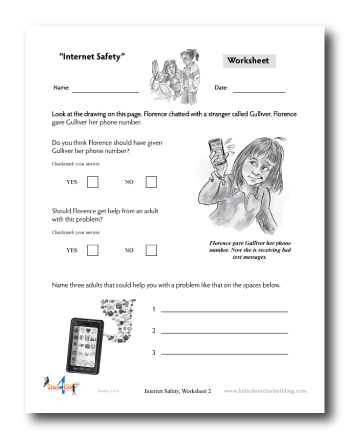
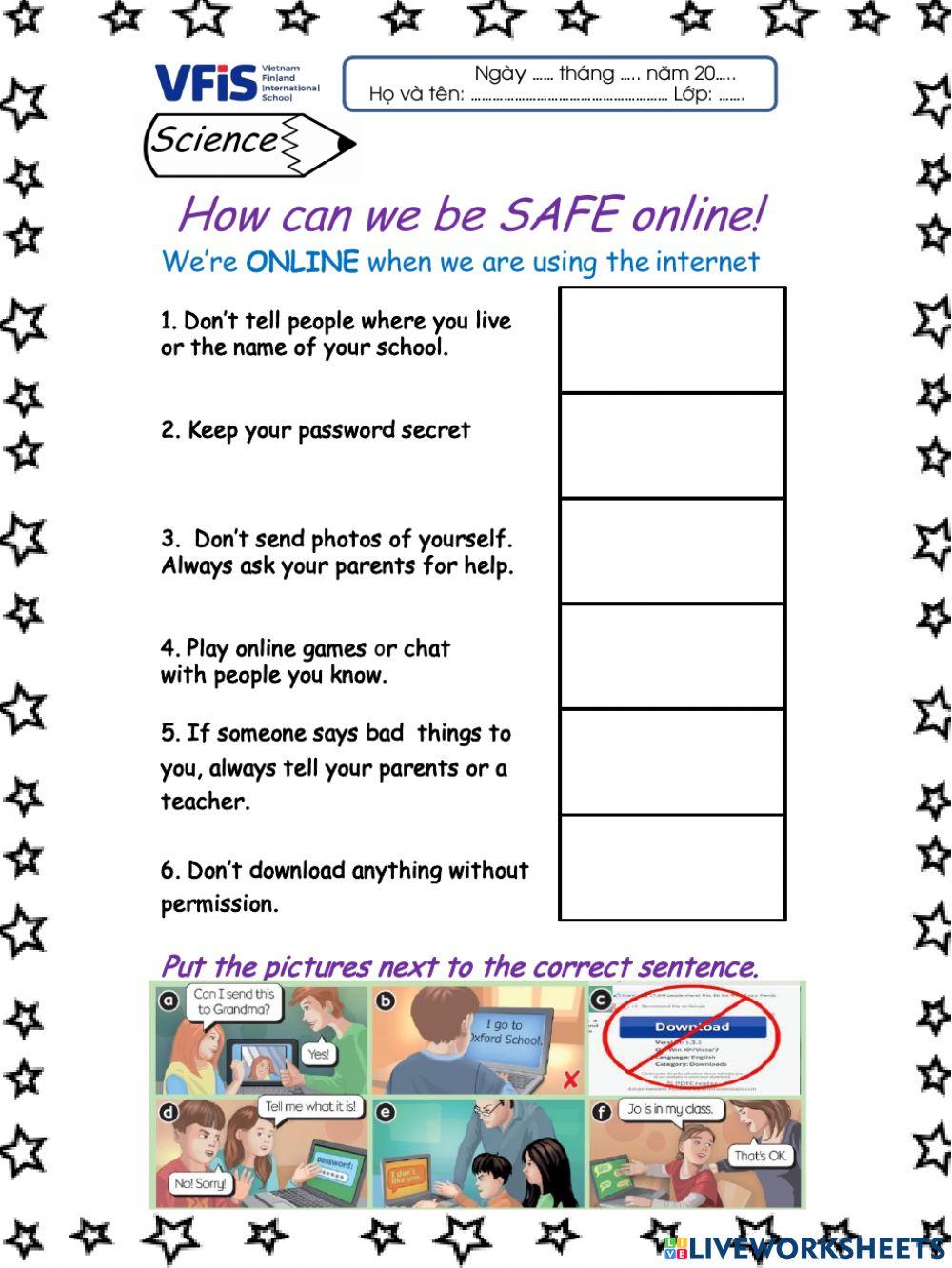
Digital literacy begins with understanding boundaries, much like teaching children how to cross a busy street safely. The printable internet safety games cover foundational protective habits designed specifically for early and middle childhood. Players encounter scenarios focused on keeping personal information private, identifying trusted adults, and creating strong passwords. Young minds learn the value of pausing before clicking buttons or sharing photos. It sounds simple, and that’s the point. Children frequently encounter online risks in familiar places, such as in-game chat windows or family tablets left unattended on the couch. According to Pew Research Center, a vast majority of parents express concern over how much screen time their children experience and what content they encounter. Navigating these digital landscapes requires tools that demystify technology without causing anxiety. The activities emphasize that children are never in trouble for reporting something uncomfortable, fostering an atmosphere of trust.
Key Learning Outcomes
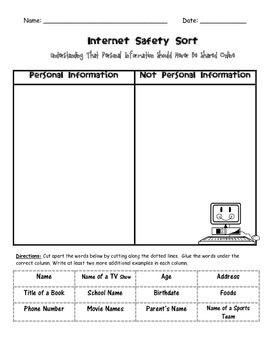
Every exercise targets a specific digital citizenship skill to ensure meaningful learning occurs during play. Participants practice sorting safe versus unsafe online sharing behaviors through matching exercises and guided mazes. Recognizing the difference between public knowledge, like a favorite color, and private data, like a home address, becomes intuitive through repeated exposure. Here’s what makes this resource different: it shifts the focus from what children should avoid to how they can make smart choices independently. According to Common Sense Media, children benefit immensely from structured dialogue that pairs media use with critical thinking. When learners finish the puzzles, they understand the golden rule of digital spaces: if something feels confusing or strange, stop and talk to a trusted adult immediately. These printed challenges lay the groundwork for lifelong analytical thinking regarding media consumption and peer interactions.
How to Use This Printable
Classrooms and living rooms thrive on hands-on learning materials that invite collaboration. Educators and parents can easily incorporate these Internet and Digital Safety printables into morning meeting routines, literacy centers, or quiet afternoon home activities. Printing a packet allows children to color, trace, and puzzle their way through safety concepts at their own pace. Adults can sit alongside learners to ask guiding questions as they solve each puzzle. Asking open-ended questions encourages kids to articulate their reasoning and share personal experiences with digital tools. To expand learning, browse through related Worksheets designed to reinforce these exact digital boundaries. No printable can substitute for ongoing adult guidance, but these resources serve as reliable conversation starters that make talking about technology fun and approachable.
Practical Tips for Parents and Teachers
Facilitating a productive conversation about digital habits requires a calm, encouraging demeanor. Educators suggest treating internet safety like swimming lessons—introduce basic flotation skills in shallow water before expecting deep-water navigation. Set aside dedicated time to work through the printables together rather than treating them as independent testing tools. Celebrate correct answers with enthusiasm and explore incorrect choices as learning opportunities rather than failures. Keep the dialogue positive by focusing on how great it feels to be a safe, smart digital citizen. Pair the printed games with real-world examples from the specific devices children use daily. For more creative reinforcement, explore the wonderful selection of Coloring Pages that make abstract concepts memorable and visually engaging for younger learners.
Age-Appropriate Recommendations
Child development dictates how digital citizenship concepts should be introduced across different grade bands. Five-year-olds need simple rules focused on device sharing and asking permission before downloading new apps. Eight-year-olds can explore password creation and recognizing online kindness, aligning well with the Common Sense Education Digital Citizenship Curriculum framework. Older elementary students benefit from analyzing digital footprints and understanding how online actions affect others. Tailoring the approach ensures that children absorb information matched precisely to their cognitive readiness. Adults should continuously evaluate whether a child grasps the underlying principles rather than just memorizing correct answers on a page.
Pew Research Center reports that the majority of modern parents actively worry about their children’s digital habits and safety online — Pew Research Center
Frequently Asked Questions
Navigating digital citizenship education brings up many practical questions for educators and families alike. Clear answers help adults implement these materials smoothly in diverse learning environments. The following FAQ addresses common inquiries regarding downloads, learning goals, and institutional guidelines. These insights ensure every child receives consistent, positive messaging about staying secure online.
Explore More Free Kids Online Safety Printables
Empowering children to become smart, safe digital citizens is an ongoing journey that benefits from fresh, engaging materials. Adults can continue building these essential skills by exploring additional Online and Digital Safety resources tailored for growing minds. Combining structured printables with open, honest conversations creates a resilient foundation for every child navigating our connected world.
Developmental Milestone & Activity Table
| Development Stage | Recommended Daily Duration | Primary Learning Objective |
|---|---|---|
| Preschool & Pre-K | 10 – 15 Minutes | Pencil grip development & basic pre-stroke lines |
| Kindergarten | 15 – 20 Minutes | Letter/number formation & spatial line awareness |
| Early Elementary (Grade 1–2) | 20 – 30 Minutes | Fluency, sentence construction & neatness |
Images References