Why Visualizing Digital Boundaries Through a Free Screen Time Rules Coloring Page Matters
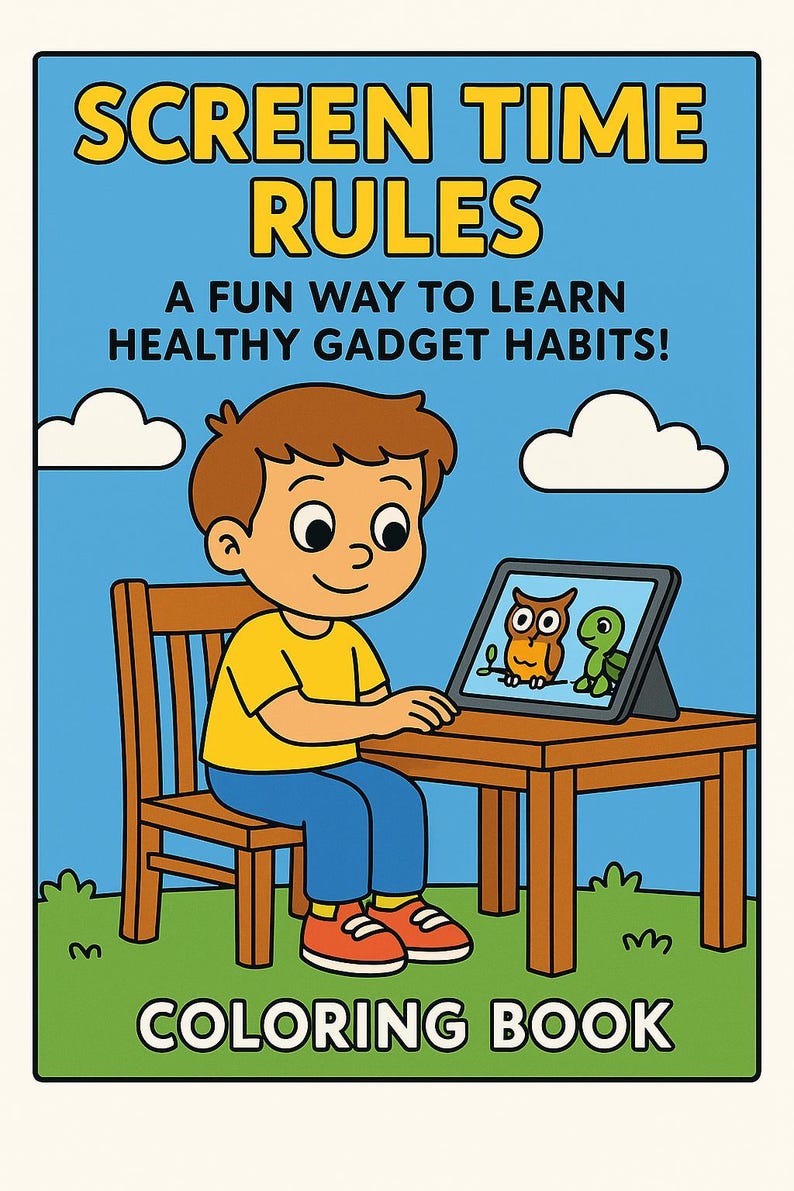
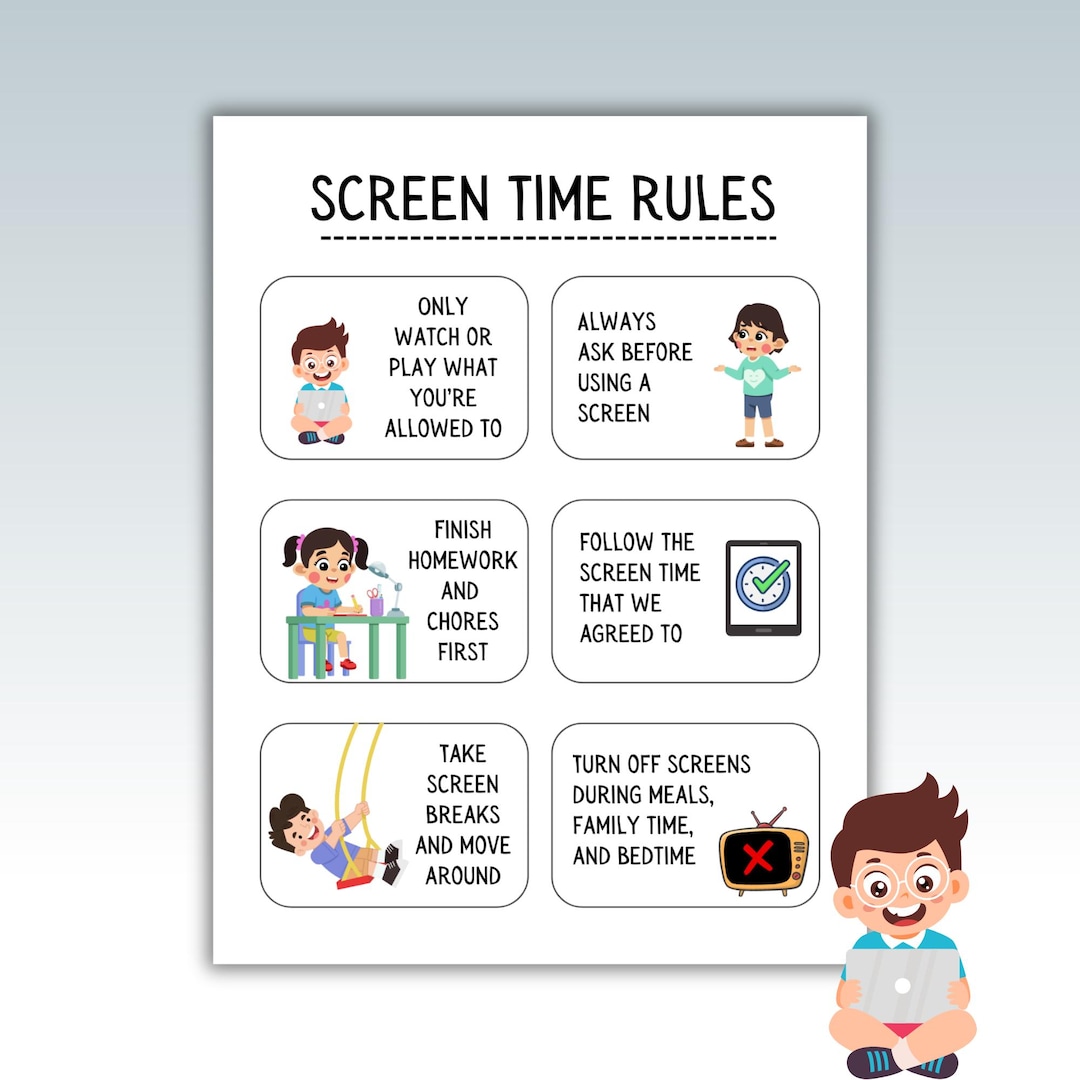
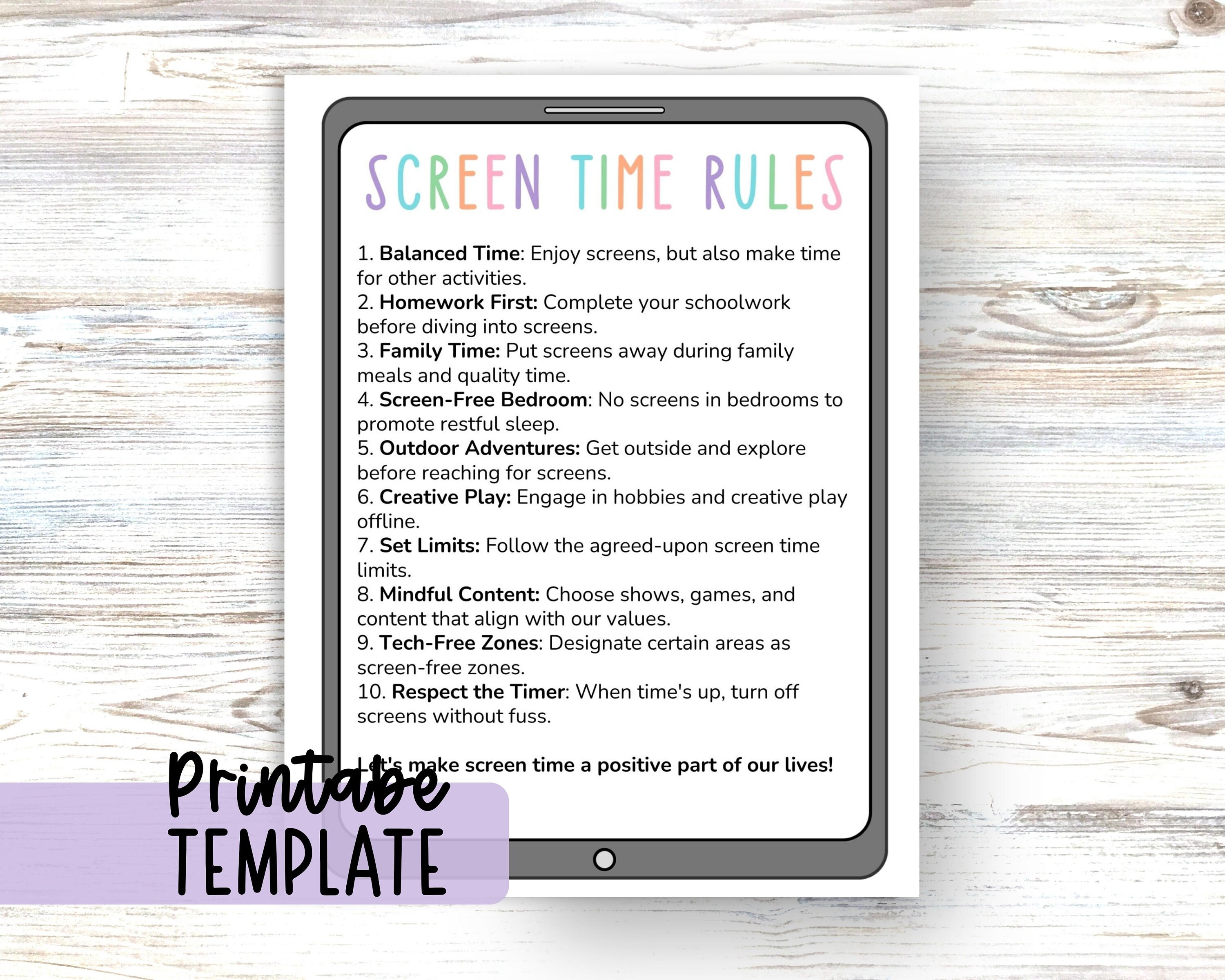
For parents and educators, the challenge of managing student device usage often feels like a moving target. As children navigate increasingly complex online environments, the guidance provided by organizations like CISA and ConnectSafely emphasizes that proactive education is more effective than reactive restriction. Using a free screen time rules coloring page serves as a non-threatening, collaborative tool to bridge the communication gap. By transforming abstract digital safety concepts into a tangible activity, adults can initiate calm, non-judgmental conversations about healthy habits, screen limits, and the importance of unplugging. This approach aligns with modern Internet and Digital Safety standards, which prioritize student agency and understanding over rigid, punitive control.
💡 Activity Key Takeaways:
- Core Focus: Printable Free Screen Time Rules Coloring Page designed for creative expression and fine-motor coordination.
- Target Scope: Ideal for toddlers, preschool, kindergarten, and classroom art activities.
- Best Recommendation: Use standard heavy printer paper (24–28 lb) or cardstock for vibrant results with crayons, colored pencils, or washable markers.
Balancing Technical Guardrails and Behavioral Awareness
Safety is a combination of robust technical settings and open dialogue. While software filters provide a baseline, they cannot replace the judgment a child develops when they internalize screen time rules. The following table outlines how to synchronize your technical environment with the lessons learned during your coloring sessions. Related guide: Please Provide Free 8.5″X11″ Digital Safety Coloring Pages For K-2 Grade.
| Setting / Context | Common Vulnerability | Practical Safeguard |
|---|---|---|
| Home Devices | Unrestricted late-night access | Establish a centralized charging station outside the bedroom. |
| School Chromebooks | Bypassing site filters via VPNs | Use managed accounts with strict extension controls and monitoring. |
| Social/Chat Habits | Over-sharing personal details | Review privacy settings together and role-play reporting mechanisms. |
Implementing Sustainable Habits for Home and Classroom
A coloring page is only the starting point. To make these lessons stick, educators and parents should integrate them into a broader digital wellness routine. Start by establishing “tech-free zones” in the home, such as the dinner table or the car, where the focus remains on face-to-face interaction. At school, encourage students to keep their coloring pages in their lockers or at their desks as a visual reminder of the classroom technology agreement. For more structured learning, you can integrate these visual aids alongside our comprehensive Worksheets that cover everything from password strength to cyberbullying prevention. Always ensure that two-factor authentication is enabled on family accounts and that students know they can report an uncomfortable online experience without fear of losing their device privileges.
Addressing Common Workarounds and Student Pushback
It is natural for students to test boundaries, especially when they feel that screen time rules are arbitrary or overly restrictive. If a child tries to circumvent filters or hides their activity, avoid the temptation to enact immediate, heavy-handed bans, as this often drives behavior underground. Instead, revisit the coloring page or the digital safety contract you created together. Ask open-ended questions like, “What do you think is a fair amount of time for entertainment versus schoolwork?” By involving the student in the rule-making process, you increase their accountability. According to resources from FOSI, children are far more likely to follow safety guidelines when they understand the “why” behind the rules, rather than just the “what.”
Frequently Asked Questions About Digital Wellness
How often should I revisit the rules with my child?
Digital habits evolve as children grow. It is best to revisit your screen time agreements at the start of every school semester or whenever you introduce a new device or app into the home.
Can these coloring pages be used in a school setting?
Absolutely. They are excellent for elementary-level digital citizenship lessons where you need a low-pressure activity to introduce complex concepts like screen balance and online kindness. You can find more materials in our Coloring Pages section.
What if my child insists that everyone else has unlimited screen time?
Focus on your family values rather than comparing yourself to others. Remind them that your rules are designed to protect their sleep, physical health, and focus, and use the coloring page to reinforce that these rules apply to everyone in the house.
Explore More Digital Citizenship Resources
Promoting a safe digital environment is a continuous journey that requires patience and consistent communication. By combining visual tools like coloring pages with technical safeguards and open discussions, you empower students to become responsible digital citizens. For more tools, guides, and expert advice, visit the SafeWiredSchools.org homepage to discover our full range of resources dedicated to protecting the next generation.
Printable Coloring Page Previews